

The release of the Nextcloud Hub 21 platform has been announced, providing a self-sufficient solution for organizing collaboration among enterprise employees and teams working on various projects. At the same time, the underlying cloud platform Nextcloud 21 has been published, allowing for the deployment of a cloud storage system that supports synchronization and data sharing, enabling data viewing and editing from any device anywhere on the network (via web interface or WebDAV). The Nextcloud server can be deployed on any hosting that supports running PHP scripts and provides access to SQLite, MariaDB/MySQL, or PostgreSQL. The source code of Nextcloud is distributed under the AGPL license.
In terms of problem-solving capabilities, Nextcloud Hub resembles Google Docs and Microsoft 365, but it allows for a fully controlled collaboration infrastructure, operating on your own servers and not tied to external cloud services. Nextcloud Hub brings together several open-source applications and add-ons over the Nextcloud cloud platform, enabling teamwork with office documents, files, and information for task and event planning. The platform also includes add-ons for accessing email, messaging, and organizing video conferences and chats.
User authentication can be carried out both via a local database and through integration with LDAP/Active Directory, Kerberos, IMAP, and Shibboleth/SAML 2.0, including the use of two-factor authentication, SSO (Single Sign-On), and linking new systems to the account via QR code. Version control allows tracking changes in files, comments, sharing rules, and tags.
The main components of the Nextcloud Hub platform:
- Files — a system for storing, syncing, sharing, and exchanging files. Access can be achieved via both the web and client software for desktop and mobile systems. Advanced features include full-text search, file attachment when sending comments, selective access control, creation of password-protected links for downloads, and integration with external storage (FTP, CIFS/SMB, SharePoint, NFS, Amazon S3, Google Drive, Dropbox, etc.).
- Flow — optimizes business processes through the automation of routine tasks like converting documents to PDF, sending messages to chat when new files are uploaded to specific directories, and automatically assigning tags. Custom handlers can be created to perform actions tied to specific events.
- Built-in tools for collaborative editing of documents, spreadsheets, and presentations based on the ONLYOFFICE suite, which supports Microsoft Office formats. Full integration of ONLYOFFICE with other platform components is ensured, allowing multiple participants to simultaneously edit a single document while discussing changes in a video chat and leaving comments.
- Photos — an image gallery that simplifies searching, sharing, and navigating through a collaborative collection of photos and images. Supports ranking photos by time, location, tags, and view frequency.
- Calendar — a scheduling calendar that allows coordination of meetings, planning chats, and video conferences. Integration is provided with group work tools based on iOS, Android, macOS, Windows, Linux, Outlook, and Thunderbird. Event downloading from external sources supporting the WebCal protocol is also supported.
- Mail — a shared address book and web interface for handling emails. Multiple accounts can be linked to a single inbox. Supports email encryption and attachment of digital signatures based on OpenPGP. Address book synchronization is possible via CalDAV.
- Talk — a messaging system and web conferencing platform (chat, audio, and video). Supports groups, screen sharing, and integration with traditional telephony through SIP gateways.
Key innovations in Nextcloud Hub 21:
- A new high-performance backend for the file storage and sharing subsystem (Nextcloud Files) has been proposed, significantly reducing the load from periodic polls by desktop clients and the web interface. A mechanism for delivering notifications about file changes, comments, calls, chat messages, and other storage-related events has been added, which supports direct client connections. This proposed server notification system has increased the periodic polling interval from 30 seconds to 5 minutes and reduced the number of connections by 90% between servers and the client. The code for the new backend is written in Rust and offered as an option.
- Performance optimizations have been carried out to reduce page load times, accelerate database query execution, and decrease server load. Access to object storage has been optimized, and work with groups in LDAP has been sped up. In some scenarios, responsiveness has improved by up to two times. Unified search optimization has been implemented. Compatibility with PHP 8, which includes a JIT compiler, has been ensured. The optimizations made in server components related to caching, database operations, and storage organization, combined with the new backend, have allowed for a tenfold increase in the number of serviced clients.
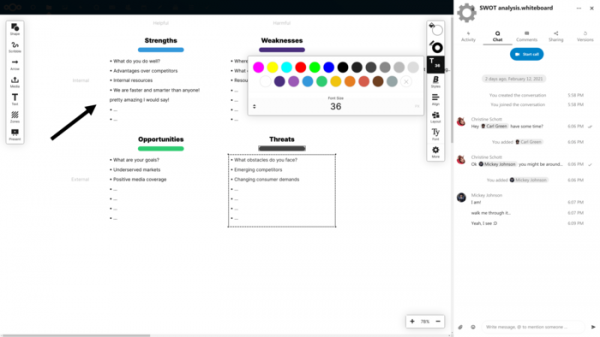
- A new collaboration app, Whiteboard, has been added, allowing multiple users to draw shapes, write text, leave notes, upload images, and create presentations. The files created in Whiteboard are saved alongside regular files but are available for collaborative editing.

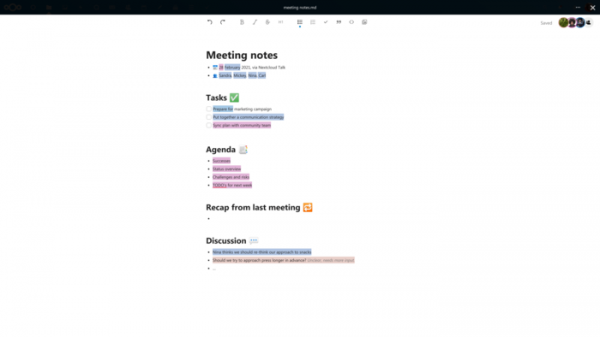
- In Nextcloud Text, a new feature allows highlighting changes made by different authors in various colors during collaborative text editing.
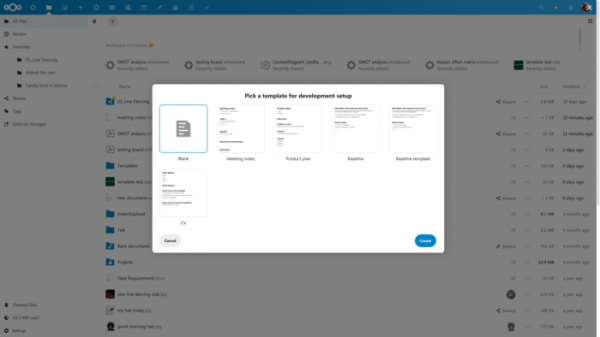
- Support for document templates has been added to expedite the creation of frequently requested documents. Examples include meeting report templates and invitation layouts. Templates can be created for text documents, office documents, spreadsheets, and presentations.
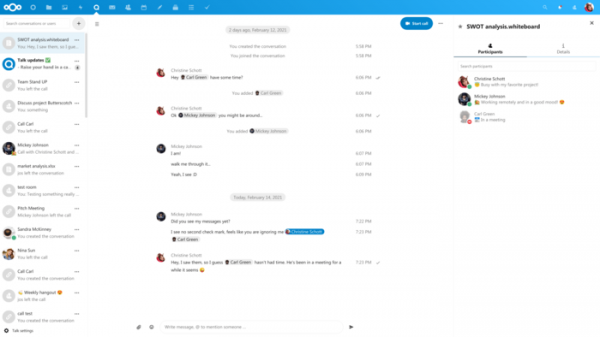
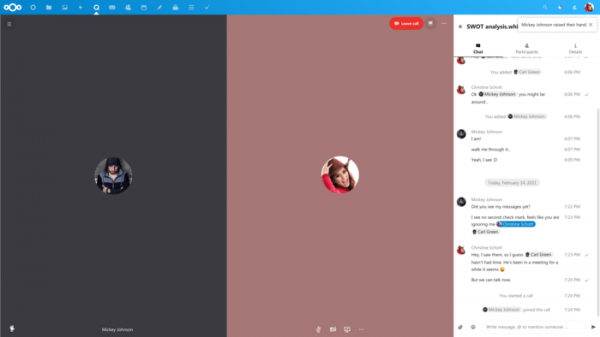
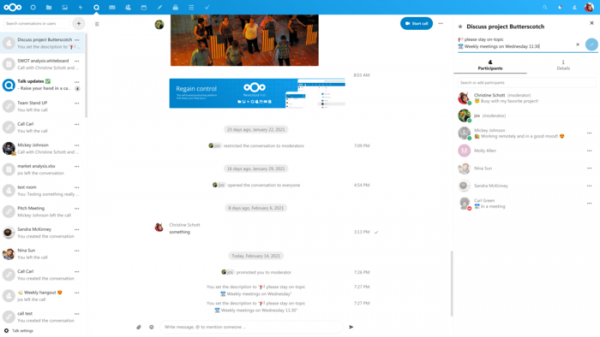
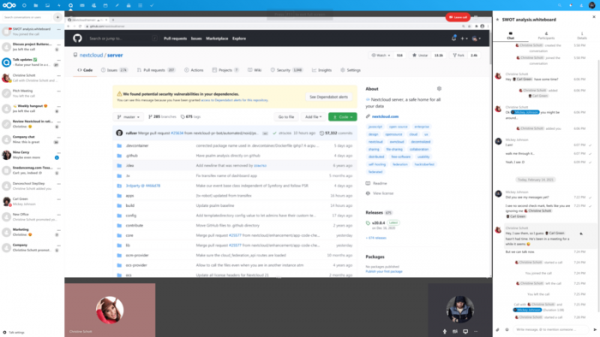
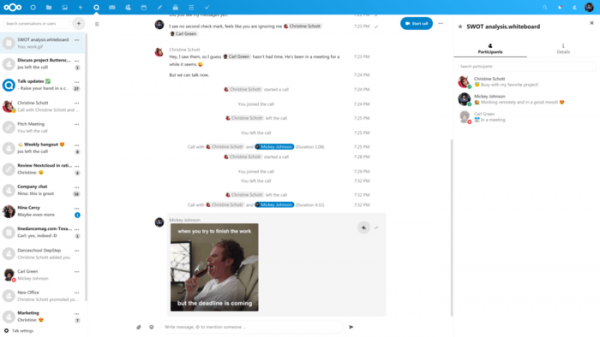
- The capabilities of Nextcloud Talk, the chat and video conferencing app, have been notably expanded:
- Support for status indicators has been added, allowing users to see if all chat participants have viewed the sent message.
- Visibility settings for chats have been implemented, which can be used to grant access to guest participants without the need to add them to the chat.
- A 'raise hand' button has been added in conferences to attract the attention of other participants, for instance, when someone wishes to ask a question or clarify something.
- A push-to-talk mode has been added, where the microphone is activated only while the space bar is pressed.
- The ability to add descriptions to chat groups has been implemented.
- The call interface has been improved, offering a collapsible call option and full-screen sharing mode, reducing CPU load. control panel The size of image thumbnails in chat has been increased. Animated GIF support has been added. Access to settings has been simplified.
- Modules for integration with external services, such as IRC, Slack, and MS Teams, have been redesigned.
- Modules for integration with external services, such as IRC, Slack, and MS Teams, have been redesigned.
- Support for status indicators has been added, allowing users to see if all chat participants have viewed the sent message.
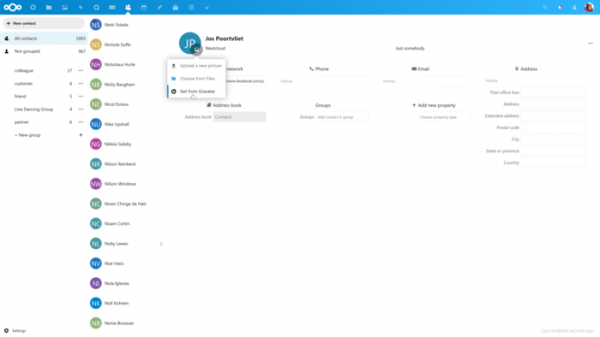
- Nextcloud Mail now supports drag-and-drop mode and allows the creation of custom special folders. The threaded conversation view has been improved. Attachment handling has been enhanced, and administrators can set restrictions on attachment sizes. The address book now includes the ability to automatically extract avatars from social networks (for example, using the Gravatar service).
Source: opennet.ru
