

Hello, Habr! We work a lot with , and this year they acquired — a provider of solutions for managing and monitoring Microsoft SQL Server databases. In Russia, it seems that not many people know about them. On the main page of their website, they state, 'Killer tools for SQL Server.' That sounds threatening. We had the idea to introduce this vendor and figure out what exactly is so killer about their solutions. Let's start with the hype part — free products. After that, a brief section on commercial products will follow. I hope you find these programs useful. Please read on.
In this article:
- — a tool for comparing SQL code, files, and folders. It also works as an extension for SSMS or Visual Studio.
- — stream decryption of objects in SQL Server: procedures, functions, triggers, and views. It also works as an extension for SSMS or Visual Studio.
- — detecting SQL Server instances and associated services SSRS, SSAS, and SSIS.
- — a tool for refactoring and formatting SQL code. It works as an extension for SSMS or Visual Studio.
- — creating diagrams of SQL Server objects. It also works as an extension for SSMS or Visual Studio.
- — a tool for optimizing execution plans. It also works as an extension for SSMS.
- — a tool that automatically completes SQL statements and allows adding your own snippets (keyboard shortcuts for autocompletion). It also works as an extension for SSMS or Visual Studio.
- — a tool for executing SQL code on multiple databases at once.
- — a utility for searching data and objects within SQL Server. It works as an extension for SSMS or Visual Studio.
- — a tool for creating CI/CD pipelines. It is the only one among all the listed products with a web console.
Each product is part of the functionality of ApexSQL's paid solutions. At the end of the article, we will briefly mention what they offer in their commercial solutions.
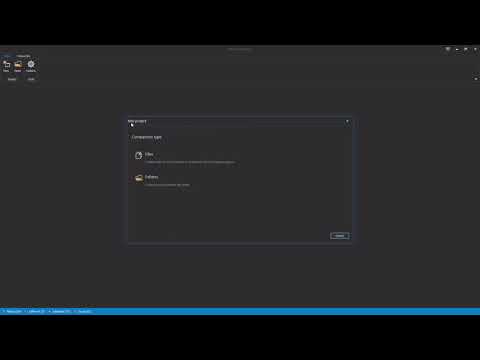
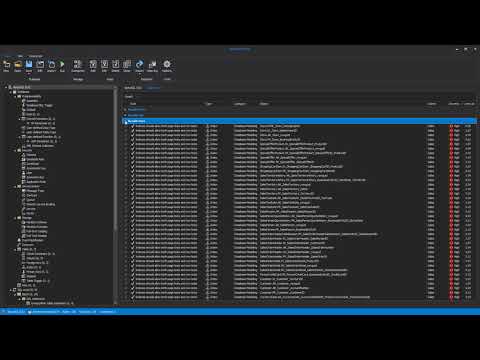
A short video about the working mechanism and capabilities
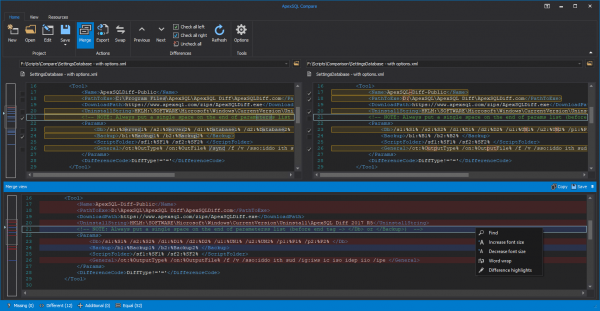
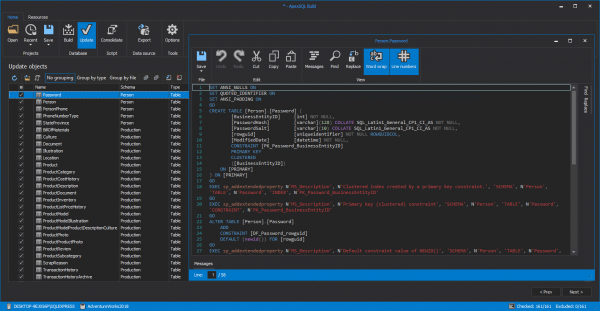
In Compare, you can compare files, folders, and SQL Server objects. Bidirectional comparison is supported along with further script generation for merging differing objects. The utility interface highlights C#, C++, HTML, JavaScript, PostgreSQL, Python, T-SQL, Visual Basic, and XML syntax.
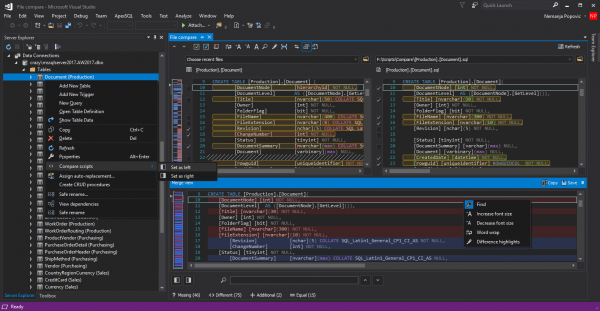
Key features include integration with SSMS and Visual Studio, calling objects from various DB instances for comparison directly from Object Explorer, and .
A short video about the working mechanism and capabilities
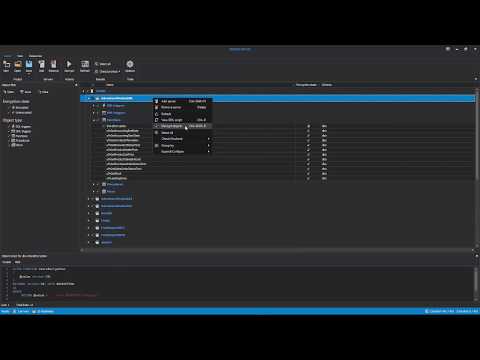
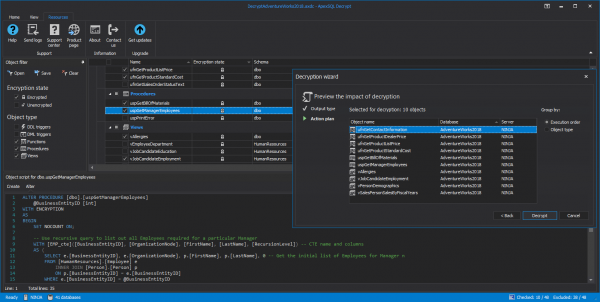
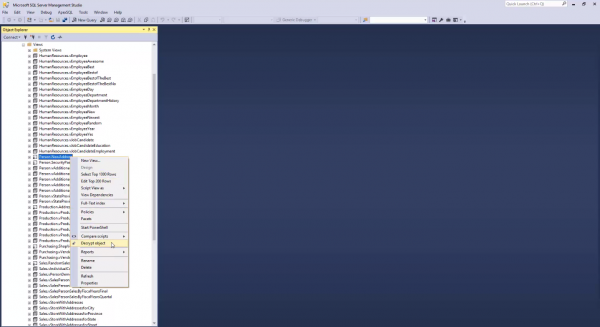
In Decrypt, from the SSMS or Visual Studio interface, you can decrypt a procedure, function, trigger, or view with one click.
The interface allows you to view the DDL script of decryption. It supports simultaneous connections to multiple SQL Server instances.
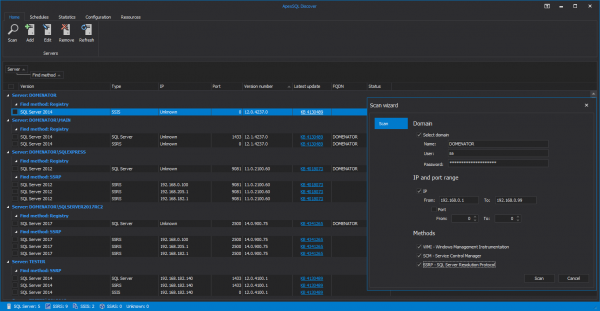
Detect existing SQL Server instances, SSRS, SSAS, and SSIS services by IP address range and view detailed information.
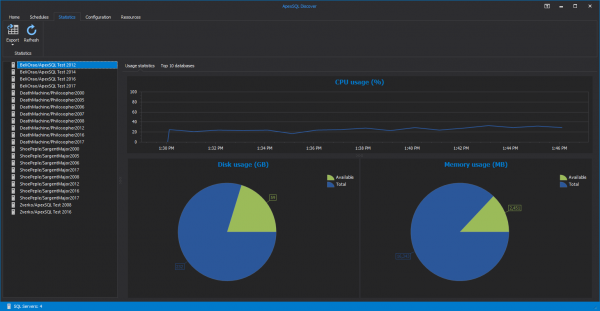
From the interface, you can schedule database discovery. ApexSQL Discover can send notifications with discovery results to your email.
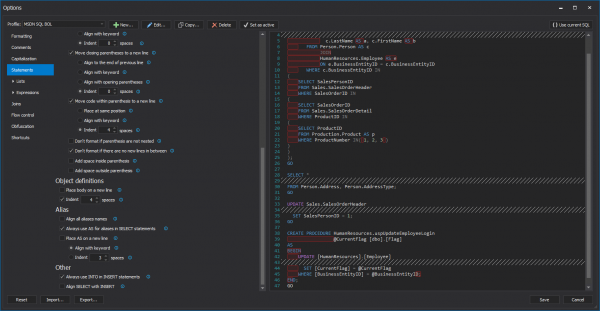
A short video about the working mechanism and capabilities
Code formatting can be performed based on the default profile or you can configure your own so the code looks most familiar to you. Refactor can highlight unused variables in code, encapsulate code blocks into procedures, and expand '*' into a full list.
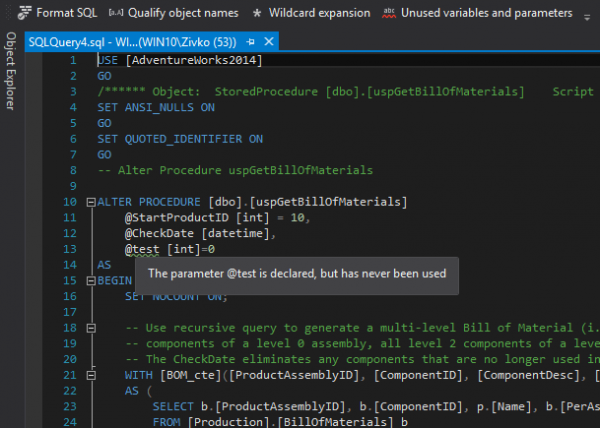
One useful feature is table splitting to separate the least used columns. Refactor will notify you about the objects that will be affected by such splitting.
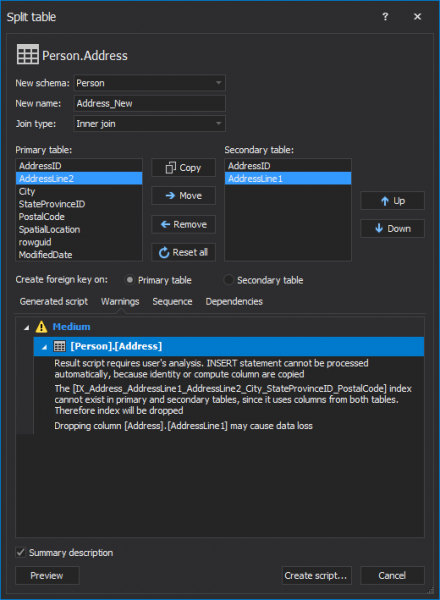
Also, in the Refactor interface, you can safely rename objects with changes to all dependencies.
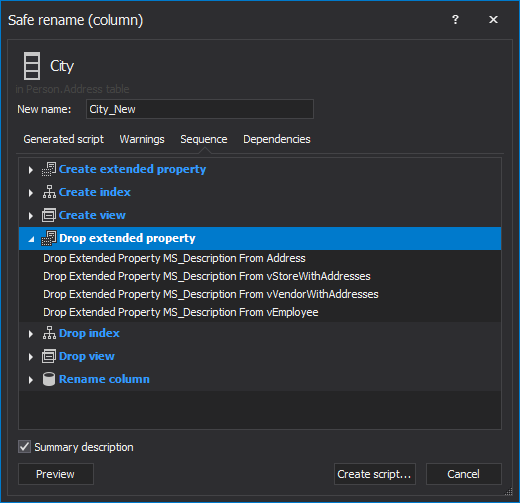
You can find more detailed information about these and other features on the .
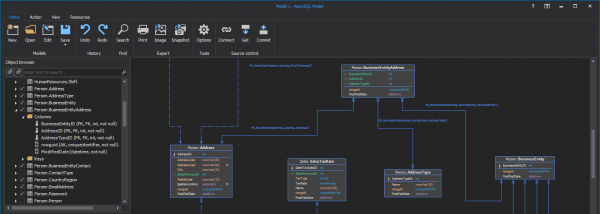
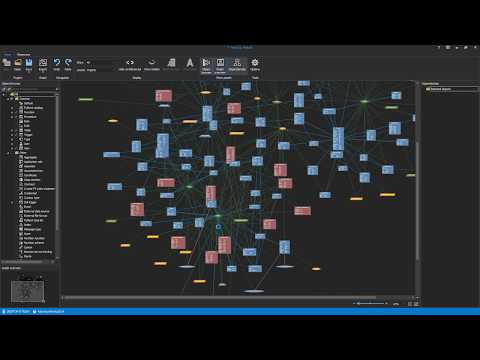
The utility visualizes SQL Server objects and the relationships between them. In the same interface, you can change object configurations and generate corresponding DDL code. All visualizations can be exported as images.
The functionalities of Model are expanded with commercial products and . The first product allows you to compare the model with the current state in the DB or compare models of two different DBs, while the second product is needed for documenting database objects.
A short video about the working mechanism and capabilities
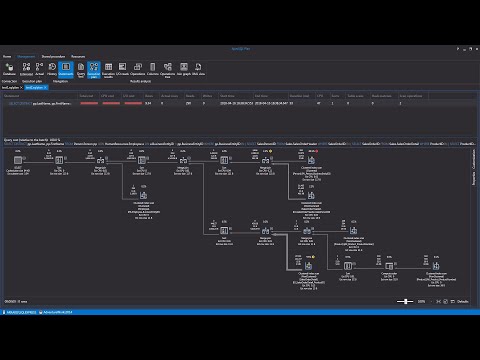
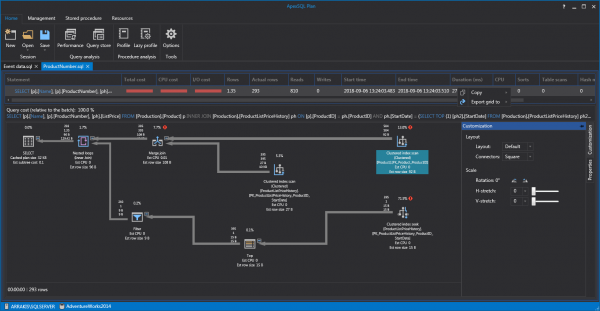
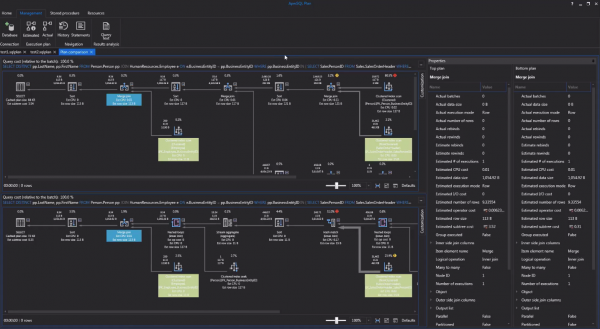
This is a performance optimization tool. With ApexSQL Plan, you can also export plans into reports in HTML and XML formats. A common use case for this utility is comparing the current plan with a modified one based on various characteristics.
ApexSQL Plan supports exporting from the query store and presenting the characteristics of these queries in the form of dashboards.
A short video about the working mechanism and capabilities
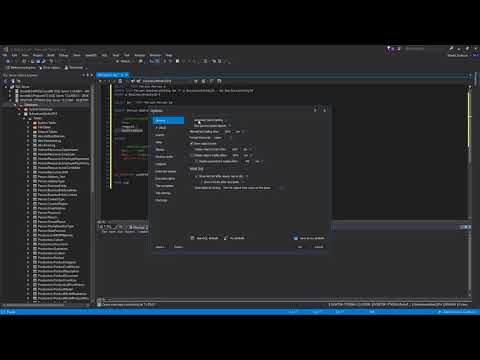
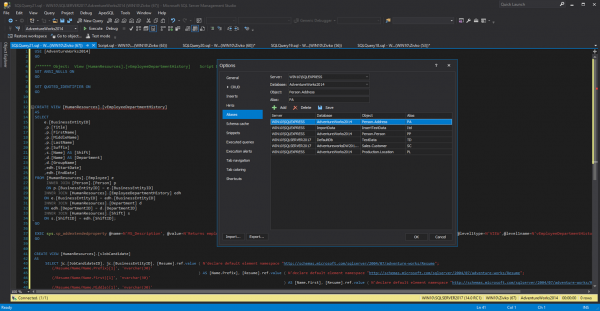
Code writing accelerator. In the utility's interface, you can configure aliases, snippets, and code highlighting.
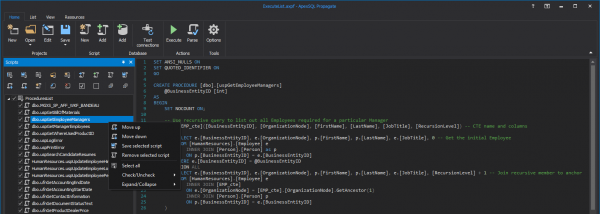
In ApexSQL Propagate, you can configure the execution of code on various SQL Server databases and define the order of execution.
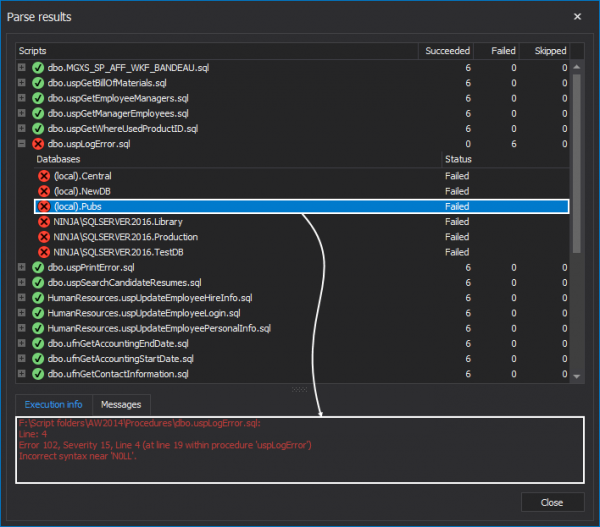
The results of executed code are parsed by the utility and recorded for ease of viewing execution results.
A short video about the working mechanism and capabilities
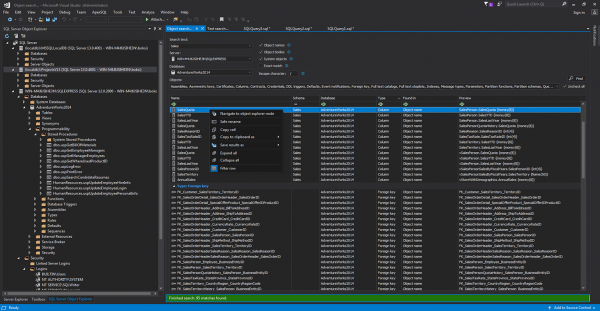
The tool performs searches across the database structure. You can also safely rename objects and track their relationships from here. Search results can be exported to HTML, CSV, and Excel.
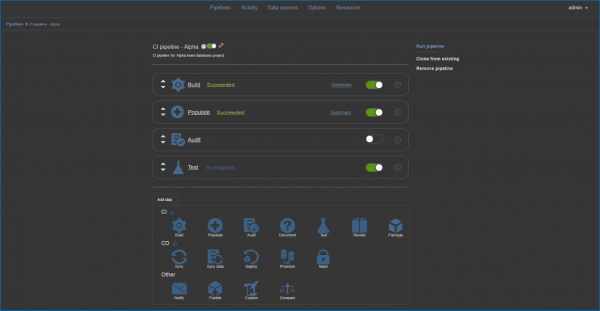
A short video about the working mechanism and capabilities
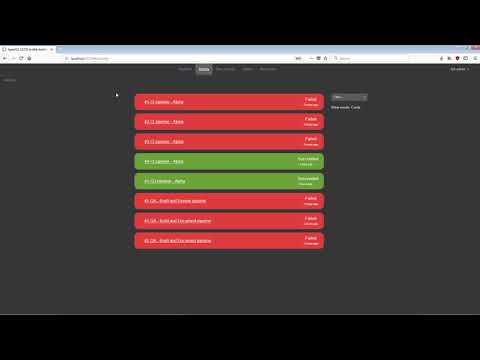
Under the hood, the utility operates with PowerShell code. Build, Review, Document, and Deploy are available for the developer from the ApexSQL DevOps Toolkit interface. Here you can also generate synthetic data, automatically execute unit tests, and document changes. It can connect as a plugin to TeamCity, Jenkins, and others.
ApexSQL Knowledge Base contains on DevOps in the database environment.
Now that we have covered the free solutions, let’s briefly present a list of paid solutions that, of course, have more powerful functionality.
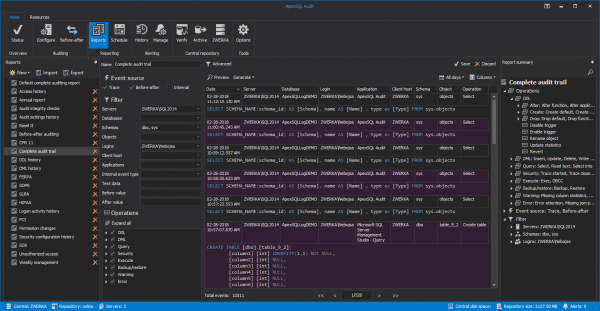
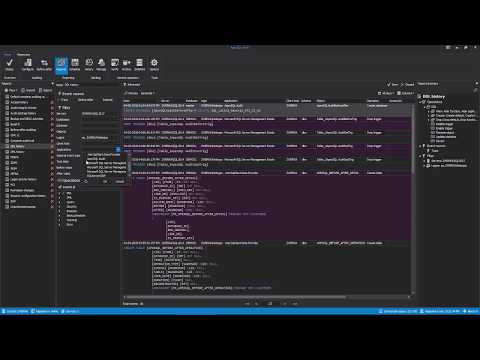
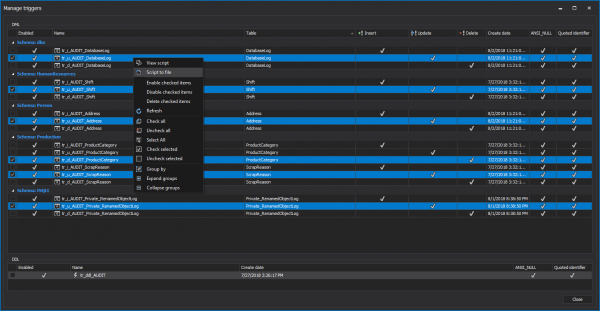
- — a tool for auditing databases for compliance with security requirements, including support for HIPAA, GDPR, and PCI. Reporting and change history viewing are supported.
View a screenshot and video


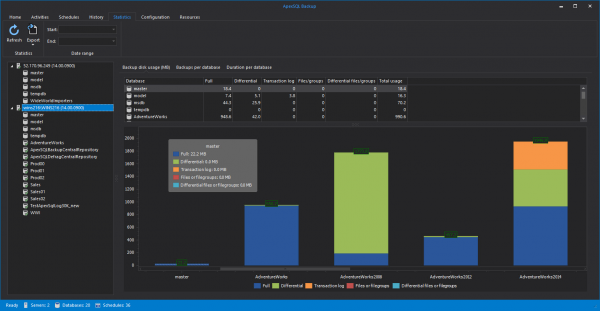
- — automation of incremental backup creation, transaction log, and full backup. Supports restoration to a specific point in time, allows creating templates for backup, and flexibly configuring backup plans.
View a screenshot and video
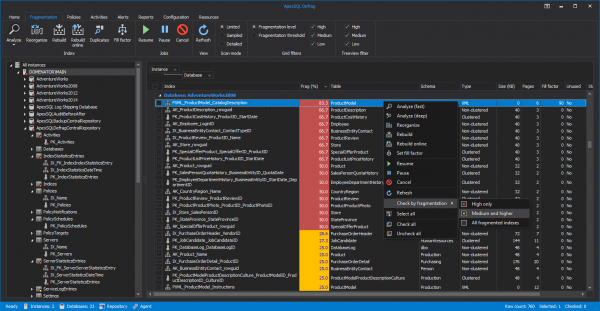
- — a utility for monitoring and managing defragmentation.
View a screenshot and video
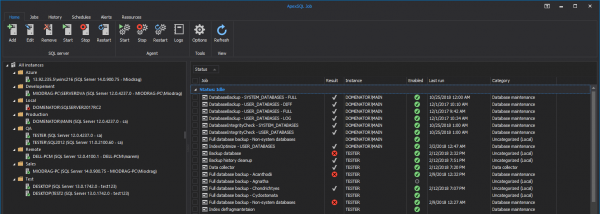
- — a tool for managing jobs, including history, scheduling, and notifications.
View a screenshot

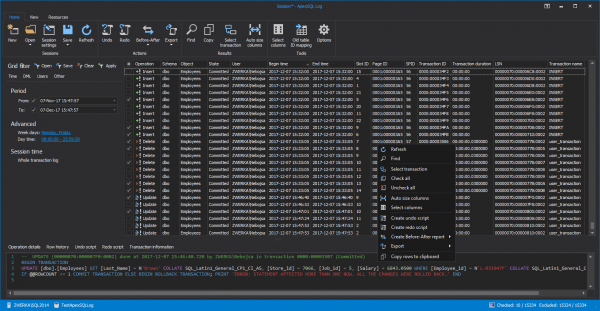
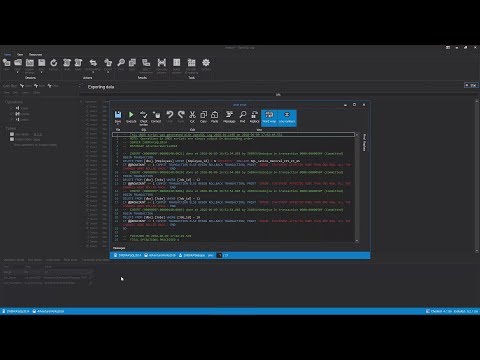
- — a tool for reading transaction logs for auditing, replication, or rolling back changes.
View a screenshot and video
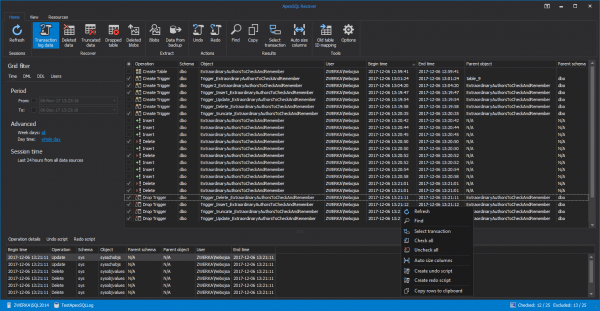
- — recovery of damaged, deleted, or lost data.
View a screenshot and video
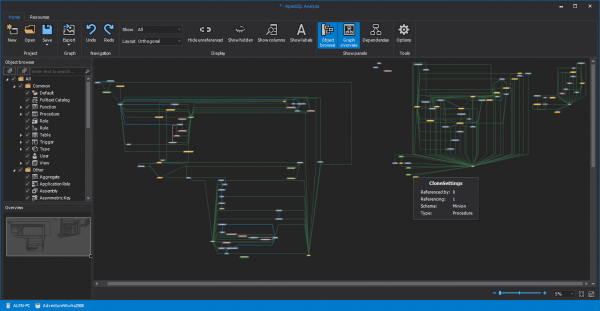
- — a tool for analyzing database relationships.
View a screenshot and video
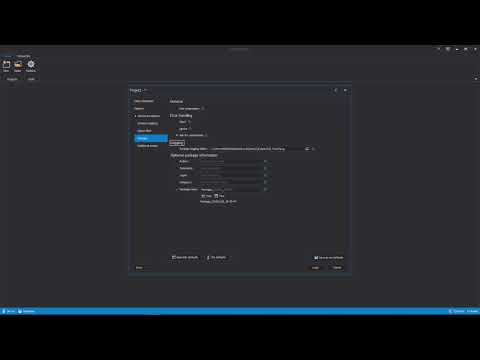
- — a tool for automating database creation. Can connect to version control systems.
View a screenshot and video
- — an SQL code enhancer.
View a screenshot and video
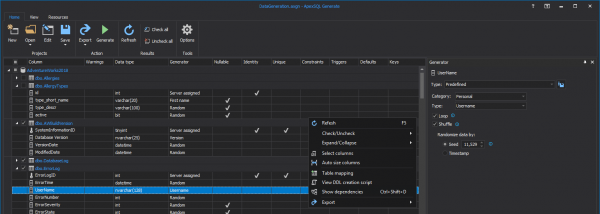
- — a tool for generating millions of data rows with a single click. Supports exporting test data to SQL, XML, CSV, JSON, and Excel.
View a screenshot
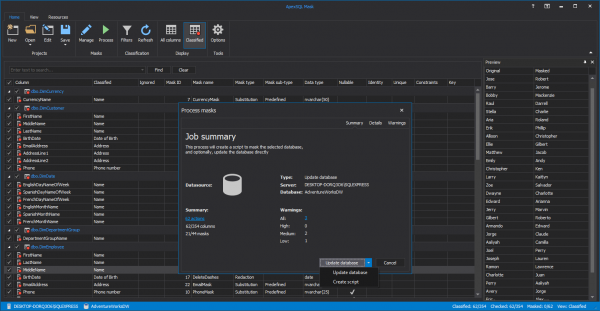
- — a tool for finding, classifying, and masking sensitive data in databases. It has 220+ predefined masks and 55+ built-in filters for classification.
View a screenshot
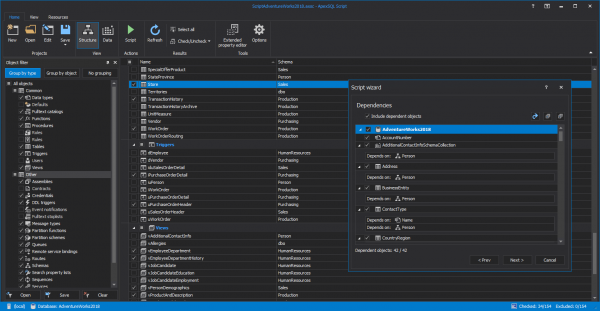
- — a tool for creating DDL and DML scripts and executable installation packages.
View a screenshot and video
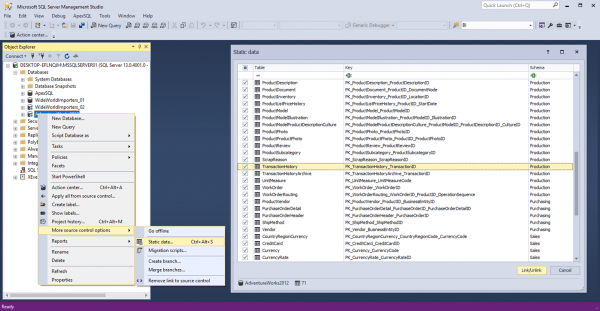
- — a tool for integrating version control systems with SSMS.
View a screenshot and video
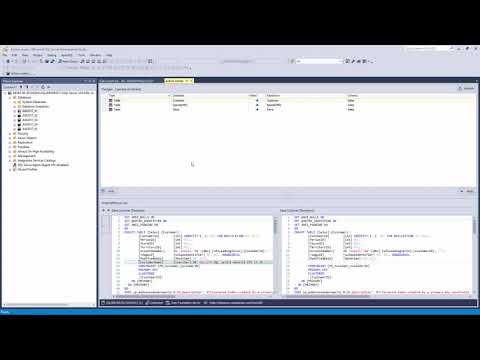
- — auditing data in databases and translating it into DML.
View a screenshot and video
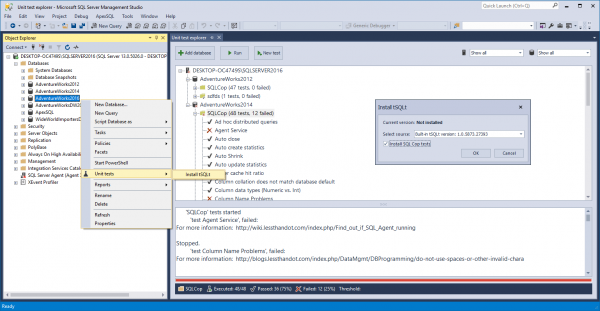
- — a tool for executing unit tests directly from the SSMS console.
View a screenshot and video



Share in the comments which tools for database auditing and management you already use and what tasks you solve with them.
To ask questions about ApexSQL products, obtain commercial products for testing, or clarify pricing, leave a request in .
If you're tackling a comprehensive monitoring and management task, read our previous articles on Habr:
You can also subscribe to our .
Source: habr.com
