

In 2016, we published a translated article titled “.” It's time to update the information about these 17 control panels. Read brief descriptions of the panels themselves and their new features.
The world's most popular multifunctional web console, an industry standard. It is used by both website owners (as a control panel) and hosting providers (as an administration tool through Web Host Manager, WHM). The intuitive interface requires no training and is multilingual. Video tutorials are available.
Basic Programming Languages: Perl, PHP
Supported OS: Red Hat Enterprise Linux (RHEL), CentOS, CloudLinux. Windows support may be available through virtualization or via the Enkompass panel from the same developers.
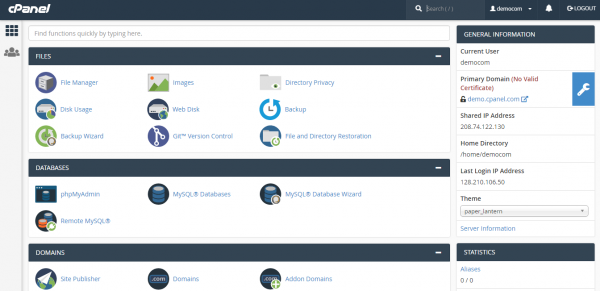
cPanel
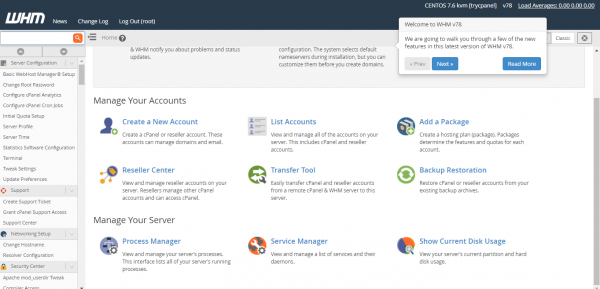
WHM
New
Developers are constantly working to speed up the panel and actively improve it based on client requests. In the current 82nd version, installation is completed in 3 minutes. The update time for cPanel & WHM has improved: from the previous 80th version, it now completes in three minutes, and from an earlier version, in eight. In 2019, disk space requirements for the cPanel & WHM installer were reduced by 10%. New features include: PCI compliance; automatic backup and recovery; a tool for adding accounts, IP addresses, and entire countries to black and white lists; a free SSL certificate for every website. The ability to include one file within another (appending configurations) has been added. Overall, cPanel & WHM operations have been sped up by 90%, and server resource requirements have been reduced by 30%.
In April 2019, developers softly , perhaps, — the addition of a web server as an alternative to Apache. The feature is in experimental format.
Prices
Depend on the account level: Solo $15, Administrator $20, Professional $30, Premier $45 per month. Free trial period. There are partner programs. Priority technical support $65 per incident.
A favorite control panel among large hosting providers, which is easy to understand even for beginners. A unified interface that allows centralized management of all system services. Available in various editions tailored for specific hosting and usage scenarios.
→
Basic Programming Languages: PHP, C, C++
Supported OS: various versions of Linux, Windows
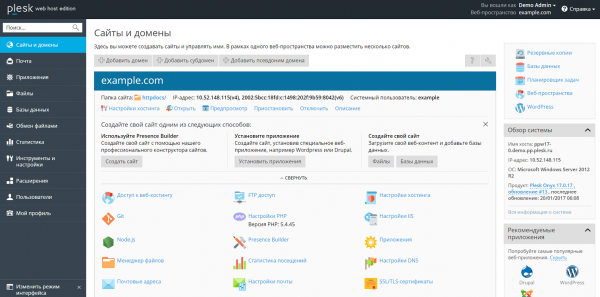
Plesk
New
New features of the panel are delivered in the form of extensions, compiled in on the site. The interface has been significantly improved: responsive design, the ability for clients to automatically log into Plesk from external resources without re-authentication (for example, from their hosting provider's panel), the option to share direct links to screens; the user interface of the task scheduler has been revamped. Database management has been improved; it supports multiple versions of PHP, as well as Ruby, Python, and NodeJS; full support for Git; integration with Docker; SEO tools. A Plesk recovery tool has been introduced—a command-line utility that can be used to automatically detect and resolve a wide range of issues. Each instance of Plesk is now automatically secured with SSL/TLS. The response time of websites and server load can be reduced with Nginx Caching. A new feature called 'Smart Updates' has been added to the popular WordPress Toolkit, which uses artificial intelligence to analyze WordPress updates to determine if an update installation could break something.
Prices
also provides the Plesk panel for its clients, with the price for one license being 650 rubles per month.
Developers position the panel as the easiest to manage in the world. They strive to keep up with the times and use advanced technologies, while there is nothing extraordinary in the panel—only . Pre-installed scripts are absent, but users can create their own (open API). Multilingual interface; however, it does not support Russian (unofficial skins can be used). A weak anti-spam filter. However, it is low on server resource demands and operates at high speed. Multi-level access.
Basic Programming Languages: PHP
Supported OS: FreeBSD, GNU/Linux (distributions Fedora, CentOS, Debian, Red Hat)
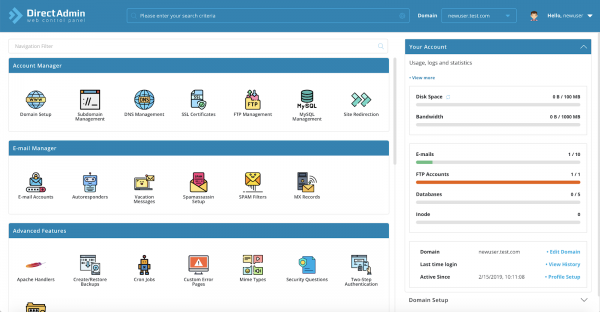
DirectAdmin
New
Supports alternative web servers: , .
Prices
Personal License (10 domains) — $2/month, Lite License (50 domains) — $15/month, Standard License (unlimited domains) — $29/month, internal licenses for dedicated server providers or resellers. Free trial period.
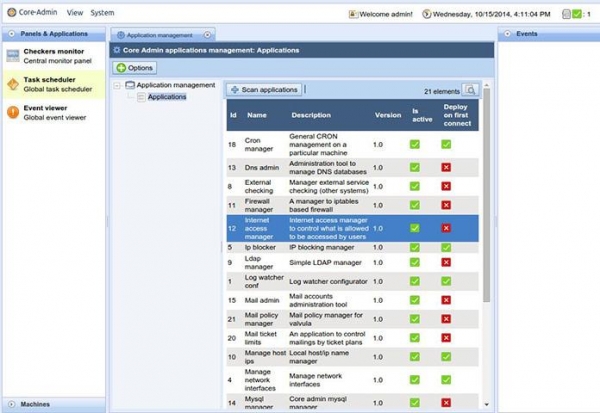
Centralized management of multiple servers, global overview of the entire system. Many applications for daily execution of common tasks: from real-time log analysis to integrated IP blocking system, from viewing all processes and services to external checks. Convenient permission delegation system. The platform is extensible and multilingual.
→
Basic Programming Languages: PHP
Supported OS: Linux
Core-Admin
New
It is now possible to connect end-users to servers in just a few clicks and instantly manage each connected server. Applications and Core-Admin Free Web Edition provide a special solution designed for convenient server management: mail, web servers, FTP, and DNS. Monitoring of specific web files has been introduced to detect common hacks. There is automatic IP address blocking for failed login attempts across various services and tracking of IP mail sending to detect unauthorized server usage. Integrated real-time log viewing.
Prices
Free Web Edition for 10 domains — free, Micro for 15 domains — €5/month, Starter for 20 domains — €7/month, Base for 35 domains — €11/month, Standard for 60 domains — €16/month, Professional for 100 domains — €21/month, Premium — unlimited domains — €29/month.
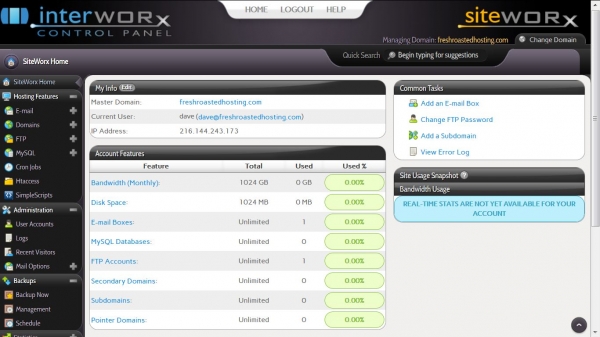
Consists of two modules: Nodeworx for server management and Siteworx for managing domains and websites. The user interface is simple and intuitive. The panel is lightweight. Applications are installed quickly, with a convenient template system. Administration is performed via Shell, there is a command-line interface. Active user community.
Basic Programming Languages: PHP
Supported OS: Linux
Interworx
New
Nodeworx now features of multiple servers together, allowing clusters to scale according to the reliability and availability requirements of modern web applications. More details in . Siteworx offers good statistics and one-click backup.
Prices
Free trial version. One license — $20/month, bulk licenses (annual or multi-year) — $5/month each.
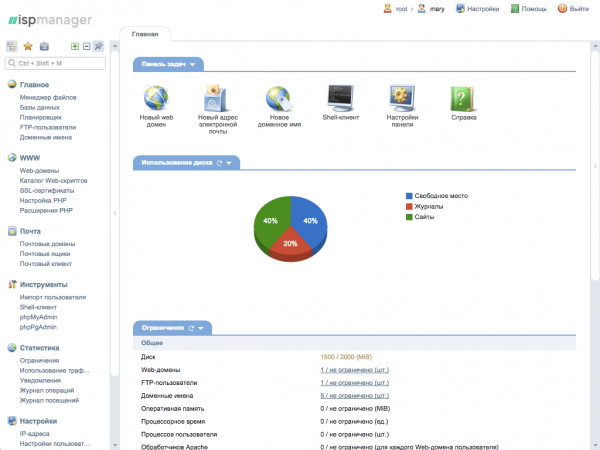
Panel developed by Russian developers, available in two versions: ISPmanager Lite for managing VPS and dedicated servers, ISPmanager Business for selling virtual hosting (integrated with the billing platform BILLmanager).
Convenient delegation of access rights (users, FTP users, administrators) and setting limits on resources (mailboxes, disk, domains, etc.). Configuration and management of Python, PERL, PHP extensions. User-friendly built-in file manager. The panel requires no training or skills in virtual server administration.
→
Basic Programming Languages: C++
Supported OS: Linux
ISPmanager
New
By default, it comes with . A branding tool has been added — the ability to customize brand colors, logo, and change website links. There is a branding setting for resellers. The panel's capabilities are expanded through the integration of additional modules that can also be created independently using the API.
Prices
To all new clients until the end of the year, the ISPmanager panel license is provided for free. ().
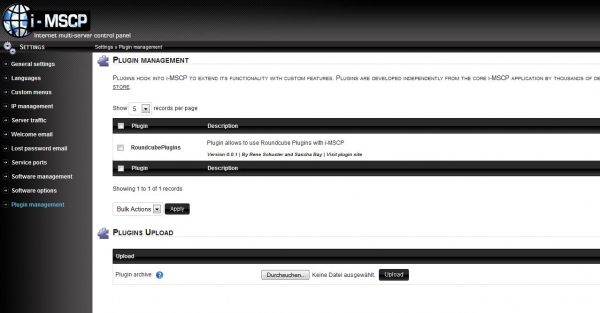
Open-source panel with a wide selection of server modules from open-source software and extension plugins from an active community, published (and verified) on the developers' site. Easy to install, update, and transfer. Supports both external and internal mail servers.
→
Basic Programming Languages: PHP, Perl
Supported OS: Linux
I-mscp
New
Available for download at . Can be installed directly from the console by running the auto-installation script.
Prices
Free
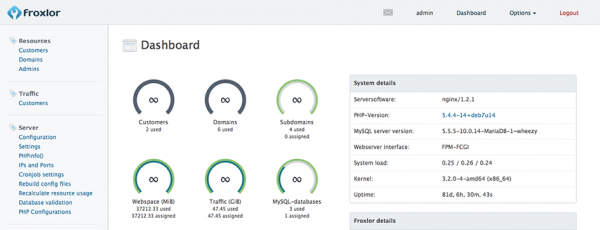
Open-source panel, well-suited for internet service providers as it allows managing shared or multi-user servers. Simple interface; client and reseller ticketing system; IPv6. No pre-installed software and automatic configuration of basic services.
→ Learn more and
Basic Programming Languages: PHP
Supported OS: Linux
Froxlor
New
Free certificates from Let’s Encrypt. Extended SSL. Interactive graphs for viewing dedicated HTTP, FTP, and mail traffic.
Prices
Free
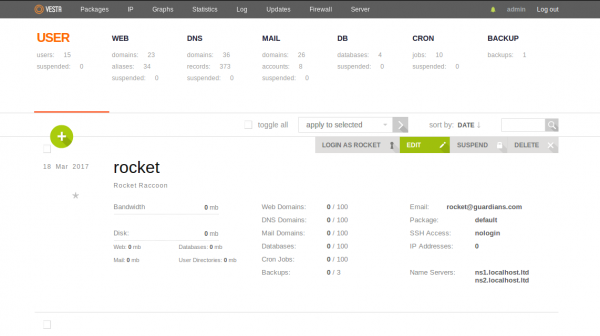
Open-source. Front-end — Nginx, back-end — Apache. Does not support multi-server installations, making it unsuitable for corporate needs, but excellent for managing multiple sites. Installed on a ‘clean’ server; otherwise, issues may arise.
→
Basic Programming Languages: PHP
Supported OS: Linux
Vesta
New
Auto Installer . A fast web interface. The built-in firewall addresses all common issues and comes with intelligent filters for various services.
Prices
Free
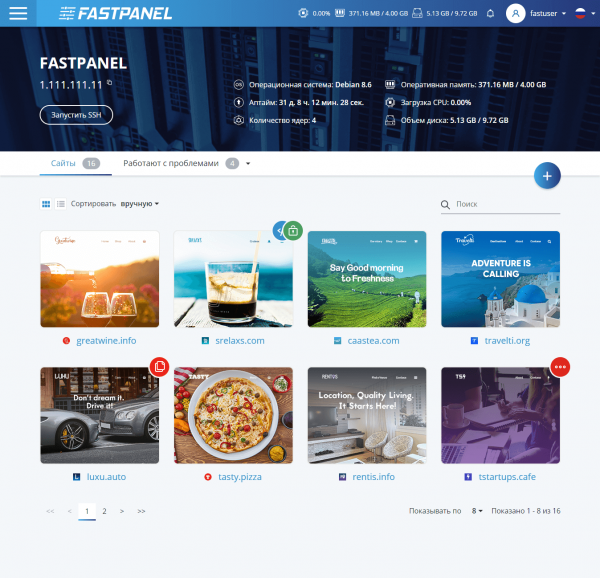
A relatively new control panel that allows you to quickly set up a website and make all necessary configurations for its operation. It significantly simplifies web server administration for both website developers and regular users. For created websites, nginx is used as the front-end, while either apache or php-fpm serves as the back-end. You can issue Let's Encrypt certificates, both standard and wildcard, from the control panel, install alternative PHP versions, manage PHP settings for each site, and much more.
Basic Programming Languages: golang
Supported Operating Systems: Debian (wheezy, jessie, stretch, buster) and CentOS 7
Prices
Currently, the control panel is being distributed as part of a limited promotional offer, allowing you to obtain a full-featured version with no restrictions on the number of sites.
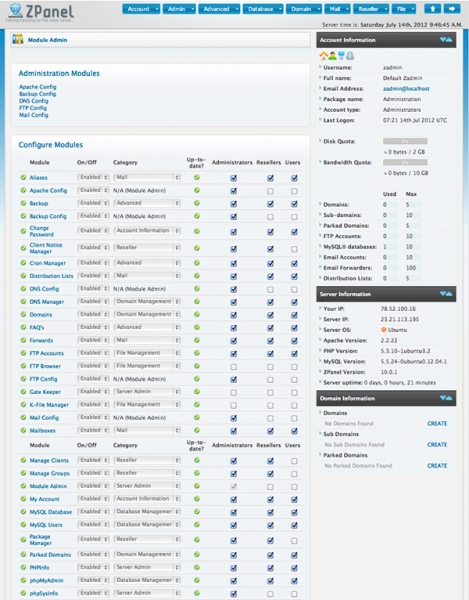
Open Source. Supports all major UNIX distributions, installs on Ubuntu, Centos, Mac OS, FreeBSD. Extends panel functionality through additional modules.
Basic Programming Languages: PHP
Supported OS: Linux, Windows
Zpanel
New
Has not been updated in the last 5 years.
Prices
Free
Open Source. A version of ZPanel, supported by its original developers (who split from the company) and developed Constantly updated add-on store — a central repository for installing, evaluating, selling, and publishing modules, themes, and localizations.
→
Basic Programming Languages: PHP
Supported OS: Linux
Sentora
New
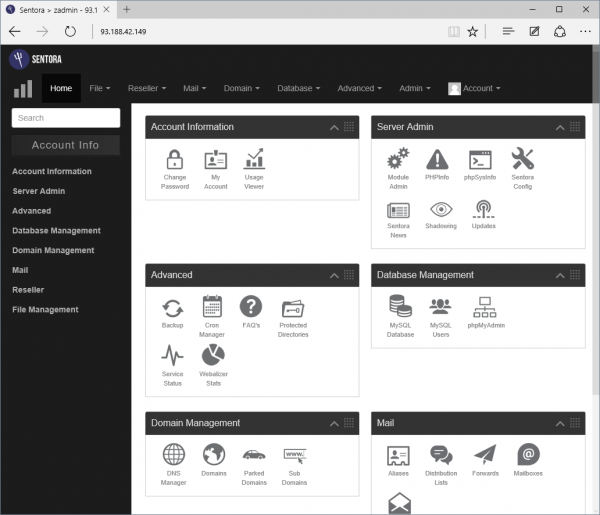
Open Source. Easy to use. Some manual configuration file editing skills are necessary, but this is considered an advantage. Various
Prices
Free
modules . More details in the guide in Russian .
→
Basic Programming Languages: Perl
Supported OS: The standard distribution includes a variety of themes. The number of modules for configuring and managing server functionality has increased from several dozen to hundreds. A vulnerability was found in versions from 1.882 to 1.921. This security issue was addressed with the release of version 1.930 (
Webmin
New
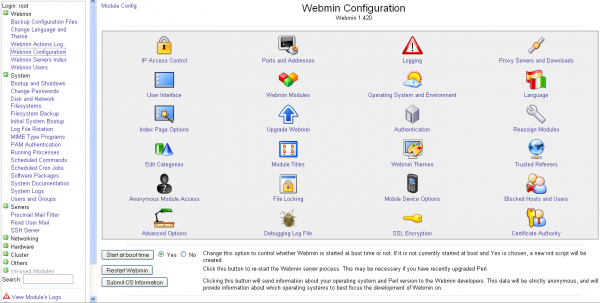
The standard distribution includes a set of different themes. The number of modules for configuring and managing server functionality has increased from dozens to hundreds. A vulnerability was found in versions 1.882 to 1.921. This security issue was resolved with the release of version 1.930.).
Prices
Free
Open-source. Allows the configuration of multiple services through a browser. Suitable for corporate environments. Multilingual. Extensive with the service .
→
Basic Programming Languages: PHP
Supported OS: Various Linux distributions
ISPConfig
New
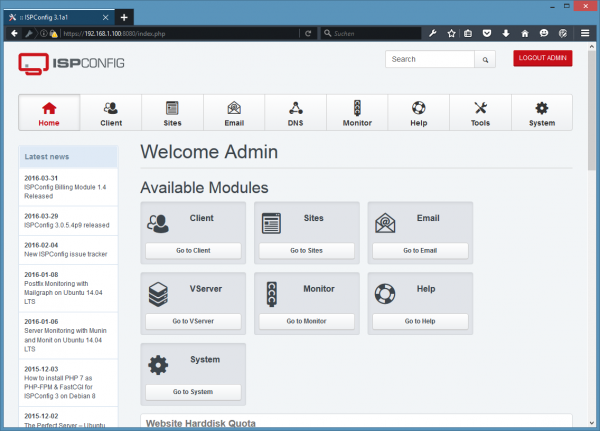
Fully updated user interface and numerous new features. Includes . IPv6 virtualization via OpenVZ.
Prices
Free
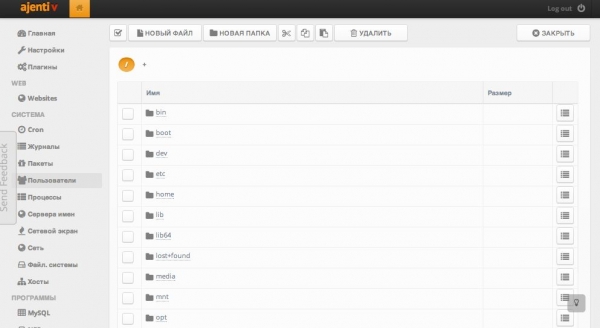
Open-source. Modern responsive interface, beautiful design. Comes with Russian language support out of the box. Fully extensible with Python and JS. Responsive remote terminal. Does not support working with server groups.
→
Basic Programming Languages: Python
Supported OS: Various Linux distributions and FreeBSD
Ajenti
New
Ajenti Core is an optimized and reusable framework for creating web interfaces of any type: from coffee machines to industrial equipment.
Prices
Free
Open-source. Multi-user installations. Features a marketplace where users can offer commercial plugins to extend functionality and enhance capabilities.
Basic Programming Languages: Java, Perl
Supported OS: Available only on CentOS and Scientific Linux distributions
BlueOnyx
New
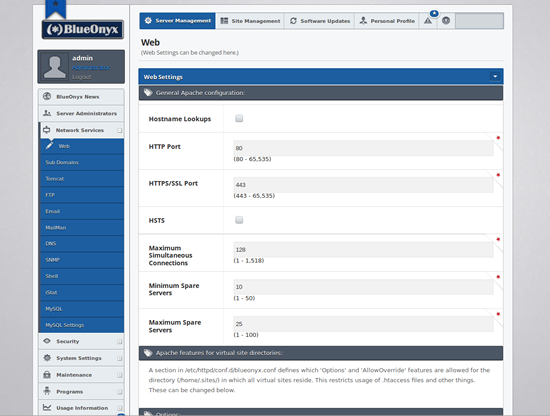
Developers continuously search for vulnerabilities and address them promptly. A tool has been released for easy data transfer from one server to another. The final YUM update has been released, which will force an update of BlueOnyx 5207R and BlueOnyx 5208R respectively. This provides users of BlueOnyx 5107R / 5108R with the latest features that were always lacking in the old graphical interface.
Prices
Free
Open-source. Large set of standard features. No possibility to manage multiple servers.
→
Basic Programming Languages: PHP
Supported OS: CentOS Linux
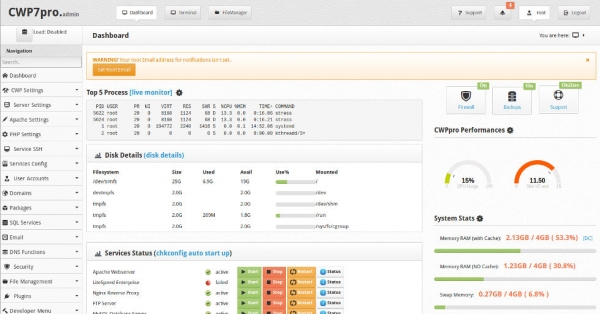
CentOS Web Panel
New
Sale of custom modules
Prices
Free
Partially open-source. Comprehensive solution for managing virtual web hosting. Integrated with Webmin. Available in three variants:
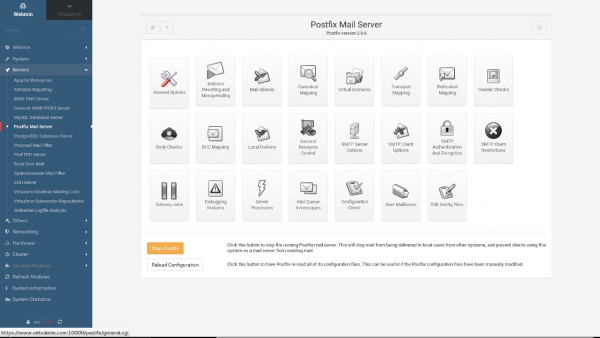
Virtualmin GPL — the basic open-source panel with community support. Offers 4 methods for server management: through a web interface, from the command line, from mobile devices, through a remote HTTP API.
Virtualmin Professional — designed for easy handling of third-party applications (Joomla, WordPress, etc.). Commercial support.
Cloudmin Professional — supports working with server groups. Used for deploying cloud services by large companies.
→
Basic Programming Languages: PHP
Supported OS: Linux and BSD
Virtualmin
New
A flexible, customizable interface. The new responsive Authentic theme is fast for desktop use and simplifies server management with Virtualmin from mobile devices and tablets. The new HTML5/JavaScript file manager module.
Prices
Virtualmin GPL unlimited domains — free, Virtualmin Professional: 10 domains — $6/month, 50 domains — $9/month, 100 domains — $12/month, 250 domains — $15/month, unlimited — $20/month.
Conclusion
We hope this overview has been helpful for you. If you notice any inaccuracies or if we've missed an interesting update in any console, please write in the comments. We also hope that will help you navigate the intricacies of web hosting and find a control panel for servers or websites that suits your needs.
Don't forget about our !
Source: habr.com
