

In this article, we present the first 5 tasks to learn the basics of traffic analysis for various network protocols.
Organizational informationEspecially for those who want to learn something new and grow in any area of information and computer security, I will write and talk about the following categories:
- PWN;
- Cryptography (Crypto);
- Network technologies (Network);
- Reverse Engineering (Reverse);
- Steganography (Stegano);
- Finding and exploiting WEB vulnerabilities.
In addition to this, I will share my experience in computer forensics, malware analysis and firmware, attacks on wireless networks and local area networks, conducting pentests and writing exploits.
To keep you informed about new articles, software, and other information, I have created and in the field of information security. Your personal requests, questions, suggestions, and recommendations .
All information is provided for educational purposes only. The author of this document bears no responsibility for any damage caused to anyone as a result of using the knowledge and methods obtained from studying this document.
FTP authentication
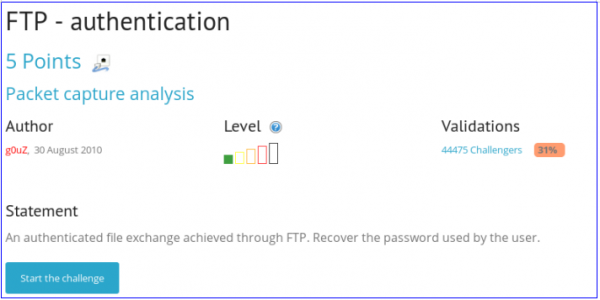
In this task, we are asked to find authentication data from a traffic dump. It is specified that this is FTP. Let's open the PCAP file in Wireshark.
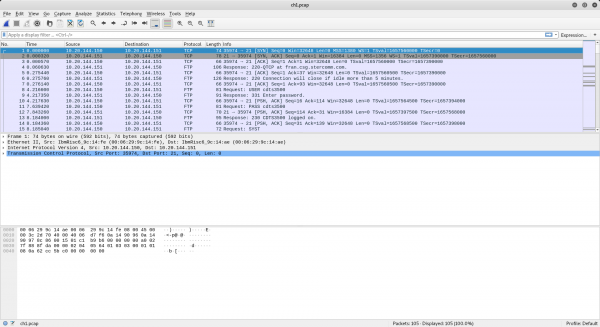
First, we will filter the data since we only need the FTP protocol.
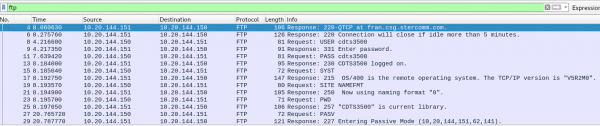
Now, we will display the traffic by streams. To do this, right-click and choose Follow TCP Stream.
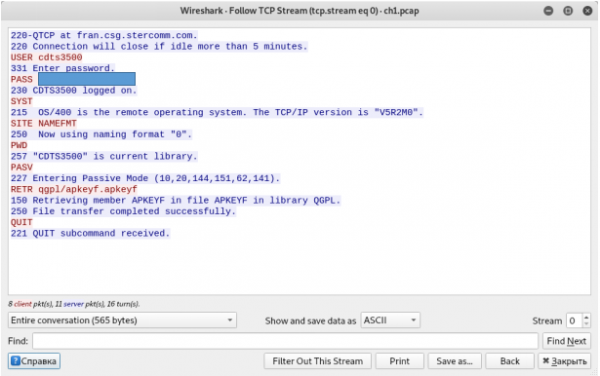
We see the user's login and password.
Telnet authentication
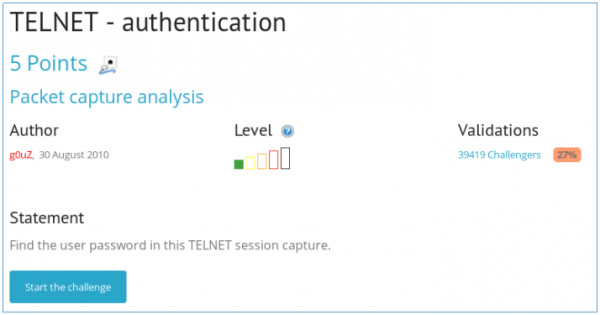
The task is similar to the previous one.
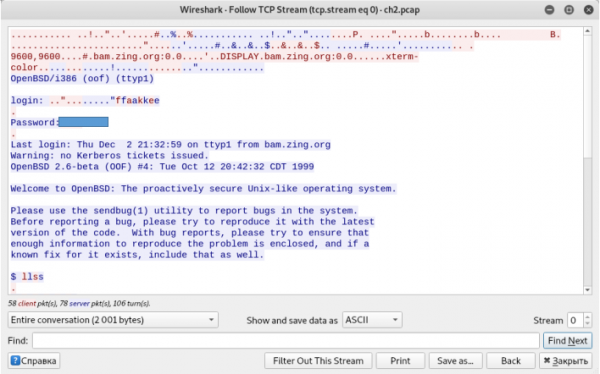
We retrieve the login and password.
Ethernet frame
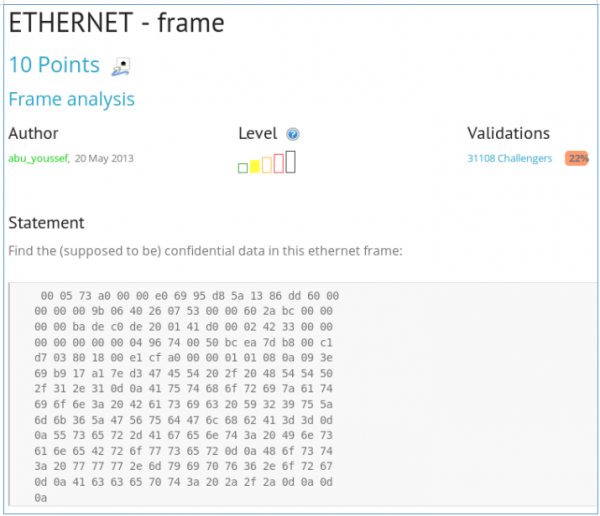
We are given a hex representation of an Ethernet protocol packet and asked to find sensitive data. The fact is that protocols are encapsulated within each other. That is, in the data field of the Ethernet protocol is the IP protocol, in the data field of which is the TCP protocol, and within it is HTTP, where the data is located. Therefore, we need to decode the characters from hex format.
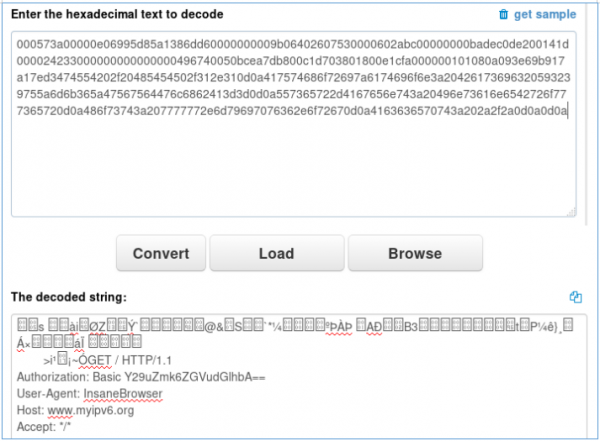
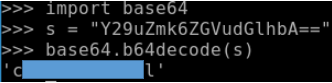
The HTTP header contains Basic authentication data. We will decode it from Base64.
Twitter authentication
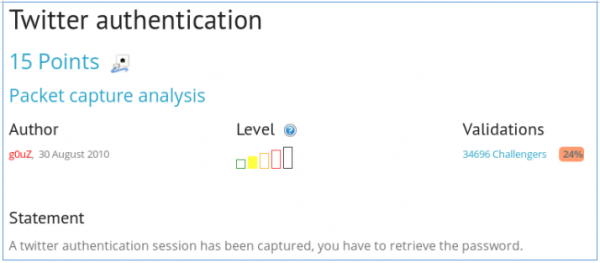
We are asked to find the login password for Twitter from the traffic dump.

There is only one packet. We will open it by double-clicking.
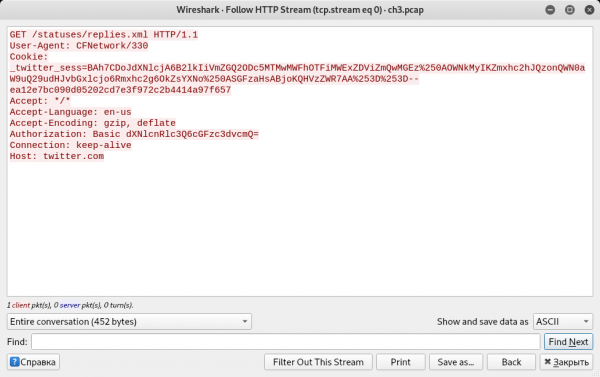
Once again, we see Basic authentication data.
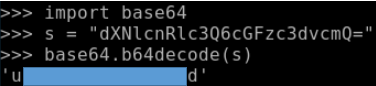
We find the login and password.
Bluetooth Unknown file
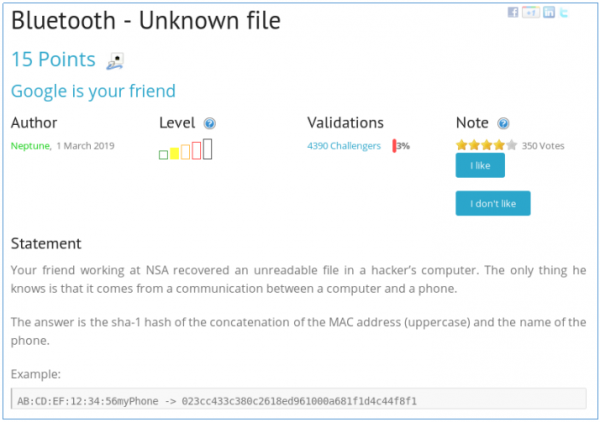
A story is told, and we are asked to find the name and MAC address of the phone. Let's open the file in Wireshark. We will look for the line Remote Name Request Complete.

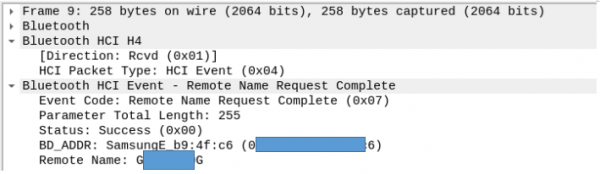
Let's check the fields of this packet, where the MAC address and phone name are displayed.
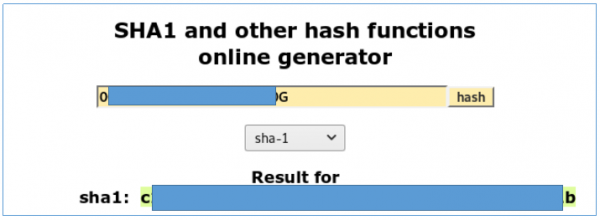
We take the hash and submit it.
With this task, we finish the analysis of simple network tasks (more for beginners). There’s more and it gets harder… You can join us in . There you can propose your topics and participate in voting for the next article topics.
Source: habr.com
