

Hello everyone.
Zabbix has introduced an official Template DB PostgreSQL. In this article, we will configure it in Zabbix 4.4.
NOTE
If you are proficient in English, I recommend setting up the template according to the official manual
However, my article covers nuances that are not mentioned in that link.
Template Preparation
1. Navigate to the home directory.
cd ~2. Download the git utility and clone the official Zabbix repository, which is hosted on GitHub.
yum -y install git
git clone https://github.com/zabbix/zabbix.git
3. Navigate to the PostgreSQL template directory.
cd zabbix/templates/db/postgresql/Configuring the template for the Zabbix agent
1. Connect to PostgreSQL.
psql -U postgres2. Create a read-only user, zbx_monitor, with access to the PostgreSQL server.
For PostgreSQL version 10 and above:
CREATE USER zbx_monitor WITH PASSWORD '' INHERIT; GRANT pg_monitor TO zbx_monitor;For PostgreSQL version 9.6 and below:
CREATE USER zbx_monitor WITH PASSWORD '';
GRANT SELECT ON pg_stat_database TO zbx_monitor;

-- To collect WAL metrics, the user must be a superuser.
ALTER USER zbx_monitor WITH SUPERUSER;
3. Copy the postgresql/ directory into /var/lib/zabbix/. If the zabbix/ directory does not exist in /var/lib/, create it. The postgresql/ directory contains files necessary for retrieving metrics from PostgreSQL.
cp -r postgresql/ /var/lib/zabbix/4. Next, copy the file template_db_postgresql.conf to the Zabbix agent configuration directory /etc/zabbix/zabbix_agentd.d/ and restart the Zabbix agent.
cp template_db_postgresql.conf /etc/zabbix/zabbix_agentd.d/5. Now, edit the pg_hba.conf file to allow connections from Zabbix. More about the pg_hba.conf file: .
Open the file:
vi /var/lib/pgsql/12/data/pg_hba.confAdd one of the lines (If you do not understand why this is necessary, just add the first line.):
host all zbx_monitor 127.0.0.1/32 trust
host all zbx_monitor 0.0.0.0/0 md5
host all zbx_monitor ::0/0 md5
NOTE
If PostgreSQL was installed from the PGDG repository, add the path to pg_isready to the PATH environment variable for the zabbix user.
As an option:
ln -s /usr/pgsql-12/bin/pg_isready /usr/bin/pg_isready* — since I have pgsql version 12, the path will differ on your setup.
If this is not done, the Status: Ping will always be Down.
Adding the template in the Zabbix frontend
I believe that those who need to collect metrics from PostgreSQL already know how to add templates. Therefore, I will briefly describe the process.
- Go to the Zabbix page;
- Navigate to the page "Configuration" => "Host«;
- Click the "Create host" button or select an existing host;
- On the host creation/editing page, select the tab "Templates" and click on the link "Add«;
- In the "Group" dropdown, select "Templates/Databases", then choose the template "Template DB PostgreSQL", click the button "Select" and press the button "Update«;
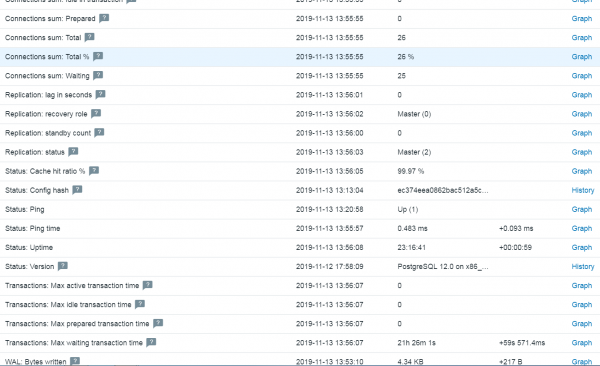
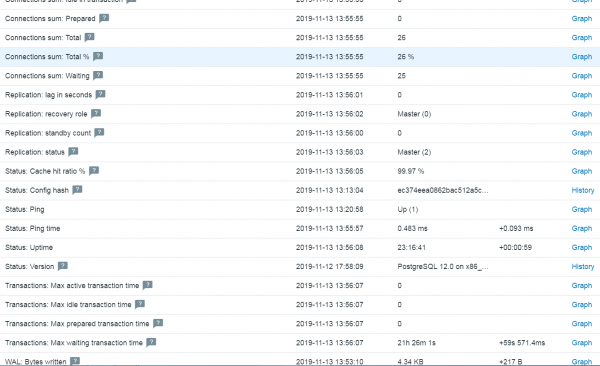
Wait a moment and finally, go to "Monitoring" => "Latest data" => "Hosts" select the server with PostgreSQL => click "Apply«.
Enjoy!
Source: habr.com
