

Among the PDAs from Psion, there are five models that do not require emulation because they operate on NEC V30 processors, compatible with the 8086, hence the name SIBO — sixteen bit organizer. These processors also have a compatibility mode with the 8080, which is understandably not used in these PDAs. At one time, Psion released proprietary but freely distributable (provided no modifications are made) tools to run the OS EPOC16 used in these PDAs over any DOS-compatible operating system. Nowadays, DOSBOX would work, but that would be emulation.
Links to download pages for the archives with these programs are provided at the bottom of the original article. Now, let's download an example. with the interface from the Siena model and attempt to run it.
The archive is 868 kB, let's create a folder ~/simulator, unpack the archive there, and we will have:
$ ls
DPMI16BI.OVL  EPOC.RMI      licence.txt  RTM.EXE
EPOC.DLL      HHSERVER.PAR  readme.txt   siemul.exe
Let's start DOSBOX and type:
mount m: ~/simulator
m:
siemul
In native DOS, this is done with the SUBST command. It's important that the drive is named exactly M:
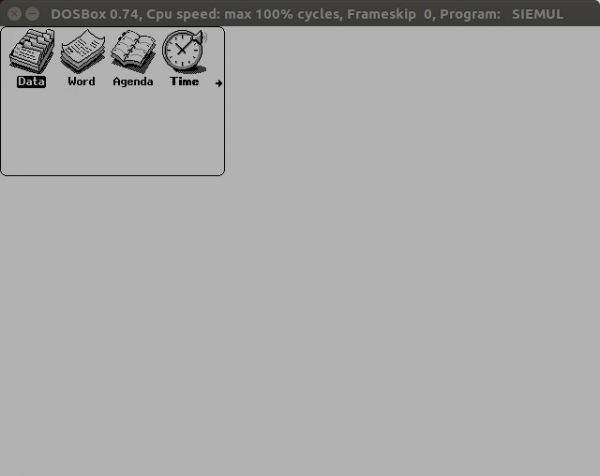
It works; the icons of the first four programs are displayed on the screen:
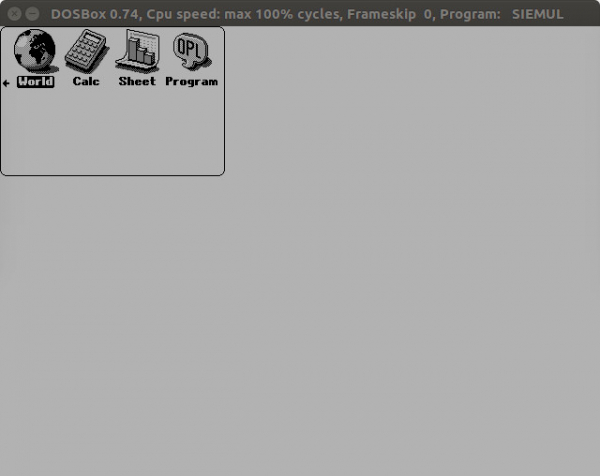
Mouse? What mouse? We navigate to the page with the icons of the remaining four programs using the keys:
You can exit back to DOS at any moment by pressing Ctrl+Alt+Esc. But let's not be in a hurry. The readme.txt file states the correspondence of PC keyboard keys to Psion keys:
F1 is System, F2 Data, ..., F8 Sheet, F9 Menu, F10 Help, F12 Diamond
F11 simulates the machine being switched off then on (only has any
effect when a password is set).
Alt is the Psion key.
You can use the Insert key as an alternative to Shift-System.
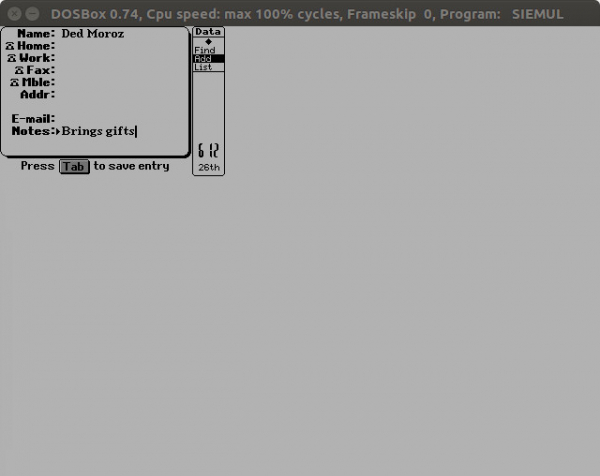
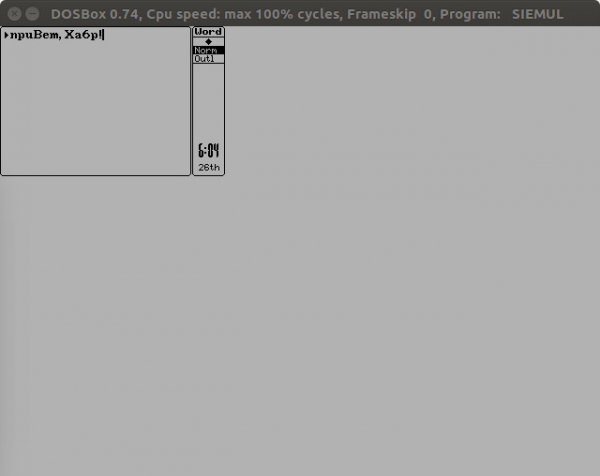
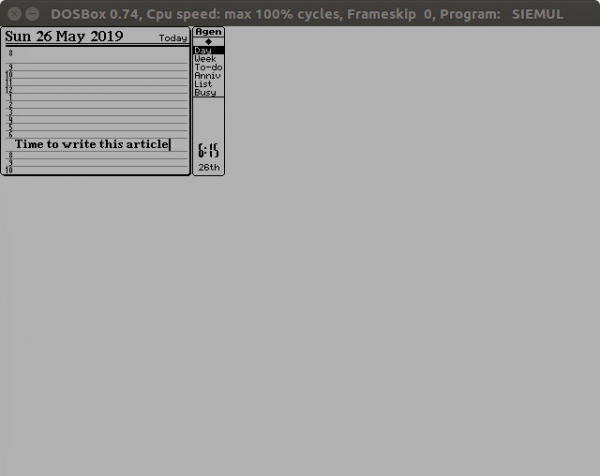
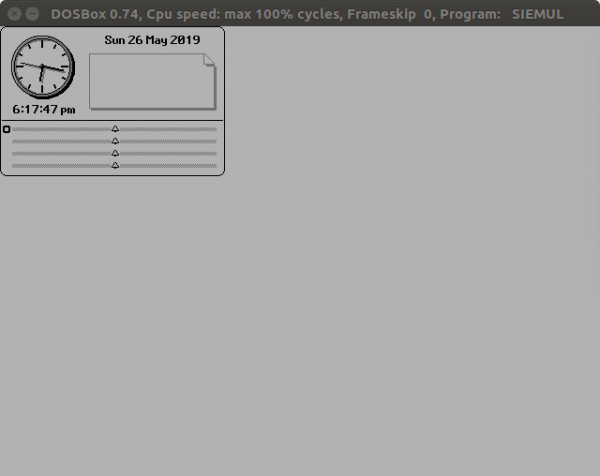
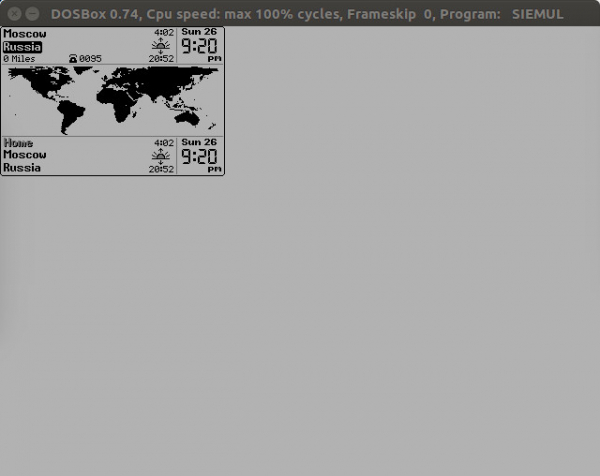
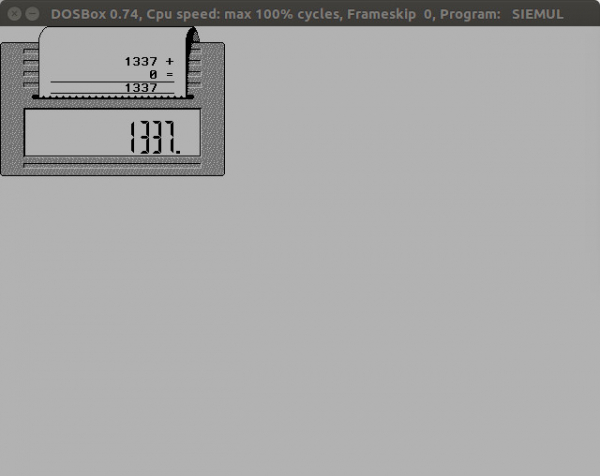
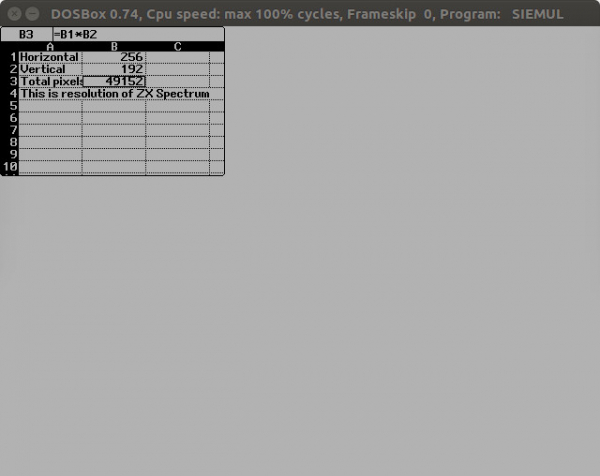
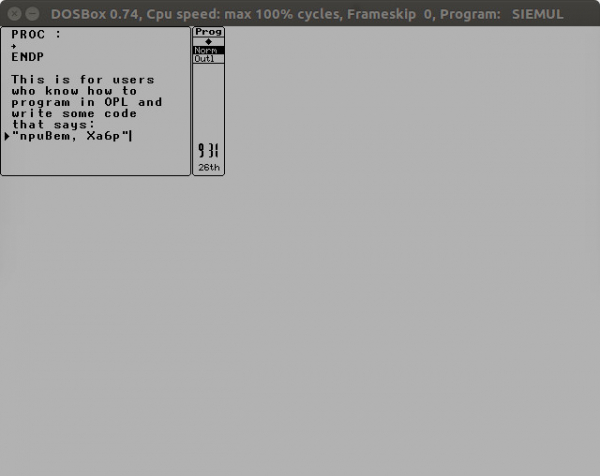
We will launch the applications in order. To exit any of them — press Insert. Let's start with Data, let's type something:
Word:
Agenda:
Time:
World, note the old telephone code 095:
Calc:
Sheet:
Program:
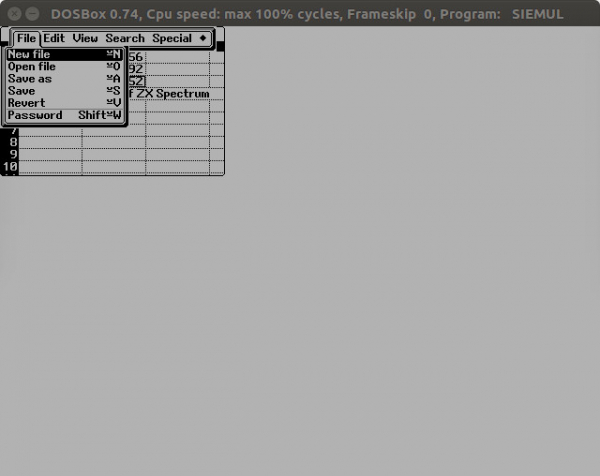
In any program, pressing F9 can open the menu, navigation in it is the same as in DOS programs without a mouse, exit from the menu — Esc:
The F10 key launches the context help, similar to that in DOS programs using Turbo Vision:
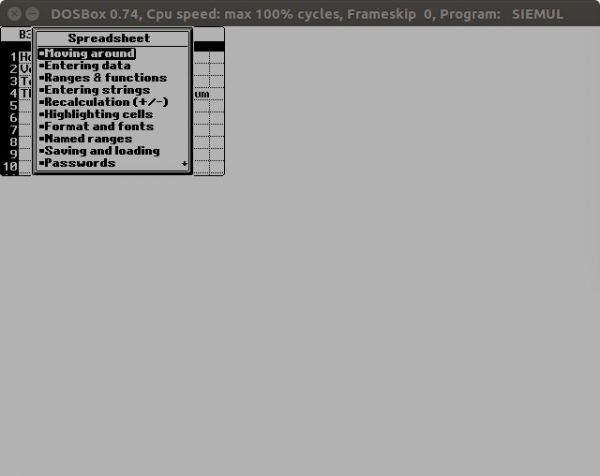
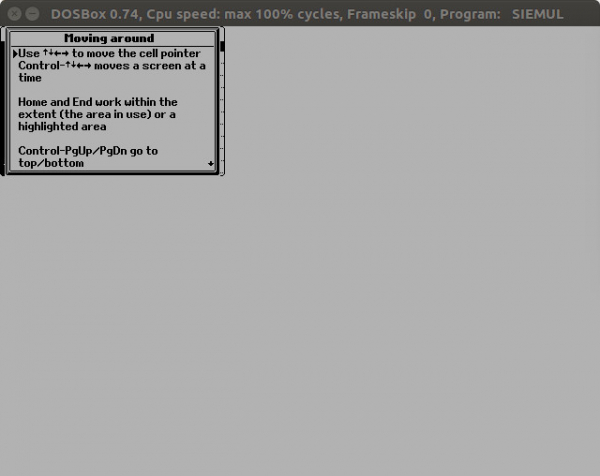
Let's take a look at some help item:
Similarly, interfaces from other Psions in the SIBO series can be launched, for example, Workabout ():
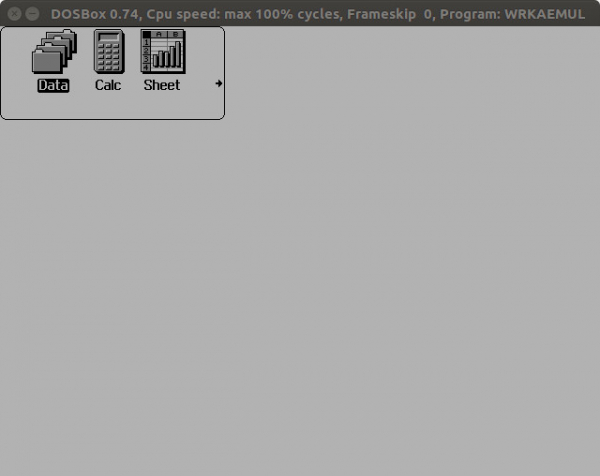
Some PDAs require not only the M: drive but also the A: and B: drives, which in native DOS are physical drives or can be assigned using the SUBST command, while in DOSBOX they are connected using the mount command. Now all readers have five virtual vintage PDAs of relatively rare models.
SIBO is not the only PDA on NEC V30 processors. They are also used in most models of the Casio Pocket Viewer—equally interesting and unique handheld devices. But that is a different story.
Source: habr.com
