

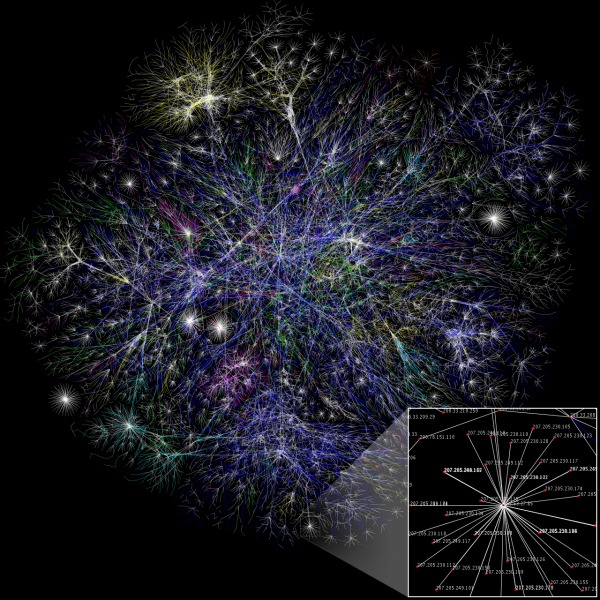
0. Introduction, or a Bit of OfftopicThis article came about because it's extremely difficult to find comparative characteristics of such software, or even just a list, in one place. It requires digging through a lot of material to come to any conclusion.
In light of this, I decided to save some time and effort for those interested in this question, and gathered in one place as much information as I could, based on my own experience, about systems for network mapping.
Some of the systems described in this article were personally tested by me at one time. It's likely that these were outdated versions. I see some of the information for the first time, and it was collected solely for the preparation of this article.
As I have not interacted with these systems for a long time, and some of them I have not touched at all, I have no screenshots or examples left. So, I refreshed my knowledge through Google, Wikipedia, YouTube, and developers' sites; I also found screenshots there, resulting in this overview.
1. Theory
1.1. Why?
To answer the question 'Why?', we first need to understand what a 'Network Map' is. A network map is (most often) a logical and graphical schematic representation of the interactions between network devices and their connections, which describes their most significant parameters and properties. Nowadays, it is often used in conjunction with monitoring the state of devices and alert systems. So, we need it to have an understanding of the locations of the network nodes, their interactions, and the connections between them. When combined with monitoring, we get a working tool for diagnosing and predicting network behavior.
1.2. L1, L2, L3
These are Layer 1, Layer 2, and Layer 3 according to the OSI model. L1 is the physical layer (wires and switching), L2 is the physical addressing layer (MAC addresses), L3 is the logical addressing layer (IP addresses).
Building a map of L1 is essentially meaningless; it logically follows from L2, except perhaps for media converters. And now, there are media converters that can also be tracked.
Logically, L2 builds the network map based on the MAC addresses of the nodes, while L3 does so based on the IP addresses of the nodes.
1.3. What Data to Display
It depends on the tasks at hand and individual preferences. For me, for example, it's important to understand whether the hardware is operational, what is connected to each of its ports, and the status of the port—whether it's up or down. This can be done at L2. In fact, L2 seems to be the most applicable topology for a network map in a practical sense. But, to each their own...
Connection speed at the port is decent, but not critical if there's an endpoint device like a printer or PC connected. It would be great to have the ability to check the CPU load, the amount of free RAM, and the hardware temperature. However, this is not so straightforward; you'll need to set up a monitoring system that can read SNMP and analyze the collected data. More on that later.
I found this regarding L3 .
1.4. How?
It can be done manually or automatically. If done manually, it takes a long time and you need to consider human factors. If done automatically, you must ensure that all network devices are 'smart,' support SNMP, and that this SNMP is properly configured so that the system collecting data from them can interpret it effectively.
It seems not difficult. But there are pitfalls. Starting with the fact that not every system will be able to collect all the data from a device that we would like to see, or not all network devices can provide that data, ending with the reality that not every system can automatically create network maps.
The process of automatically generating a map is roughly as follows:
— the system reads data from network equipment
— based on the data, it creates a mapping table for each router port's address
— it matches addresses with device names
— it establishes connections between ports and devices
— it visualizes all of this in a way that is 'intuitively understandable' for the user
2. Practice
Now, let's talk about how we can build a network map. We will take as a starting point that we want to maximize the automation of this process. In other words, Paint and MS Visio are out of the question... although... maybe not, they are still out.
There is specialized software designed for network mapping. Some software products can only provide an environment for "manual" addition of images with properties, drawing connections, and launching "monitoring" in a very limited way (whether the node is live or not). Others can not only automatically draw the network diagram but also calculate a bunch of parameters using SNMP, notify the user via SMS in case of failures, provide a lot of information about the ports of networking hardware, and all of this is just part of their functionality (like NetXMS).
2.1. Products
This list is far from exhaustive, as there are indeed many such types of software. But this is everything Google provides on the topic (including English-language sites):
Open Source projects:
LanTopoLog
Nagios
Icinga
NeDi
Pandora FMS
PRTG
NetXMS
Zabbix
Paid projects:
LanState
Total Network Monitor
Solarwinds Network Topology Mapper
UVexplorer
Auvik
AdRem NetCrunch
2.2.1. Free Software
2.2.1.1. LanTopoLog
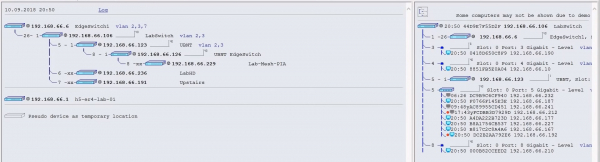
Software developed by Yuri Volokitin. The interface is as simple as possible. The software supports, let’s say, semi-automatic network construction. It needs to be "fed" the settings of all routers (IP, SNMP credentials), and then everything happens automatically, constructing the connections between devices with port indications.
There are both paid and free versions of the product.
2.2.1.2. Nagios
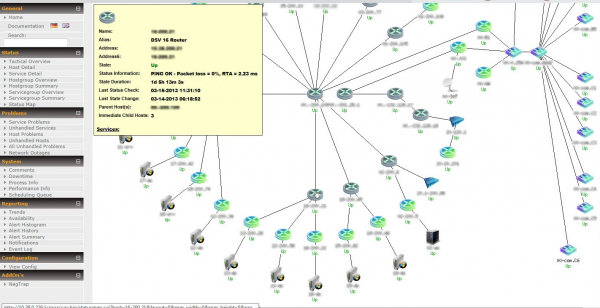
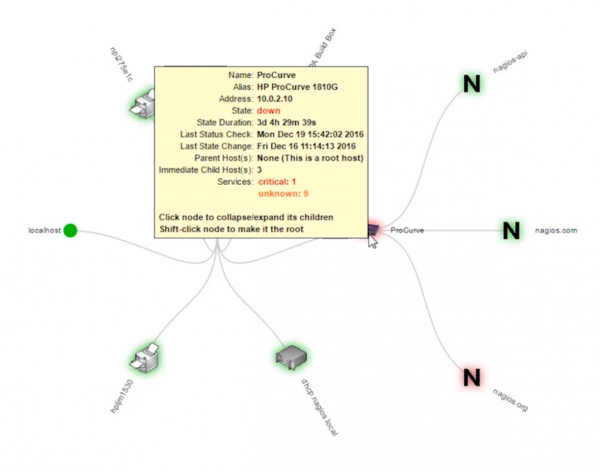
Open Source software, in existence since 1999. The system is designed for network monitoring, meaning it can read data via SNMP and automatically build a network map, but since this is not its primary function, it does so in a rather... strange way... NagVis is used for constructing maps.
2.2.1.3. Icinga
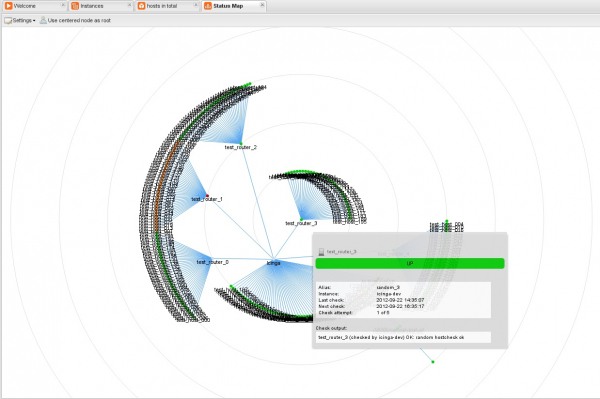
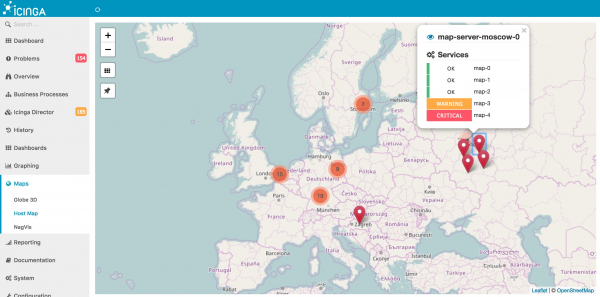
Icinga is an Open Source system that split off from Nagios in its time. The system allows for automatic network map construction. The only problem is that it builds maps using the NagVis addon, which was developed for Nagios, so let's consider these two systems identical in terms of network map construction.
2.2.1.4. NeDi
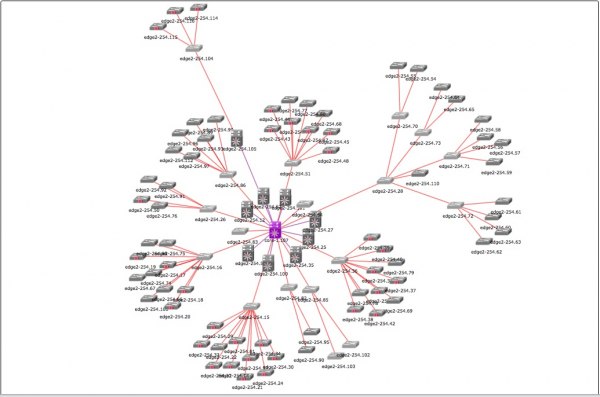
It is capable of automatically discovering nodes on the network and building a network map based on this data. The interface is quite simple, and it has SNMP state monitoring.
There are both free and paid versions of the product.
2.2.1.5. Pandora FMS
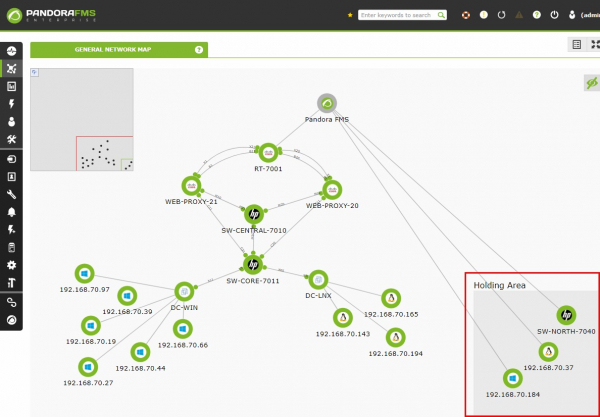
It has auto-discovery, auto-network construction, SNMP. A user-friendly interface.
There are both free and paid versions of the product.
2.2.1.6. PRTG
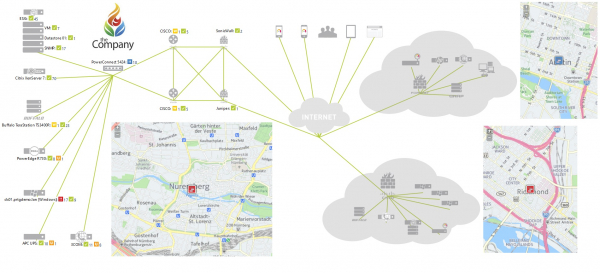
The software does not support automatic network map creation, only manual dragging of images. However, it can monitor the status of devices via SNMP. The interface leaves much to be desired, in my subjective opinion.
30 days - full functionality, then a 'free version'.
2.2.1.7. NetXMS
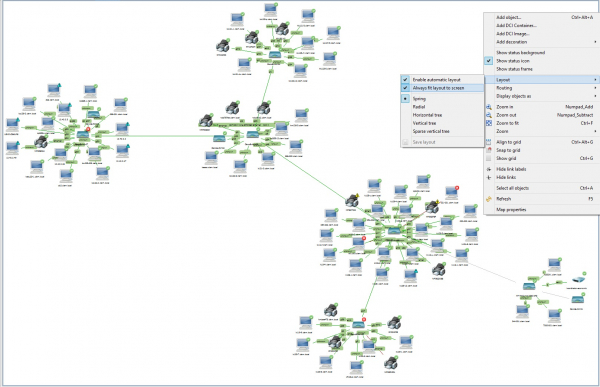
NetMXS is primarily an Open Source monitoring system, with network mapping as a secondary function. However, it is implemented quite neatly. Automatic mapping based on auto-discovery, SNMP monitoring of nodes, and it can track router port status and other statistics.
2.2.1.8. Zabbix
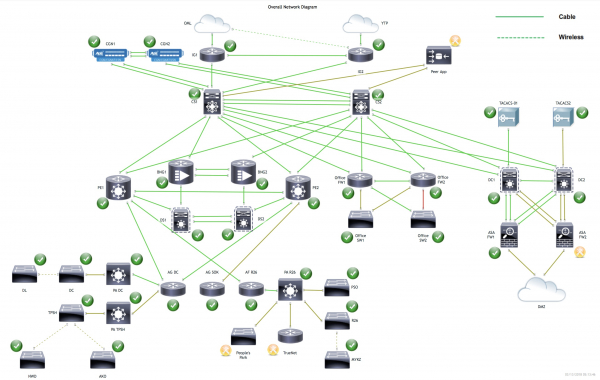
Zabbix is also an Open Source monitoring system, and it is more flexible and powerful than NetXMS, but it can only create network maps in manual mode; however, it can monitor virtually any parameters of routers, the collection of which can be configured.
2.2.2. Paid Software
2.2.2.1. LanState
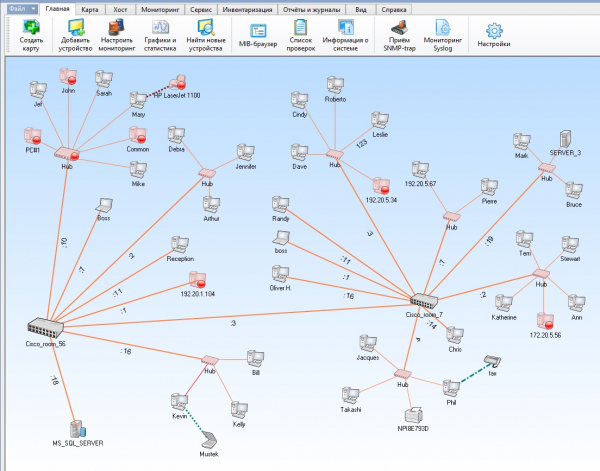
Paid software that allows for automatic scanning of network topology and building a network map based on discovered equipment. It only monitors the status of discovered devices by checking the up/down status of the node itself.
2.2.2.2. Total Network Monitor
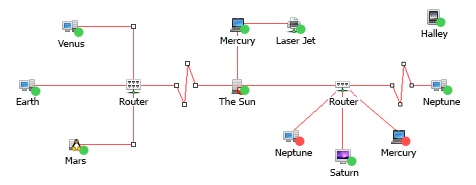
Paid software that cannot automatically build a network map. It cannot even automatically detect nodes. Essentially, it is like Visio, only focused on network topology. It only monitors the status of discovered devices by checking the up/down status of the node itself.
Damn! I mentioned earlier that we are abandoning Paint and Visio… Fine, let it be.
I couldn't find a video manual, but it's not necessary… The program is mediocre.
2.2.2.3. Solarwinds Network Topology Mapper
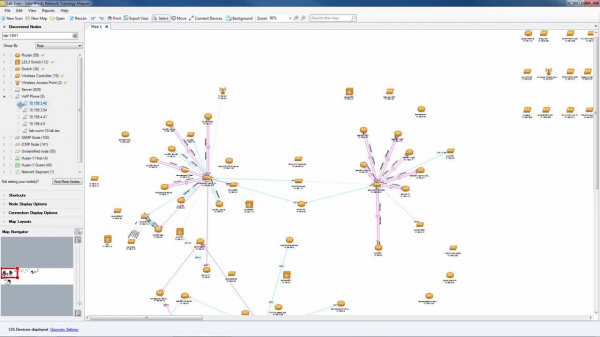
Paid software with a trial period. It can automatically scan the network and independently create a map based on specified parameters. The interface is quite simple and pleasant.
2.2.2.4. UVexplorer
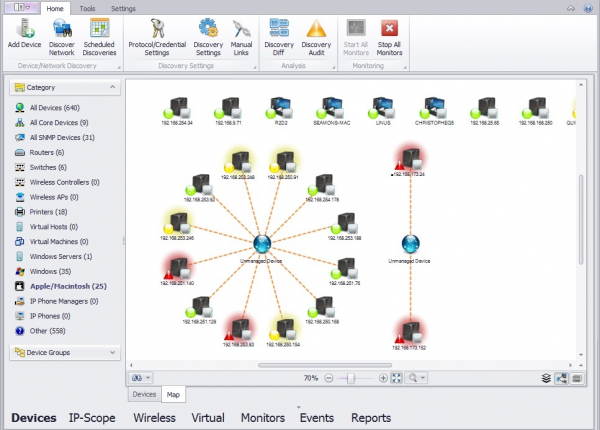
Paid software with a 15-day trial. It has auto-discovery and automatic drawing of the map, and it monitors devices only based on up/down status, meaning through pinging the devices.
2.2.2.5. Auvik
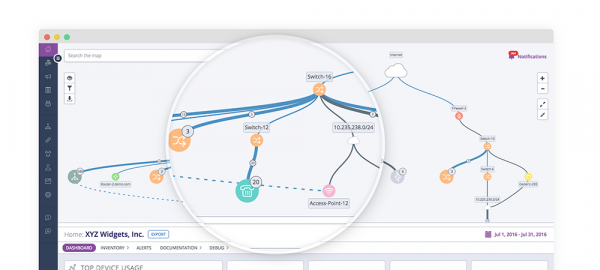
A fairly nice paid program; it supports auto-discovery and monitoring of network devices.
2.2.2.6. AdRem NetCrunch
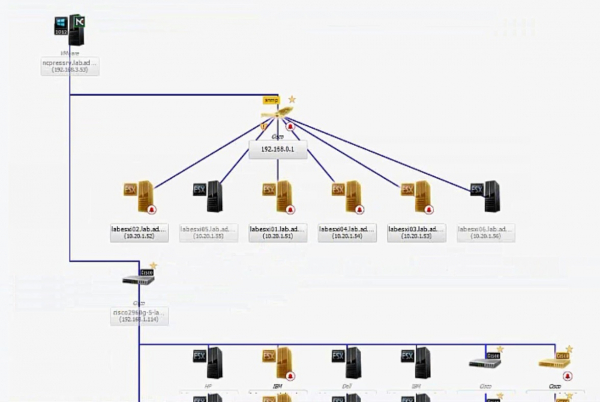
Paid software with a 14-day trial. It supports auto-detection and auto-mapping of the network. The interface did not inspire much enthusiasm. It also supports SNMP monitoring.
3. Comparison Table
As it turns out, coming up with relevant and important parameters for comparing systems while fitting them into a small table is quite challenging. I came up with this:
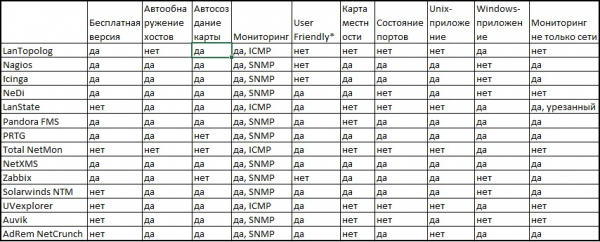
The parameter "User Friendly" is highly subjective, and I understand that. But I couldn't think of another way to describe "clumsiness and unreadability."
**"Monitoring not just the network" implies the functioning of the system as a "monitoring system" in the conventional sense of the term, meaning the ability to read metrics from the OS, virtualization hosts, receive data from applications in guest OSs, etc.
4. Personal Opinion
From personal experience — I see no point in using software solely for network monitoring. I prefer the idea of using a comprehensive monitoring system with the capability of building a network map. Zabbix struggles in this regard. Nagios and Icinga do too. Only NetXMS pleasantly surprised me here. Although, if one puts in the effort to create a map in Zabbix, it actually seems more promising than NetXMS. There’s also Pandora FMS, PRTG, Solarwinds NTM, AdRem NetCrunch, and probably a host of others that aren't mentioned in this article, but I've only seen them in pictures and videos, so I can't speak about them.
Regarding NetXMS, a write-up was made with a brief overview of the system's capabilities and a small how-to.
P.S.:
If I made a mistake somewhere, which I most likely did, please correct me in the comments, and I will adjust the article so that those who find this information useful won’t have to double-check everything through their own experience.
Thank you.
Source: habr.com
