

After three and a half years since the last significant release, the free printed circuit board design automation system KiCad 6.0.0 has been published. This is the first major release formed after the project came under the wing of the Linux Foundation. Builds are prepared for various Linux distributions, Windows, and macOS. The code is written in C++ using the wxWidgets library and is distributed under the GPLv3 license.
KiCad provides tools for editing electrical schematics and printed circuit boards, 3D visualization of boards, working with electrical circuit element libraries, manipulating Gerber-format templates, simulating electronic circuit operations, editing printed circuit boards, and project management. The project also provides libraries of electronic components, footprints, and 3D models. According to some printed circuit board manufacturers, about 15% of orders are received with schematics prepared in KiCad.
Among the changes in the new release:
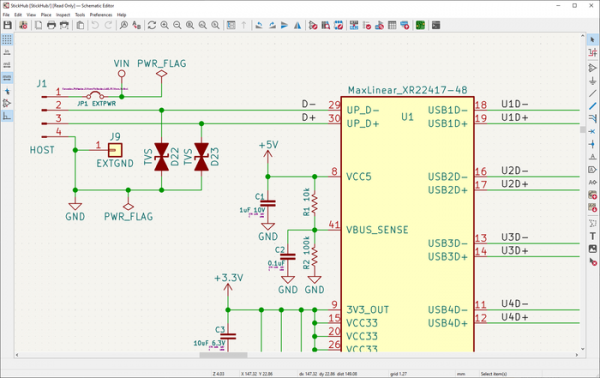
- The user interface has been redesigned and brought up to a more modern look. The interface of various KiCad components has been unified. For instance, the schematic and PCB editors no longer feel like different applications and are closer to each other in terms of design, hotkeys, dialog layout, and editing process. Efforts have also been made to simplify the interface for new users and engineers using different design systems in their work.

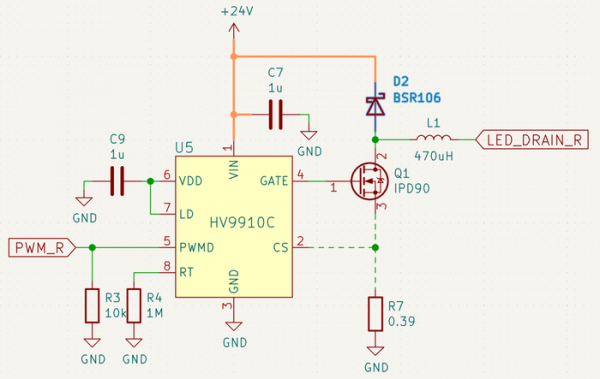
- The schematic editor has been revamped, now employing the same object selection and manipulation paradigms as the PCB layout editor. New features have been added, including the ability to assign electrical circuit classes directly from the schematic editor. Options for applying color and line style rules to wires and buses have been provided, both individually and based on circuit type. Hierarchical design has been simplified; for example, it is now possible to create buses that group together multiple signals with different names.

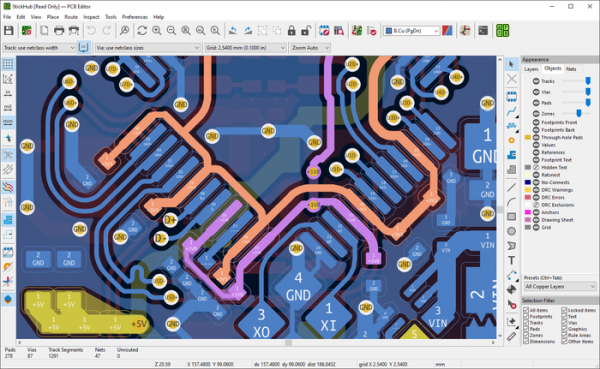
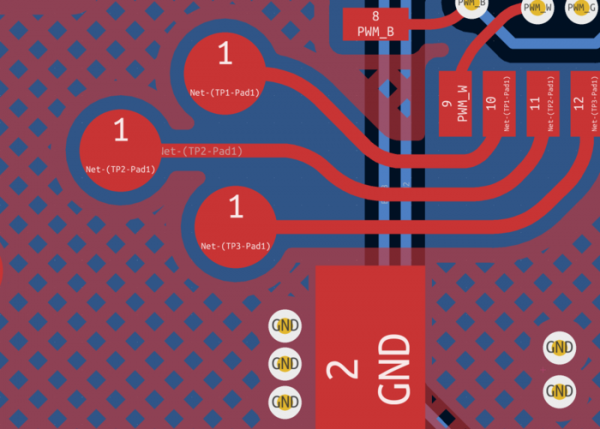
- The interface of the PCB editor has been updated. New features have been implemented to simplify navigation through complex schematics. Support for saving and restoring presets defining the placement of elements on the screen has been added. The ability to hide certain nets from connections has been provided. Independent control over the visibility of zones, pads, vias, and tracks is now possible. Tools to bind colors to specific nets and net classes, and apply these colors to associations or layers related to these nets, have been included. A new 'Selection Filter' panel is located at the bottom right corner, allowing management of what types of objects can be selected.

Support for rounded tracks, hatched copper zones, and the removal of unconnected vias has been added. Track placement tools have been improved, including a 'push & shove' router and an interface for adjusting track length.

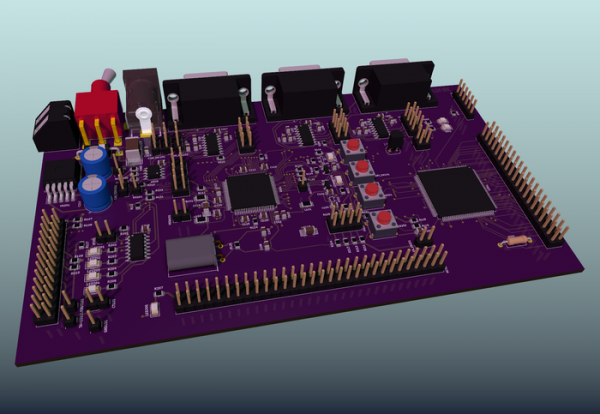
- The interface for viewing the 3D model of the designed board has been improved, featuring ray tracing for realistic lighting. The ability to highlight elements selected in the PCB editor has been added. Access to frequently used controls has been simplified.

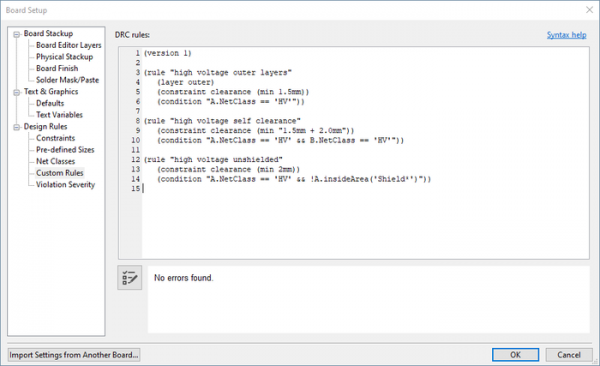
- A new system for specifying special design rules has been proposed, allowing for the definition of complex design rules, including constraints tied to specific layers or restricted areas.

- A new format for symbol library and electronic component files has been introduced, based on the format previously used for boards and footprints. This new format allows for embedding the symbols used in the schematic directly into the schematic file, without the need for intermediate caching libraries.
- The interface for simulation has been improved, and the capabilities of the spice simulator have been expanded. An E-Series resistor calculator has been added. The GerbView viewer has been enhanced.
- Support for importing files from CADSTAR and Altium Designer has been introduced. The import functionality in EAGLE format has been improved. Support for Gerber, STEP, and DXF formats has been enhanced.
- The option to choose a color scheme for printing has been made available.
- Functionality for automatic backup creation has been integrated.
- A 'Plugins and Content Manager' has been added.
- A 'side-by-side' installation mode has been implemented for another instance of the program with independent settings.
- Mouse and touchpad settings have been expanded.
- The option to enable a dark theme has been added for Linux and macOS.
Source: opennet.ru
