

The release of ONLYOFFICE DocumentServer 8.2 has been published, featuring the server for ONLYOFFICE online editors and facilitating collaborative work. The editors can be used for working with text documents, spreadsheets, and presentations. The project code is distributed under the AGPLv3 open license.
At the same time, the release of ONLYOFFICE DesktopEditors 8.2 has been created, built on a unified codebase with the online editors. The desktop editors are designed as desktop applications written in JavaScript using web technologies, but combine client and server components in a single package, allowing for standalone use on the user's local system without the need for an external service. The Nextcloud Hub platform can also be utilized for collaborative work, providing full integration with ONLYOFFICE. Ready-made builds are available for Linux, Windows, and macOS.
ONLYOFFICE claims full compatibility with MS Office and OpenDocument formats. Supported formats include: DOC, DOCX, ODT, RTF, TXT, PDF, HTML, EPUB, XPS, DjVu, XLS, XLSX, ODS, CSV, PPT, PPTX, ODP. The functionality of the editors can be extended through plugins, for instance, plugins for creating templates and adding videos from YouTube are available. Pre-built packages are available for Windows and Linux (deb and rpm packages).
Key innovations:
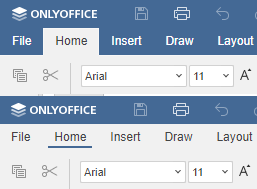
- The user interface has been upgraded. A new option to select the tab display style has been introduced — in addition to using traditional filled buttons (Fill tab), the active tab can now also be highlighted with an underline style (Line tab). The toolbar color can also be used as the background color for the tabs.

- The ability to work with documents through touch screen controls has been added.

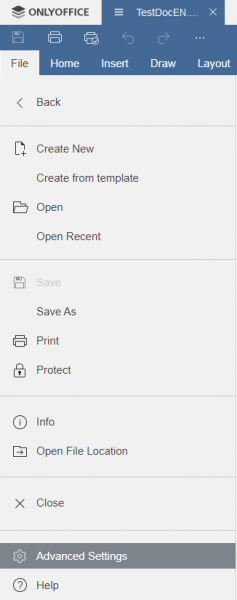
- The design of the version history window has been modified, and the File menu has been redesigned, incorporating new icons.

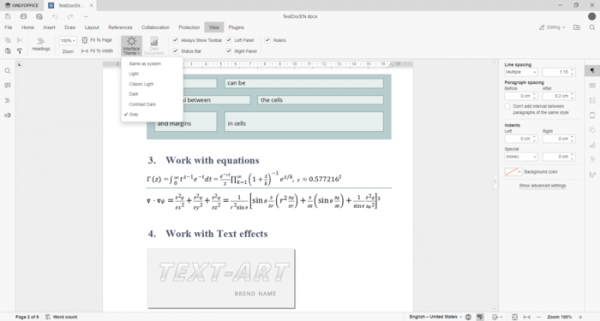
- A gray theme has been added, complementing the light and dark themes.
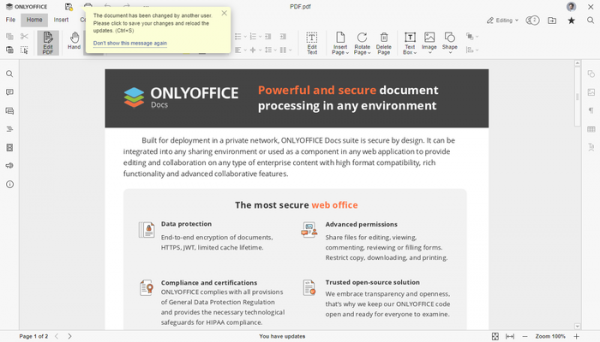
- The PDF file editor now includes collaborative editing capabilities. There are two collaboration modes available: strict mode (default), where paragraphs edited by each participant are locked, with changes saved only after clicking the Save button, and fast mode, where editing occurs in real time. Additionally, support for gradients has been added to the PDF editor, text recognition has been improved, and it works correctly with cropped or combined shapes. The ability to sign PDF forms has been implemented through the attachment of a signature image or the use of a digital signature.

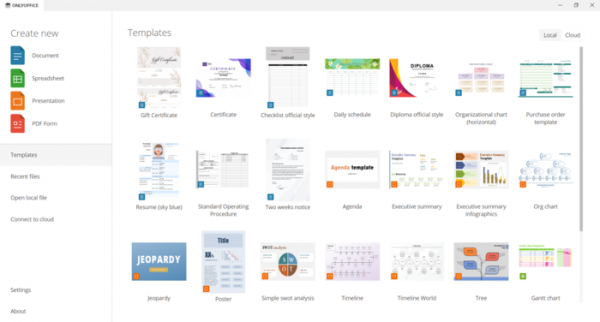
- Support for local templates has been added, although their capabilities are currently limited to using several pre-installed templates for document creation.

- Changes in the document editor:
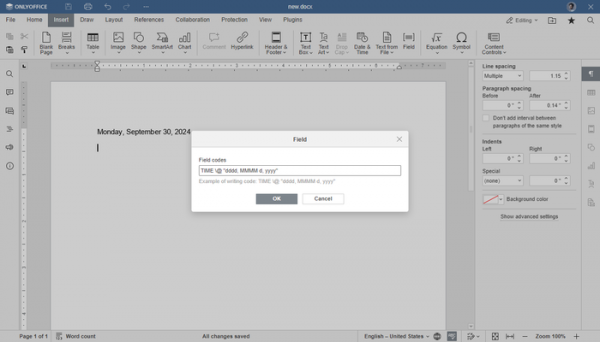
- Support for placeholder fields (Field codes) has been added, allowing the inclusion of automatically updating data in a document, such as page numbers, author names, date, and time.
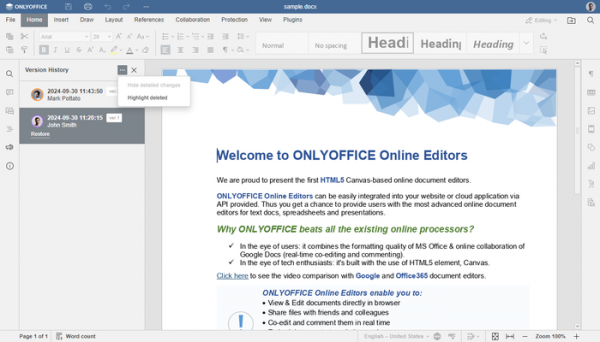
- Collaboration tools have been enhanced: a new option has been added to the change history view interface, allowing for the display of deleted text and providing the ability to restore it.
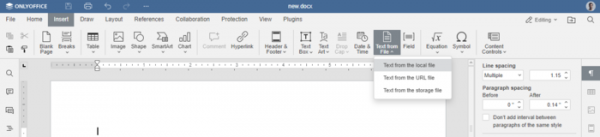
- The ability to insert text from external sources, such as a file on disk or remote storage, as well as content downloaded via URL has been added.

- Support for placeholder fields (Field codes) has been added, allowing the inclusion of automatically updating data in a document, such as page numbers, author names, date, and time.
- Changes in the spreadsheet editor:
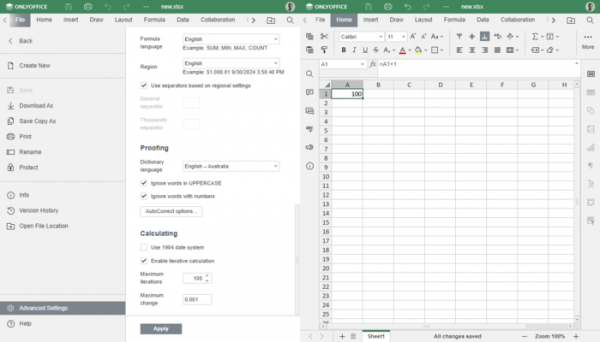
- Support for repeated calculations has been added — in formula settings, you can specify the number of iterations for its repeated execution.
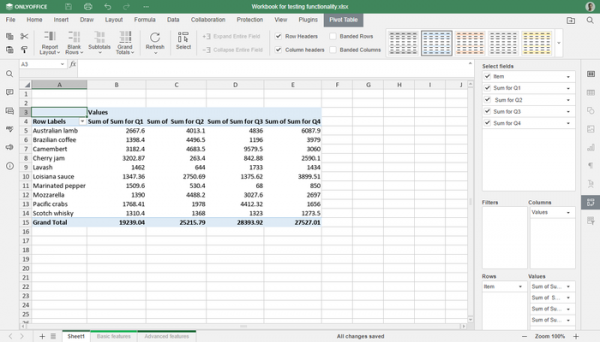
- Changes related to Pivot Tables have been made. The tab with operations for Pivot Tables is now hidden by default and is visible only when opening a Pivot Table. When creating a new Pivot Table, the sidebar with settings is automatically displayed.
- Smoother scrolling of spreadsheet content has been implemented, especially when working with large and complex cell combinations.
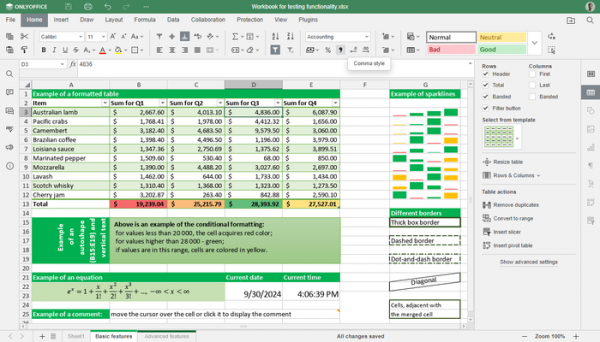
- Buttons for quick customization of the number separator style (highlighting digit groups with a comma for clarity) have been added to the toolbar.
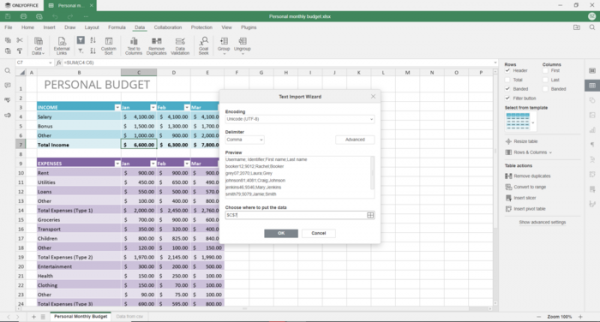
- Support for previewing the contents of local CSV files before import has been added.
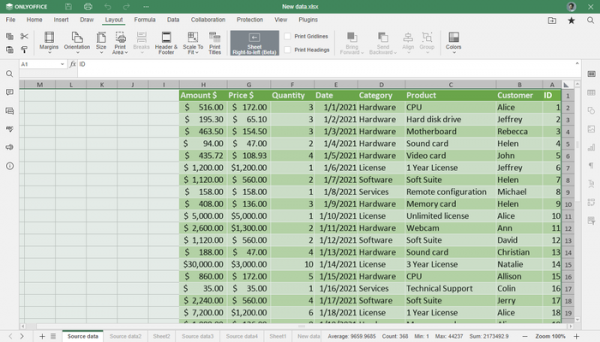
- A mode has been added for right-aligning spreadsheets and reversing the order of columns.
- Support for repeated calculations has been added — in formula settings, you can specify the number of iterations for its repeated execution.
- Changes in the presentation editor:
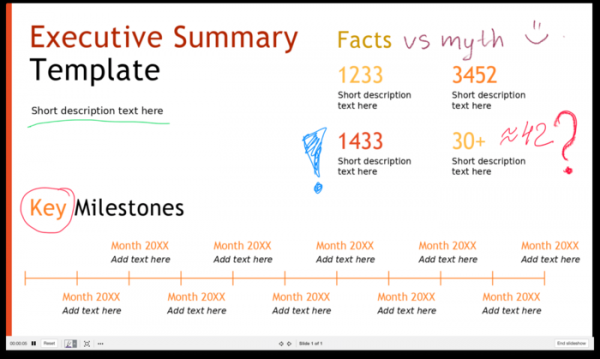
- The ability to add arbitrary drawings created with a digital pen on top of slides has been provided, for example, to add handwritten labels.

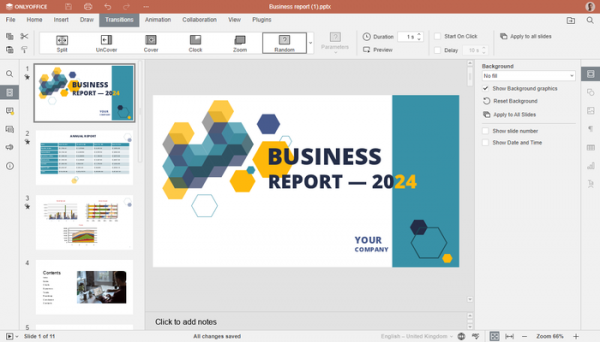
- A random transition effect mode has been added for moving from one slide to another.
- A more intuitive way to select animations from the list has been proposed.
- The ability to add arbitrary drawings created with a digital pen on top of slides has been provided, for example, to add handwritten labels.
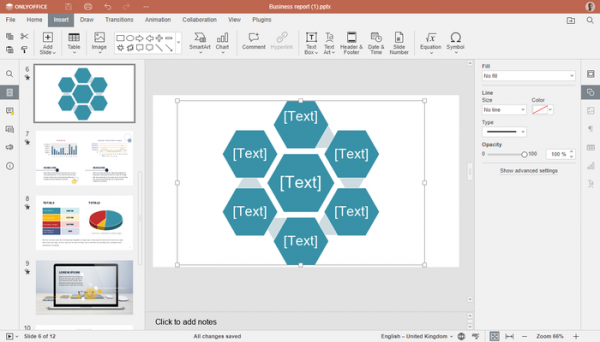
- Support for generating visual representations for some Smart Art, where visual data is absent in the file, has been added.
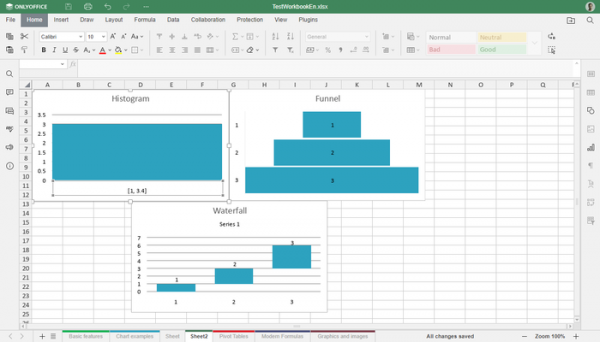
- Additional chart types have been added: histogram, funnel, and cascade chart.
- Dictionaries have been updated, and spell-checking has been improved for all supported languages.
- File loading has been accelerated: opening documents now takes 21% less time, and presentations take 17% less time.
- The ability to update online editors without interrupting user work has been added (available when deploying ONLYOFFICE Docs in a Kubernetes-based container).
Source: opennet.ru
