

An unofficial build of the Steam OS 3 operating system has been released, adapted for installation on standard computers. Valve uses Steam OS 3 on its Steam Deck gaming consoles and initially promised to prepare builds for regular hardware. However, the release of official Steam OS 3 builds for devices other than the Steam Deck has been delayed. Enthusiasts took the initiative and, without waiting for Valve, independently adapted the available recovery images for the Steam Deck for installation on regular hardware.
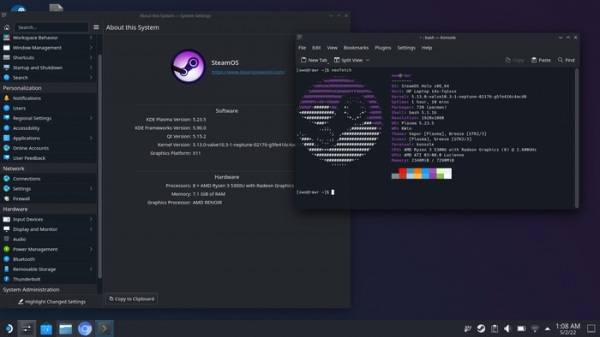
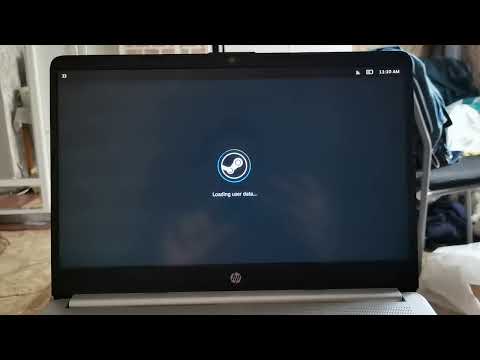
After the first boot, the user is presented with a Steam Deck-specific initial setup interface (SteamOS OOBE, Out of Box Experience), through which they can configure network connections and log into their Steam account. Using the 'Switch to desktop' option in the 'Power' section, a full KDE Plasma desktop can be launched.
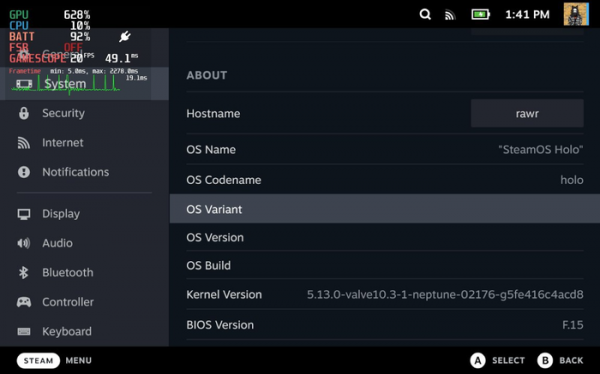
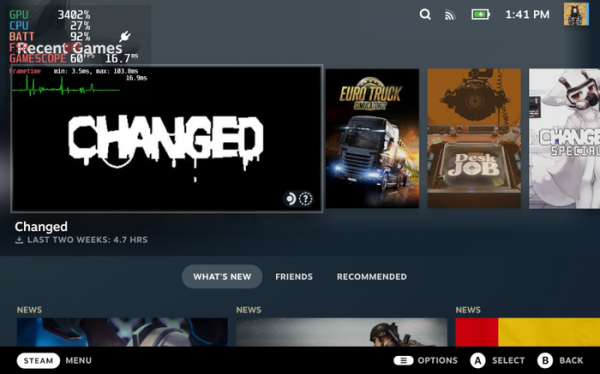
The proposed test build features an initial setup interface, a basic Deck UI interface, switching to KDE desktop mode with the Vapor theme, power consumption limiting settings (TDP, Thermal Design Power) and FPS, pre-caching shaders, installation of packages from SteamDeck's pacman repository mirrors, and Bluetooth support. For systems with AMD GPUs, AMD FSR (FidelityFX Super Resolution) technology is supported, allowing for reduced quality loss when scaling on high-resolution screens.
The included packages have been left unchanged where possible. Differences from the original Steam OS 3 builds include the addition of extra applications, such as the VLC media player, Chromium, and the KWrite text editor. In addition to the standard Linux kernel package provided with Steam OS 3, an alternative Linux 5.16 kernel from the Arch Linux repositories is available for use in case of boot issues.
Full support is currently only available for systems with AMD GPUs that support Vulkan and VDPAU APIs. For Intel GPU systems, it is required to roll back to previous versions of the compositor after the initial boot. server For systems with NVIDIA GPUs, it is necessary to boot with the nomodeset=1 flag, disable the Steam Deck session from starting (remove the file /etc/sddm.conf.d/autologin.conf), and install proprietary NVIDIA drivers.
Key features of SteamOS 3:
- Using the Arch Linux package base.
- By default, the root filesystem is read-only.
- An atomic update mechanism is present with two disk partitions: one active and the other inactive. A new system version is fully loaded into the inactive partition as a ready image, and it is marked as active. In case of failure, you can revert to the old version.
- A developer mode is provided, where the root partition switches to write mode, allowing system modifications and the installation of additional packages using the default Arch Linux package manager, 'pacman'.
- Support for Flatpak packages.
- Multimedia capabilities are enabled. server PipeWire.
- The graphics stack is based on the latest version of Mesa.
- Proton is used to run Windows games, based on the codebase of the Wine, DXVK, and VKD3D-PROTON projects.
- A compositing server called Gamescope (formerly known as steamcompmgr) is used to speed up game launches, utilizing the Wayland protocol to provide a virtual screen and capable of running on top of other desktop environments.
- In addition to the specialized Steam interface, the KDE Plasma desktop is included for non-gaming tasks. Quick switching between the specialized Steam interface and the KDE desktop is possible.
Source: opennet.ru
