Available Release of Firefox 70.
Key Changes:
- A new password manager has been introduced — Lockwise:
- 10 years ago, concerns about the weak security of password managers reported Justin Dolske. In 2018, Vladimir Palant (the developer of Adblock Plus) once again raised this issue, discovering that the password manager still uses single-hash SHA-1. This allows an average user's password to be cracked in just a few minutes on modern GPUs.
- Lockwise uses robust algorithms SHA-256 and AES-256-GCM.
- A new page, about:logins (стиль для userContent.css, allowing more information to fit on the screen), has been added where new entries can be created, passwords imported from other browsers, and applications for Android and iOS downloaded. Passwords are synchronized via the Firefox account.
- Lockwise offers the ability to generate strong passwords for forms with the autocomplete="new-password" attribute, and it also notifies (signon.management.page.breach-alerts.enabled = true) if the saved password for the site is older than when a data breach occurred for that site (meaning that the user may have been affected by the breach). For this, Firefox Monitor is integrated (extensions.fxmonitor.enabled = true), which was previously a separate system extension.
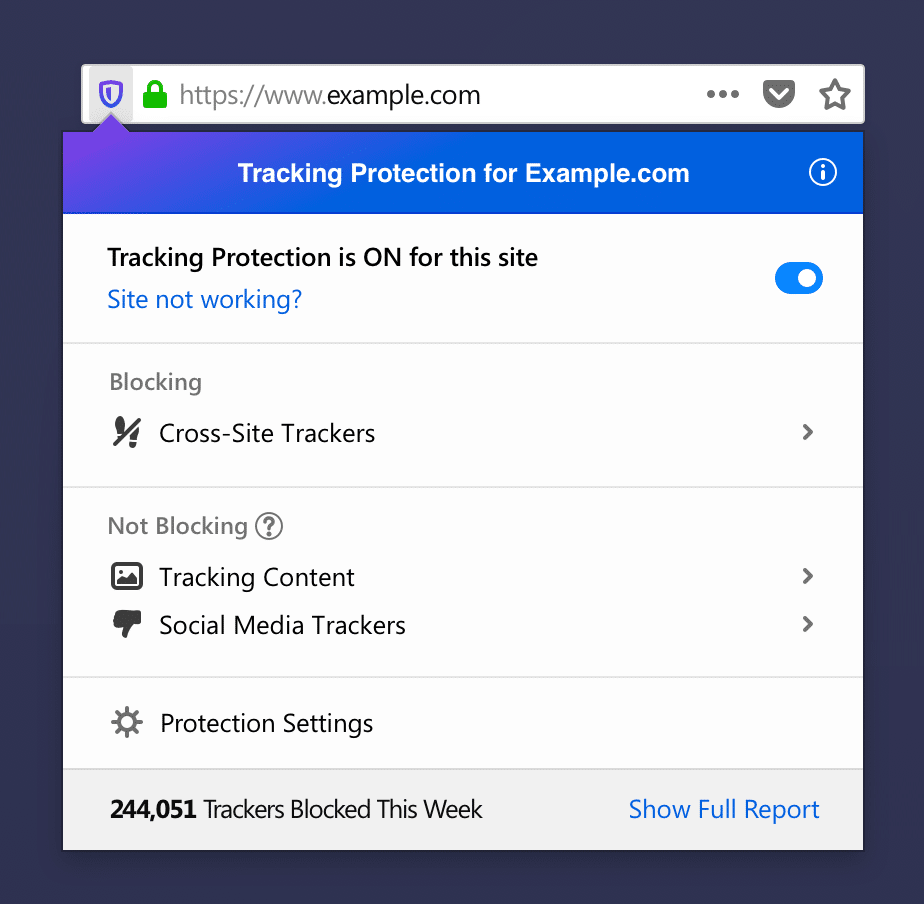
- The standard tracking protection settings now include protection against social media trackers (Like buttons, Twitter message widgets). If there is blocked content on the page, the icon in the address bar becomes colored. Changes have also been made to the panel that appears when clicked: it now displays allowed trackers (blocking them may break websites or certain functions), as well as a link to the about:protections page. Lines that underline text (underline tag or link) now
- do not cross characters but are interrupted (layout.css.text-decoration-skip-ink.enabled = true) Since 2019, encryption has become the norm (information transmitted over unprotected channels is accessible to anyone, for example,
- due to incorrectly configured SORM equipment ), the approach to displaying the security status of the connection has been changed:), the approach to displaying the connection security status has changed:
- If a secure connection is established, a gray icon is displayed instead of green (security.secure_connection_icon_color_gray = true). This will help inexperienced users, who perceive the green color as a signal that the site is trustworthy, while green only indicates that the connection is encrypted but does not guarantee the authenticity of the resource.
- If an unprotected connection (HTTP or FTP) is established, a strikethrough icon is displayed (security.insecure_connection_icon.enabled = true, security.insecure_connection_icon.pbmode.enabled = true).
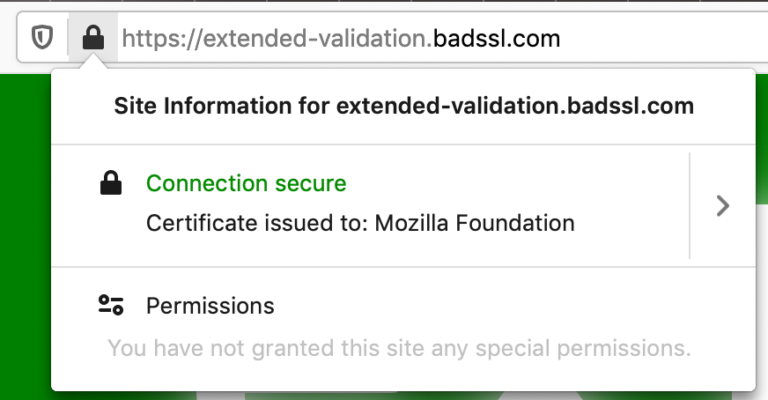
- Information about EV certificates (Extended Validation certificates) has been moved from the address bar to the site information panel (security.identityblock.show_extended_validation = false). Research indicates showthat displaying this data in the address bar does little to help users — they do not pay attention to its absence. Moreover, researcher Jan Carroll showedshowed how easy it is to obtain an EV certificate in the name of 'Stripe, Inc.' (a popular payment system) just by registering a company with the same name in another state. To detect the difference, it is essential to view the detailed information about the site — information from the address bar is insufficient. Another researcher, James Burton, obtained a certificate in the name of his registered company 'Identity Verified,' which also easily misleads users.
- Firefox will show an icon in the address bar if the site uses geolocation.
- The address bar automatically corrects common typos in the URL protocol (browser.fixup.typo.scheme = true): ttp → http, ttps → http, tps → https, ps → https, ile → file, le → file.
- The search engine buttons in the address bar are centered, and the option to go directly to their settings has been added.
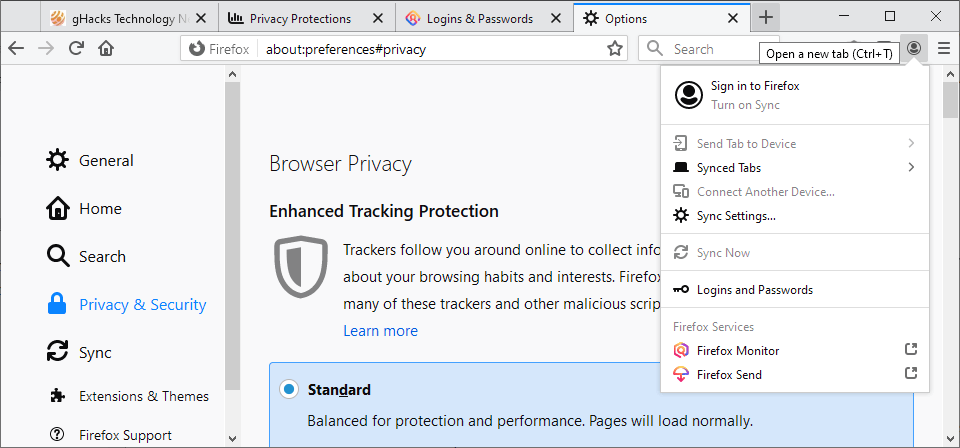
- Reorganized the Firefox account management menu.
- The browser's internal pages have learned to use a dark theme (if a dark theme is enabled in the system or ui.systemUsesDarkTheme = true).
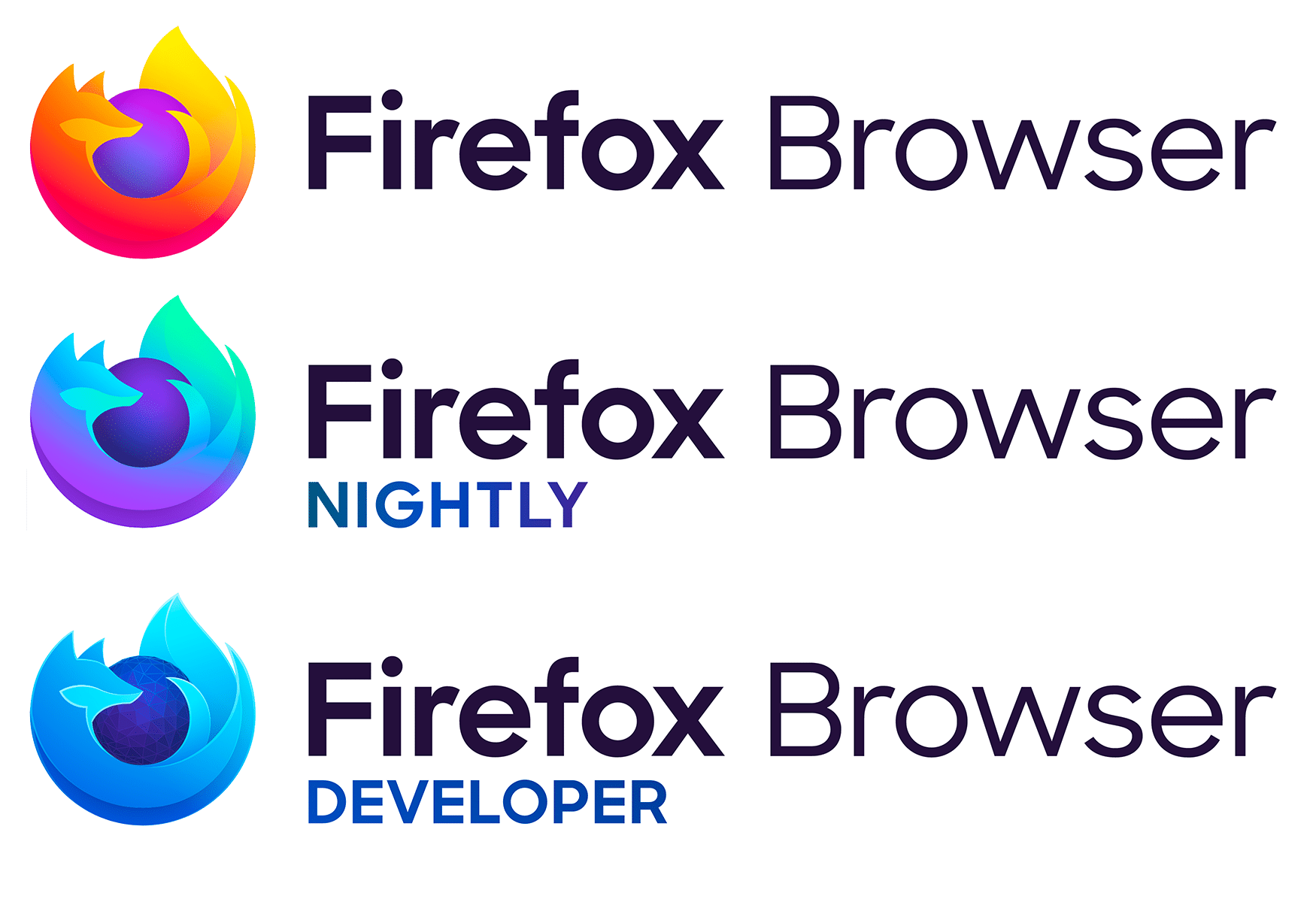
- graphics stack components, including new releases of Mesa 19.2, X.Org Server 1.20.5, and libdrm 2.44.99 that were tested in Ubuntu 19.10. Fresh versions of video drivers for Intel, AMD, and NVIDIA chips have been added (including the proprietary NVIDIA driver 435); the logo and name of the browser ('Firefox Browser' instead of 'Firefox Quantum').
- An icon has been added to the toolbar (and an item to the main menu) that displays information about the main innovations of this release when clicked (browser.messaging-system.whatsNewPanel.enabled = true).
- WebRender included by default on Linux systems with graphics cards from all major manufacturers: AMD, nVIDIA (only with the Nouveau driver), Intel. At least Mesa 18.2 is required.
- A new feature has been enabled JavaScript bytecode interpreter. In some cases, page load speed has improved by up to 8%.
- HTTP cache split by top-level source to prevent widely used by various services a way to determine if a user is logged in on specific websites.
- Permission requests from the site (e.g., for showing notifications or accessing the microphone) will forcibly exit the browser from full-screen mode (permissions.fullscreen.allowed = false). These measures are aimed at combatting certain sites that block users in full-screen mode and force them to grant permissions or install malicious extensions.
- Following Chrome, the size of the Referer header is limited to 4 kilobytes, which is sufficient for 99.90% of websites.
- 4190 and 6679 Opening any files in the browser via the FTP protocol will result in their download instead of opening the file.
- macOS:
- Power consumption decreased by three times is reduced notably increased after the initial Quantum release. Additionally, page loading speeds increased by up to 22%, and resource expenditures for video playback were cut by up to 37% in some cases.
- There is a new ability to import passwords from Chrome.
- WebRender is enabled by default on Windows devices with integrated Intel graphics and a low screen resolution (up to 1920×1200).
- Developer tools:
- The accessibility inspector panel now shows the accessibility of page elements for people using only the keyboard, as well as a colorblind simulator.
- The inspector highlights CSS definitions that do not affect the selected element, explains the reasons for this, and gives advice on fixing it.
- The debugger can set breakpoints for DOM mutations. They trigger when a node or its attributes are changed or removed from the DOM.
- Extension developers now have the ability to inspect the contents of browser.storage.local.
- The network inspector can now search for request and response elements (headers, cookies, body).
Source: linux.org.ru

 Russian
 Italian
 German
 Polish
 Estonian
 Albanian
 Bulgarian
 Croatian
 Czech
Czech Danish
 Dutch
Dutch English
 French
 Hungarian
 Latvian
 Portuguese
 Romanian
 Slovak
 Slovenian
 Spanish
 Swedish