

It has been reported that the Fast Startup feature in Windows 10, which speeds up the operating system's boot process and is enabled by default on most computers, may hinder the correct installation of updates. This is stated in from Microsoft, which was published on the company's official support site.
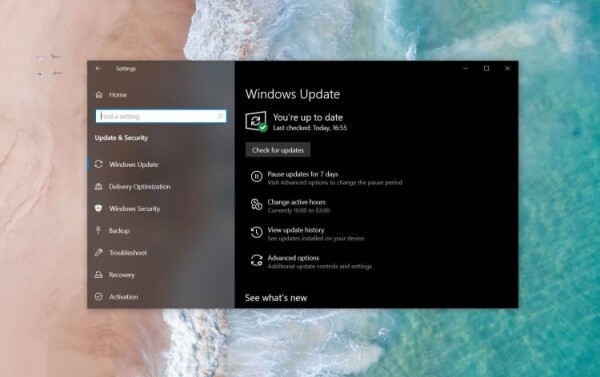
The message states that some updates may require a series of operations to be performed during the next computer boot after installation. However, the operations required by the Windows Update Center will not be carried out if the Fast Startup feature is enabled, as in this case, the PC will not shut down completely.
“Without a full shutdown, the pending operations will not be processed. As a result, the installation of updates will not be completed correctly. A full shutdown occurs only during a reboot of the computer or when some other event leads to a complete shutdown,” the Microsoft message states.
The developers also mentioned their intention to address this issue in a future version of Windows. If you encountered a problem while installing updates for Windows 10, then disabling Fast Startup is likely to help resolve the issue.
It is important to note that the Fast Startup tool combines the features of hibernation and shutdown. When you shut down, the user session is terminated while the system session goes into hibernation. Accordingly, when the computer is turned on, the system session resumes from hibernation rather than booting from scratch, allowing the OS to start faster.
Source: 3dnews.ru
