

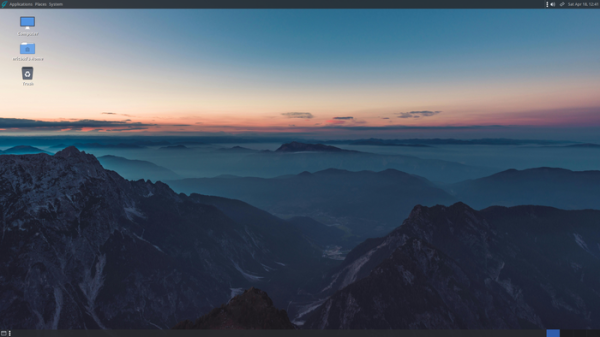
The release of the desktop-oriented distribution GhostBSD 26.2, based on FreeBSD 15, is now available, offering builds with the Gershwin, MATE, and Xfce desktop environments. By default, GhostBSD uses the ZFS file system. Both Live mode operation and installation on a hard drive are supported, utilizing a proprietary installer ginstall written in Python. Bootable images are created for the x86_64 architecture.
In the new version:
- A new installer has been implemented. The installation process is divided into two stages: Install Station for installing system components on the media and Setup Station for configuring and creating users upon the first boot of the new system. New pages have been added for configuring ZFS and network settings. Full disk encryption support using the GELI toolkit has been introduced.
- The transition to FreeBSD 15.1 has been completed (the distribution was previously based on FreeBSD 15.0).
- The boot menu is hidden by default and now appears after pressing any key. An option to enable the display of the boot log has been added to the boot menu.
- The Backup Station application has been renamed to BE Station and can be used to create bootable environments.
- In the Update Station application, the installation of updates in the boot environment has been implemented.
- In NetworkMgr for managing Wi-Fi, the wpa_cli utility is utilized, ensuring that wireless network parameters are saved only after a successful connection.
- The Software Station application manager has added support for case-insensitive searches.
- The size of the ISO image has been reduced by removing outdated and server packages from the base system: audit, autofs, bsnmp, hast, inetd, kerberos, nuageinit, quotacheck, rdma, librpcsec_gss, yp, cxgbe-tools, mlx-tools, librss, netmap, apm, at, ftp, ppp, natd, rcmds, ccdconfig, libvgl, ipf, pf, ctf, dtrace, dwatch, lldb, lib9p, libvmmapi, lib32: bluetooth, bsnmp, libcuse, librss, libvgl, natd, netmap, librpcsec_gss, lib9p, zfs.
- A keyboard shortcut Ctrl+Alt+T has been added for opening a terminal in MATE.
- Support for input devices with USB interface has been implemented via the background process usbhid.
Source: opennet.ru
