

Ghostty – an open-source terminal emulator written in Zig. This update introduces numerous new features such as backward scrolling search, built-in scroll bars, and notifications when processes complete. Development of Ghostty 1.3.0 has involved 6 months of work with over 2800 commits from 180 contributors.
Key changes
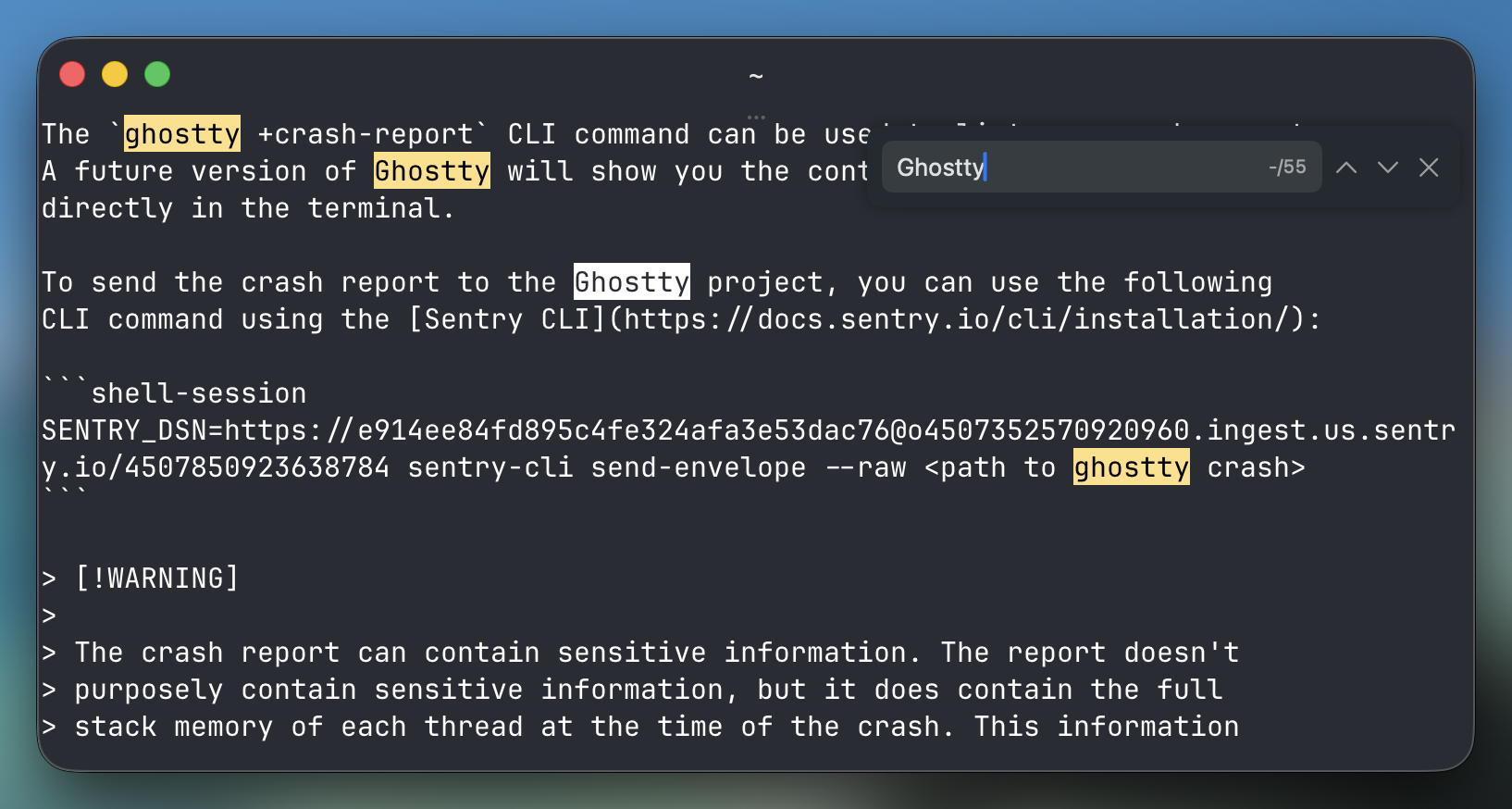
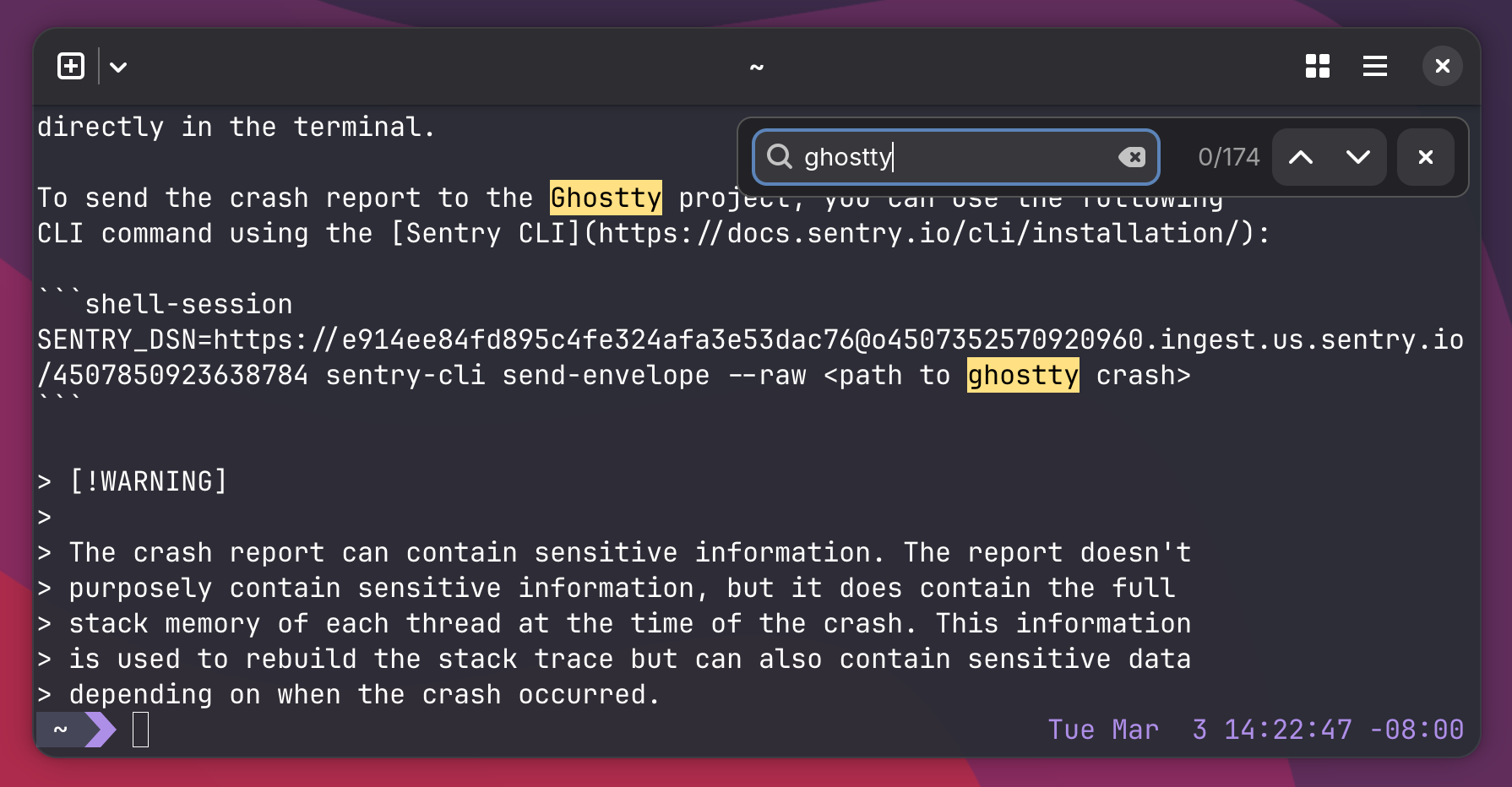
Text search/matching: Now you can search for text in the terminal by scrolling the Ghostty window and pressing Ctrl + Shift + F on Linux (Cmd + F on macOS). A search field will appear in the corner. The text entered in the field will match the content in the current viewport. You can navigate through matches with arrow buttons or keyboard shortcuts — this is customizable, as are most features in Ghostty. The only downside, as expected, is that matches only occur within the current viewport, not throughout the entire scroll history.
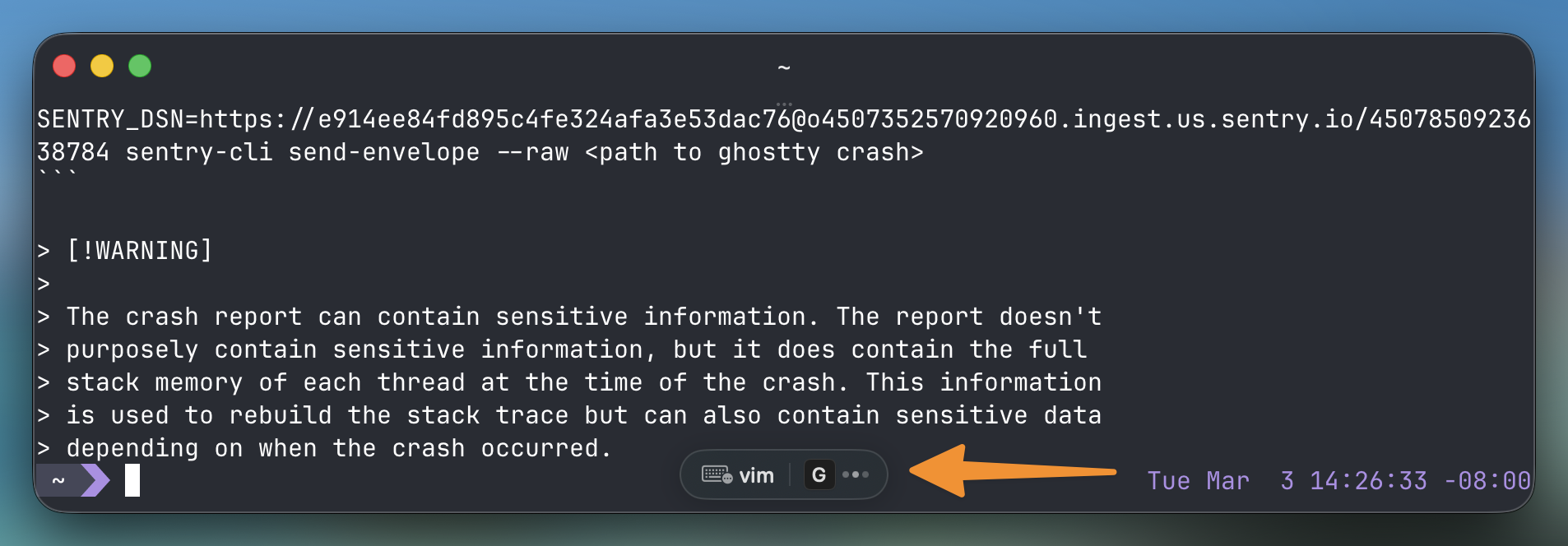
Scroll bars in Ghostty: Ghostty already had the ability to scroll using the mouse wheel, keyboard shortcuts, and touchpad gestures. The new setting simply adds visible scroll bars that provide visual context when you scroll back.
Other improvements:
- Command completion notifications, customizable in the configuration file according to preferences, using various actions (sound, notifications, delay before sending notifications, alerts whether the terminal is in focus or not, etc.).
- Added support for click events, allowing the cursor to be moved to a specific part of the command line prompt. Support varies by shell, working in Fish, Nushell, Zsh, and others.
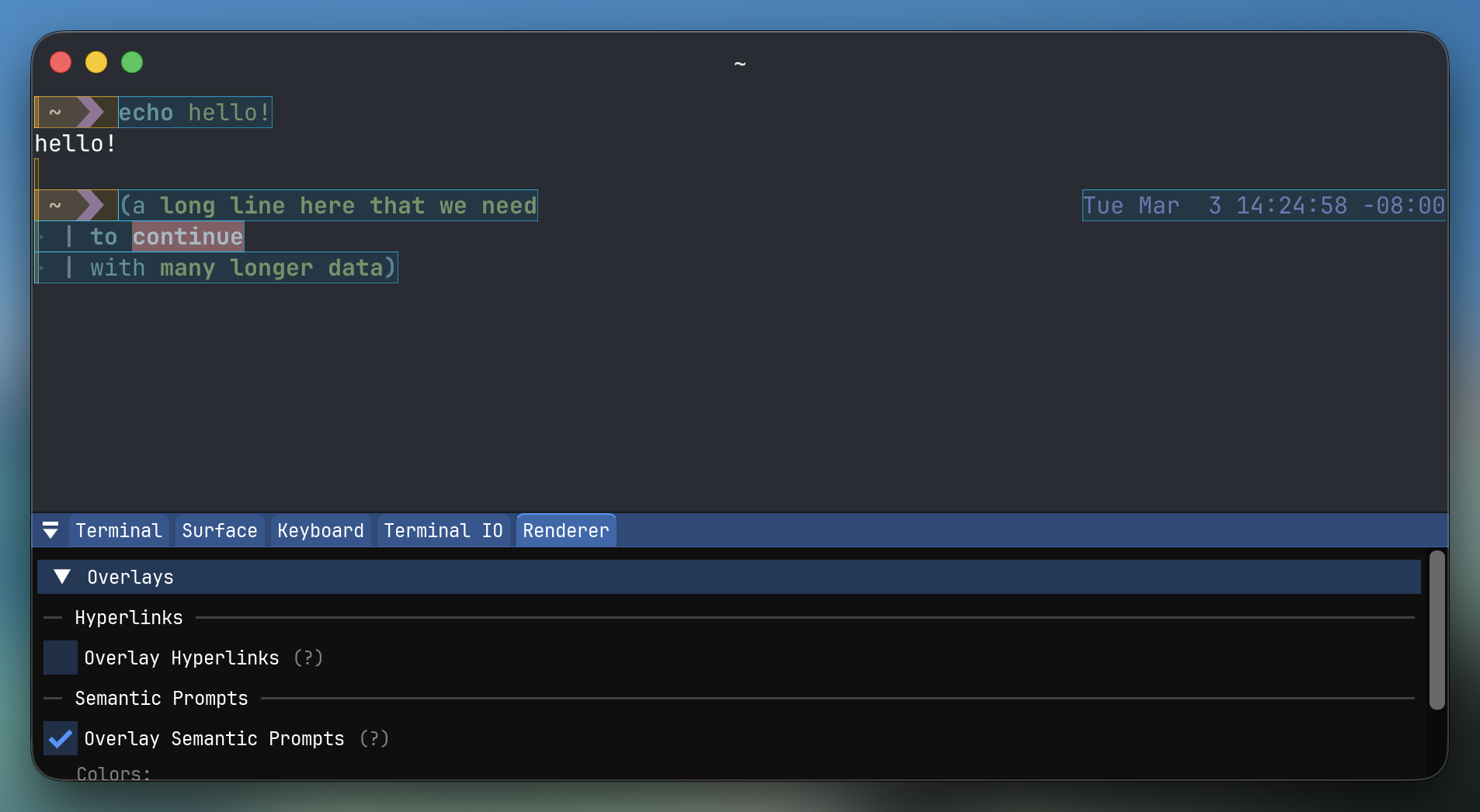
- Developers note a "more complete and accurate implementation of OSC 133" (the terminal control sequence standard).
- Several significant changes have also been made in the Ghostty builds for Linux:
- you can swipe with two fingers to switch between tabs;
- additional command line options for opening a new window: -e and --working-directory;
- correct centering of windows using custom window parameters: -window-height / -width;
- paste settings are respected when pressing the middle mouse button in GNOME;
- XKB key mapping now works.
Ghostty can be installed in several ways: by downloading the unofficial Ghostty build in the DEB (github.com) or AppImage or by compiling everything from the source code.
Source: linux.org.ru

 Russian
 Italian
 German
 Polish
 Estonian
 Albanian
 Bulgarian
 Croatian
 Czech
Czech Danish
 Dutch
Dutch English
 French
 Hungarian
 Latvian
 Norwegian
 Portuguese
 Romanian
 Slovak
 Slovenian
 Spanish
 Swedish