

Recently, Google released Chrome 74, which has become one of the most controversial updates for the world's most popular web browser. This is especially true for Windows 10. As you know, this build introduced a dark mode that changes according to the operating system's theme. This means that you can't simply set a dark theme for 'ten' while keeping the browser light.
But this is not the only issue with version 74. In the browser, there's a bug that has not yet become widespread but seems to be affecting more and more computers. It appears on both Windows and macOS.
This bug prevents clearing the browsing history in the browser. The company has already confirmed its existence. It turns out that if you use the standard cleaning tools, the process either fails or hangs.
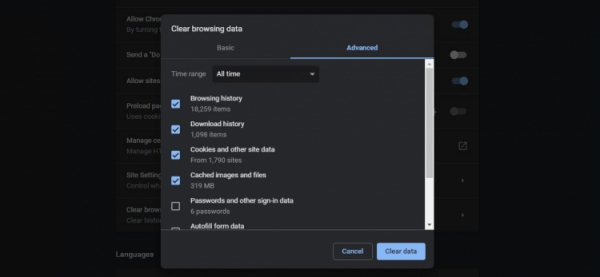
Interestingly, the first reports emerged back in Chrome 72, but now the number of complaints is growing exponentially. This is evidenced by error reports, but there is currently no data on the number of crashes or the causes. It is only reported that many factors must come together for this to occur.
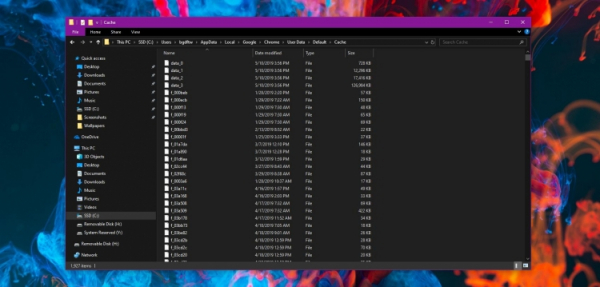
However, cached data can be deleted simply through File Explorer. You need to navigate to C:Users%username%AppDataLocalGoogleChromeUser DataDefault. After that, just delete all the contents of the folder.
At the moment, a fix is already available and is being tested in the Canary build. The release date is not specified, but it can be assumed that the patch will be integrated into version 75, which will be released in early June.
Source: 3dnews.ru
