

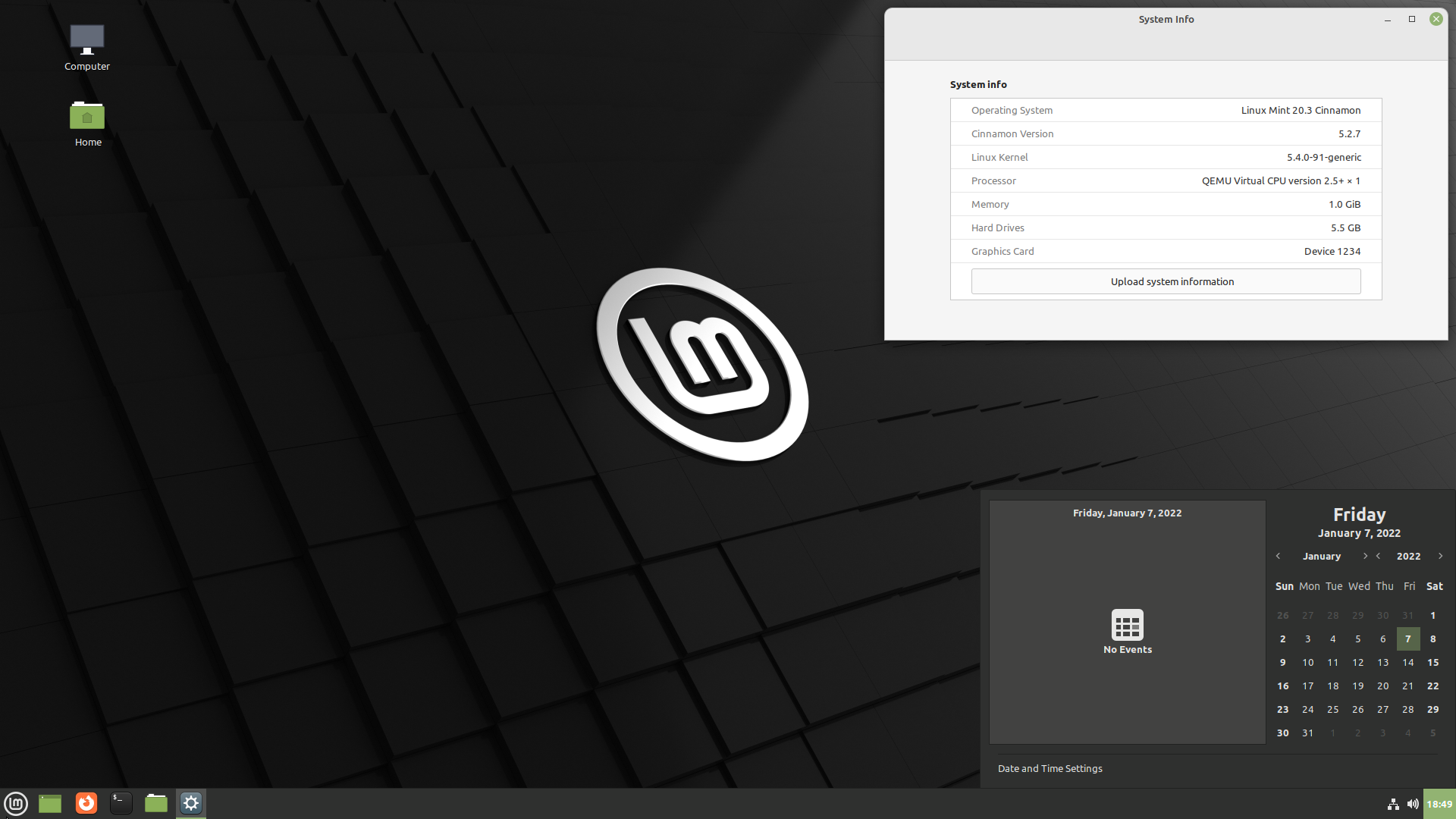
Linux Mint 20.3 is a long-term support release that will be supported until 2025.
The release is available in three editions:
System requirements:
- 2 GiB RAM (4 GiB recommended);
- 20 GB of disk space (100 GB recommended);
- screen resolution of 1024×768.
The distribution includes the following software:
- Flatpak 1.12;
- Cinnamon 5.2;
- Linux 5.4;
- Linux-firmware 1.187;
- the remaining package base is based on Ubuntu 20.04.
Long-term strategy:
- Linux Mint 20.3 will receive security updates until 2025.
- Until 2022, future versions of Linux Mint will use the same package base as Linux Mint 20.3, making upgrades easier for users.
- Until 2022, the development team will not start working on a new base and will fully focus on this one.
Key Changes:
The IPTV player Hypnotix looks better than ever with support for Dark Mode and a new set of flag icons.
A new search function has been added so you can easily find channels, movies, and series.
In addition to M3U and local playlists, the IPTV player now also supports Xtream API.
Linux Mint 20.3 introduces a brand new application called Thingy.
Thingy is a document manager. It gives you quick access to your favorite and recently opened documents and tracks your reading progress.
The Sticky Notes app now features a search function.
The appearance of notes has been improved by embedding the header into the note.
A new control has been added to the notes toolbar for managing text size.
Linux Mint 20.3 features a refreshed look with enlarged title buttons, rounded corners, a cleaner theme, and support for dark mode.
Headers were rather small. We've made them rounder with larger buttons to give the desktop a more pleasant and spacious feel. The hover area around the icons has also been enlarged for easier button clicks.
The expand/collapse icon has become more intuitive than before.
The Nemo file manager now offers to automatically rename files in cases where copying results in identical filenames.
Window animations for Mutter have been redesigned and simplified.
Applets:
- Calendar applet: displays multiple events of the day that you enter there;
- Workspace switcher applet: the ability to disable scrolling;
- Notification applet: the ability to hide the counter;
- Window list applet: the ability to remove labels.
Extended support for right-to-left languages in sound applets and menus, as well as in window settings.
Nemo: clipboard contents no longer disappear if the nemo process crashes.
Support for 3x fractional scaling when hardware allows.
HPLIP has been updated to version 3.21.8 to update HP printer and scanner support.
The Xviewer image viewer now has the ability to quickly fit an image to the height or width of the window.
In the Xed text editor, you can now navigate through tabs using Ctrl-Tab and Ctrl-Shift-Tab.
To save battery charge and reduce resource usage, system reports that used to run every hour,
now run only once a day.
There are also unresolved issues, but with workarounds in another release note
Source: linux.org.ru
