

Development of Visual Studio 2019 began last summer, and the first preview version was released in December 2018. Finally, Microsoft proudly announced that the final version of VS 2019 is available for download and use by everyone, for both Windows and macOS. Visual Studio 2019 for Mac has been rebranded from Xamarin Studio, which has undergone substantial updates to its core, C# editor, and navigation system to enhance ease of use, stability, and performance.
You can read about the new features on the official product page; however, we invite you to familiarize yourself with the main updates along with us.
First of all, the project template selection window has been redesigned to simplify and speed up the development process. Moreover, the environment now includes built-in tools for working with distributed version control systems, allowing you to clone repositories from GitHub or Azure Repos in just a few clicks.
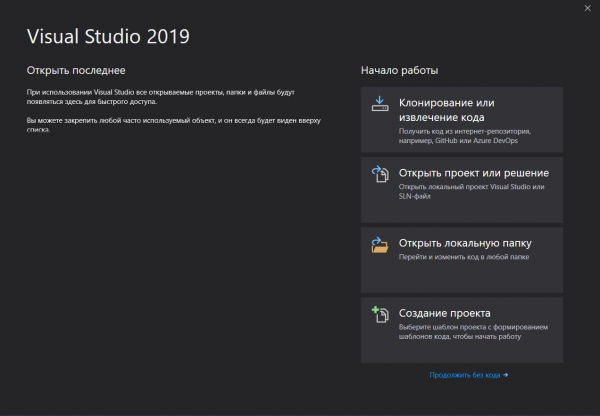 | 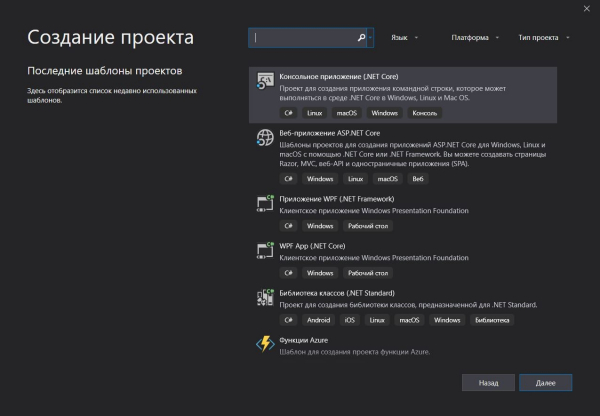 |
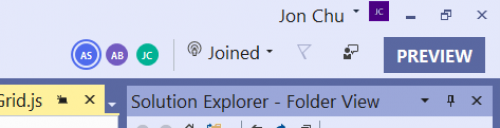
One of the key innovations in the product is the Microsoft Visual Studio Live Share tool, which is a service for collaborative programming, enabling you to easily connect to your colleague's editor or have them connect to yours.
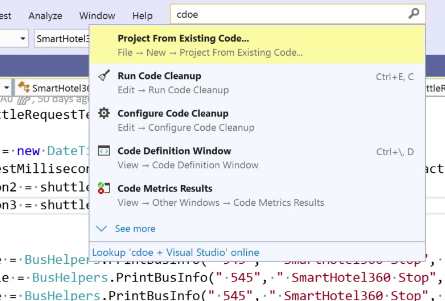
Now you can search for settings, commands, and installation options directly in the search panel. The new search feature is significantly more intelligent, allowing for searches that even include typo expressions.
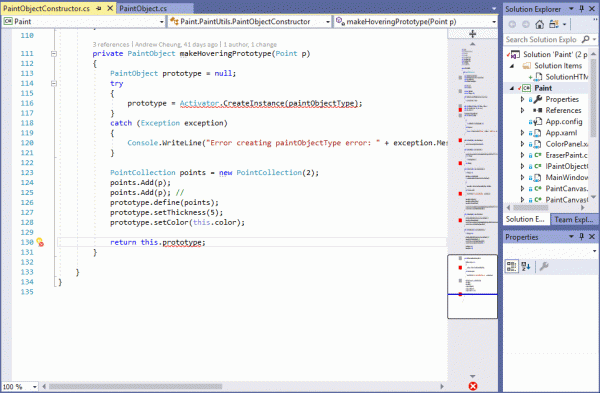
As you write code, you will immediately notice that Visual Studio 2019 has gained new navigation and refactoring features. A special indicator will point out syntax and stylistic issues in the code and help you apply a whole set of optimization rules.
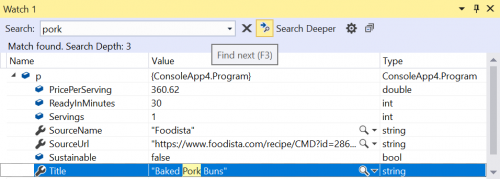
Debugging capabilities have also been improved, including breakpoints for .NET Core applications that will help you track changes in the specific variables that you need.
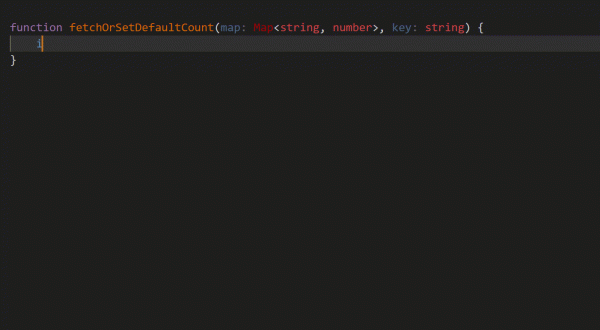
Another new feature is the Visual Studio IntelliCode smart assistant, which is responsible for code autocompletion, significantly reducing the time and improving the convenience of code entry. As Microsoft promises, the tool has some level of AI (artificial intelligence) and adapts to your personal coding style.
All new features are available for both existing projects and new ones—from cross-platform C++ applications to .NET mobile applications for Android and iOS written using Xamarin, and cloud applications utilizing Azure services. The aim of Visual Studio 2019 is to provide the most comprehensive set of tools for development, testing, debugging, and even deployment, minimizing the need to switch between various applications, portals, and websites.
To accelerate and simplify the transition to the new version of Visual Studio, Microsoft, with support from training portals Pluralsight and LinkedIn Learning, has launched training courses to help both veteran developers and newcomers master all the new tools. Note that the Pluralsight course will be free until April 22, and the LinkedIn Learning course until May 2.
Additionally, as part of the event dedicated to the release of Visual Studio 2019, Microsoft will hold presentations and talks worldwide. The presentation in Moscow is scheduled for April 4, and in St. Petersburg for April 18.
Source: 3dnews.ru
