

Projector manufacturers are slowly but surely transitioning to the large-scale adoption of UHD devices and are employing various tricks to make them increasingly accessible. Released a year ago and already dubbed the 'people's 4K projector,' the BenQ W1700 has quickly dropped in price in our country from 120-130 to , while the recently released W1720, which corrected a couple of obvious flaws of its predecessor, immediately delighted buyers .
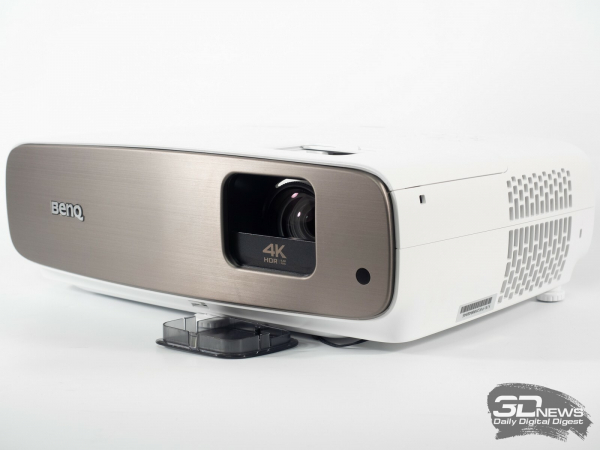
But today we will discuss a more advanced solution that BenQ refers to as part of the CinePrime series (simpler models belong to CineHome) – the multimedia projector BenQ W2700, which sets new standards for quality and color accuracy in the 150-200 thousand rubles segment.
Reference information, technical specifications, and features
The hero of today's review (known as the HT3550 in the US and some European countries) was first showcased to the public in January 2019, alongside a more advanced variant, the W5700, and a completely different class solution – the L6000 with blue laser backlighting and phosphor. The main focus during the design of the new models was on ultra-precise and, importantly, individually calibrated units at the factory, as well as support for the modern color space DCI-P3, which is the reference standard for today's film industry.
| BenQ W2700 projector | |
|---|---|
| Brightness | 2000 ANSI Lm |
| Actual resolution | 1920 × 1080 (3840 × 2160 — with 4-way XRP shift) |
| Supported resolution | Up to 3840 × 2160 @ 60 Hz |
| Number of displayable colors | 1.07 billion, color coverage 100% Rec.709 and 95% DCI-P3 |
| Contrast | 30 000 : 1 |
| Lamp characteristics, modes: normal / Eco / Smart Eco | Approximately 4000 / 10,000 / 15,000 hours, 245 W |
| Projection system | 0.47-inch with optical actuator XRP, 4K UHD DMD Chip from Texas Instruments, BrilliantColor technology |
| Projection ratio | 1.13–1.47 : 1 (distance/width) |
| Diagonal image size | 30–200 inches |
| Projection distance | 3.01-3.94 meters for a 120-inch screen |
| Lens parameters | F=1.9–2.48 | f = 12-15.6 mm |
| Zoom, focus | 1.3 : 1, manual zoom/manual focus |
| Image Format | 16:9 standard, 2 formats to choose from |
| Offset | 110% ± 2.5% |
| Trapezoidal distortion correction | Vertical, ±30 degrees |
| Lens shift horizontally/vertically | None/+10 degrees |
| Horizontal scanning frequency | 15–135 kHz |
| Vertical scanning frequency | 23–120 Hz |
| Speakers | 2 × 5 W |
| Installation | Desktop, ceiling mount |
| Projection | Front or rear |
| Supported standards | 480i, 480p, 576i, 576p, 720p, 1080i, 1080p, 3840×2160, NTSC, PAL, SECAM |
| Interfaces | 2 × HDMI 2.0 (with HDCP 2.2 support), USB Type-A (2.5A power), USB 3.0 Type-A (Media Reader), USB Type mini B (Service), Audio-Out (mini jack), S/P-DIF, RS232-In, DC 12V Trigger (3.5 mm), IR Receiver (front and top) |
| Features | CinePrime series, new DMD chip with 2.07 million micro-mirrors and "interpolation" up to 8.3 million pixels (4-way XRP technology), HDR10 and HLG support due to HDR-Pro technology, 3D, 6-segment RGBRGB color wheel, CinematicColor DCI-P3, BrilliantColor technology, active aperture (Dynamic Black technology), factory calibration, SmartEco, CinemaMaster Video+, CinemaMaster Audio+ 2, Motion Enhancer (MEMC), Low Dispersion Lens, ISF, USB Media Reader, USB Firmware Update |
| Security | Kensington lock, keyboard lock |
| Weight | 4.2 kg |
| Dimensions | 380 × 127 × 263 mm |
| Noise level | 28/30 dB (Silence Mode/Normal mode) |
| Power supply | 100-240 V, 50/60 Hz |
| Power consumption | 350 W (maximum), 340 W (normal), 280 W (Eco), <0.5 W (standby mode) |
| Additional accessories | Lamp module; 3D glasses |
| Warranty; | 3 years (for the projector) |
| Estimated price (according to Yandex.Market) | |
One of the most important innovations is equipping the projector with an updated 0.47-inch DLP matrix from Texas Instruments, now eliminating the unpleasant wide gray band around the image, which many reviewers tried not to mention. It's gone now, as are the relevant complaints about the manufacturer.

The physical resolution of the matrix remains at 1920 × 1080 pixels, and to create a 4K image (8.3 million pixels), the system tilts the micro-mirrors four times per frame (resulting in 4 half-frames), unlike the 0.67-inch matrix installed in the expensive BenQ W11000 (which belongs to the first generation of UHD projectors) that required changing the mirror positions only twice. In both cases, this is done using an optical XPR actuator, but at different speeds.
Over time, the micro-mirror shifting technology has proven its full viability, so if one does not compare projectors with this approach to devices with real 4K matrices under a magnifying glass, one can peacefully enjoy the image without worrying about its quality.
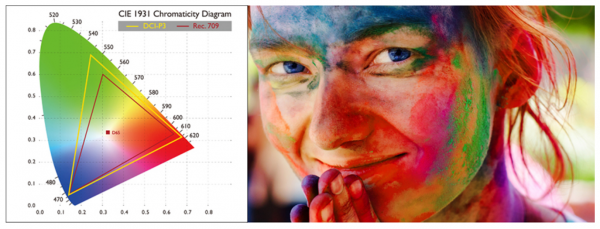
The new BenQ W2700 features a 245W lamp (with a power consumption of 350W), and the maximum brightness is rated at a typical figure of 2000 ANSI lumens, which is realistically only required when operating the projector in a non-darkened room. To maintain quality color reproduction, the model uses a 6-segment color wheel with primary colors (RGBRGB), but the filters themselves have been slightly modified to expand the color gamut, which for the W2700 is claimed to be at 95% DCI-P3 (or an additional filter is used, automatically activated when playing HDR content), but exclusively in one of the modes with reduced brightness. We see nothing wrong with this, as if you are interested in accuracy, the viewing room should be prepared according to all the rules.
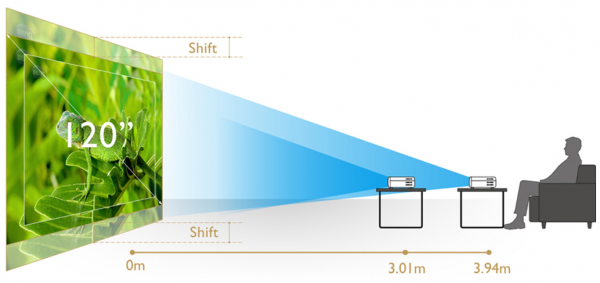
To enhance the depth of black levels, the projector is equipped with a dynamic iris (Dynamic Black technology), which delivers results significantly better than any other tricks aimed at achieving the same effect.
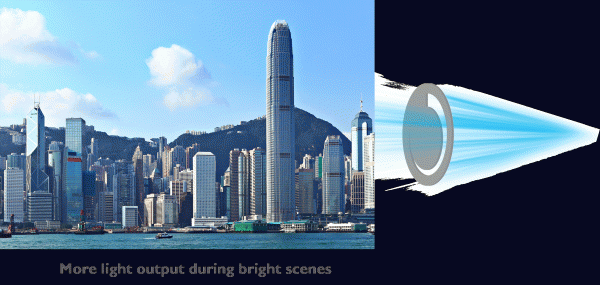
The projector uses a shorter focus 1.3x zoom lens than the W1700, consisting of 10 high-resolution elements made of low-dispersion glass, combined in 8 groups and mounted in a metal housing. Additionally, it includes a 10% vertical shift feature for more precise and convenient image positioning adjustments.
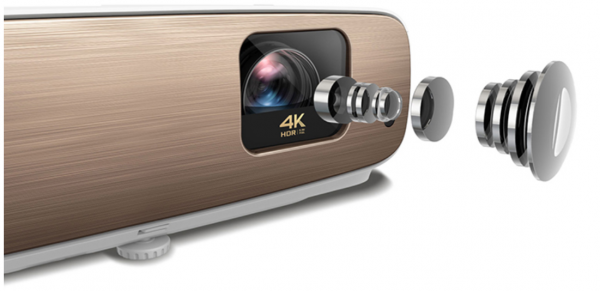
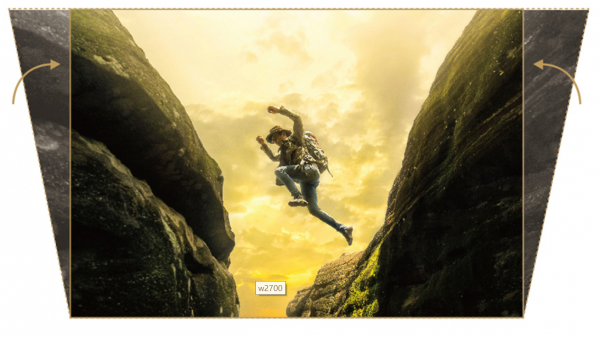
The automatic electronic correction of trapezoidal distortions simplifies the setup process, though it only works vertically. Focus and zoom adjustments are performed manually and separately, and for a 120-inch diagonal image, the distance to the working surface can range from 3.01 to 3.94 meters.
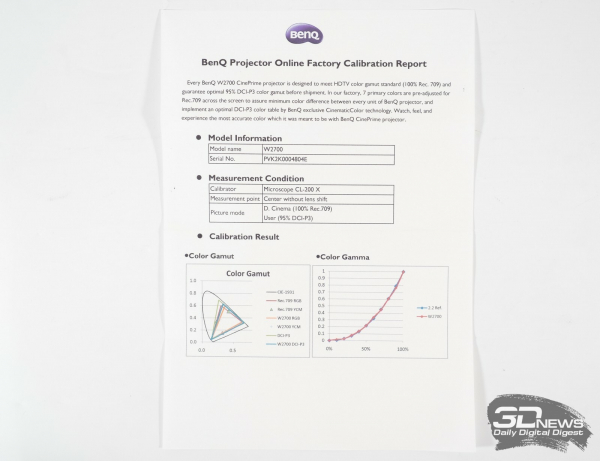
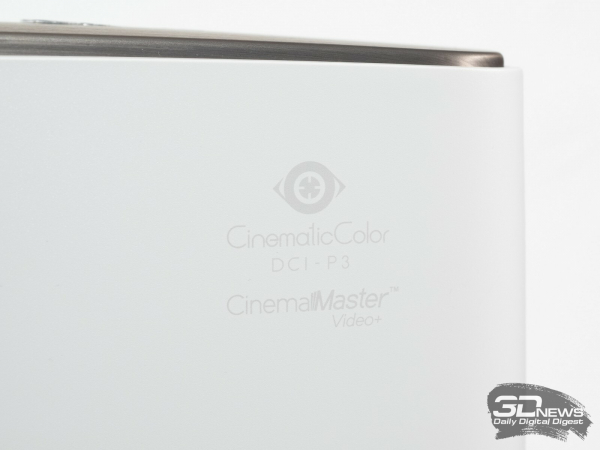
The W2700 is arguably the only projector in its class with claimed individual factory calibration, confirmed by a certificate. Accurate image quality is ensured by the Cinematic Color DCI-P3 technologies and the ever-present Brilliant Color. Additionally, there is an option for manual setup and calibration according to ISF standards, skin tone adjustment, and overall saturation enhancement.
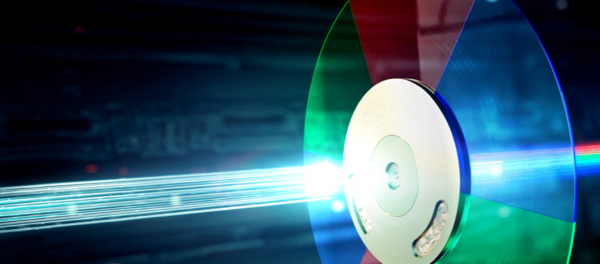
Thanks to its broader color reproduction capabilities, BenQ can now discuss HDR10 and Hybrid Log Gamma (HLG) support with less hesitation than before. The performance of these standards is optimized by HDR-Pro technology. The projector automatically detects the type of HDR content and switches to the corresponding mode, expanding the color range while reducing operating brightness.
To enhance fluidity, the W2700 employs Motion Enhancer technology, which works on the principle of interpolation and inserts the necessary number of frames (depending on the source). Fans of this effect will surely exist, while those who prefer the picture to remain as close to the original as possible can simply forget about this feature.
Another important change is the use of a stereo sound system consisting of two speakers with a total power of 10 watts. The updated CinemaMaster Audio+ 2 technology is responsible for sound quality this time.

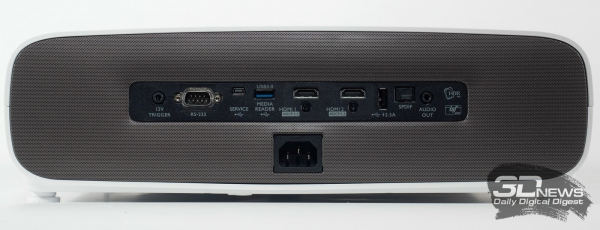
The projector comes equipped with a sufficient set of modern interfaces: two HDMI 2.0, RS-232, USB Type-A with a current output of 2.5 A for fast charging or additional power for various HDMI sticks, one 12V trigger output (which can be used to connect a motorized screen, for example), S/P-DIF, audio output, a service port based on Micro USB, and USB 3.0 as a Media Reader. Yes, you heard right — the projector can now be used without a wired connection to the source: simply 'upload' the desired movie to a flash drive or external hard drive — and forget about wires.
Package contents, appearance, and design features
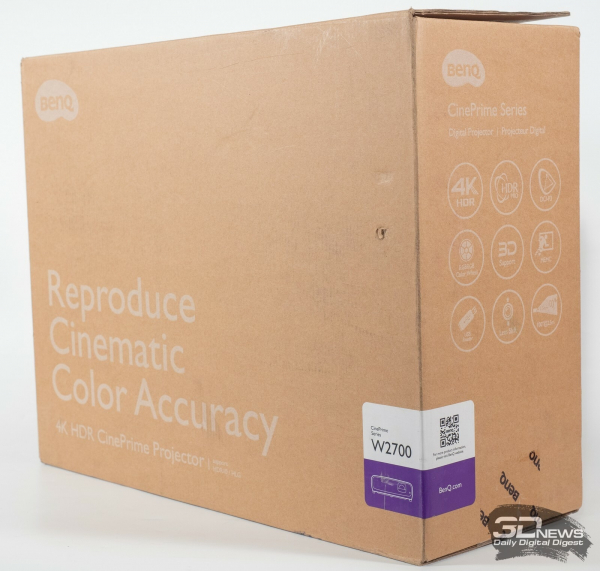
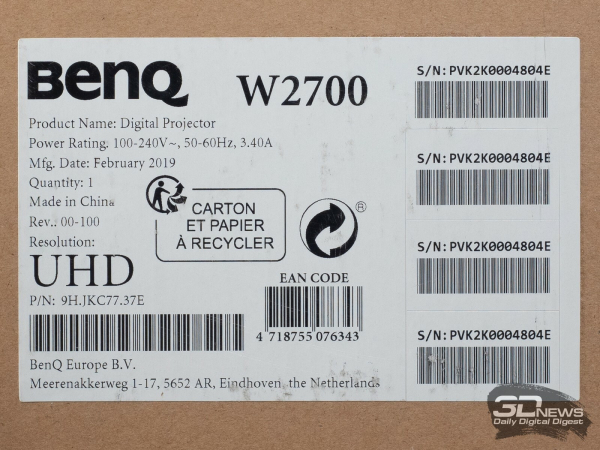
The BenQ W2700 comes in a familiar compact cardboard box. The main emphasis is on the phrase about cinema-accurate color reproduction (Reproduce Cinematic Color Accuracy), while nine special icons inform us about other features of the model. One of the stickers on the packaging reveals the serial number, date (February 2019), and production location (China).
The package contents are simple — it includes the following:
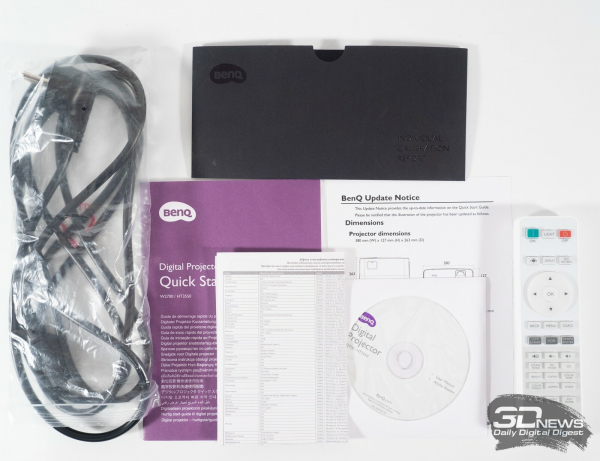 |  |
- power cable;
- remote control;
- two AAA batteries;
- CD with instructions in PDF in different languages;
- warranty certificate;
- report with results of individual factory calibration;
- brief installation and setup guide.
We were slightly taken aback by the lack of an HDMI cable; however, considering the model's focus and its price, it's clear that actual buyers won't have such complaints. After all, each situation and room will require a cable of a certain length.
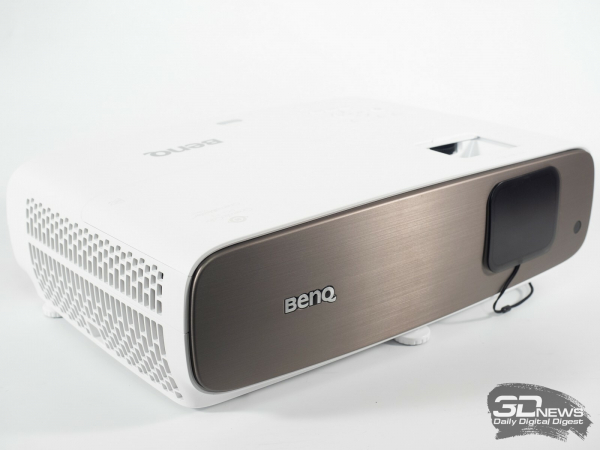 | 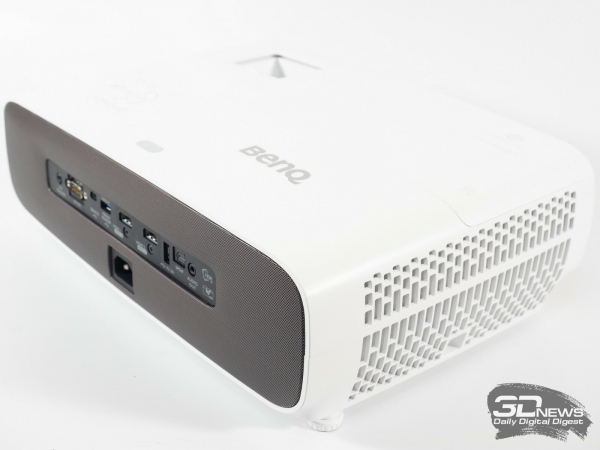 |
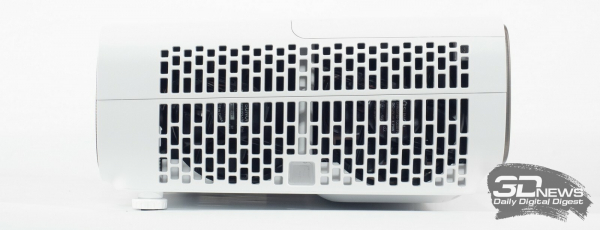
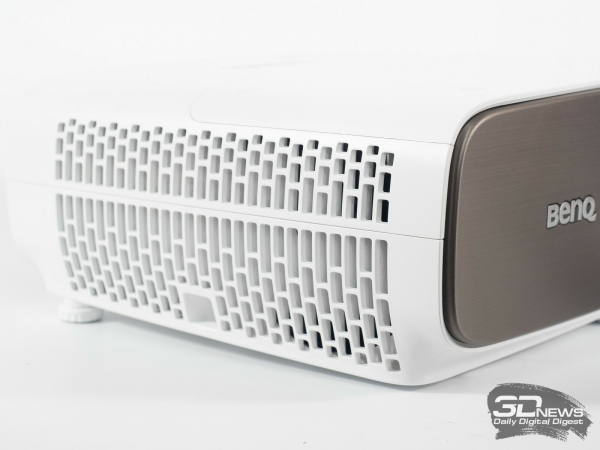
In terms of design, the projector has undergone significant changes compared to the W1700 and the updated W1720. The proportions of the body have changed; it’s now wider and shorter, with the designers opting for more rugged transitions between elements instead of rounded forms. The cooling scheme has also changed, along with the positioning of some components.
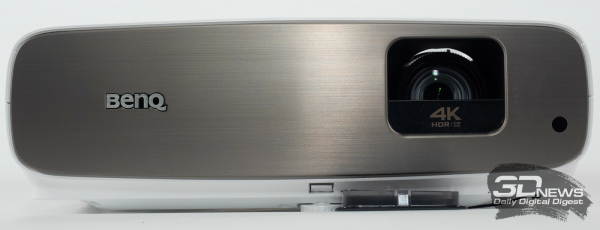 |  |
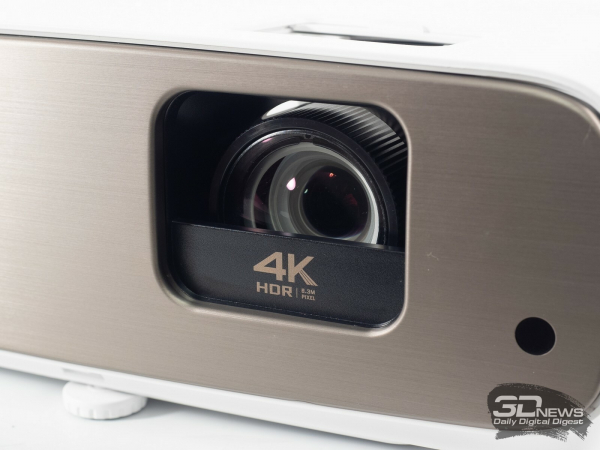
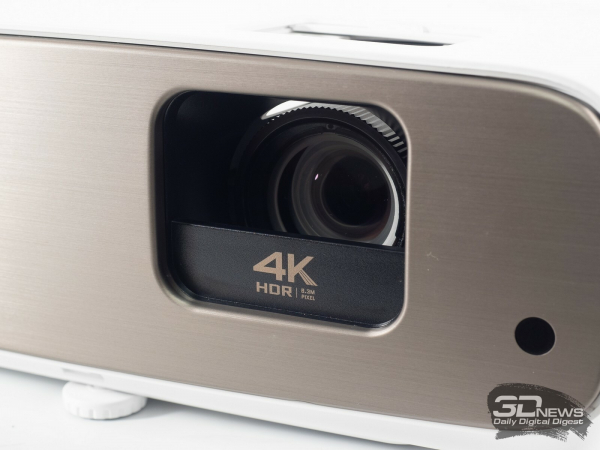
The lens window now features a square shape with rounded edges and a plastic insert at the bottom (this design does not interfere with the light flow). The front part of the case has a bronze-colored cover with a textured metal-like finish, and you can see one of the two infrared receivers (the second one is located on top).
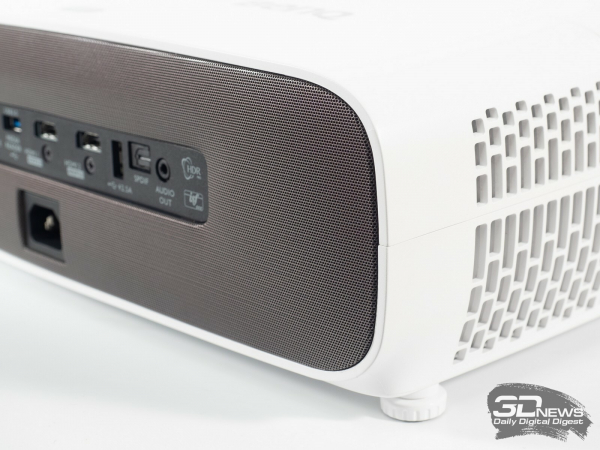
The back of the W2700 captivates with its stylish design approach and is rich in signal and service ports, a complete list of which is presented in the technical specifications table.
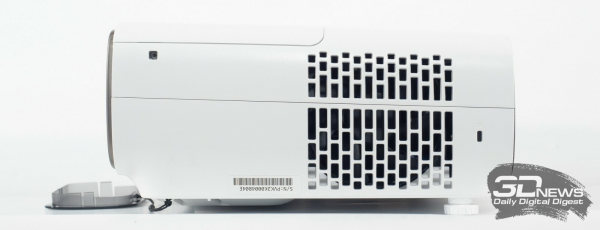 |  |
To ensure the device's safety, you can use a classic Kensington lock and a control key lock on the case (child protection).
Cooling of the device is carried out using three 80 × 80 mm fans located on both sides of the casing. One of them works for intake, while the remaining two are for exhaust. There's no need to worry about the projector overheating with this cooling scheme, but the noise level may be a concern.
 |  | |
 |  |
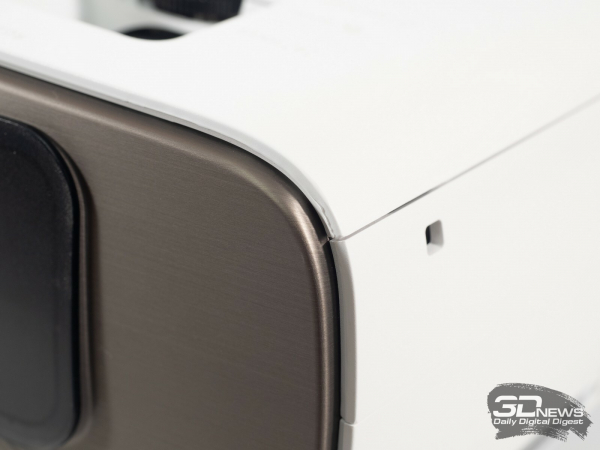
The quality of the materials used and the assembly of the W2700 projector raises no questions. The model boasts minimal and even gaps between its elements and lacks visible paint defects, not creaking or making other noises when heated or during long operation. Only one part showed a clear defect (a discrepancy in the edge of the element), but most likely this is a feature of the test sample, which will be eliminated in retail versions.
 |  | |
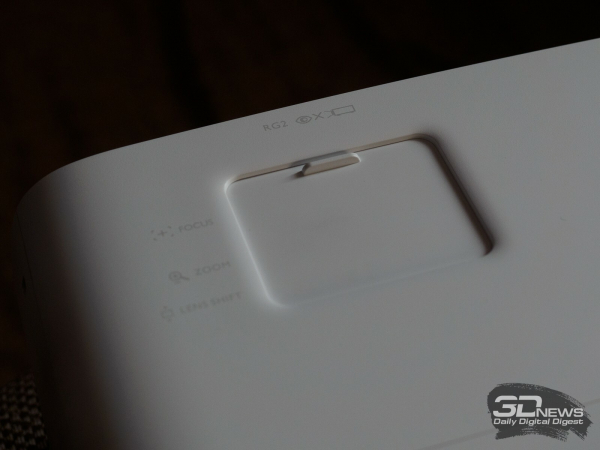 | 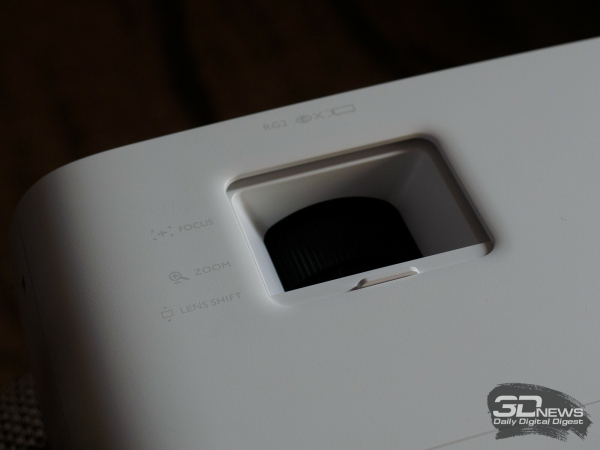 |
The lens is typically offset from the center towards the right side, and the front lens block is significantly recessed into the body. To provide additional protection, a plastic cap attached with a string is included. Another cap that extends from the body conceals the control elements for adjustment.
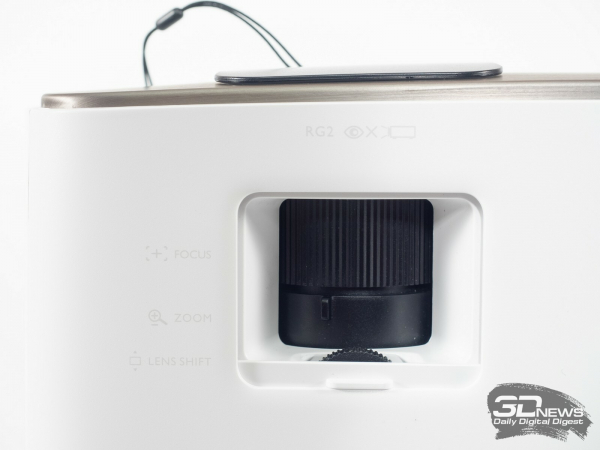 | 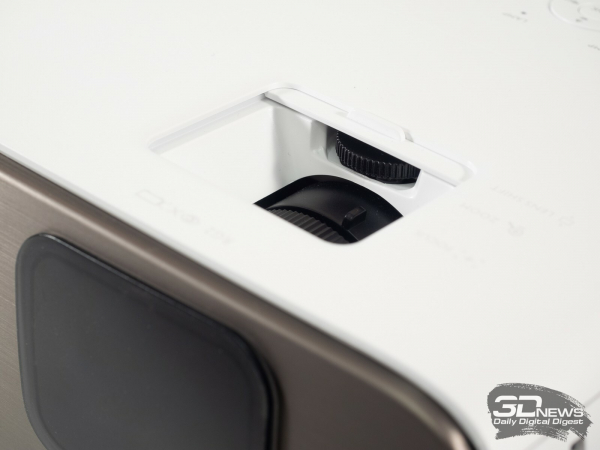 |
Zooming is facilitated by a lever next to the optical block, while vertical adjustment is achievable by rotating a separate ring. Focusing is done by directly rotating the lens itself. Trapezoidal distortion correction is performed electronically through the relevant settings in the menu—either via the remote or the buttons on the projector itself.
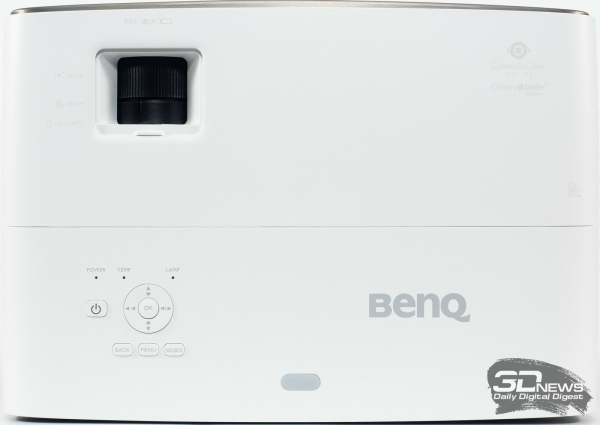 |  |
The control panel on the top surface features physical buttons without backlighting (only the power button is illuminated), partially replicating the functions of the remote control.
Here, three LED indicators inform about the status of the lamp and power, as well as the overheating of the system. Any blinking of the indicators or red/orange color indicates the presence of specific issues.
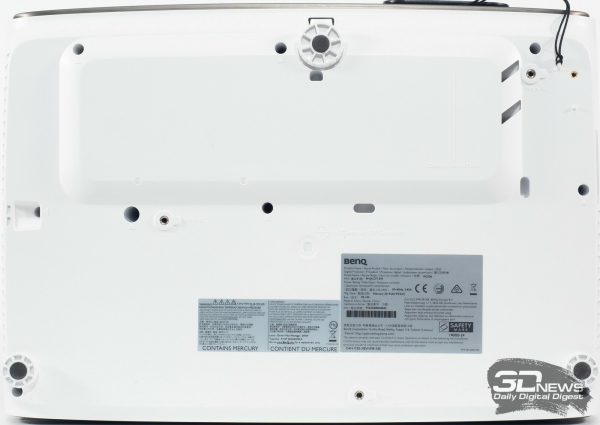
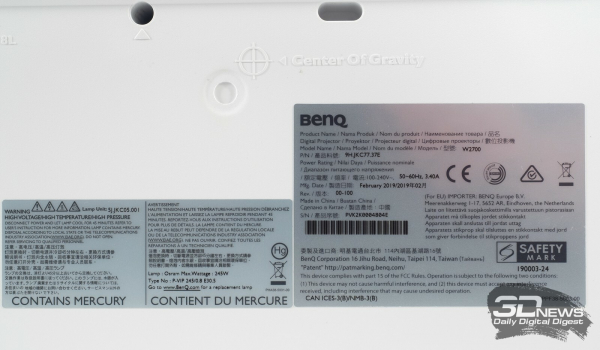
On the bottom surface of the projector, there are three adjustable height support feet (one with 'quick' position locking), a couple of stickers with various information, and special holes for mounting the projector to the ceiling.
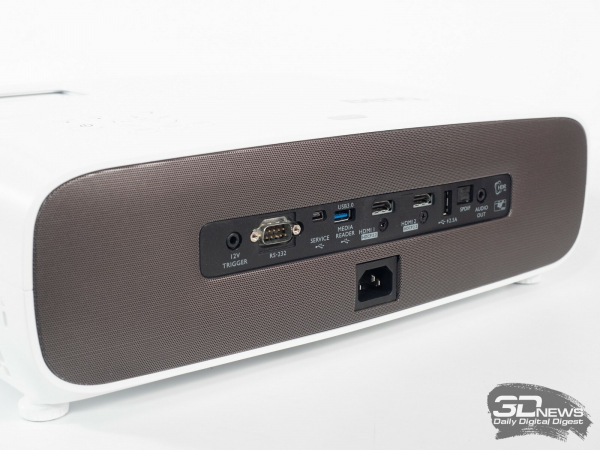
The acoustic system of the new model is located at the rear of the device, behind a finely textured plastic insert. The pair of 5W stereo speakers pleasantly surprised with their quality and maximum volume. For presentations or when taking the projector to the cottage, this is an excellent option.
Control and Adjustment Options
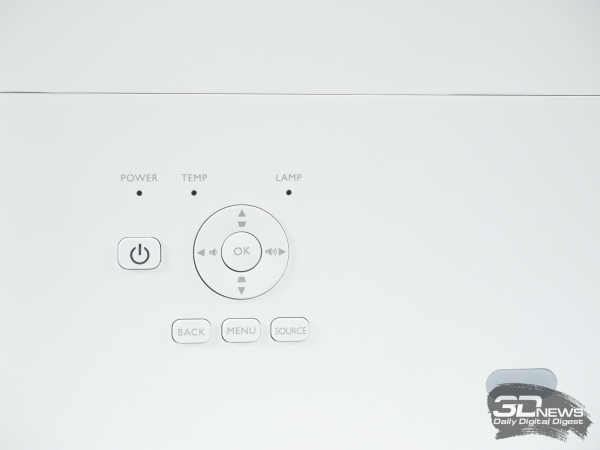
The projector can be controlled using nine physical buttons on the device's body or the separate remote included in the package.
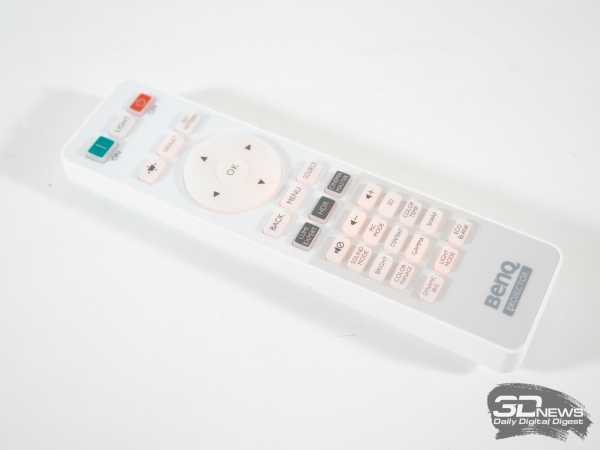
The remote control features an orange backlight, allowing for easy handling even in low-light conditions. It's worth noting that some buttons related to the W2700 do not work (only a couple), as the remote is universal and designed for a wide range of BenQ projectors with varying capabilities.
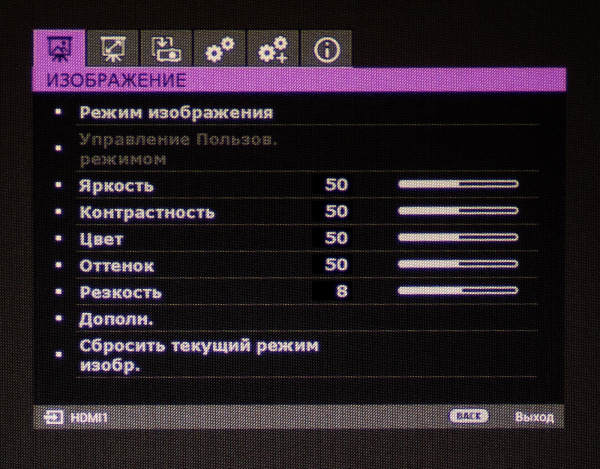 | 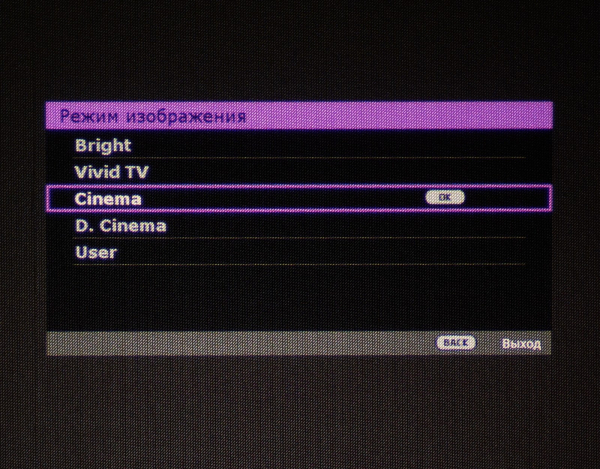 | 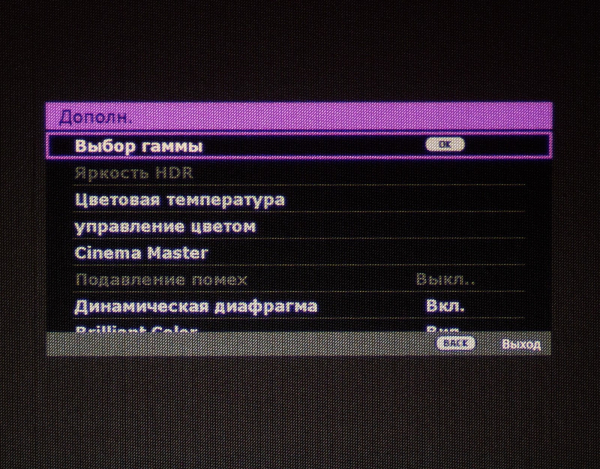 |
The menu design is consistent with the style typical of most of the company's products and is virtually identical to what we saw in previous models of the brand. It features six familiar sections, with the items having maintained their arrangement and titles.
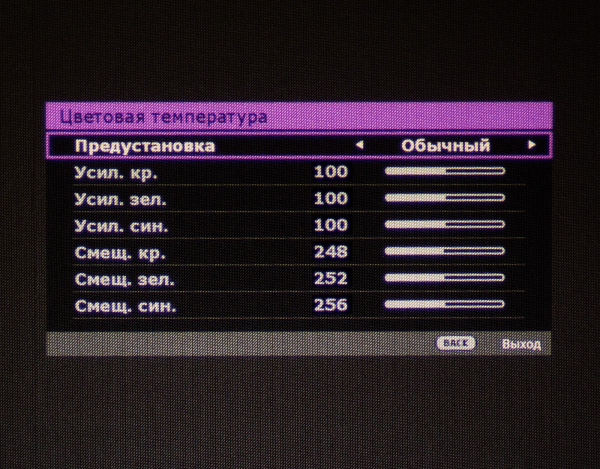 | 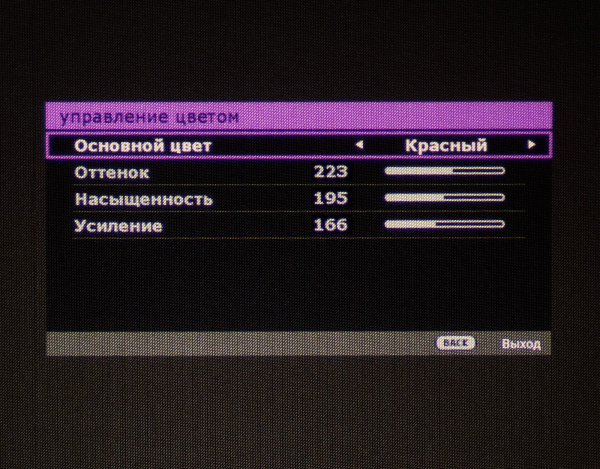 | 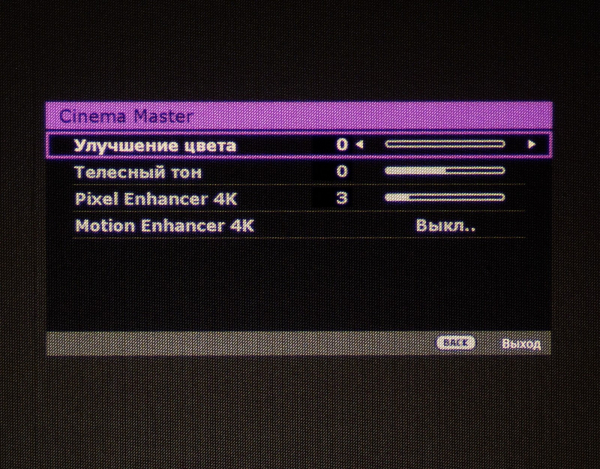 |
In the first section, you can find preset color reproduction modes, adjustments for brightness, contrast, color, tone, sharpness, and lamp power (three possible variants), as well as a reset option for the current image mode.
There is the option to set the color temperature (multiple presets and manual mode), perform gamma correction, enable the Brilliant Color feature (without smooth adjustment), activate noise suppression and dynamic aperture, and increase color saturation and sharpness of the image.
For the W2700, there is a CinemaMaster tab where many features familiar to owners of popular BenQ models are hidden, such as increasing saturation, edge sharpness, and skin tone adjustments, as well as activating Motion Enhancer technology (interpolation and insertion of additional frames).
In the 'Color Management' tab, there are options for adjusting hue, gain, and saturation for six primary colors. However, this is only useful for true calibration and adjustment professionals, who are extremely hard to find (and their services are usually very expensive).
When HDR is activated, the settings subsection slightly changes its appearance, revealing an additional section with color gamut modes, while some options become unavailable for adjustment.
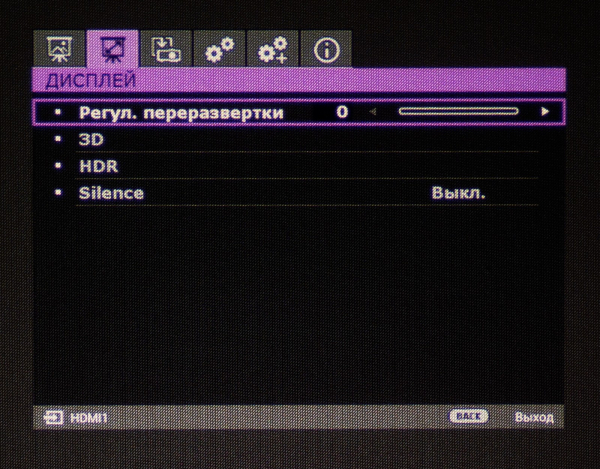 | 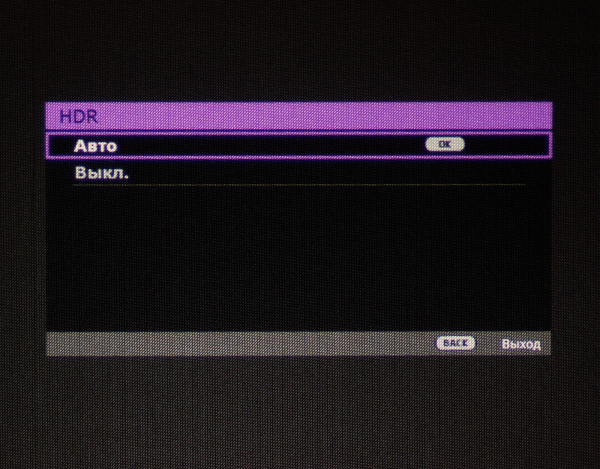 |
Changing the non-working area occurs in the second menu section. The 3D settings options are highlighted in a separate tab. When outputting content, you are prompted to choose a stereo image mode. This is also where you can select the type of content to be played (HDR or automatic selection) and activate the Silence mode, which slightly tones down all three fans.
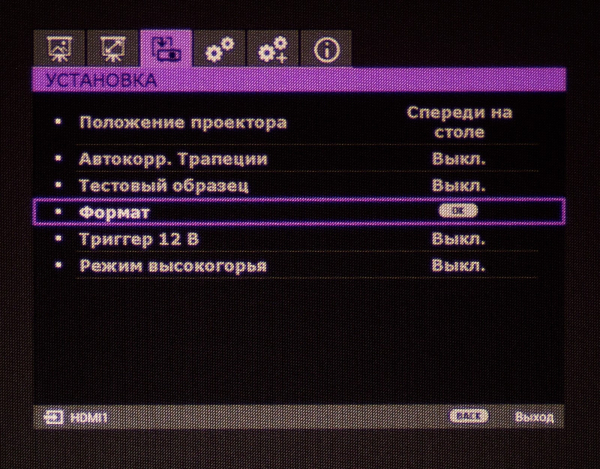 | 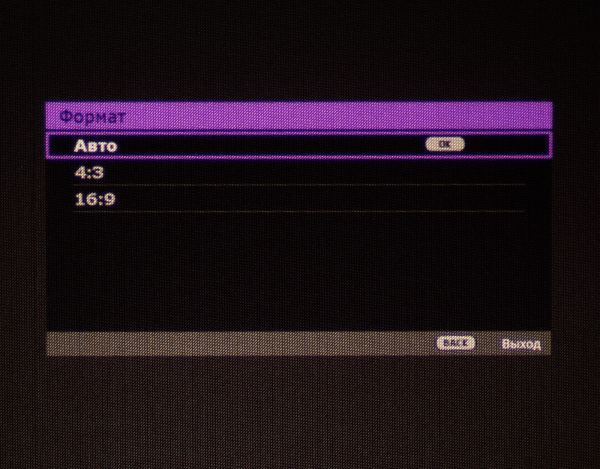 |
In the third section, you can select the format (aspect ratio) and test pattern for adjustments, determine the projector's position, activate the 12V trigger, auto trapezoid correction, and high altitude mode.
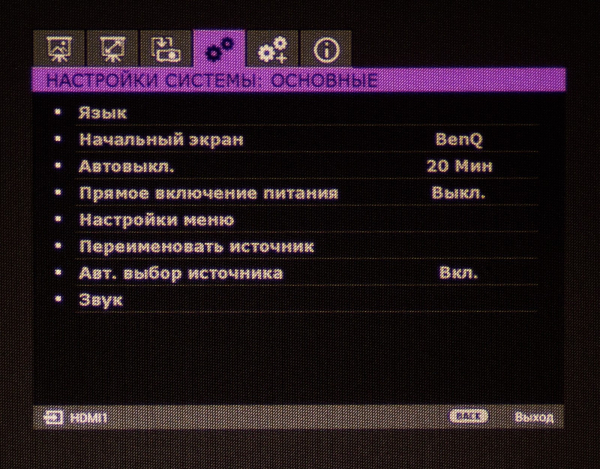 | 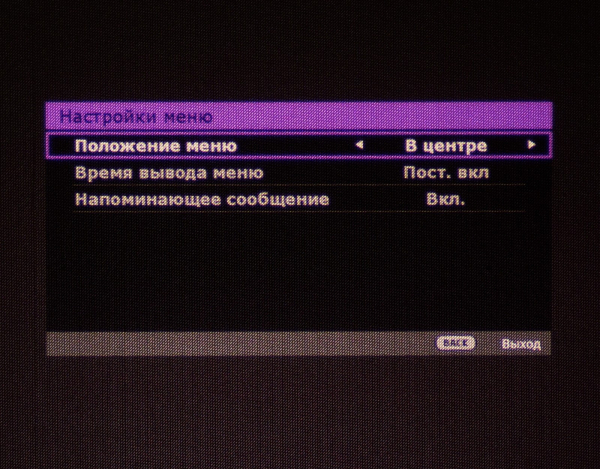 | 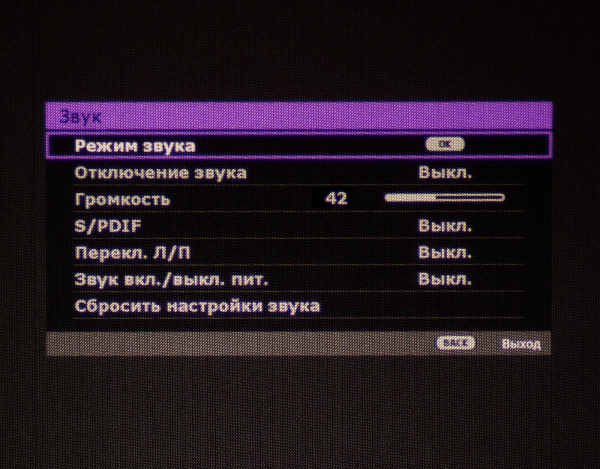 |
The "System Settings: Basic" section allows you to choose the localization language, background color in the absence of a signal, start screen (splash screen or solid background), and the time for automatic shutdown when there is no signal. You can customize the position and appearance of the menu, rename image sources, and disable their automatic search. The settings for the built-in sound system are also found here.
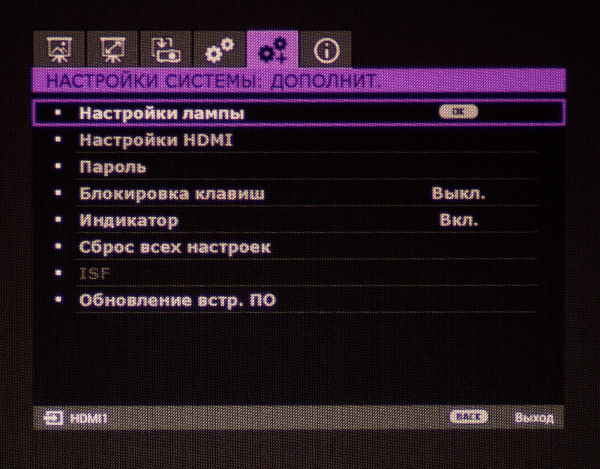 | 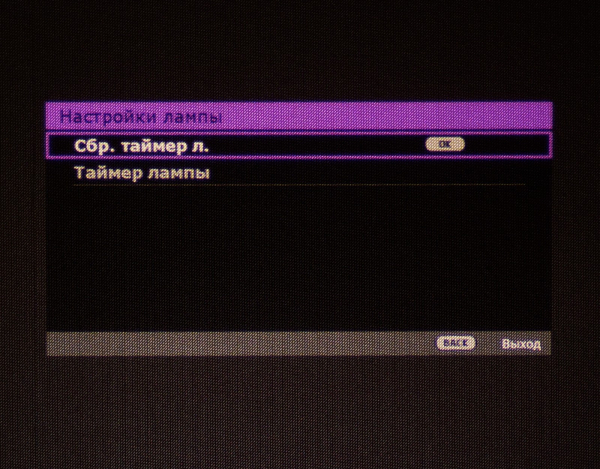 |
The continuation of the menu is the section with additional system settings. It provides access to lamp parameters (actually, the statistics of its operation in different modes) and HDMI connections. You can lock buttons, disable system status indicators, reset all settings, update the firmware (simply copy the new firmware onto a USB drive), and proceed to ISF calibration.
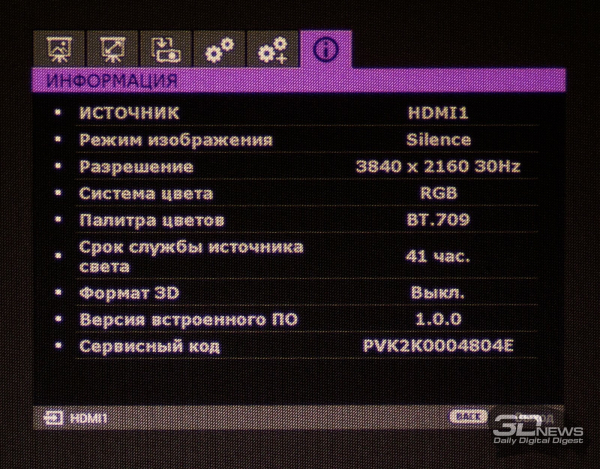
In the last tab - "Information" - the user can find out which signal source is currently being used, the image mode, what the working resolution and vertical refresh rate are, which color system and 3D format have been selected, how long the lamp has been in operation (in all modes combined), and what version of the built-in software is installed.
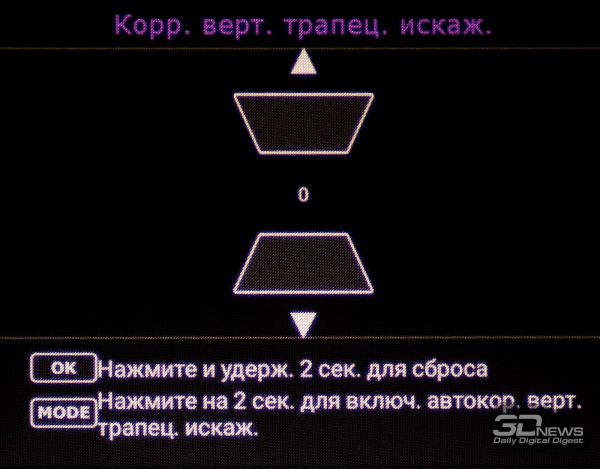
To start correcting trapezoidal distortions, simply press the "Up" or "Down" button, after which the corresponding adjustment menu will appear on the screen.
From the remote control, the user can quickly access brightness settings (which have a greater impact on gamma), contrast, sharpness, color temperature settings (at maximum saturation) by adjusting/offsetting the RGB signal, and fine-tuning the RGB by hue, gain, and saturation, dynamic iris, and some other functions.
Overall impressions and picture quality
We will begin evaluating the projector with the initial steps required to display the image. Upon powering on, as with many other models from the brand, the projector requires about a minute for "warming up". After several hours of operation, to completely turn off the system, the projector needs almost two minutes, during which the fans dynamically change their rotation speed, and something clicks inside the projector.
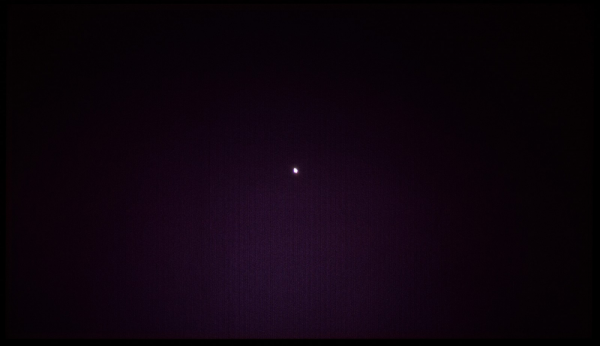
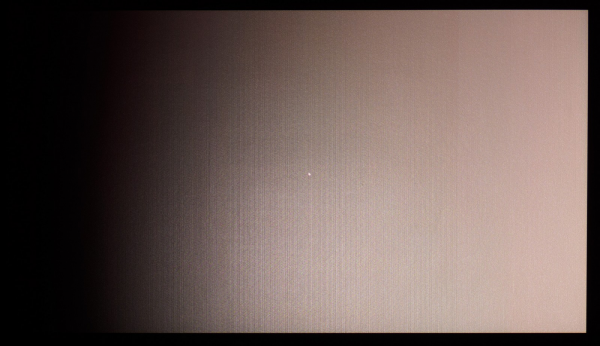



Source: 3dnews.ru
