

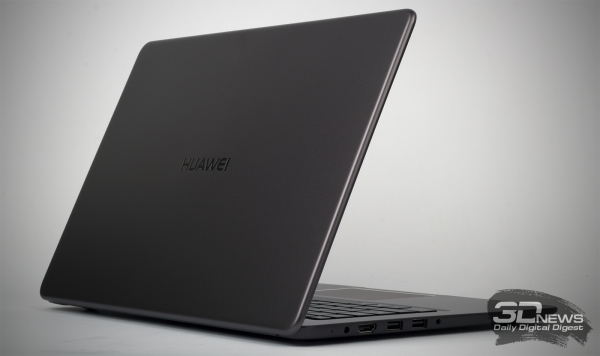
You could first meet the MateBook D back in 2017 — we dedicated this model to you . At that time, Alexander Babulin described it very succinctly as a classic desktop laptop. And you can't argue with a colleague: in front of you stands a strictly but nicely designed 15-inch model. In this article, we will closely examine the 2019 version, which has just gone on sale in Russia.
Technical Specifications, Configuration and Software
You will find two versions of the Huawei MateBook D on sale — MRC-W10 and MRC-W50. In both cases, a 4-core Core i5-8250U chip is used, while the more advanced version differs from the less advanced one by the presence of GeForce MX150 graphics. Other similar features and differences of the "MateBooks" are listed in the table.
| Huawei MateBook D 15 | |
| Display | 15.6", 1920 × 1080, IPS, matte |
| Central Processor | Intel Core i5-8250U, 4/8 cores/threads, 1.6 (3.4) GHz, 10 W |
| Graphics | Intel HD Graphics 620 (MRC-W10) Intel HD Graphics 620 + NVIDIA GeForce MX150 2 GB (MRC-W50) |
| Memory | 8 GB DDR4-2400, single channel |
| SSD | 256 or 512 GB, SATA 6 Gbit/s |
| Interfaces | 2 × USB 3.1 Gen1 Type-A 1 × USB 2.0 Type-A 1 × 3.5 mm mini-jack audio/microphone 1 × HDMI |
| Built-in Battery | 43.3 W·h |
| External Power Supply | 65W |
| Dimensions | 358 × 239 × 17 mm |
| Weight | 1.9 kg |
| Operating system | Windows 10 x64 Home |
| Warranty; | No data |
| Price in Russia | 51,990 rubles for the test model |
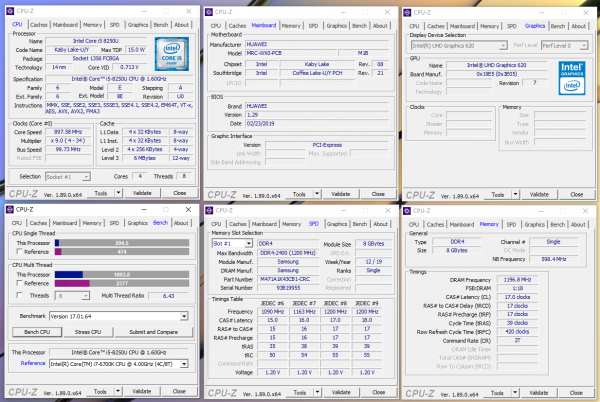
The version MRC-W10 came to us for testing. This laptop features not only a Core i5-8250U but also 8 GB of DDR4-2400 RAM and a 256 GB SATA SSD. It lacks discrete graphics. This model costs 51,990 rubles. The wireless network in the device is implemented using an Intel 8265 controller, which supports IEEE 802.11b/g/n/ac standards at 2.4 and 5 GHz with a maximum throughput of up to 867 Mbit/s and Bluetooth 4.1.
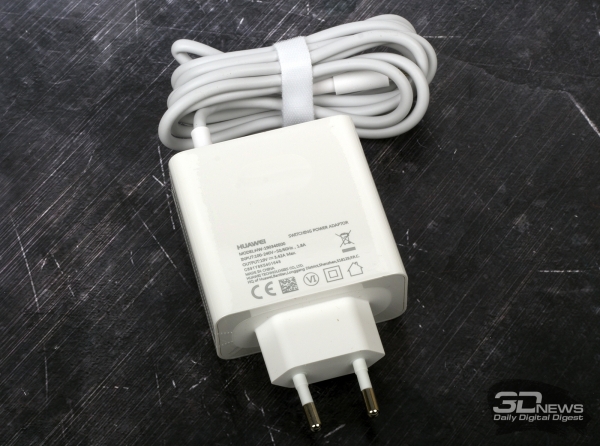
The Huawei MateBook D comes with a very compact and convenient 65 W power adapter. It weighs only 200 grams, so it won’t take up much space in your bag and won’t add much weight.
Appearance
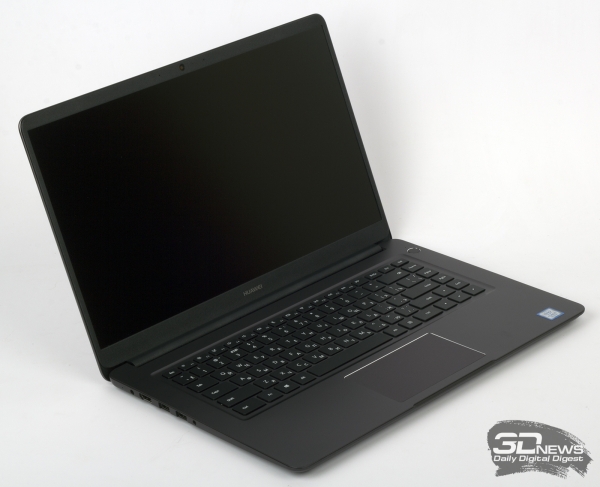
I really like the new Huawei in terms of appearance. A strict, stylish design — and, as they say, nothing superfluous. The dark version is called "cosmic gray", but you will also find a "mystical silver" variant of the MateBook D in stores. Choose the one you like more. The entire chassis of the MateBook D is made of aluminum alloy — it's surprising to see metal in a laptop priced just over 50,000 rubles. In my opinion, it's very hard to find fault with the build quality — the device is crafted neatly, and there’s nothing more to add.
 | 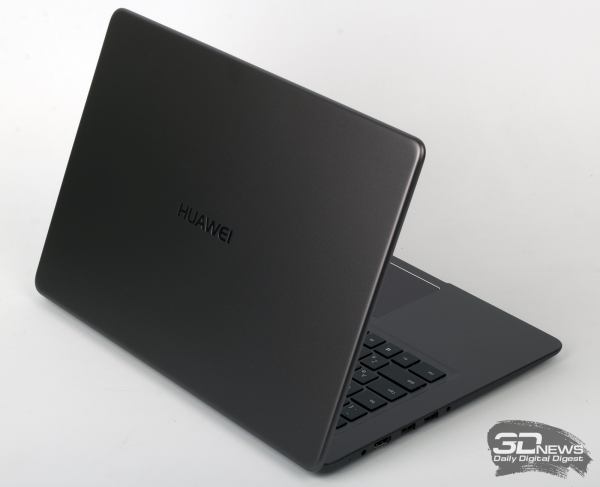 |
Opening the laptop lid with one hand is difficult due to the stiff hinges used in its design. However, they securely hold the lid in an open position. It opens to about 130 degrees at maximum.
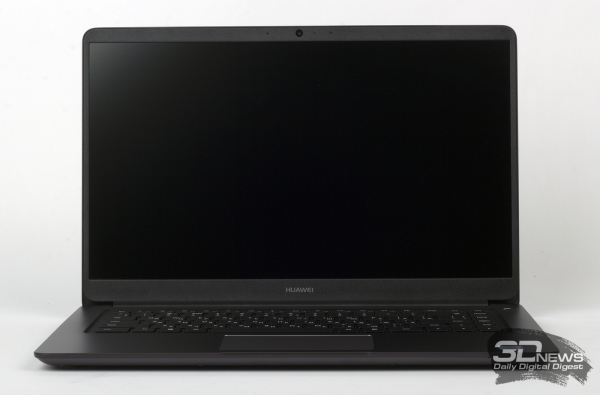
The MateBook D weighs less than two kilograms, and this version looks better than, say, some budget gaming laptops if you need a 'fifteen' handy. For example, the weight is 2.2 kg, and this is without accounting for the half-kilogram power adapter. The thickness of the 'MateBook' is just 17 mm. Overall, it presents a good and compact portable option — which is why I categorize it as a 'laptop for studying.'
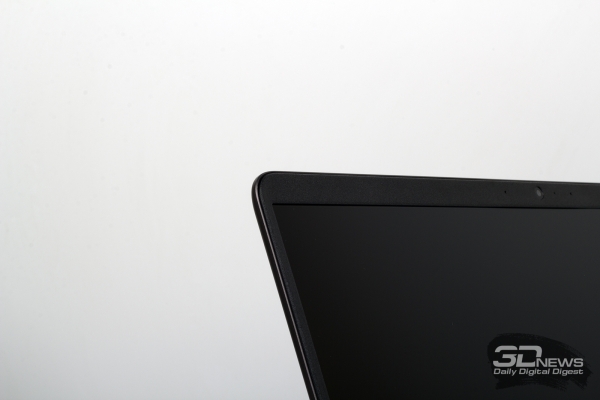
The screen of the MateBook D occupies 83% of the entire lid area. No wonder: the side bezels are quite thin — 6 mm. The top and bottom bezels are noticeably larger — but that’s okay.


All the main interfaces of the laptop are located on the sides. On the left, there is a port for connecting power, an HDMI output, two USB 3.1 Gen1 Type-A ports, and a 3.5 mm jack for headphones. On the right, there is only a USB 2.0 port, also Type-A. Unfortunately, the MateBook D lacks a card reader, but otherwise, this set of ports is more than enough for comfortable device usage.
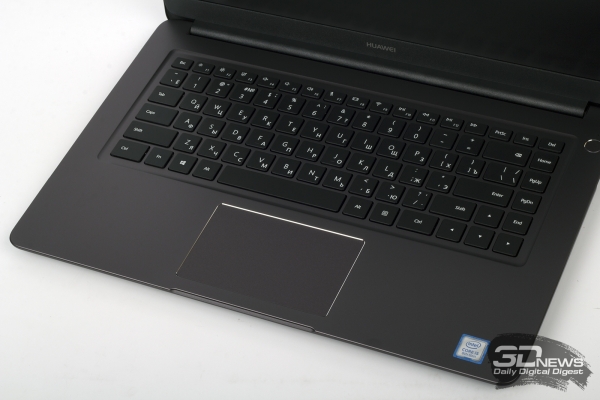
The keyboard layout of the MateBook D brings back memories of the recently tested model : there is no numeric keypad, and the far-right column consists of the Del, Home, PgUp, PgDn, and End keys. I have become accustomed to such ergonomics, so writing this article on the 'MateBook' was quite comfortable. The keypress feedback is clear and silent.
However, the laptop keys lack backlighting, which is a problem if you often work in the evening without using artificial lighting.
The touchpad on the MateBook D is small, but there are no complaints about it. The touch panel supports Windows multitouch gestures as well as handwriting input.
The webcam on the test laptop operates at a resolution of 720p at a vertical refresh rate of 30 Hz. Good image quality can only be achieved when you are in a well-lit environment.
Internal structure and upgrade capabilities
In theory, the test sample is very easy to disassemble — you just need to unscrew eight screws and carefully remove the bottom panel. However, something didn't go as planned — the lower panel categorically refused to come off, and breaking the test equipment is not allowed in the 3DNews lab. So, regarding the internal structure, this time we'll have to stick to theory.
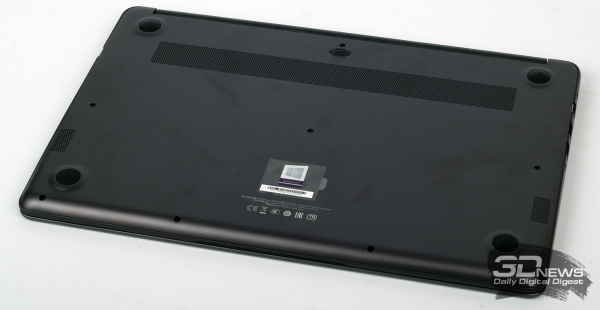
You've already noticed that both versions of the laptop come with only 8 GB of RAM. However, , that the model is equipped with two SO-DIMM slots, one of which has a DDR4-2400 module installed. I am sure that in time it will be quite beneficial to install another identical memory stick in this laptop — if, of course, you’re more successful than we were at getting inside.
You can also replace the SSD in the MateBook D. The test model is equipped with a 256 GB SATA drive in 2280 form factor.
As for cooling, a simple cooler is responsible for dissipating heat from the CPU, consisting of one heat pipe and one tangential type fan. In the second part of the article, we will definitely examine its performance.
Source: 3dnews.ru
