

The developers of the Nitrux project have introduced new releases of components used for building the interface in the Maui DE (Maui Shell) user environment. Maui DE forms a set of applications called Maui Apps, the Maui Shell, and the MauiKit framework for building user interfaces, which offers ready-made templates for interface elements. The Kirigami framework, developed by the KDE community as an extension over Qt Quick Controls 2, is also used in development.
Maui components automatically adapt to screen size and available input methods, allowing their use not only on desktop systems but also on smartphones and tablets. The environment promotes the concept of 'Convergence', which allows users to work with the same applications on both touchscreen devices like smartphones and tablets, and larger screens like laptops and desktops. Maui DE can be launched both with its own compositor utilizing Wayland and separately via launching the Cask shell within an X-server session. proxy server Maui applications and libraries are available for download in APK, AppImage, and TAR formats. Bootable builds are periodically created for testing the current development state of the Maui DE environment based on Manjaro Linux.
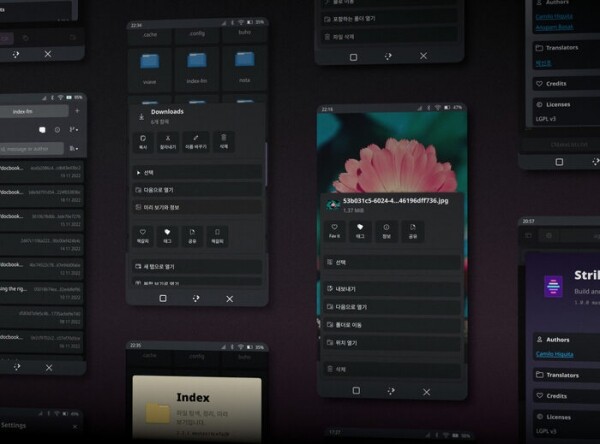
Key Changes:
- Support for internationalization and translation of the interface into multiple languages has been added.
- New components have been introduced in MauiKit: Calendar for displaying and navigating the calendar; Documents for viewing files in PDF and EPub formats.
- An archive manager called Arca has been added, providing an interface for opening archives, previewing files, and adding new files to the archive.
- The interface of Maui Apps has been modernized, allowing the tab bar to be merged with the toolbar. The menu has been redesigned, and transparency effects have been added.
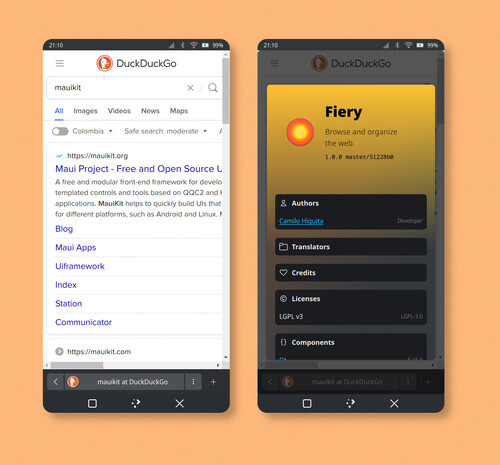
- The Fiery browser, integrated development environment Strike, camera application Booth, and calendar application Agenda have been prepared for distribution among users.

- The Maui Demo program has been added, showcasing all available interface elements in MauiKit Core with hints and example code.
- MauiKit unifies the visualization style of state (hovered, selected, pressed, etc.) in elements such as TextField, Switches, Sliders, CheckBoxes, and ComboBox. The ToolBar element now uses a row layout by default for quick placement of items. A new Tumbler style supporting mouse wheel interaction has been proposed. The AbouDialog element has been revamped to expand the possibilities for displaying additional information about authors, translators, libraries, and links. The position selection for the ContextualMenu element in mobile mode has been improved. The ComboBox element has been redesigned. When client-side decoration (CSD) is enabled, elements are no longer displayed in active fullscreen mode.
- The TextEditor component now includes spell checking capabilities.
- The ImageTools component has added support for editing, adding, and removing EXIF metadata.
- The FileBrowser component now recognizes '.po' files as part of its recognized MIME types. Progress indication for file operations has been implemented during searches.
- The MauiKit build process now generates an '.aar' package with Java components for integration with Android.
- The QRC (Qt Resource Collection) files for ImageColors now support the placement of images.
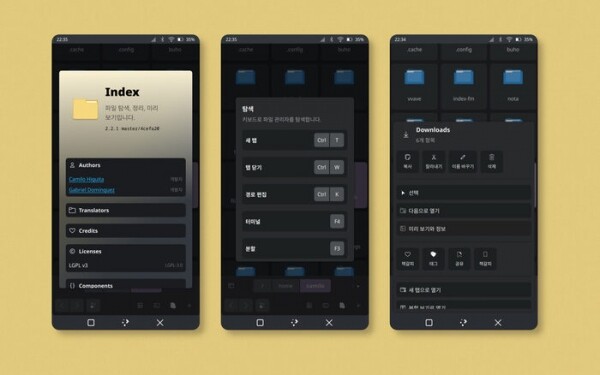
- The file manager has updated the design of the section for quick access to favorite directories. The ability to translate the interface into different languages has been added.

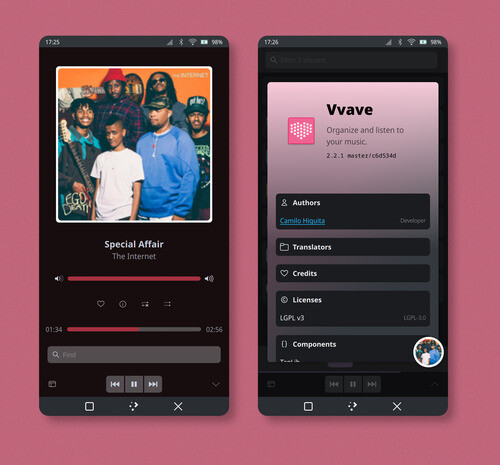
- The VVave music player now supports internationalization and has improved the display of album cover titles in the main playlist.
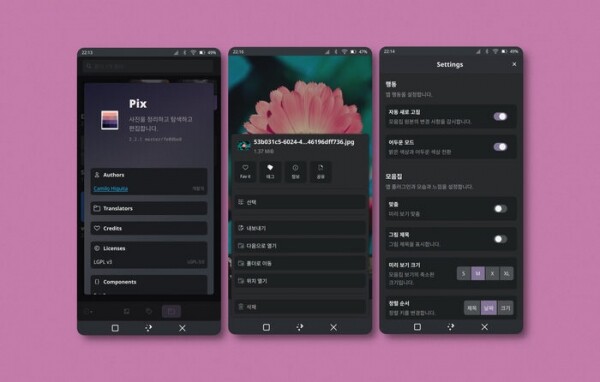
- In the Pix image viewer and photo manager, the preview of content in directories and tags has been enhanced. The image viewing interface has been simplified. Internationalization support has been added.

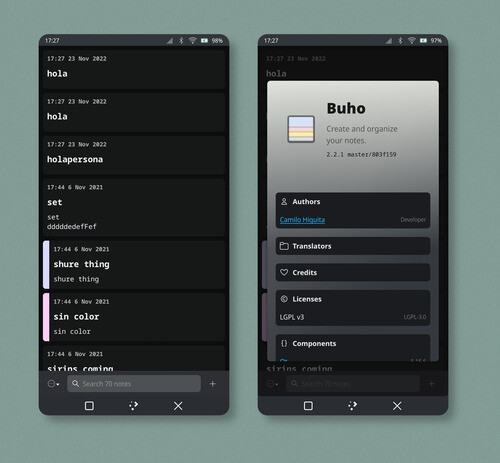
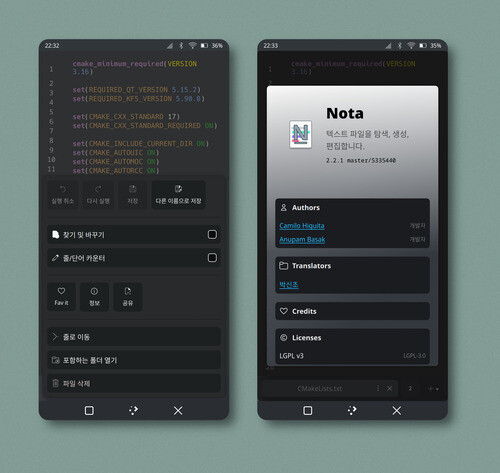
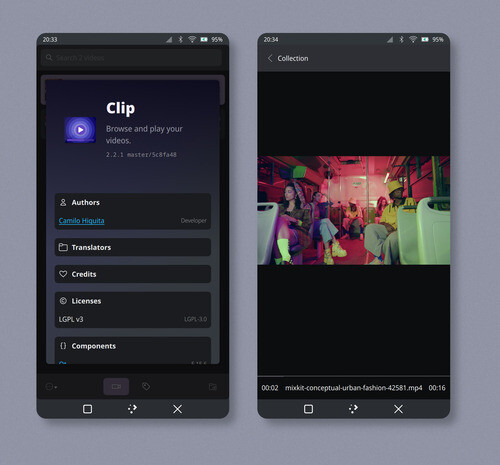
- The note-taking application Buho, text editor Nota, video player Clip, web browser Fiery, Git manager Bonsai, and address book Communicator now support internationalization.


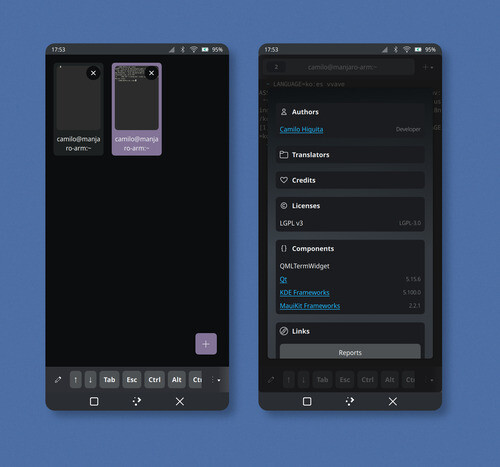
- The Station terminal emulator has added a transparency testing feature, redesigned the hotkey settings dialog, improved the tab panel, and included support for internationalization.

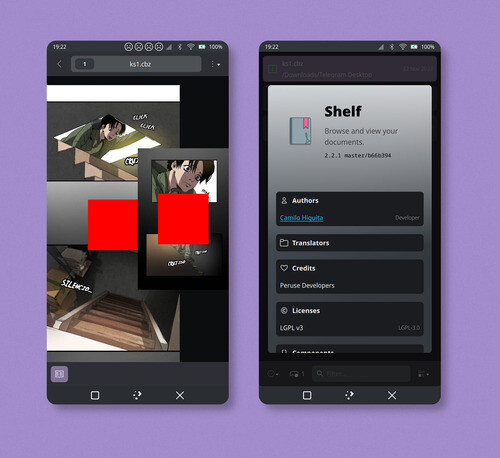
- The Shelf document viewer has transitioned to using the MauiKit Documents library for displaying PDFs and comics. Internationalization support has been added.

- The Booth camera application has added a setting to disable QR code scanning and added support for internationalization.
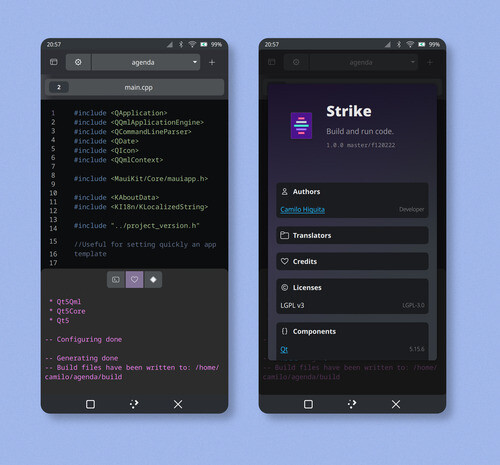
- In Strike, the integrated development environment with support for C++ and CMake, the build panel (build-bar) has been established and internationalization support has been added.
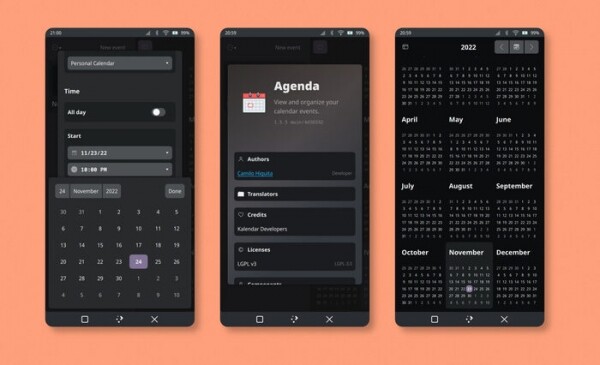
- The Agenda planner calendar has been transitioned to use the MauiKit Calendar library. Support for creating and displaying events on the calendar has been implemented. Internationalization support has been added.

Source: opennet.ru
