

The release of ONLYOFFICE DocumentServer 10 has been published, featuring a server for ONLYOFFICE online editors and facilitating collaborative work. The editors can be used for text documents, spreadsheets, and presentations. ONLYOFFICE claims full compatibility with MS Office and OpenDocument formats. Supported formats include: DOC, DOCX, ODT, RTF, TXT, PDF, HTML, EPUB, XPS, DjVu, XLS, XLSX, ODS, CSV, PPT, PPTX, ODP. There's an option to extend the functionality of the editors through plugins, such as plugins for creating templates and adding videos from YouTube. The project’s code is distributed under the AGPLv3 free license. Ready-made builds have been created for Linux, Windows, and macOS.
Simultaneously, the release of the ONLYOFFICE DesktopEditors 10 product has been generated, built on a unified codebase with the online editors. The desktop editors are presented as desktop applications, written in JavaScript using web technologies, but combine client and server components designed for self-sufficient use on the user’s local system, without relying on an external service. The Nextcloud Hub platform can also be used for collaborative work on their infrastructure, providing integration with ONLYOFFICE.
Key innovations:
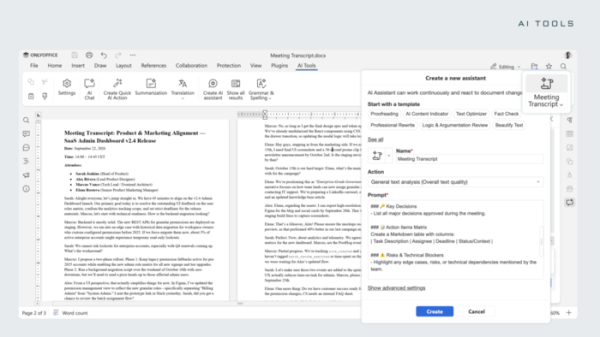
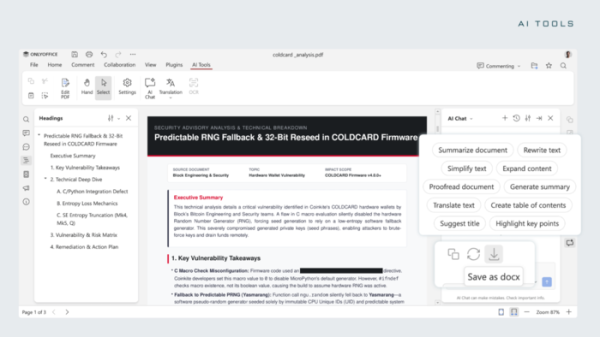
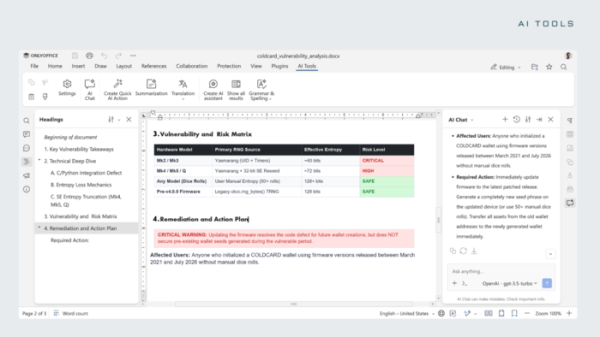
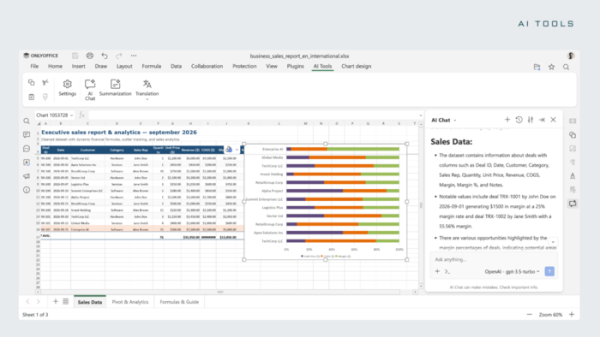
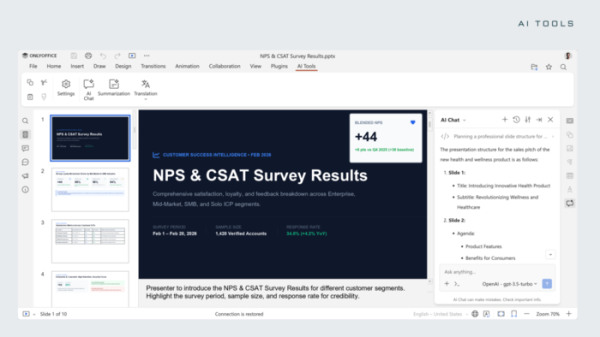
- Document, spreadsheet, PDF file, and presentation editors have built-in AI automation tools covering the entire content lifecycle, from creation to formatting. AI tools are highlighted in a separate tab. AI can be managed in chat form. Both external AI services and the running of models on the user's own hardware are supported. Action settings through AI can be automatically executed upon document changes.

The PDF editor provides the ability to use AI for analyzing document content, allowing users to ask questions about the document, summarize its content, create draft letters based on the document, identify and hide confidential information, translate text into other languages, and generate a table of contents.
In the document editor, you can create, rewrite, and edit content with AI, generate reviews, highlight key points, simplify phrasing, translate into other languages, spot errors and shortcomings, come up with titles, and automatically change formatting.
In the spreadsheet, AI allows for generating new formulas and simplifying existing complex formulas, analyzing data sets, identifying patterns, making predictions, filling in missing values, and cleaning out anomalous values.
When preparing presentations, AI enables you to transform an idea into a ready slide, formulate theses, define the overall structure, and generate titles, speaker notes, and a presentation plan.
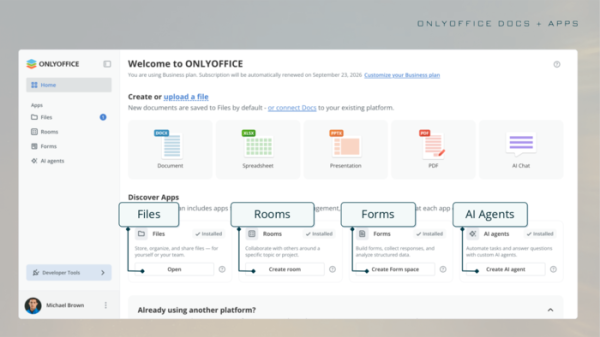
- The shift from a unified DocSpace concept to separate modular applications offering additional functionality has been implemented. Functions related to AI agents, form filling, collaborative document editing, and shared file access have been moved into these modules. The collaboration platform
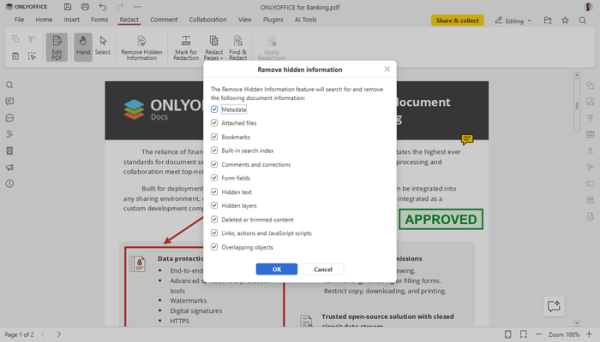
ONLYOFFICE DocSpace has been renamed to ONLYOFFICE Apps, but the code continues to be developed in the same repositories, DocSpace and DocSpace-server, under the AGPLv3 license. - In the PDF editor, the ability to customize the display of annotations (color, borders, background, transparency, etc.) directly from the panel has been introduced. Automatic recognition of table structure during document editing has been implemented for manipulation of individual rows and columns. Support for document signing from the comments tab has been added. The ability to save signature images for quicker subsequent insertion has been provided. An option to disable spell check has been added when filling out forms. A tool for clearing hidden information and metadata before sending the document has been introduced.

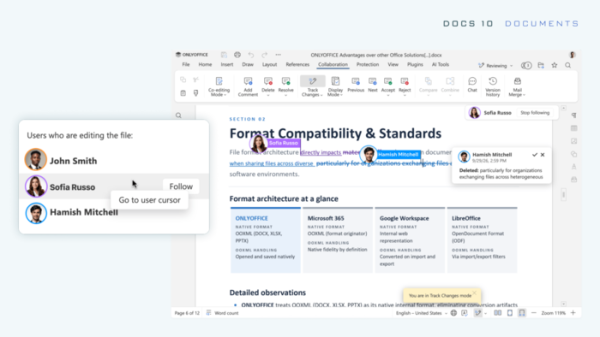
- In the document editor, cursor behavior has been improved for collaborative work by several users in real-time. The ability to jump to the cursor of a selected user to track current changes has been added.
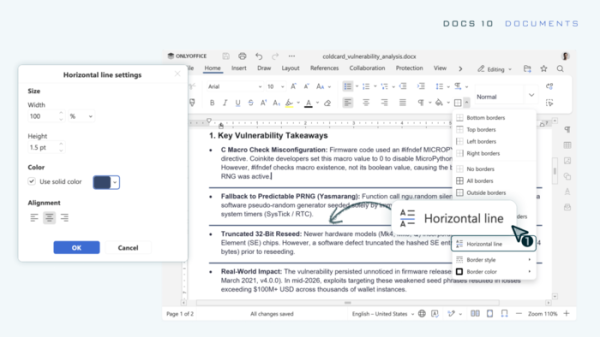
A window for adjusting the style of horizontal dividers has been added.
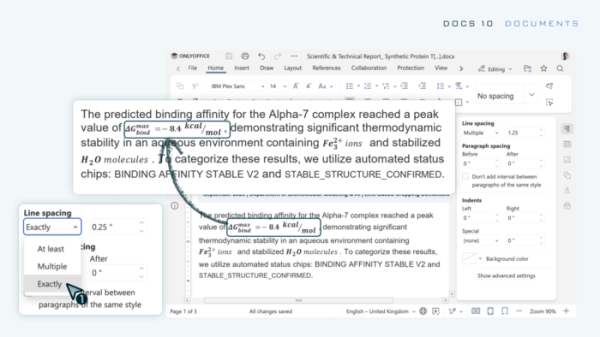
The paragraph settings have been updated to include an option to keep related content on the same page (preventing paragraphs or tables from being moved to another page). An option has been added to allow part of the content of a table row to be moved to another page. Content trimming settings have been added for content that does not fit the height of a row.
- The performance of spreadsheets has been enhanced by separating the storage of styles and data, as well as by processing only the used cells. Optimizations have been made to the implementations of the functions SUMIF, AVERAGEIF, COUNTIFS, SUMIFS, AVERAGEIFS, MAXIFS, and MINIFS.
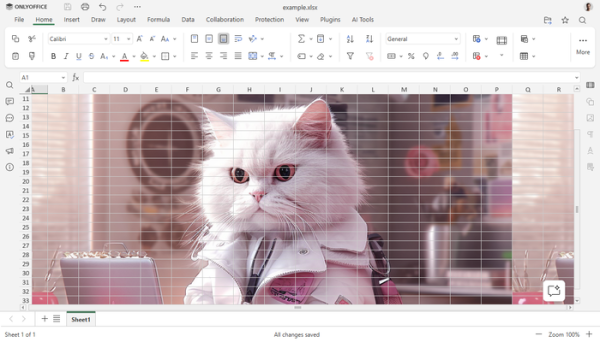
- The spreadsheet editor now features tooltips on the use of constants in functions and highlights the ranges of cells involved in formulas. When moving or copying a selected area, an animated outline marker for the original cells has been implemented. An option has been added to use the mouse to simultaneously adjust the height and width of all cells. A setting for controlling cell auto-fill has also been included. Support for background changes has been added.
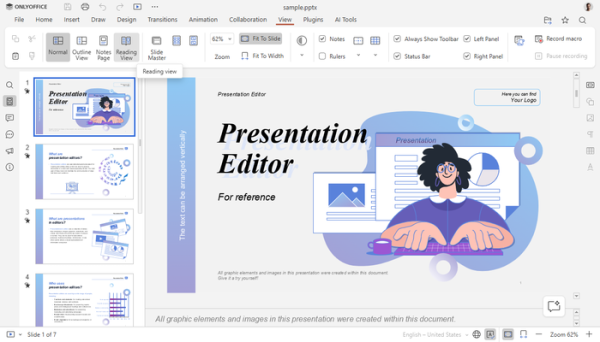
- The presentation editor has introduced new display modes.
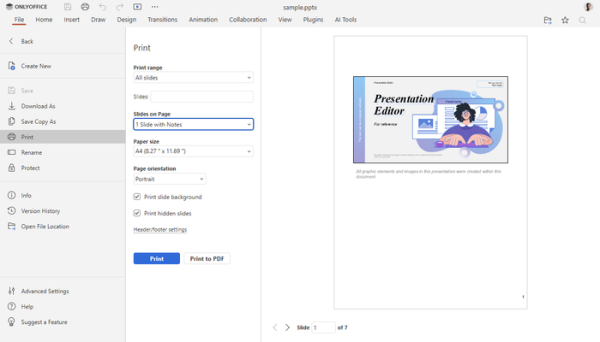
‘Outline View’, ‘Reading View’, ‘Notes Page’, ‘Notes Master’, and ‘Handout Master’ are now available for different stages of creating and reviewing a presentation.Print output settings have been extended, allowing the inclusion of printing notes, outlines, handouts, hidden slides, comments, and slide numbers, as well as scaling slides to fit the page size.
The ability to save presentations as video and animated GIF formats has been added.
- Support for opening and converting OFD format files has been added, as well as saving spreadsheets in the classic XLS format.
- The ability to convert SVG images into editable shapes has been implemented.
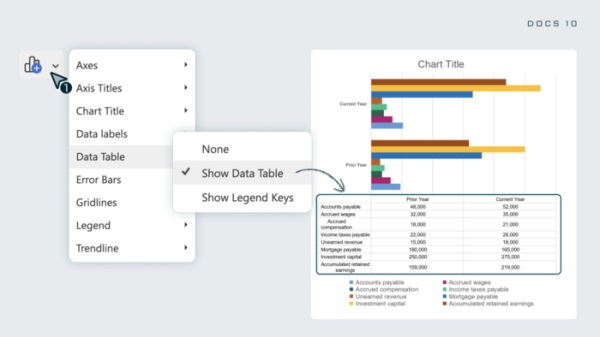
- The option to display a table with the source data below a chart based on that data has been added.
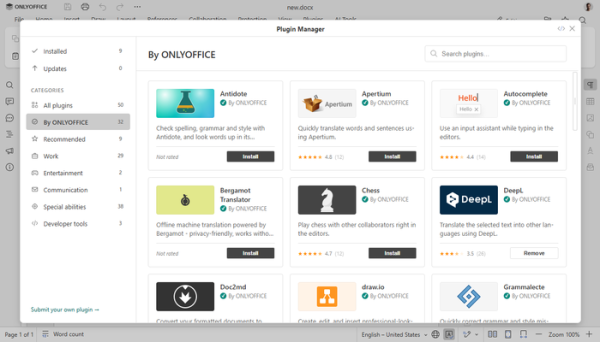
- The design of the plugin management interface has been updated. A sidebar with categories has been added to the left side of the screen. New plugins have been implemented: Antidote for grammar and spell checking, Curly for working with templates, and Salesforce for importing and exporting Salesforce data.
- 35 vulnerabilities have been fixed, including isolation bypass during macro execution, buffer overflow when processing specially crafted OLE objects and files in XPS and PDF formats, double free of memory when handling DOCX, execution of embedded JavaScript in PDF files, and file overwrite during format conversion.
Source: opennet.ru
