

Released version Agama 22 — the new installer for openSUSE and SUSE, developed as a replacement for the classic YaST Installer. Agama is built as a service-oriented installer with a web interface and the ability to integrate with external tools. The project's code is distributed under the GPL-2.0.
In announcement of Agama 22 the developers note that this release focuses on improving the interface. The project considers Agama 22 to be the most user-friendly and accessible version of the installer to date.
Main changes in Agama 22
The header and toolbar of the web interface have been redesigned.
The new header now displays the selected product and its logo on all pages, and the redesigned breadcrumbs simplify navigation. The button Review and install, which the developers found redundant and confusing, has been removed, and the freed-up space has been used for more noticeable access to the installer tools.The installation progress indicator has been improved.
Previously, the progress indicator only appeared during task execution; now it is constantly visible in the interface. This should make the installer’s behavior clearer: the user immediately sees where to track the status of operations.The installation log export feature has been enhanced.
The log download tool now better explains its purpose and shows the state of data preparation. This is helpful for diagnosing installation issues and for submitting reports to developers.A configuration viewing tool has been added.
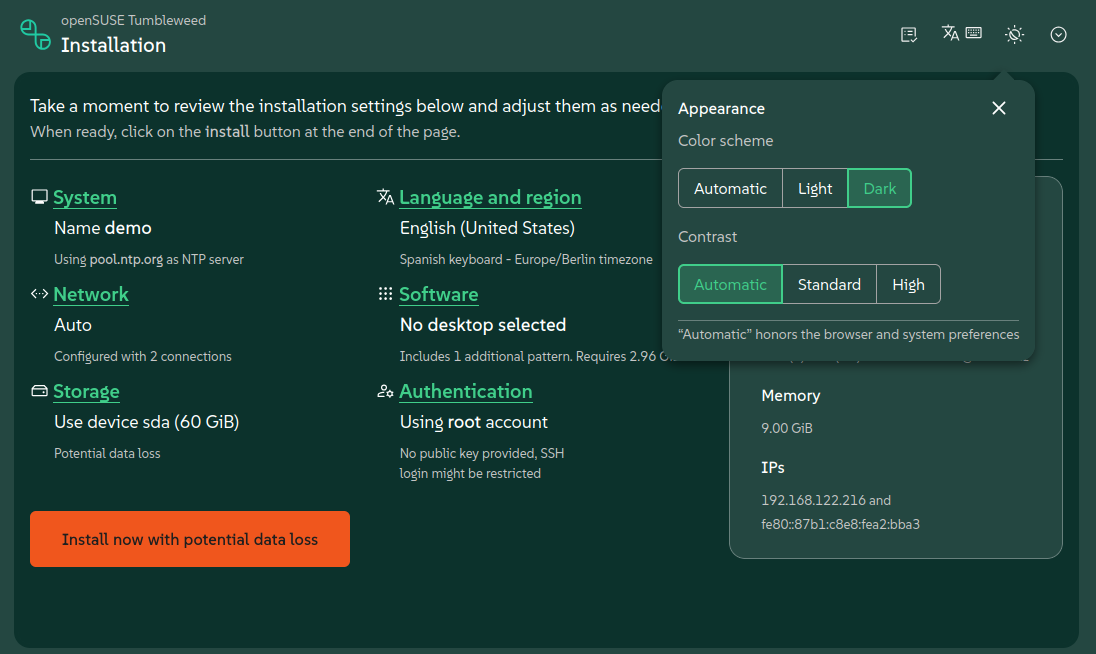
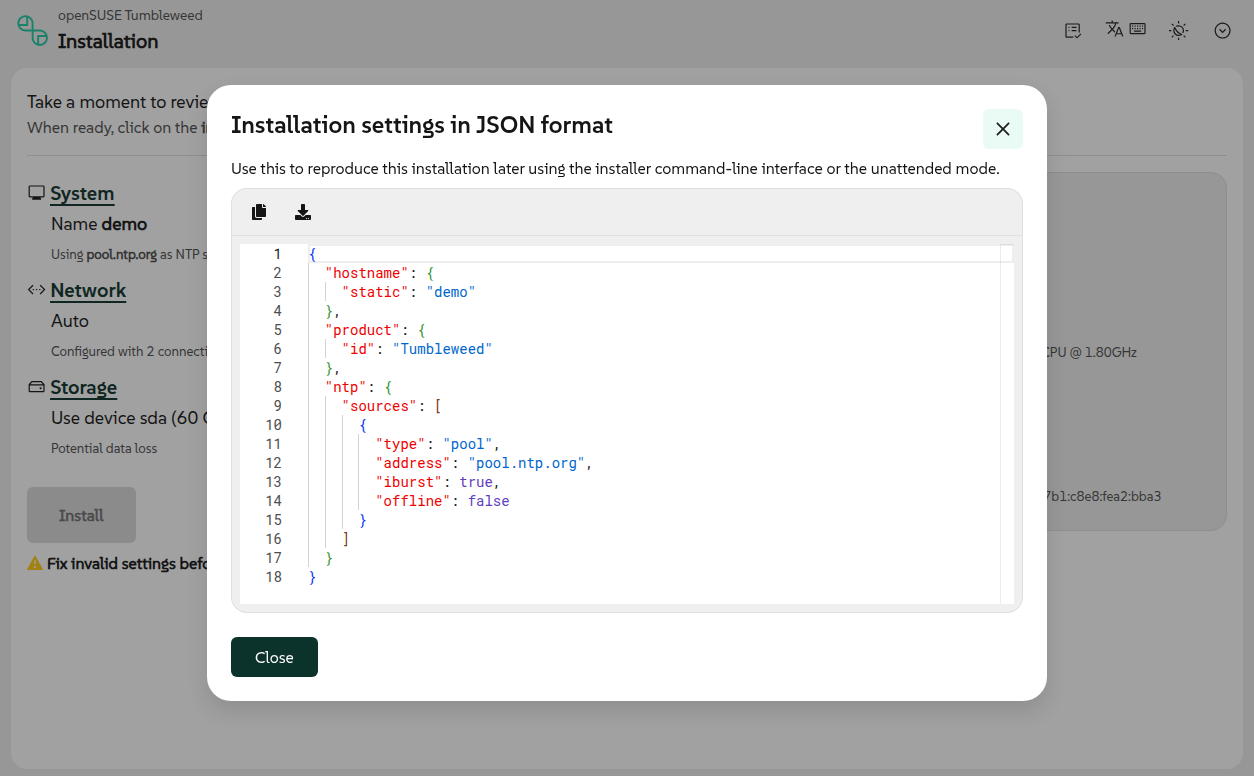
The item Download config has been replaced with Show configuration. Instead of simply downloading a JSON file, the user now has a more understandable way to view the current installation configuration.An Appearance tool has been added for customizing the look.
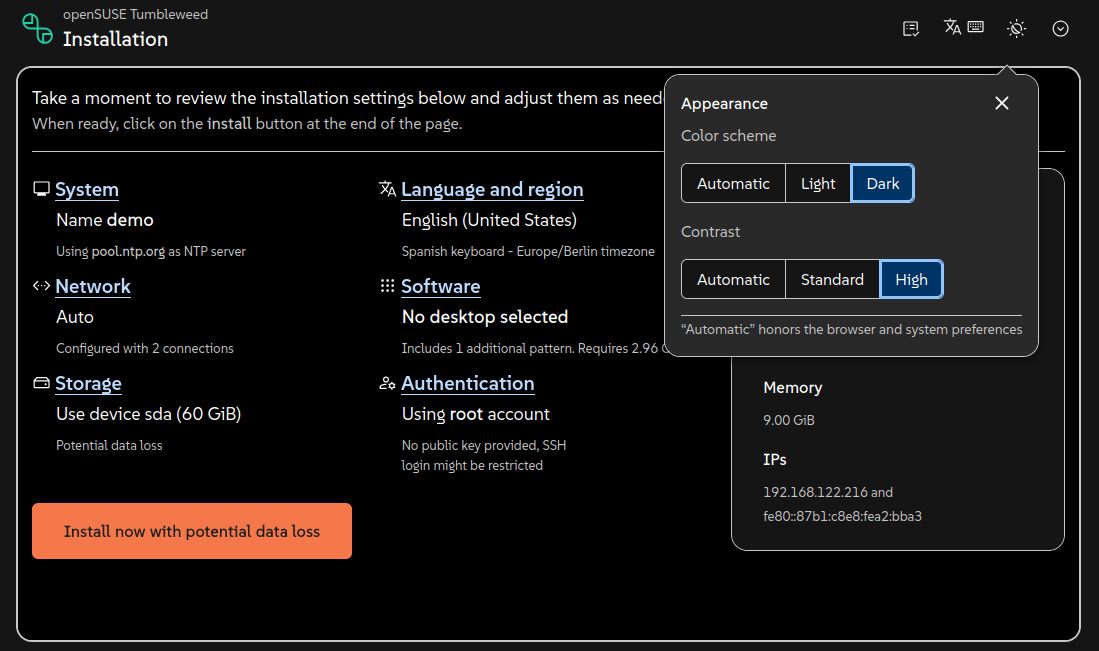
The web interface now includes a theme setting: users can choose a color scheme and contrast. This feature is based on changes in PatternFly 6.5, including support for high-contrast mode aimed at meeting the requirements of WCAG AAA.Enhanced filesystem settings.
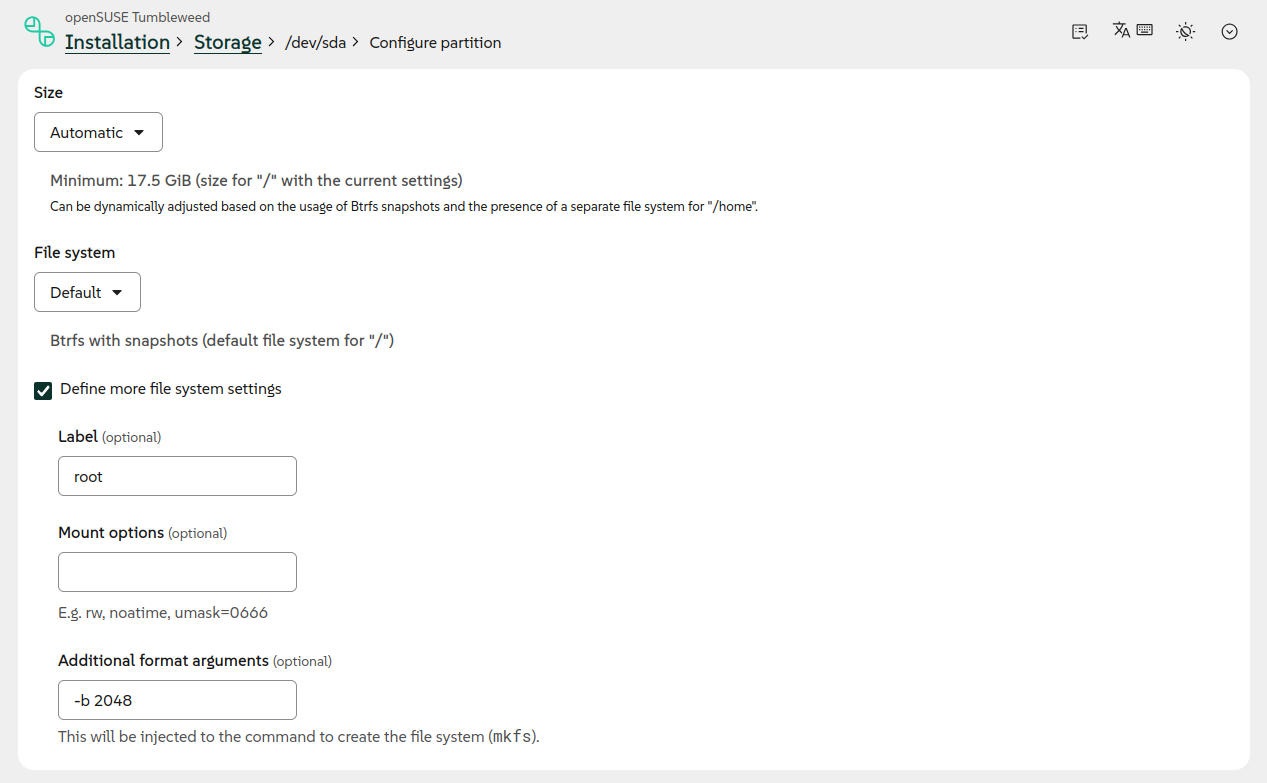
Additional filesystem options have been added to the interface, and the settings sections for disks, partitions, and logical volumes have been made more uniform. This makes advanced partitioning scenarios clearer.VLAN can now be configured through the web interface.
Agama 22 allows you to configure different types of network connections via a graphical interface: Wi-Fi, Ethernet, bridge, bond, and VLAN. Previously, VLAN support in the web interface was only anticipated.The command line interface has been improved.
The text monitor can now interactively respond to the installer’s questions. As a result of this improvement, commands like agama config load, which use the monitor to display results, also exhibit more user-friendly behavior.An access section has been added to the JSON configurations.
The new section allows you to pre-configure access to the installed system via SSH or Cockpit. Agama takes care of enabling the required service, opening the port in the firewall, and any additional steps necessary for access after installation.
Agama remains one of the key projects of openSUSE/SUSE: its goal is to replace the outdated YaST Installer architecture with a more modern installer (default since version 16), which is easier to develop, reuse, and integrate with other tools.
Source: linux.org.ru
