

Google has announced the readiness of the Chrome OS Flex operating system for widespread use. Chrome OS Flex is a distinct version of Chrome OS designed for use on regular computers, rather than just devices originally shipped with Chrome OS, such as Chromebooks, Chromebases, and Chromeboxes.
The main applications of Chrome OS Flex include upgrading existing old systems to extend their life cycle, reducing costs (for instance, there's no need to pay for an OS and additional software like antivirus programs), enhancing the security of infrastructure, and standardizing the software used in companies and educational institutions. The system is provided for free, and the source code is distributed under the Apache 2.0 open license.
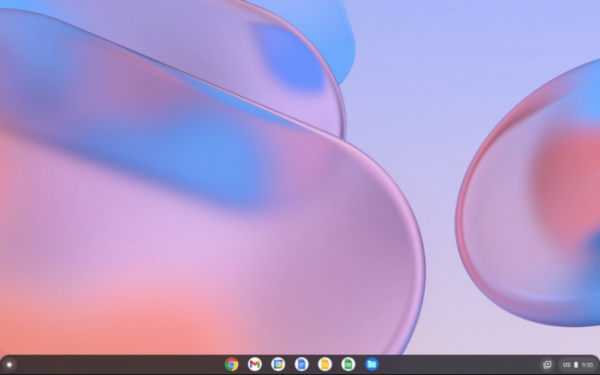
The system is based on the Linux kernel, the upstart system manager, the ebuild/portage build tools, open components, and the Chrome web browser. The user environment of Chrome OS is limited to the web browser, and web applications are used instead of standard programs; however, Chrome OS provides a full multi-window interface, a desktop, and a taskbar. Virtualization mechanisms allow for the execution of programs from Android and Linux. It is noted that the optimizations implemented in Chrome OS Flex significantly reduce energy consumption compared to using other operating systems (up to 19% energy savings).
Similar to Chrome OS, the Flex edition employs a verified boot process, integration with cloud storage, automatic update installation, Google Assistant, storage of user data in encrypted form, and mechanisms to prevent data leakage in case of device loss or theft. Centralized management tools are provided, similar to those in Chrome OS—access policy settings and update management can be carried out using the Google Admin console.
The system has been tested and certified for use on 295 different models of PCs and laptops. For deploying Chrome OS Flex, network boot or USB drive boot can be used. Initially, it is recommended to try the new system without replacing the previously installed OS by booting from the USB drive in Live mode. After assessing the suitability of the new solution, the existing OS can be replaced by network boot or USB drive boot. The stated system requirements are: 4 GB of RAM, x86-64 Intel or AMD CPU, and 16 GB of internal storage. All user-specific settings and applications are synchronized upon first login.
The product is developed using the expertise of Neverware, a company acquired in 2020 that released the CloudReady distribution, which is a build of Chromium OS for outdated hardware and devices not originally equipped with Chrome OS. During the acquisition, Google promised to integrate CloudReady's developments into the core of Chrome OS. The result of this effort is the release of Chrome OS Flex, which will be supported in a manner similar to Chrome OS. Users of the CloudReady distribution will be able to upgrade their systems to Chrome OS Flex.
Source: opennet.ru
