

The release of ONLYOFFICE DocumentServer 9.4 has been published, featuring a server for the ONLYOFFICE online editors and collaborative work organization. The editors can be used to work with text documents, spreadsheets, and presentations. The project code is distributed under the free AGPLv3 license. Pre-built packages are available for Linux, Windows, and macOS.
At the same time, the release of the ONLYOFFICE DesktopEditors 9.4 product has been generated, built on a unified codebase with the online editors. The desktop editors are presented as desktop applications written in JavaScript using web technologies, but they combine client and server components in a single bundle, designed for standalone use on the user's local system, without accessing an external service. The Nextcloud Hub platform can also be used for collaborative work, which provides full integration with ONLYOFFICE.
ONLYOFFICE claims full compatibility with MS Office and OpenDocument formats. Supported formats include: DOC, DOCX, ODT, RTF, TXT, PDF, HTML, EPUB, XPS, DjVu, XLS, XLSX, ODS, CSV, PPT, PPTX, ODP. The functionality of the editors can be extended through plugins, for instance, plugins for creating templates and adding videos from YouTube are available. Pre-built packages are available for Windows and Linux (deb and rpm packages).
Key innovations:
- ONLYOFFICE developers have listened to the requests of the Free Software Foundation and the Software Freedom Conservancy and removed controversial terms added above the AGPL license that required retaining the original ONLYOFFICE logo in derivative products. The additional conditions in the updated license now boil down to standard points about the need to retain copyright, license, and author notices. When modifying, it is required to mention that the product is based on ONLYOFFICE and display the corresponding notice in the graphical interface. The license also specifies that it does not grant rights to use the ONLYOFFICE trademark, which is distributed under separate conditions.
- The Community version of ONLYOFFICE Docs has removed the limitation of 20 simultaneous connections and ceased minifying the published code. The architecture has been simplified (all components are combined into one process), and unnecessary dependencies and bindings to RabbitMQ and the database have been eliminated, allowing ONLYOFFICE Docs to run on weaker hardware.
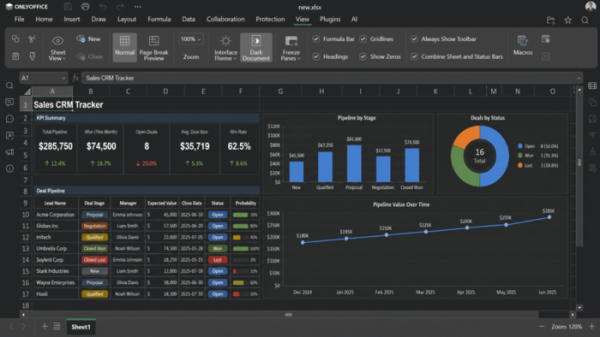
- In the spreadsheet editor, when selecting the dark theme, there is now an option to switch to a dark background for the spreadsheet workspace.

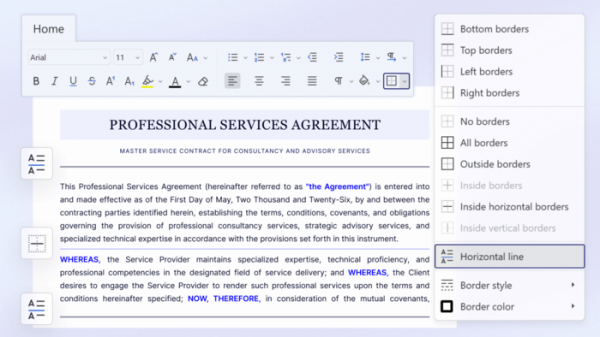
- The ability to insert horizontal lines for visually separating sections in the document and improving readability has been added.
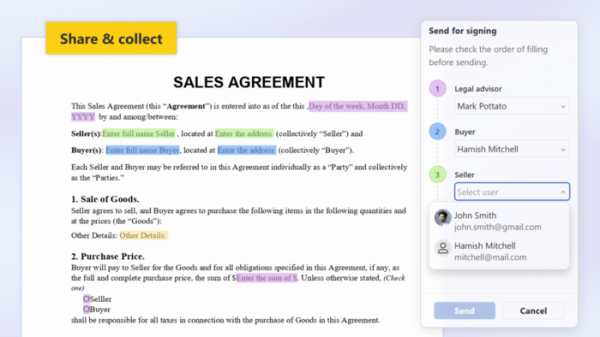
- The form filling tools have been redesigned. Support for binding specific recipients to the form and visually tracking the form filling status directly in the editor has been added.
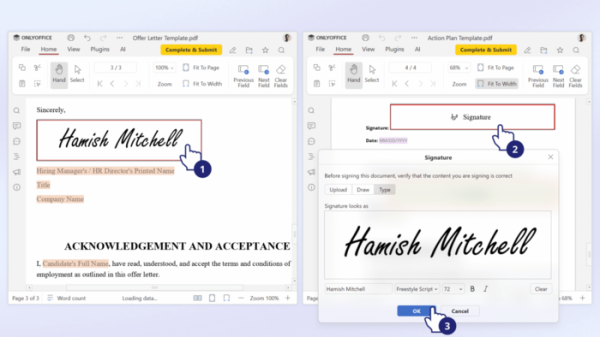
- The ability to save a signature image for quick attachment to multiple documents without needing to re-upload it for each document has been added (when filling out signature fields, the last selected image is now automatically suggested by default).
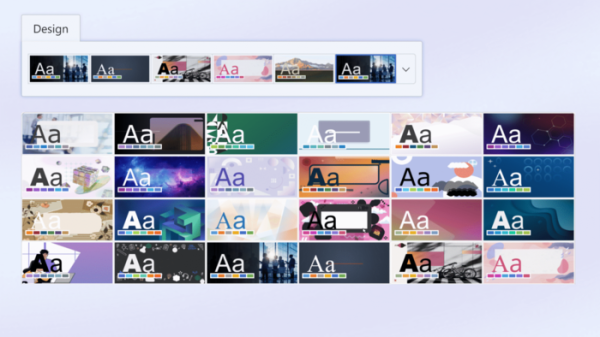
- The presentation editor offers 25 new presentation design templates.
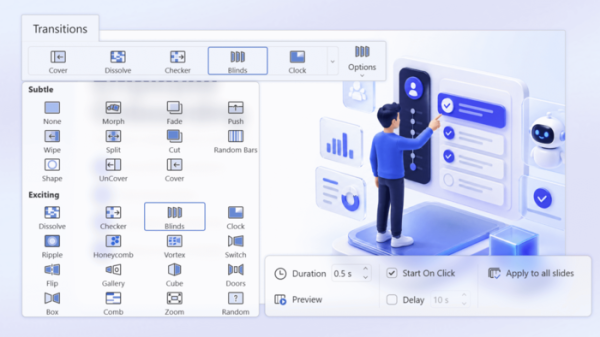
- The presentation editor now includes 20 new visual transition effects between slides.
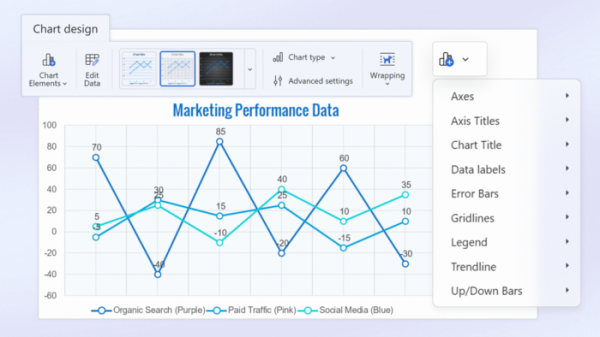
- A new 'Chart Design' tab is available in all editors, consolidating all settings related to charts.
- Enhanced capabilities for inserting external content into documents, PDFs, and presentations without disrupting the original formatting of tables and text with markup have been implemented.
- A separate button to save the document has been added to the mobile application, allowing users to disable auto-saving and manually control saves on systems with unstable network connections.
Source: opennet.ru
