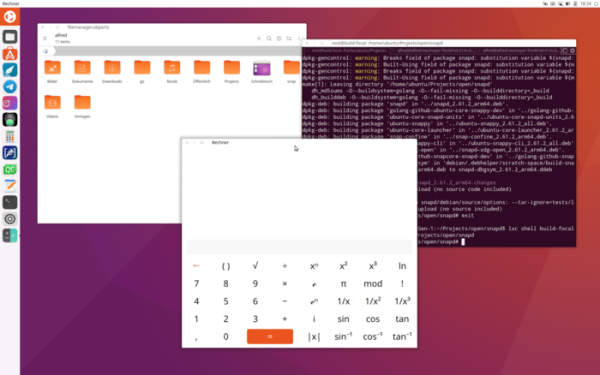
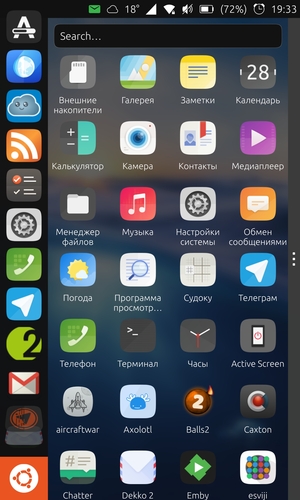
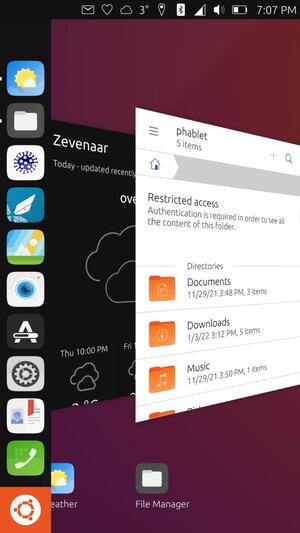
The firmware Ubuntu Touch 24.04-1.0 has been introduced, developed by the UBports project, which has taken on the development of the Ubuntu Touch mobile platform after Canonical stepped away from it. This is the first release of Ubuntu Touch, based on the package base of Ubuntu 24.04. The project is also developing an experimental desktop port of Unity 8, which has been renamed to Lomiri.
The Ubuntu Touch 24.04-1.0 update will soon be available for devices such as Asus Zenfone Max Pro M1, F(x)tec Pro1 X, Fairphone 3/3+/4, Google Pixel 3a/3a XL, JingPad A1, Oneplus 5/5T/6/6T, OnePlus Nord N10 5G/N100, Sony Xperia X, Vollaphone X/22/X23, Xiaomi Poco X3 NFC/X3, Xiaomi Poco M2 Pro, Xiaomi Redmi Note 9 Pro/Pro Max/9S, Volla Phone Quintus, Volla Tablet, Lenovo Tab M10 HD 2nd Gen, Rabbit R1, and Xiaomi Redmi 9/9 Prime. Compared to the previous release, builds for the Fairphone 5 device have been added.
Changes in Ubuntu Touch 24.04-1.0 include:
- The transition to the package base of Ubuntu 24.04 has been made. Since March 2023, the base platform used was the Ubuntu 20.04 branch.
- A new logo has been introduced.

- A light theme for the user interface has been implemented, which can be activated in the settings under 'System Settings > Background & Appearance'.

- Experimental support for theme switching in live mode has been added.
- Experimental support for personal data encryption has been added, allowing protection of user information in case of device theft. User data is encrypted using a specified password or access code that must be entered at boot. Encryption support is not available on all devices and can be enabled through the setting 'System Settings > Security & Privacy > Encryption (Experimental)'.
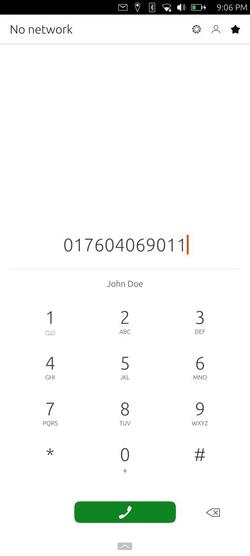
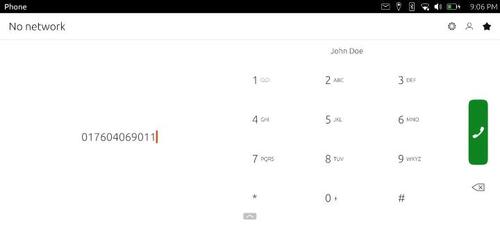
- A new app interface for making calls, optimized for larger smartphone screens and supporting landscape display, has been added.

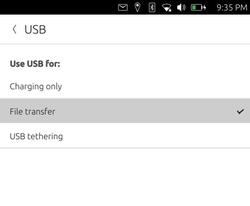
- A 'System Settings > USB' interface has been added for switching USB operation modes, where internet sharing via USB cable or file transfer over USB can be enabled.

- Bluetooth settings now show the device's MAC address and provide an option for rescanning nearby devices.
- The on-screen keyboard has disabled the automatic capitalization, autocorrect, and auto-punctuation modes by default.
- The performance in desktop mode, activated when connecting a smartphone to a stationary monitor, has been improved.
- Keyboard shortcuts Ctrl + Alt + Shift + arrow keys have been added for moving applications between virtual desktops.
- Users can now choose the information displayed in the date and time indicator menu. Options include displaying the calendar, week numbers, events, and alarms.
- In the sound settings (System Settings > Sound), users can select the sound used for reminders in the calendar planner.
- Wi-Fi settings now show additional information about the connected wireless network.


Source: opennet.ru