

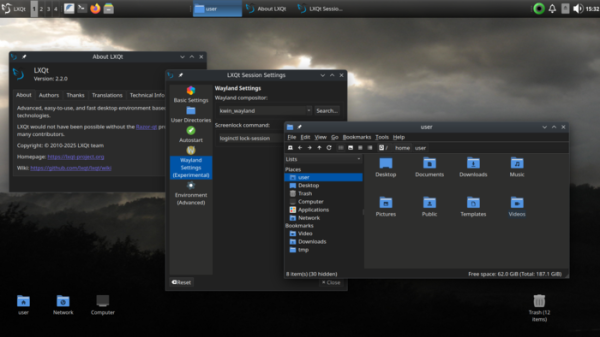
After 6 months of development, the release of the LXQt 2.2.0 desktop environment (Qt Lightweight Desktop Environment) has been presented, continuing the development of the LXDE and Razor-qt projects. The LXQt interface adheres to the ideas of classic desktop organization but incorporates modern designs and techniques that enhance usability. LXQt is positioned as a lightweight, modular, fast, and user-friendly environment that combines the best features of LXDE and Razor-qt. The code is hosted on GitHub and is available under GPL 2.0+ and LGPL 2.1+ licenses. Pre-built versions are expected for Ubuntu (LXQt is offered by default in Lubuntu), Arch Linux, Fedora, openSUSE, Mageia, FreeBSD, ROSA, and ALT Linux.
In the new version:
- Improved support for the Wayland protocol. In multi-screen configurations, screens can now be assigned names instead of just ordinal numbers.
- The lxqt-wayland-session component has been updated to allow LXQt to run alongside various Wayland compositors. Support for the latest versions of compositors has been added. servers LabWC, WayFire, kwin_wayland, Sway, Hyprland, River, and Niri.

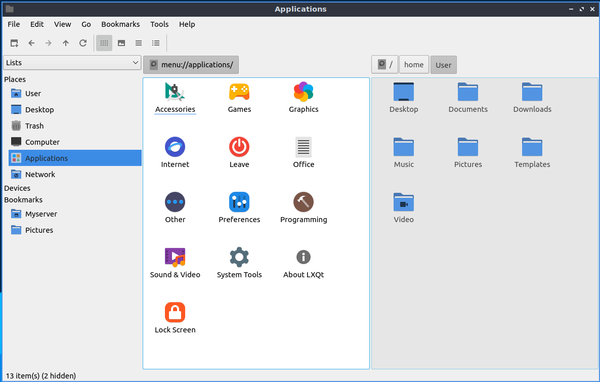
- In the PCManFM-Qt file manager, the option to specify custom options for launching the terminal emulator has been provided. The bulk rename function now includes support for string replacement operations. In the context menu 'Open With', which appears when selecting multiple files with different MIME types, applications capable of handling each of these MIME types are now offered. A keyboard shortcut 'Ctrl+Shift+NUMBER' has been added for changing the file list view mode. Enhanced support for drag-and-drop mode has been implemented.

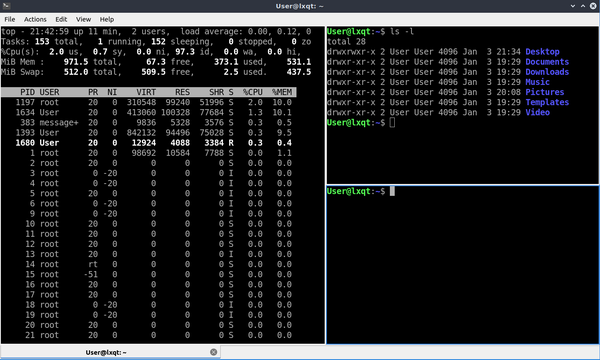
- The QTerminal emulator and QTermWidget have added support for a blinking text cursor and auto-hiding mouse cursor. Text rendering has been improved, including support for special characters. Support for character combinations has been added. Upon exiting QTerminal, a confirmation prompt is now provided if there are running processes initiated from QTerminal. There is a setting to switch focus to another terminal when hovering the mouse cursor over it. The settings dialog has been cleaned up.

- Support for power profiles has been added, utilizing a background process called power-profiles-daemon for processing them. Available profiles are displayed in the context menu of the battery charge indicator located on the taskbar. By default, closing the laptop lid activates sleep mode.
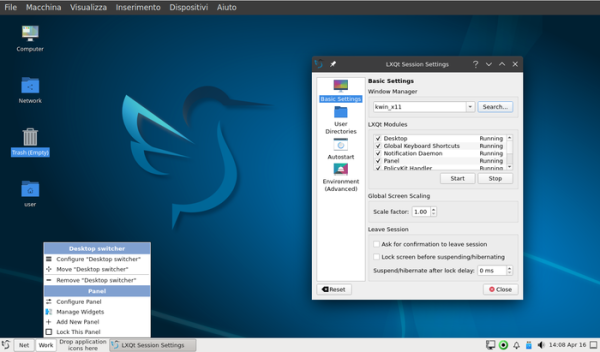
- The LXQt Session now features protection against starting a second instance of the lxqt-session process for the same user. A D-Bus method has been added for launching applications within the LXQt session.
- The LXQt Panel includes a setting for changing the text color in the 'Custom Command' plugin area, which allows arbitrary commands to be executed and their results displayed in the panel. The 'Fancy Menu' application menu now supports navigation using the PageDown and PageUp keys.

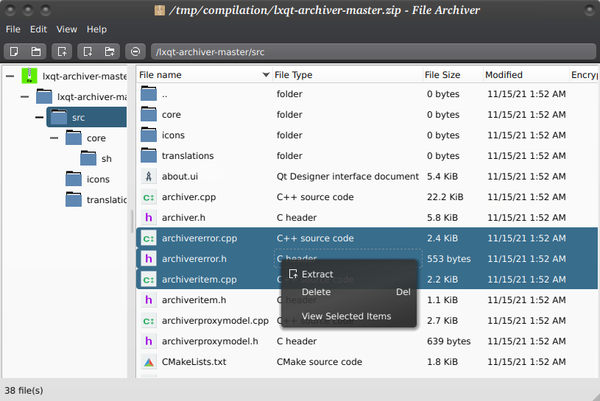
- In LXQt Archiver, support for 7zip is enabled by default. The 7z utility is utilized for working with RAR archives.

Source: opennet.ru
