

The release of Plane 0.7 is now available, providing tools for project management, bug tracking, work planning, product development support, task list creation, and coordination of task execution. The platform can be deployed within your own infrastructure, eliminating dependence on third-party providers, and is evolving as an open alternative to proprietary systems like JIRA, Linear, and Height. The project is in development and is preparing for the release of its first stable version. The code is written in Python using the Django framework and is distributed under the Apache 2.0 license. PostgreSQL is used as the database, and Redis is utilized for fast storage. The web interface is built with TypeScript using the Next.js library.
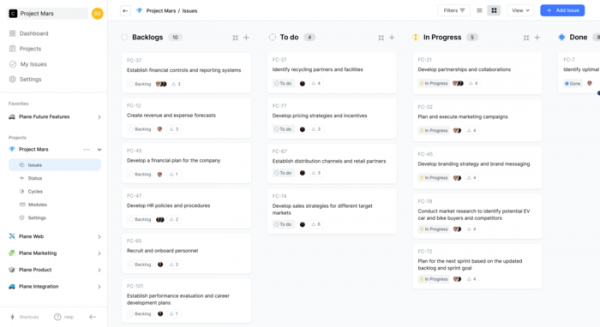
Plane supports various types of workflows and allows for separate tracking of assigned tasks (ToDo), the backlog, tasks in progress, and completed tasks. The system is designed to accommodate both waterfall and agile project development methodologies. In the waterfall model, development is viewed as a continuous flow that sequentially passes through the stages of planning, requirements analysis, design, implementation, testing, integration, and support. In the agile model, project development is broken down into smaller fractions that ensure gradual functionality development, covering typical stages such as planning, requirements analysis, design, development, testing, and documentation.
Key features of Plane:
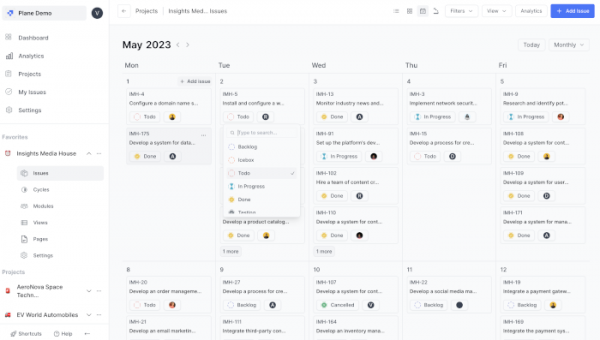
- Error tracking and work planning. Three viewing modes are supported — list, virtual board (Kanban), and calendar. Work can be assigned to specific team members. A visual editor with rich text support is used for editing. File attachments, links to other tasks, comments, and discussions can be added.

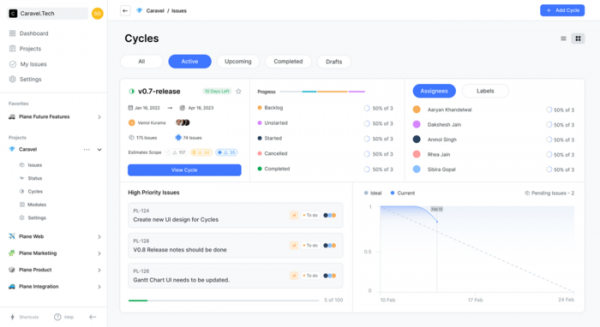
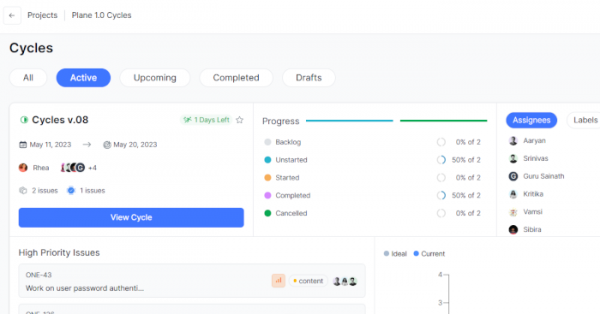
- Development cycles are the periods during which the team plans to complete the next stage of development. Completing a cycle usually results in the formation of a new version. The interface for cycles visually presents information about the progress of development.
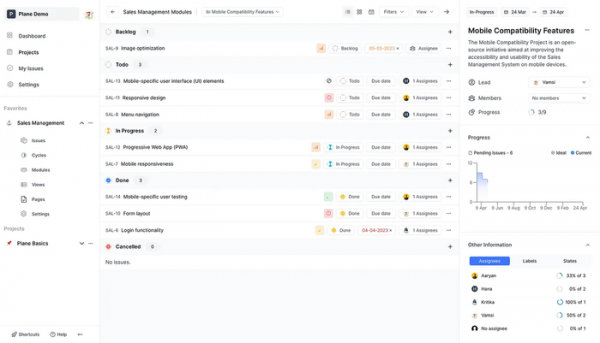
- Modules allow for the division of large projects into smaller parts, which can be assigned to different teams and coordinated separately.

- Views provide the capability to filter only tasks and issues relevant to a specific employee.
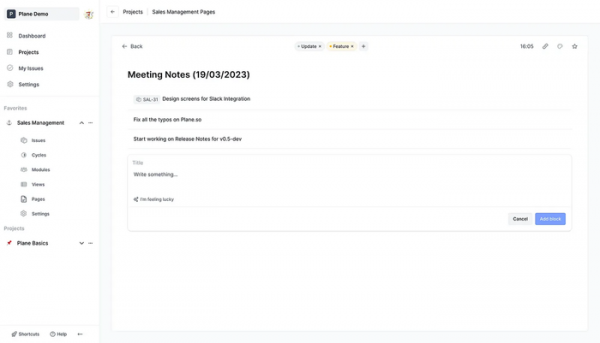
- Pages enable the use of an AI assistant for quick note-taking and documentation of issues and plans discussed during discussions.
- A universal menu triggered by pressing 'Ctrl + K' that offers quick navigation across all projects.
- Integration with external services, such as sending notifications via Slack and synchronizing issues with GitHub.
- Management of employees and teams. Different levels of authority (owner, administrator, participant, observer). Support for defining different states of issues for different teams.
- Ability to change the theme and use dark viewing modes.
Key improvements in the new version:
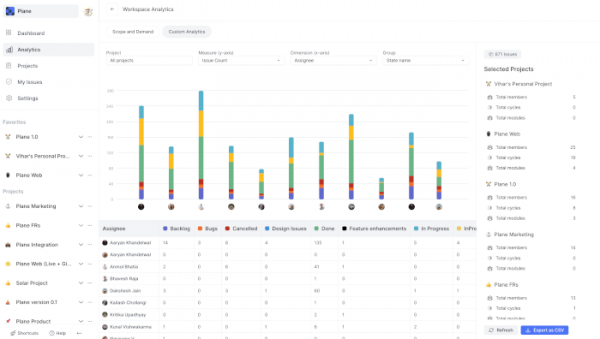
- A new analytics section has been added, allowing a clear assessment of each employee's performance, reviewing project implementation progress, and tracking task dynamics.

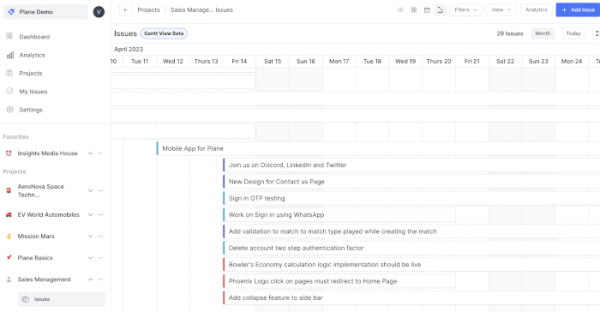
- Support for displaying work schedules in the form of a calendar Gantt chart.

- Support for connecting custom themes and adjusting styles and colors.
- The development cycle interface has been redesigned.

- Expanded information displayed in the calendar view.

Source: opennet.ru
