

Mozilla has officially presented the results of its work on the modernization of the Firefox interface, completed as part of the Nova project. The new design is notable for its significant rounding of tab buttons and the address bar, as well as the separation of distinct blocks in the upper area, including the tab bar, navigation panel, sidebar, content area of web pages, and elements displayed upon opening a new tab. Different blocks are highlighted with their own color shades featuring gradients.
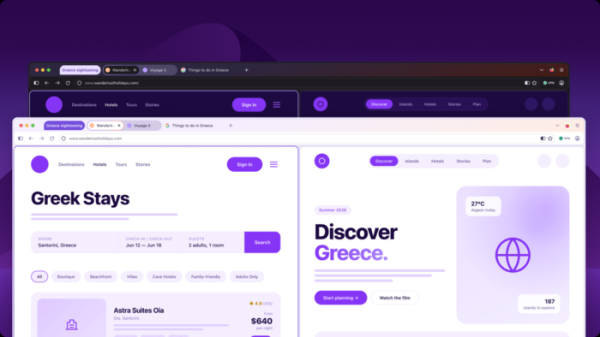
The toolbar contains separate buttons for entering private browsing mode and using the built-in VPN. The configuration interface has been redesigned, expanding the search capabilities for settings, dividing large sections into several separate pages, improving navigation, and updating labels and descriptions of settings.

Access to tab grouping, vertical tabs, and side-by-side viewing of two tabs has been simplified. The option to enable a compact mode has been reinstated, where interface elements take up less screen space.
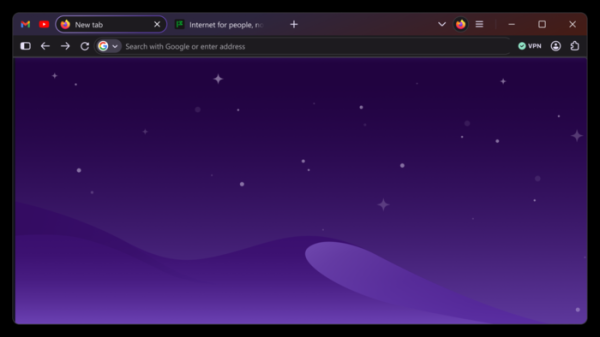
The icons have been updated to look cleaner and more balanced in both light and dark themes. The color palette has been changed to incorporate shades of purple and lighter warm tones. A glow effect around the active tab button has been implemented. The spacing between all interface elements has been redesigned.
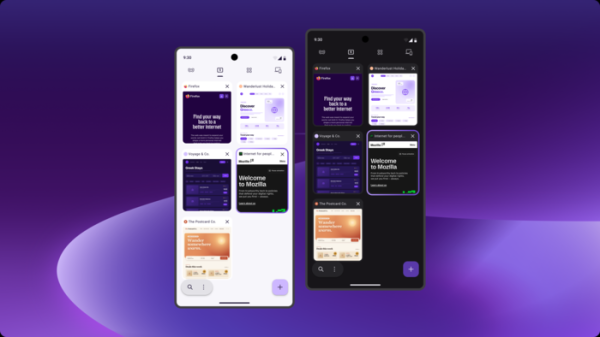
The interface has been changed not only for desktop builds but also for the Android version.
Source: opennet.ru
