

the release of the distribution , the second update of the Linux Mint 19.x branch, which is based on Ubuntu 18.04 LTS and supported until 2023. The distribution is fully compatible with Ubuntu, but significantly differs in its approach to user interface organization and the selection of default applications. The developers of Linux Mint provide a desktop environment that aligns with the classic standards of desktop organization, which is more familiar to users who do not adopt the new interface construction methods of Unity and GNOME 3. DVD builds based on the shells are available for download (), () and ().
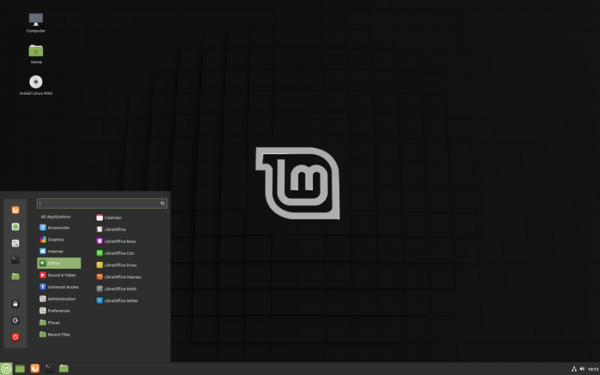
Key features of Linux Mint 19.3 (, , ):
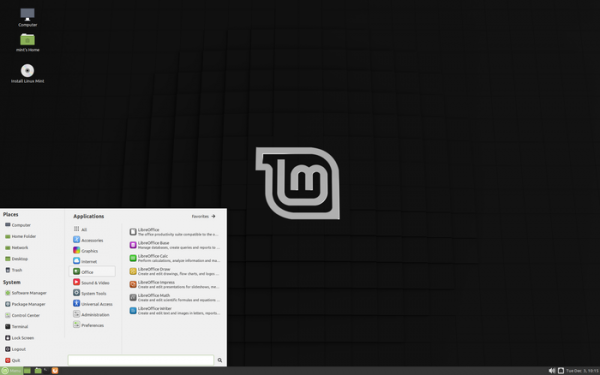
- The package includes versions of desktop environments and , whose design and organization of work continue to develop the ideas of GNOME 2 — the user is offered a desktop and a panel with a menu, a quick launch area, a list of open windows, and a system tray with running applets. Cinnamon is based on GTK3+ and GNOME 3 technologies. The project advances the GNOME Shell environment and the Mutter window manager towards providing an environment in the style of GNOME 2 with a more modern design and the involvement of elements from GNOME Shell that complement the tools of the classic desktop. MATE continues to develop the code base of GNOME 2.32 and is completely free of intersections with GNOME 3, allowing the traditional GNOME 2 desktop to be used alongside the GNOME 3 desktop.

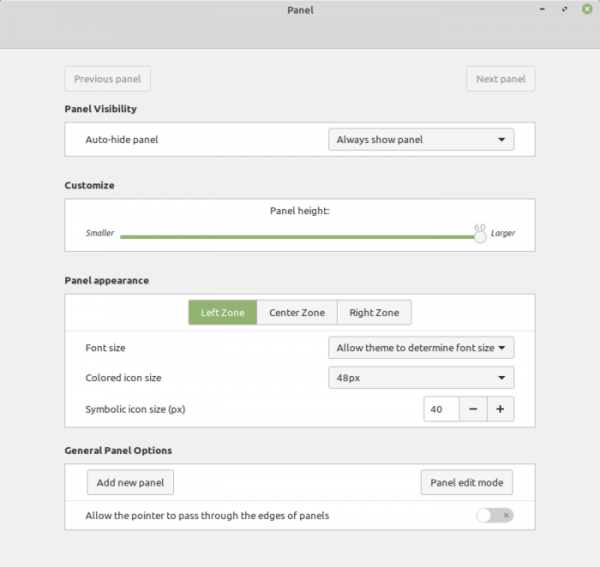
- In Cinnamon, each area of the panel (left, center, right) offers the ability to define its text size and the size of symbolic icons.

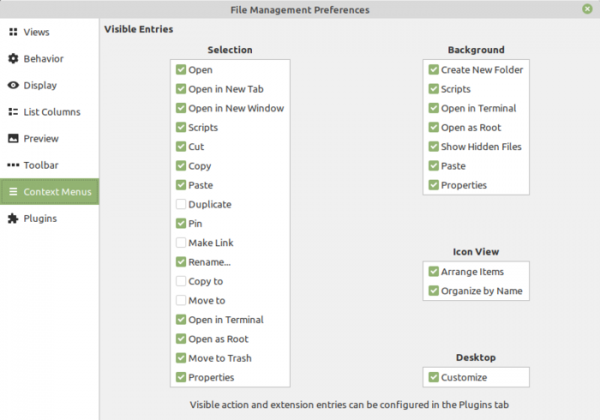
- In the Nemo file manager, the ability to customize which actions are visible in the context menu has been added.

- The Xfce desktop has been updated to the release .
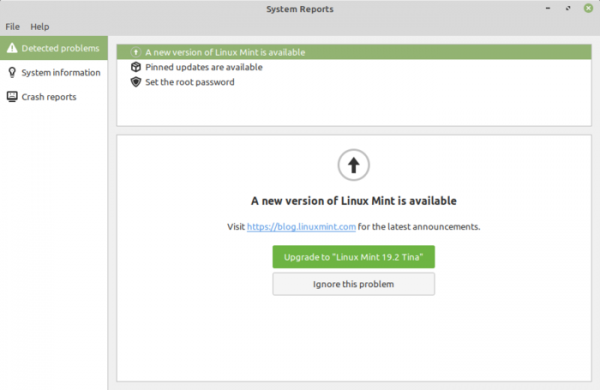
- A new indicator has been added to the system tray with tips and suggestions for resolving potential issues in the system. For example, the indicator suggests installing missing language packs and multimedia codecs, alerts to the release of a new version of Linux Mint, or indicates the availability of additional drivers.

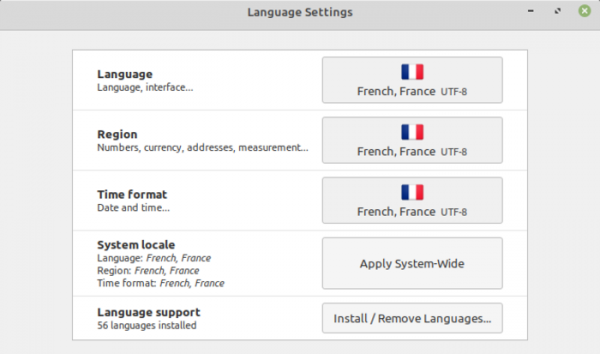
- Language settings have been updated to allow the definition of time output format.

- Support for high-density pixel screens (HiDPI) has been nearly fully implemented, covering all applications included in the standard distribution of all editions of Linux Mint, except for Hexchat and Qt5Settings. The flags used in language settings and the mirror repository selection interface have been replaced, as they appeared blurry due to scaling on HiDPI screens. Issues with the theme preview functionality on HiDPI screens have been resolved in Cinnamon.
- The XAppStatus applet and XApp.StatusIcon API have been proposed, implementing an alternative mechanism for placing icons with application indicators in the system tray. XApp.StatusIcon addresses issues that arise when using Gtk.StatusIcon, which was designed for 16-pixel icons and has problems with HiDPI screens, as well as being tied to outdated technologies such as Gtk.Plug and Gtk.Socket, which are incompatible with GTK4 and Wayland. Gtk.StatusIcon also implies that rendering occurs on the application side rather than the applet. To resolve these issues, a system called AppIndicator was proposed in Ubuntu, but it does not support all functionalities of Gtk.StatusIcon and generally requires a redesign of applets.
XApp.StatusIcon, like AppIndicator, shifts the rendering of the icon, tooltip, and label to the applet side, using DBus to transmit information through applets. Rendering on the applet side allows for high-quality icons of any size and resolves display issues. It supports event transmission from the applet to the application for clicks, also done via the DBus bus. To ensure compatibility with other desktops, an App.StatusIcon stub has been prepared, which checks for the applet's presence and can revert to Gtk.StatusIcon if necessary, allowing old applications based on Gtk.StatusIcon to display icons.
- The default multimedia player used is
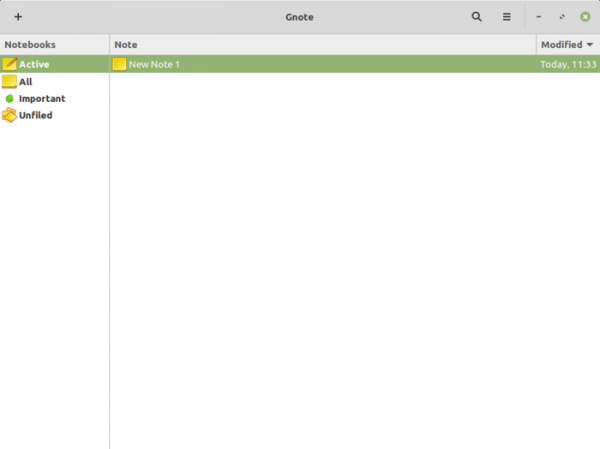
, providing a graphical interface based on the GTK3 library for the console video player MPV. Celluloid has replaced Xplayer, which was based on GStreamer/ClutterGST and supported only CPU-based video rendering (using MPV allows for hardware acceleration mechanisms to be utilized). - For note-taking instead of Tomboy, which pulls in Mono dependencies and does not support HiDPI, the Gnote application is suggested, whose only downside is its inability to minimize to the system tray.

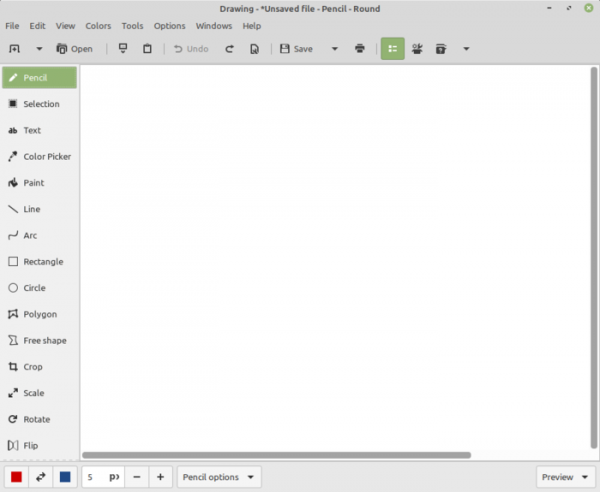
- Instead of the GIMP graphic editor, a very simple and more intuitive application called 'Drawing' has been added to the basic package; it supports drawing, scaling, cropping, and transforming.

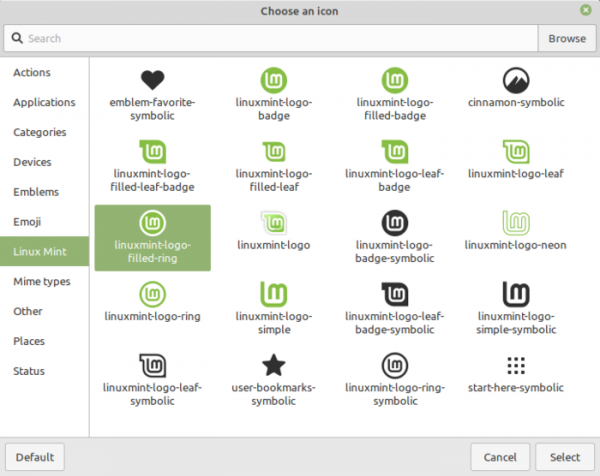
- The XAppIconChooser widget now supports defining default icon sizes and custom icon categories. This widget is also used in the menu for logo selection.

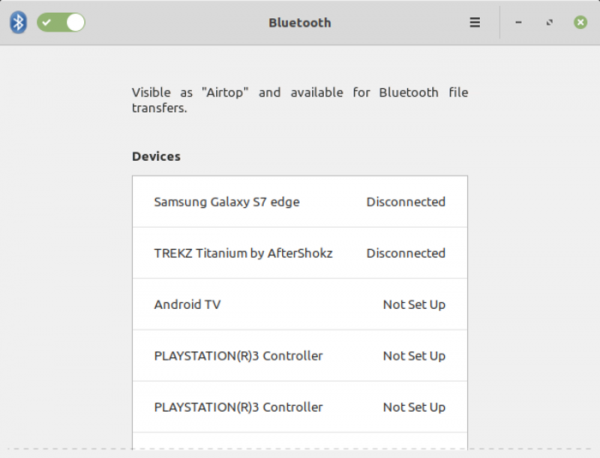
- Blueberry, the Bluetooth configurator, has been completely redesigned, improving device detection and problem diagnostics, as well as expanding the range of supported hardware.

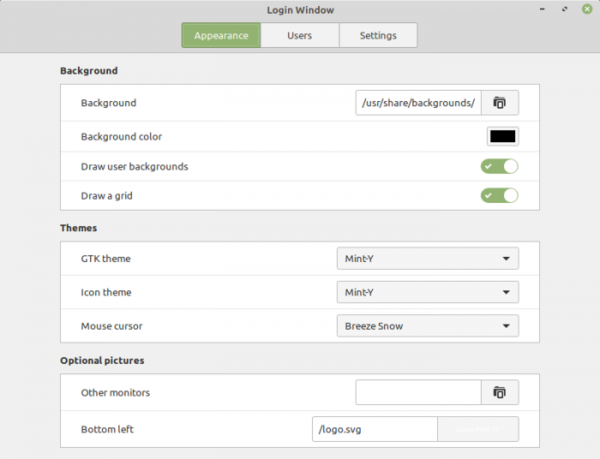
- In the LightDM display manager settings, the option to select a theme for the mouse pointer for the login screen has been added.

- The improvement of applications developed under the X-Apps initiative, aimed at unifying the software environment across different desktop editions of Linux Mint, continues. The X-Apps incorporate modern technologies (GTK3 for HiDPI support, gsettings, etc.), while retaining traditional interface elements such as the toolbar and menu. Among these applications are: the text editor Xed, the photo manager Pix, the document viewer Xreader, and the image viewer Xviewer.
- In the photo manager, the option to choose the quality mode for viewing photos in slideshow mode has been provided.
- The Xed text editor (a fork of Pluma/Gedit) now supports opening links with a right-click.
- In the Xreader document viewer (a fork of Atril/Evince), buttons for viewing annotations have been added to the panel.
- A Ctrl+0 keyboard shortcut has been added in Xviewer to reset the zoom.
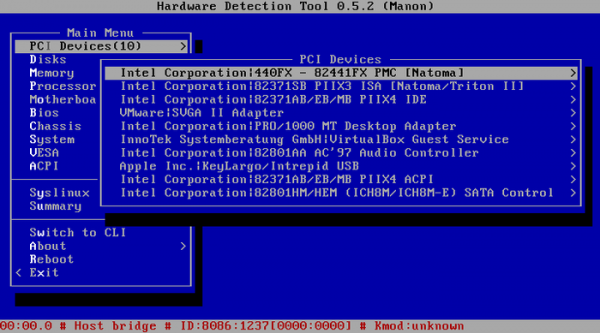
- A tool for hardware detection has been added to the ISO image boot menu.
('Hardware Detection Tool').
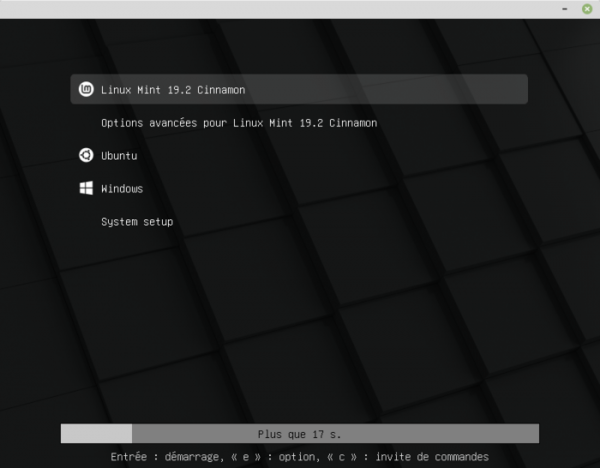
- The design of the boot menu and boot splash screen has been changed.

Source: opennet.ru
