

The release of Linux Mint 20.3 has been announced, continuing the development of the branch based on the Ubuntu 20.04 LTS package base. The distribution is fully compatible with Ubuntu but significantly differs in its approach to user interface organization and the selection of default applications. The developers of Linux Mint provide a desktop environment that adheres to the classic principles of desktop organization, which is more familiar to users who are not adopting the new interface methods of GNOME 3. DVD releases are available based on the MATE 1.26 (2.1 GB), Cinnamon 5.2 (2.1 GB), and Xfce 4.16 (2 GB) shells. An upgrade option is provided from Linux Mint 20, 20.1, and 20.2 to version 20.3. Linux Mint 20 is classified as a long-term support (LTS) release, with updates being provided until 2025.
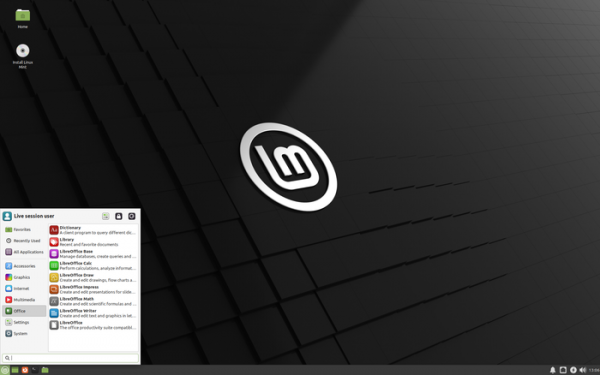
Major changes in Linux Mint 20.2 (MATE, Cinnamon, Xfce):
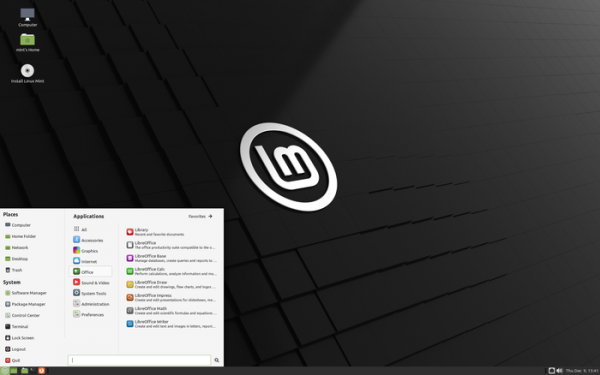
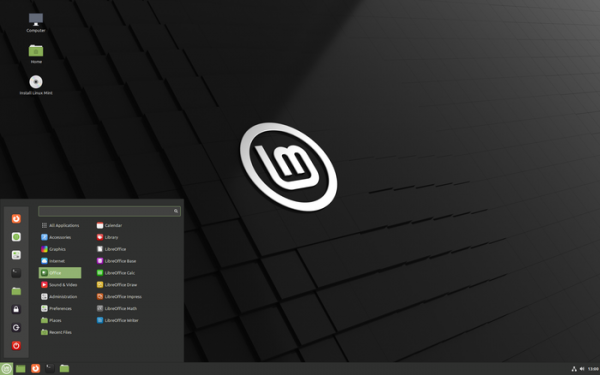
- A new release of the Cinnamon 5.2 desktop environment has been included, whose design and operation continue the development of GNOME 2 ideas — users are offered a desktop and panel with a menu, a quick launch area, a list of opened windows, and a system tray with running applets. Cinnamon is based on GTK and GNOME 3 technologies. The project develops the GNOME Shell interface and the Mutter window manager towards providing an environment in the style of GNOME 2 with a more modern design and the involvement of elements from GNOME Shell that complement classic desktop tools. Editions with Xfce and MATE desktops come with Xfce 4.16 and MATE 1.26.

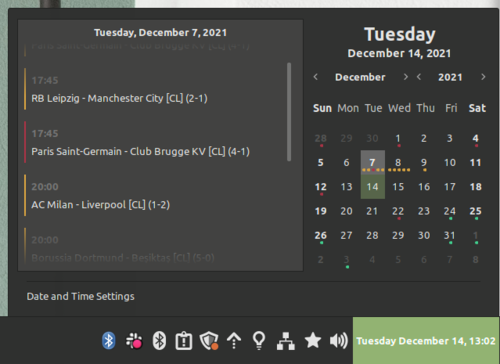
Cinnamon 5.2 introduces a new calendar-planner applet that supports simultaneous work with multiple calendars and synchronization with external calendars through evolution-data-server (for example, with GNOME Calendar, Thunderbird, and Google Calendar).

A confirmation dialog has been added when trying to delete a panel. The menu for all applications now shows symbolic icons, and by default, application buttons are hidden. Animated effects have been simplified. New settings have been added to disable scrolling in the desktop switching interface, hide the counter in the notification output applet, and remove labels from the window list. Improved support for NVIDIA Optimus technology.
- The themes have been updated. Window corners are rounded. The size of the window control buttons in the window headers has been increased and additional padding has been added around the icons to make clicking easier. The display of shadows has been redesigned for a unified appearance of windows, regardless of rendering on the application side (CSD) or server.

- In the Mint-X theme, the display of applications with separate dark interfaces in a light-theme environment has been improved. For the applications Celluloid, Xviewer, Pix, Hypnotix, and GNOME terminal, the dark theme is enabled by default. If needed, a light and dark theme switch has been implemented in the settings of these applications. The style of the notification block in the applications has been optimized.

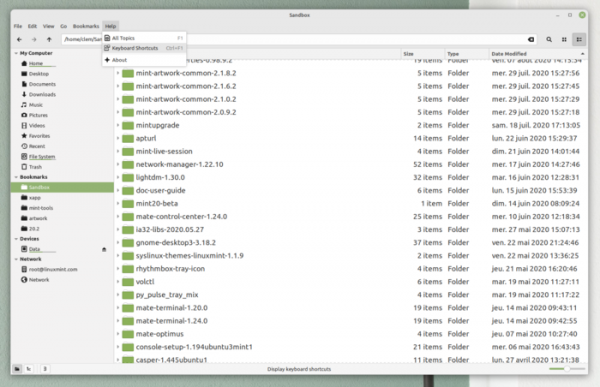
- In the Nemo file manager, an automatic renaming feature has been implemented for files whose names conflict with other files when copied. The issue with clearing the clipboard when the Nemo process is terminated has been resolved. The appearance of the toolbar has been improved.

- The use of colors for highlighting active elements (accent) has been revised: to avoid visually cluttering the interface with distracting color inserts on some widgets, such as toolbar buttons and menus, a gray color has been used as the base (eye-catching element highlighting is maintained in sliders, switches, and the window close button). Dark gray highlighting of the sidebar in the file manager has also been removed.

- In the Mint-Y theme, instead of two different themes for dark and light headers, a single theme has been implemented that dynamically changes color depending on the selected mode. Support for the combined theme, which combined dark headers with light windows, has been discontinued. By default, a light panel is offered (a dark one is retained in Mint-X), and a new set of emblems is displayed on the icons. For those who are not satisfied with the layout changes, the 'Mint-Y-Legacy' theme has been prepared, allowing users to preserve the previous appearance.

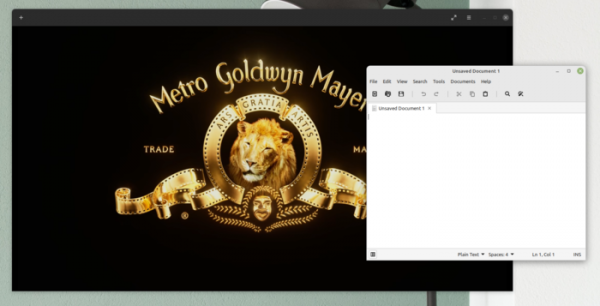
- The improvement of applications developed under the X-Apps initiative, aimed at unifying the software environment across different desktop editions of Linux Mint, continues. The X-Apps incorporate modern technologies (GTK3 for HiDPI support, gsettings, etc.), while retaining traditional interface elements such as the toolbar and menu. Among these applications are: the text editor Xed, the photo manager Pix, the document viewer Xreader, and the image viewer Xviewer.
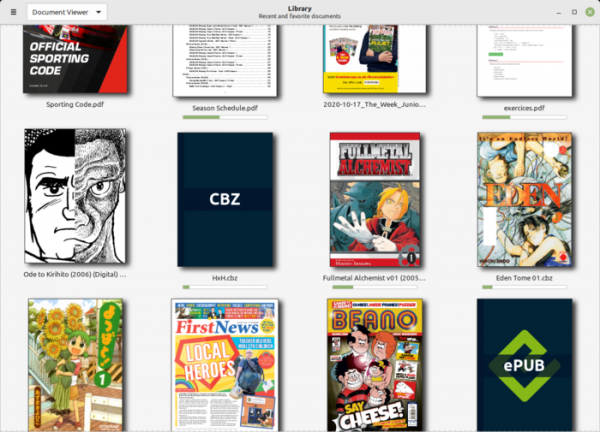
- The X-Apps suite has added the Thingy document manager, which allows you to quickly return to recently viewed or favorite documents and visually track how many pages have been read.

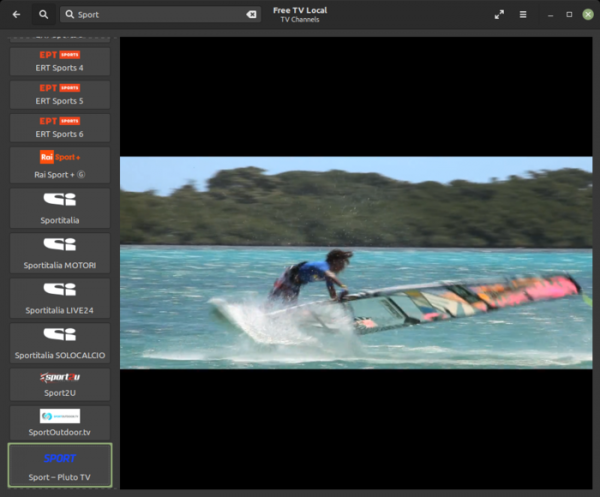
- The interface of the Hypnotix IPTV player has been revamped, featuring support for a dark theme, a new set of country flag images, Xtream API support (in addition to M3U and local playlists), and a new function for searching channels, movies, and series.

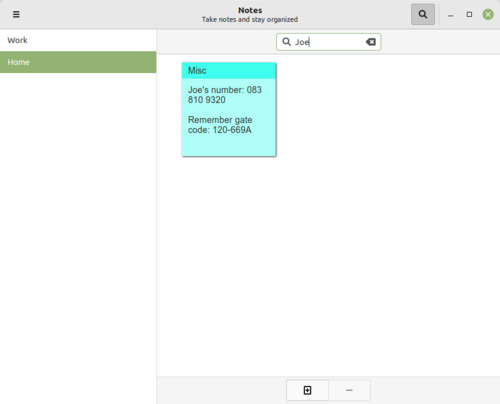
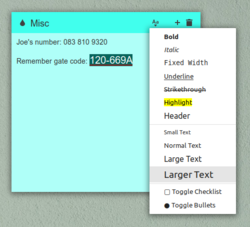
- Sticky Notes now includes a search function, the appearance of notes has been redesigned (with a title embedded into the note), and a menu has been added to change the font size.


- The Xviewer image viewer now features automatic image fitting to the height or width of the window.
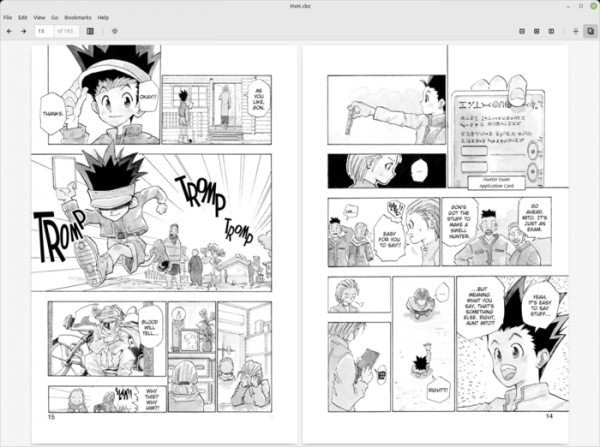
- The Xreader PDF viewer has added proper support for Japanese comics, 'Manga' (in Right-to-left mode, the cursor key direction is inverted). The toolbar is no longer displayed in full-screen mode.

- The Xed text editor has introduced the ability to switch between tabs using Ctrl-Tab and Ctrl-Shift-Tab. Options to hide the menu (the hidden menu appears when the Alt key is pressed) have been added to both Xed and Xreader.
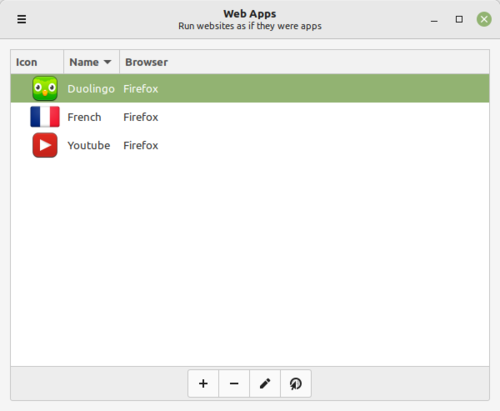
- The web application manager now features a new column indicating which browser will be used to open the application.

- To save battery life and reduce resource usage, the system report generation job now runs once a day instead of every hour. A new report for checking filesystem merging (usrmerge) has been added — by default, merging occurs for new installations of Linux Mint 20.3 and 20.2, but is not applied when launching the upgrade process.
- Print and document scanning support has been improved. The HPLIP package has been updated to version 3.21.8, adding support for new HP printers and scanners. New releases of ipp-usb and sane-airscan packages have also been backported.
- Bluetooth can now be turned on and off through the system tray menu.
- The Flatpak toolkit has been updated to version 1.12.



Source: opennet.ru
