

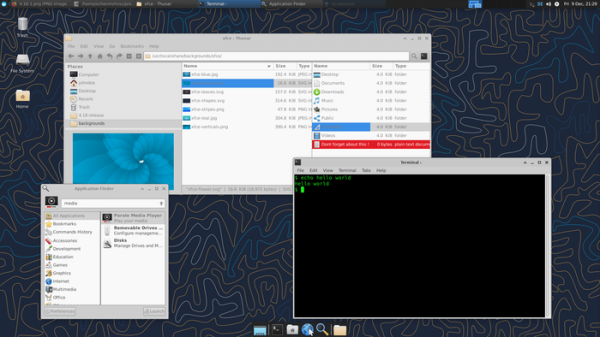
After two years of development, the release of the Xfce 4.18 desktop environment has been published, aimed at providing a classic desktop that requires minimal system resources to operate. Xfce consists of several interrelated components that can be used in other projects if desired. Among these components are: the window manager xfwm4, an application launcher panel, a display manager, a user session management tool, a power management controller, the Thunar file manager, the Midori web browser, the Parole media player, the mousepad text editor, and a system for configuring environment settings.
Key innovations:
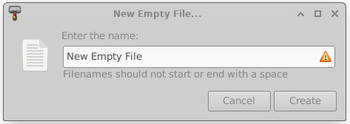
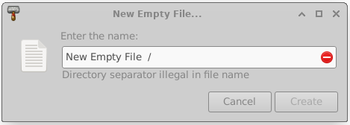
- The libxfce4ui interface element library has introduced a new widget, XfceFilenameInput, for inputting file names that notifies the user of errors when invalid names are used, such as those containing unnecessary spaces or special characters.


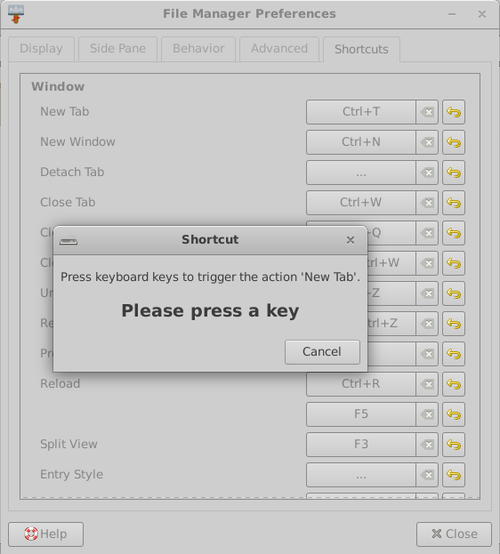
- A new widget has been added for configuring keyboard shortcuts, providing a graphical interface for remapping hotkeys specific to various components of the user environment (currently supported components include Thunar, Xfce4-terminal, and Mousepad).

- The performance of the thumbnail creation service (pixbuf-thumbnailer) has been optimized. Users can now change the parameters for desktop thumbnails, such as the ability to use large (x-large) and very large (xx-large) icons that are convenient for high-resolution screens. The Tumbler thumbnail creation handler and the Thunar file manager now support shared thumbnail repositories, which can be used by different users (thumbnails can be saved in a subdirectory next to the original images).
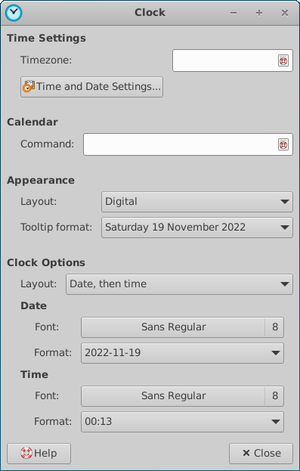
- A new plugin for displaying time has been introduced in the xfce4-panel, combining the previously separate digital and analog clock plugins (DateTime and Clock). Additionally, the plugin includes a binary clock mode and a sleep tracking feature. Several clock layouts are offered for displaying time: analog, binary, digital, textual, and LCD.


- The desktop manager (xfdesktop) now allows hiding the 'Delete' button in the context menu and provides a separate confirmation for rearranging icons on the desktop.
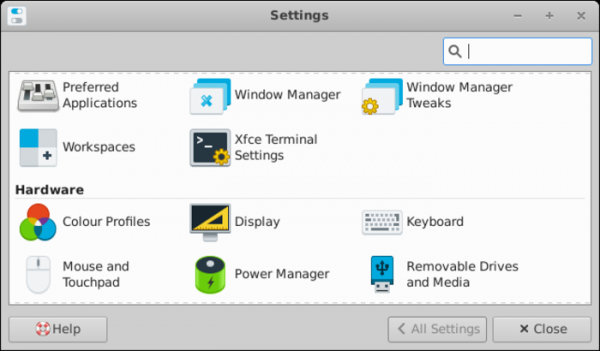
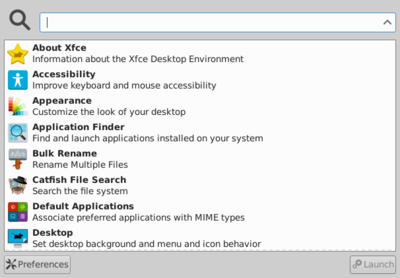
- In the configurator (xfce4-settings), the user interface for searching settings has been simplified — the search bar is now always visible and does not get hidden behind the slider.

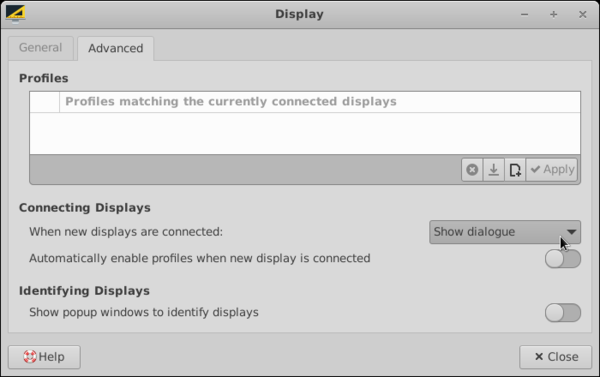
- In the screen settings interface, there is now the ability to define actions that occur when new screens are connected.

- In the appearance settings, when selecting a new theme, there is an option for automatically applying the corresponding theme for the window manager xfwm4.
- In the application finder interface (xfce4-appfinder), support for the 'PrefersNonDefaultGPU' property has been added for using a secondary GPU in hybrid graphics systems. A setting has also been added to hide window decoration elements.

- The xfwm4 window manager now supports adaptive vertical synchronization (vsync) when using GLX. The settings virtual desktops have been aligned with other window managers.
- User interface scaling has improved on high pixel density screens, and issues with icon blurriness when scaling is enabled have been resolved.
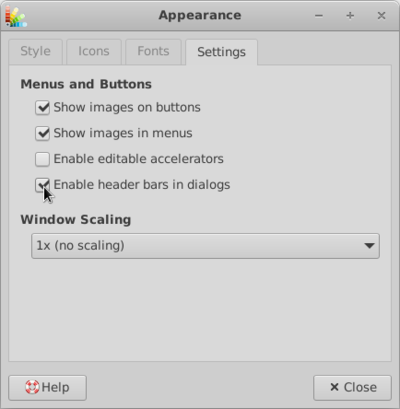
- Rendering of all window and dialog headers is now done by default by the window manager, but for some dialogs, there is an option for client-side decoration (CSD) using the GtkHeaderBar widget.

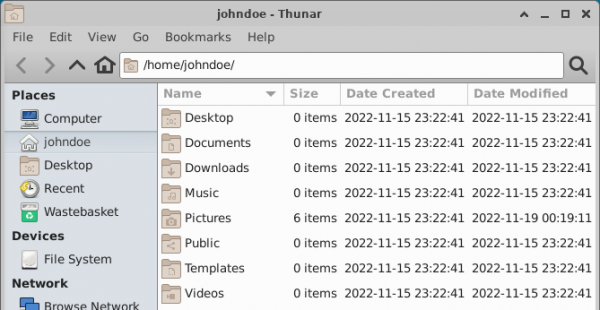
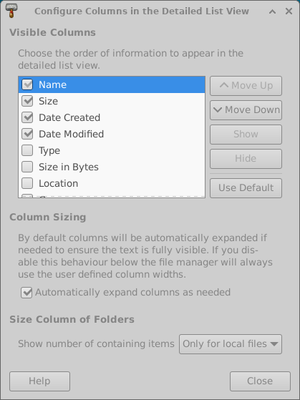
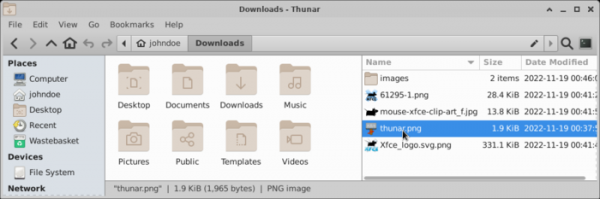
- In the Thunar file manager, the list view mode has been improved — the size field now displays the number of files contained in the directory, and a column for file creation time has been added.

A new item has been added to the context menu to display the dialog for configuring the visible fields.

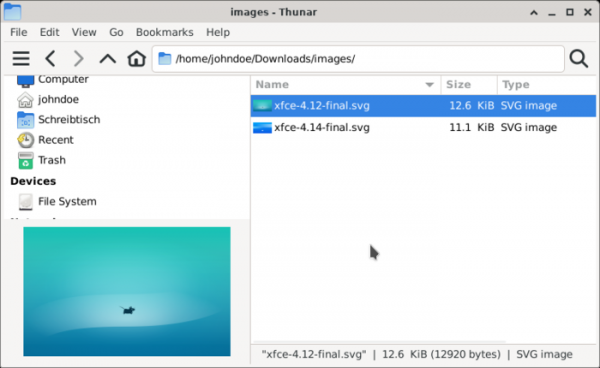
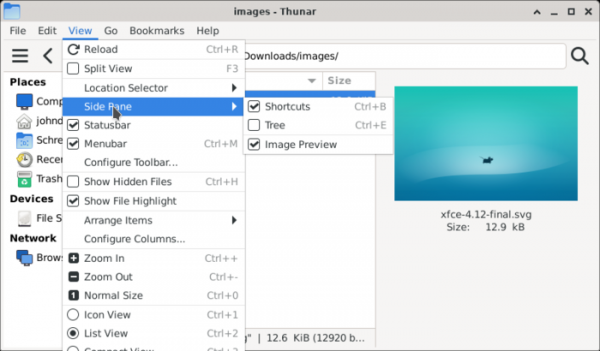
A built-in sidebar for previewing images has been integrated, which can operate in two modes — embedding in the current left panel (not taking additional space) and displaying as a separate panel, which additionally shows information about the size and name of the file.

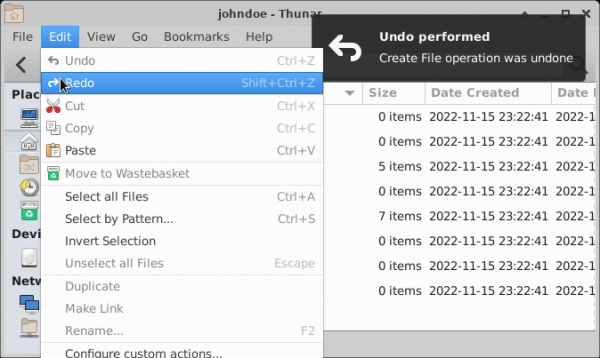
The ability to undo and redo certain file operations, such as moving, renaming, deleting to the trash, creating, and forming a link has been provided. By default, it supports rolling back 10 operations, but the undo buffer size can be adjusted in the settings.

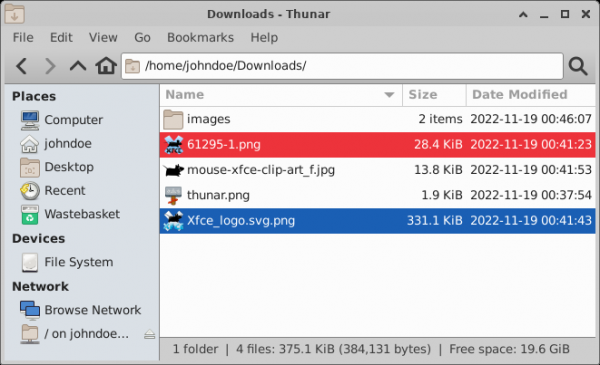
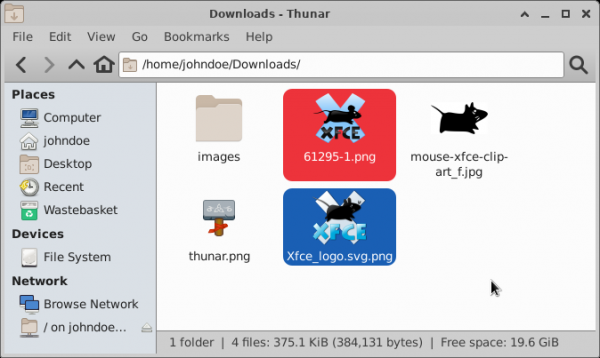
The ability to highlight selected files with a specific background color has been added. Color bindings are set up in a separate tab added to the Thunar settings section.

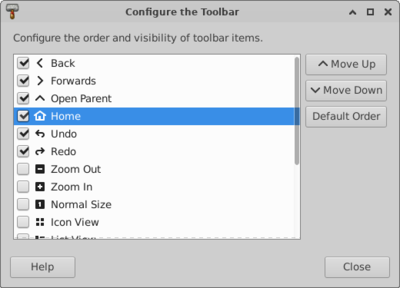
The capability to customize the contents of the file manager's toolbar and to show a hamburger button with a dropdown menu instead of the traditional menu bar has been provided.


A Split View mode has been added, allowing two different file tabs to be displayed side by side. The size of each panel can be changed by moving the separator. Both vertical and horizontal panel splitting are possible.

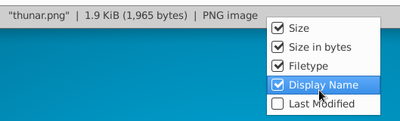
The status bar now uses the ‘|’ symbol for clearer separation of elements. If desired, the separator can be changed in the context menu.

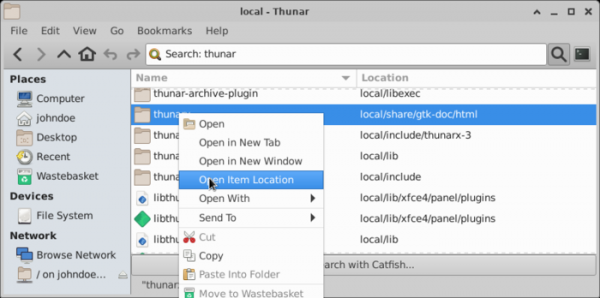
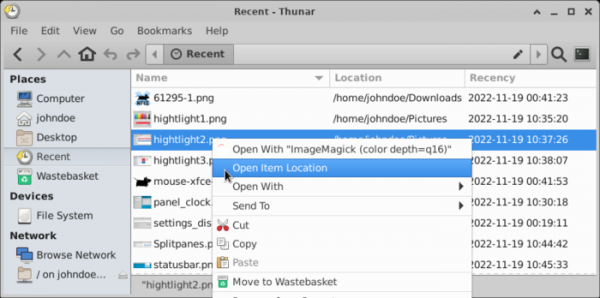
Support for recursive file searches directly from Thunar has been implemented. The search runs in a separate thread, and results are displayed in the List View panel as they are ready, labeled with the file path. You can quickly navigate to the directory with the found file via the context menu using the ‘Open Item Location’ button. Searching can be limited to local directories only.

A separate sidebar with a list of recently used files has been proposed, styled similarly to the search results panel. There is the option to sort files by usage time.
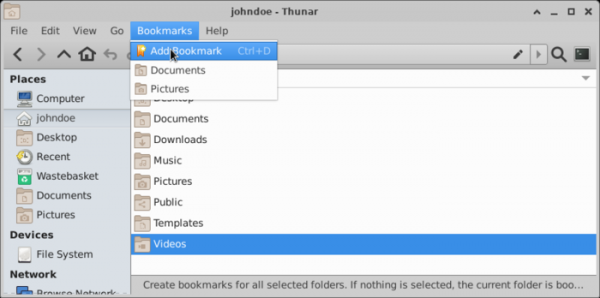
Bookmarks for favorite directories and the button to create a bookmark have been moved to a separate Bookmarks menu.
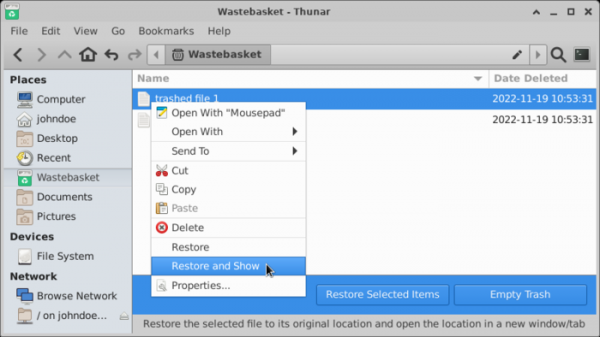
The trash now features an information panel with buttons for emptying the trash and restoring files from it. When viewing the contents of the trash, the deletion time is displayed. A ‘Restore and Show’ button has been added to the context menu for restoring a file and opening the directory containing it in a separate tab.

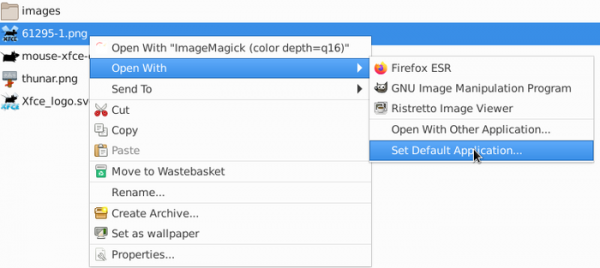
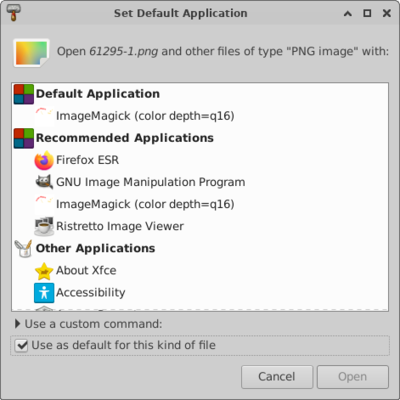
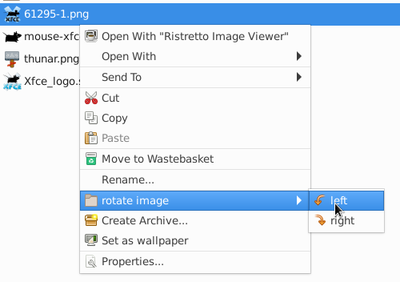
The interface for binding applications to MIME types has been improved, clearly indicating the default application and providing a list of possible associations. A button has been added to the context menu for setting the default handler application.


The capability to present user-defined actions in the form of a multi-level cascading submenu has been provided.

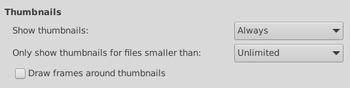
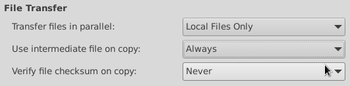
The interface with the settings has been changed. Thumbnail options have been grouped. A file size limitation has been added for creating thumbnails. In file transfer operations, the ability to use temporary files with the *.partial~ extension has been added. An option for checksum verification after transfer completion has been included. A setting for allowing the execution of shell scripts has been added. Options for restoring tabs on startup and showing the full path in the header have been introduced.





Source: opennet.ru
