

After four months of development, the release of the KDE Plasma 6.6 desktop environment has been published. To evaluate the performance of the new KDE versions, you can use builds from the KDE Linux, KDE Neon, and openSUSE projects (Argon, based on openSUSE Leap, and Krypton, based on openSUSE Tumbleweed). 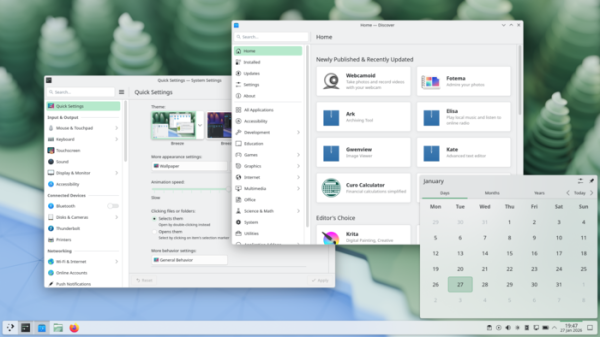
Key changes in KDE Plasma 6.6:
- A new Plasma Login Manager has been added, developed to replace the Simple Desktop Display Manager (SDDM) and addressing specific architectural issues. The Plasma-login-manager uses a backend based on a trimmed version of SDDM and a session launch mechanism identical to that used for starting KDE Plasma desktop sessions. The login screen design is similar to the existing KDE screen locker, with settings unified with KDE Plasma. Instead of using QML for theme customization, existing desktop wallpaper plugins, color schemes, and Plasma themes are suggested.
The Plasma Login Manager is tied to the systemd-logind service and works only on systems with systemd. However, KDE developers have stated that the KDE Plasma desktop environment itself remains independent of systemd and can still be used on systems without systemd, including FreeBSD. The dependency on systemd concerns only the new login manager, which is an optional component and can be replaced with alternative projects that operate without systemd.
- A new Plasma Setup wizard has been added, which complements the login welcome screen (Welcome Center). The plasma-setup suggests system operations that are performed before the first login after installation, such as creating a new user for further work, selecting the language and time zone, configuring keyboard layout, and setting up network access.
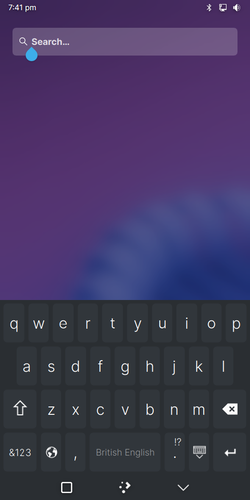
- A new on-screen keyboard, plasma-keyboard, has been developed to replace the Maliit virtual keyboard. The plasma-keyboard is based on the code of the Qt Virtual Keyboard, which is part of Qt. The KDE implementation extends its capabilities for integration with the Plasma desktop, addresses some usability issues, and applies a new scaling algorithm that improves keyboard display on narrow screens.

- The screenshot creation program Spectacle includes an optical character recognition (OCR) function that allows transforming words present in images into selectable text. Currently, the OCR functionality is limited to Spectacle, but there are plans to separate it into a library for use in other KDE applications. Text recognition is performed using the Tesseract package and is activated only when it is available in the system.
Spectacle also provides the option to mark specific windows to exclude them from screen captures (in screencasts, such windows and their related pop-ups will be hidden). A window can be marked through the context menus in the title bar and task manager, as well as in the window rules editor. The notifications for screenshots now include an 'Open Containing Folder' button to open the directory where screenshots are saved.
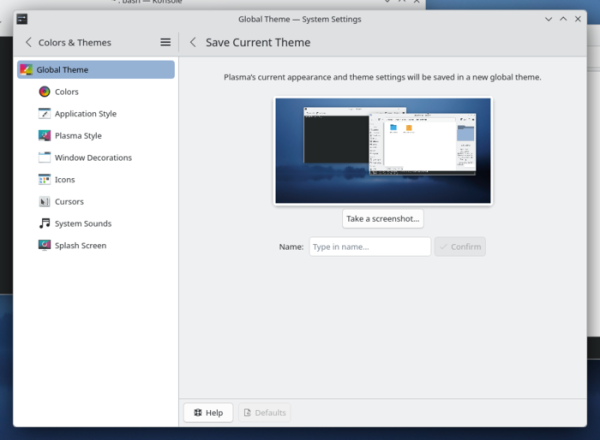
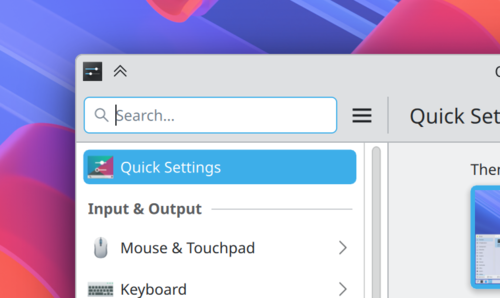
- The ability to save current appearance settings as a new theme has been added.

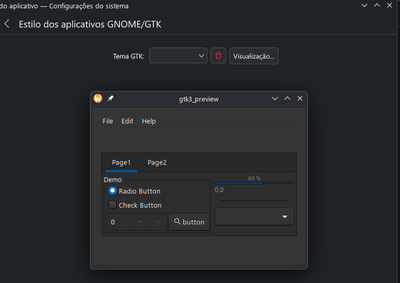
- The theme switcher interface now allows previewing dark variants of GTK themes.

- Support for customizing the visual highlighting of borders and outlines of interface elements using the Breeze theme has been added. Among other things, it is possible to completely disable separators between elements or contrast them with a selected color.
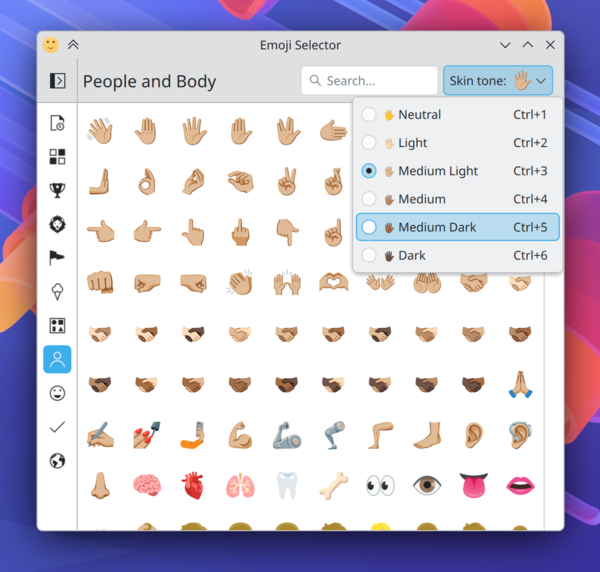
- The Emoji selector interface has been enhanced with an option to change skin tone when depicting people and hands.

- The network connection widget has been updated with a button for connecting to a network by obtaining Wi-Fi parameters through QR code scanning.
- The panel has been enhanced with the ability to change the volume level of a task by scrolling the mouse wheel over the application icon.
- The window list widget now includes the option to exclude windows that are open on other screens and virtual desktops. Additionally, there is an option to open a window by hovering the mouse cursor over its thumbnail for a specified duration.
- On the desktop, it is now possible to show the properties dialog by double-clicking on a file or directory while holding the Alt key.
- The color correction interface in the configurator has been enhanced for individuals with color perception impairments. A filter for displaying in grayscale has been added.
- The screen magnification effect now includes a mode that allows centering the output relative to the cursor position (when zoomed in, the cursor always remains at the center of the screen).
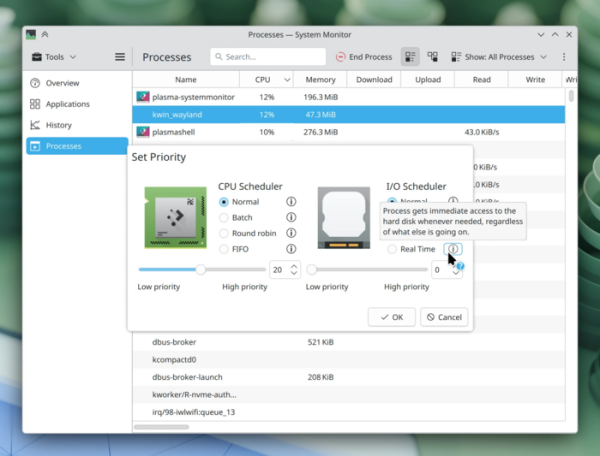
- The System Monitor application has added support for setting process execution priorities, similar to how it can be done in the old KSysGuard application.

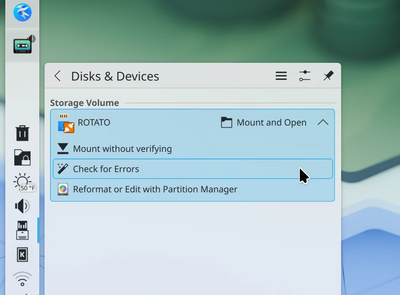
- By default, error checking in the file system is no longer performed when mounting external drives; this operation is now invoked optionally through a separate setting.

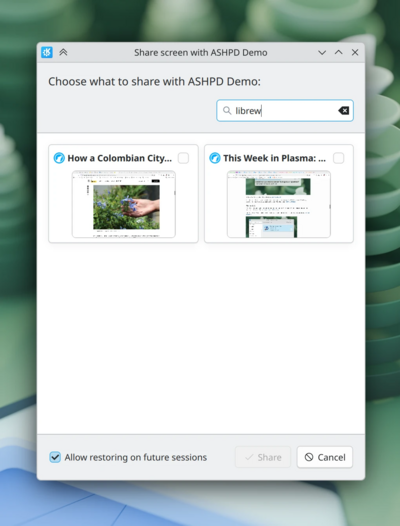
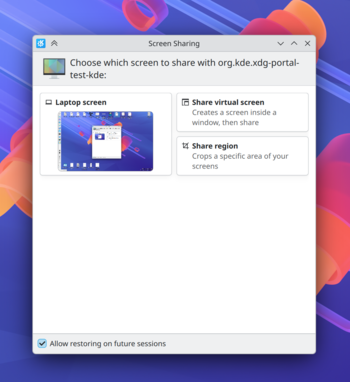
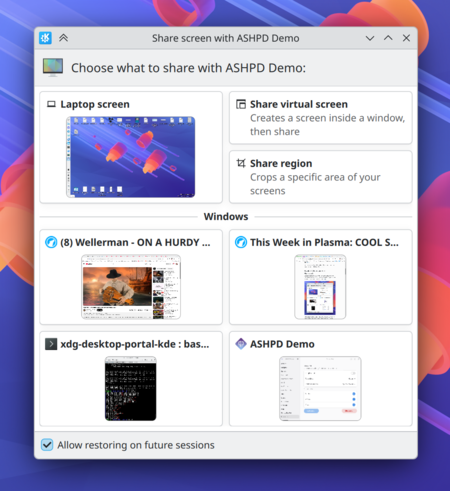
- The screen selection dialog has added a field for searching and filtering, allowing quick identification of a screen by name when many windows are open.

- Media playback applications now support scrolling forward and backward using designated specialized keys on the keyboard.
- The kwin compositor now supports the Wayland protocol color-management-v2, which offers capabilities for color management.
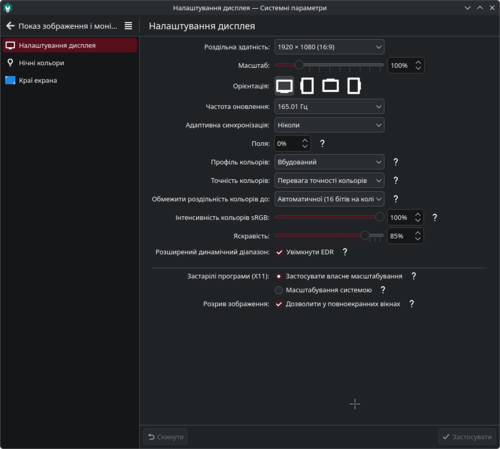
- The KWin compositor has implemented XRandr extension emulation, which is used for dynamically changing resolution, rotation, transformation, and mirroring of screen content. The implemented support resolved issues with displaying fullscreen X11 applications on widescreen displays when using XWayland.
- Improved the use of the Wayland xdg-activation protocol for switching input focus between applications.
- Enhanced the drag-and-drop operations between applications running on Wayland and XWayland.
- Support for mirroring content across multiple screens has been significantly improved in the Wayland session.
- The kscreen-doctor utility can now be used in a Wayland session to add custom screen modes.
- The Bluetooth management widget has added a 'Forget device' button for quickly removing paired devices without going into the configurator.
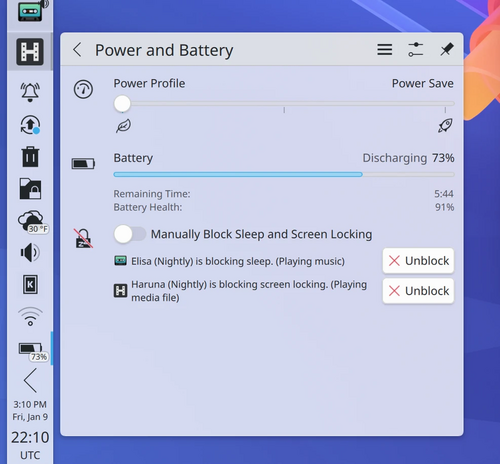
- The power management widget now includes information about the types of locks applied to individual applications (locking from entering sleep mode or locking the screen saver from starting).

- When viewing the thumbnail windows in the task management widget, focusing has been implemented on the active window to highlight it against other open windows.
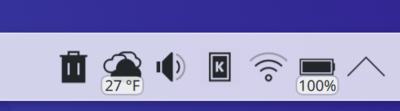
- The readability of text labels has been improved in the widgets placed in the panel.

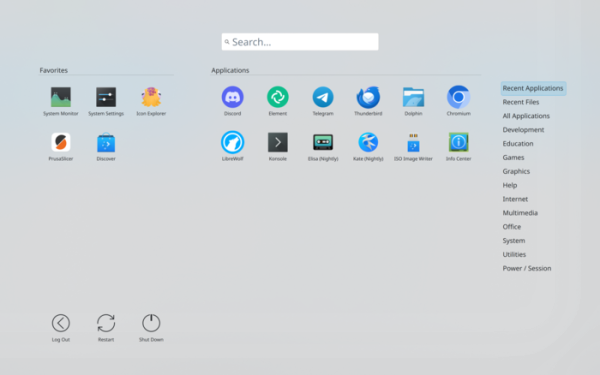
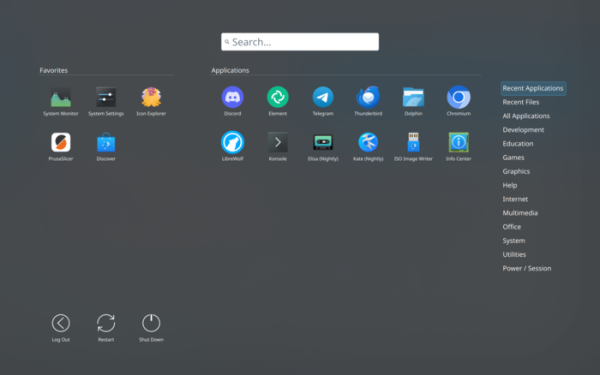
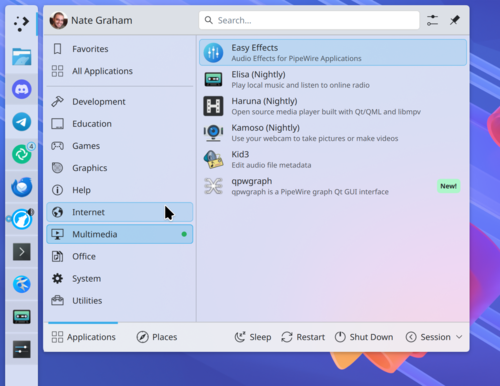
- In the application dashboard widget, the selected color scheme is taken into account to display in light tones when the light theme is applied (by default, the menu continues to display in dark). An option has been added to resize sections with favorites and regular applications to give one of them more screen space.

- The clipboard widget (klipper) has removed the button to display the QR code viewing dialog — the QR code is now immediately shown in the interface.
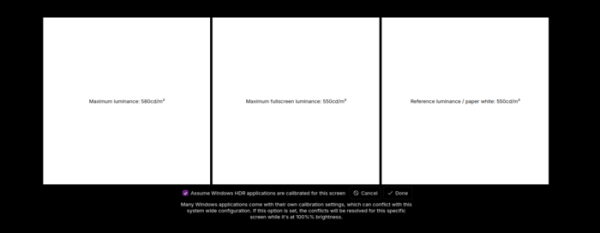
- A page has been added to the HDR calibration widget to determine the maximum averaged brightness when displayed in full-screen mode.
- The clock widget has been transitioned to using the 'libclock' library, which has eliminated issues with time zones and improved timer performance.
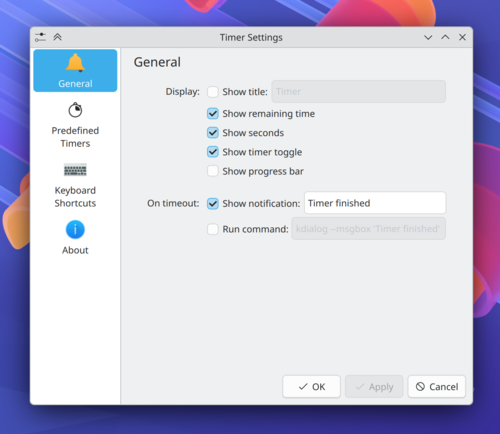
- The timer widget settings interface has been redesigned (instead of two pages, a unified settings block has been proposed).

- The Kickoff menu has implemented support for scrolling the list of favorite applications when they do not fit in the designated area.
- In the applications menu (Kickoff), visual separation of adjacent selected categories has been implemented.

- In the panel widget with the application menu (Kicker), submenu display has been arranged when quickly moving the cursor over top-level menu items. The submenu opens to the left of the parent item if the widget is placed in the right sidebar.
- In the Kickoff applications menu, the ability to use cursor control keys to go back from the search results area to the search input field has been added.
- The window list widget has implemented settings to display the menu on mouse hover and hide the window icon (only the window name will remain).
- The ability to configure the order of icon display in the session end and screen lock widget has been implemented.
- In the configurator on the screen settings page, the size of all sliders has been unified.

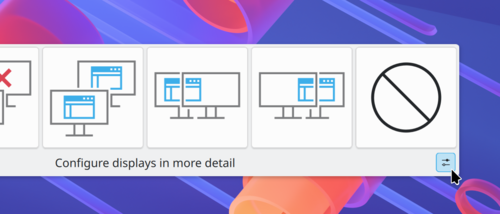
- A button has been added to the pop-up display layout interface in multi-monitor configurations to launch the full configurator.

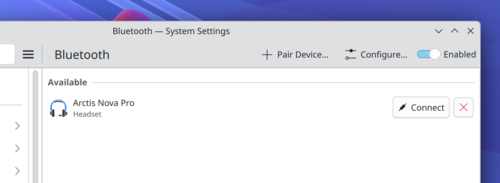
- The Bluetooth settings interface in the configurator has been redesigned. Borders have been added for list item buttons, text has been added to the 'Connect' buttons, and the tab for active device settings is hidden when Bluetooth is turned off.

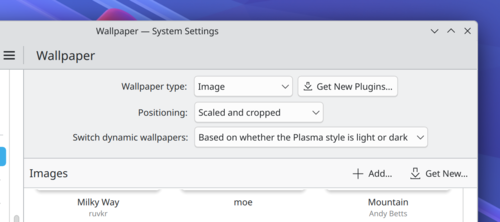
- Additional padding has been implemented on the wallpaper selection page in the configurator.

- A Meta+I keyboard shortcut has been added to invoke the configurator.
- The slider size has been unified on the screen setup page in the configurator.
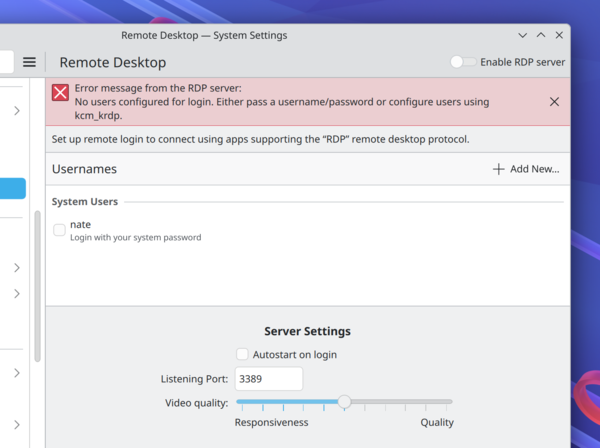
- The configurator has updated the connection settings page to remote desktops. The main interface now displays error warnings without needing to open the log in case of failures.

- In the configurator, when attempting to delete a group of shortcuts, a confirmation request is now displayed, highlighting the items scheduled for deletion.
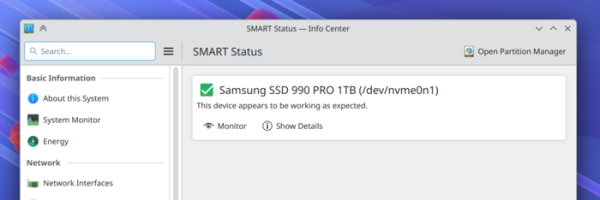
- The disk status display on the SMART diagnostics page in the configurator has been improved.

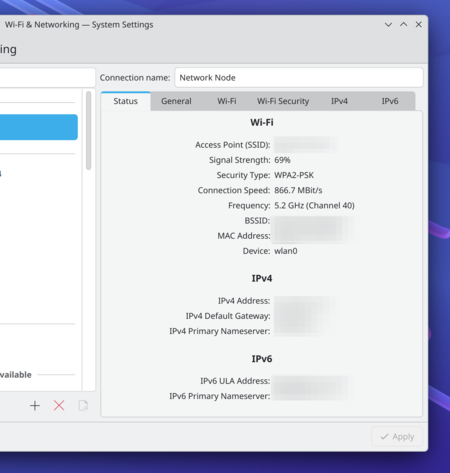
- The configurator's network connection and Wi-Fi settings page now includes information about connected wireless networks, similar to the details shown in the panel applet.

- The configurator only shows the Thunderbolt and touchscreen settings pages if the respective hardware is available.
- A summary page with settings for Windows applications and games has been added to the HDR calibration interface.

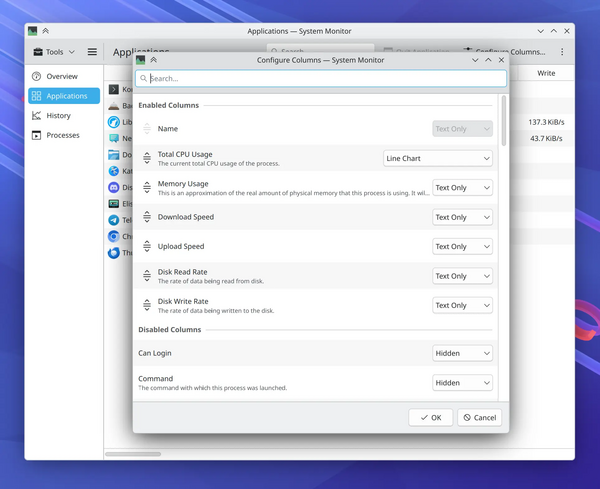
- The System Monitor application now features a function to search processes not only by name but also by command line options, and the dialog for setting displayed columns has been expanded.

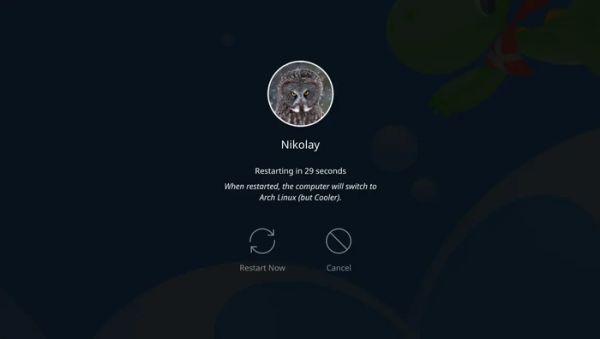
- A warning has been added to the shutdown screen indicating that a restart will load a different operating system.

- Support for the oo7 password storage provider, which supports the Secret Service API, has been added.
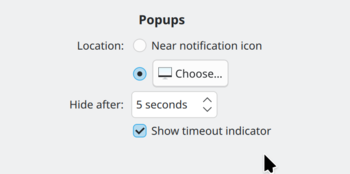
- A setting has been added to disable timeout indicators in notifications (in some systems, such indication increases CPU load by 15%).

- Using a game controller is now recognized as activity, preventing sleep mode and screen saver activation.
- Support for the OpenBSD platform has been enhanced (1,2,3).
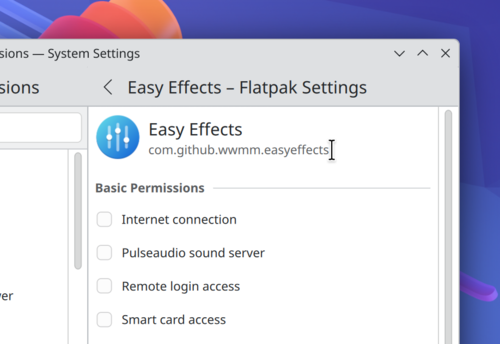
- The application access rights settings page now displays the Flatpak application identifier (e.g., «com.github.wwmm.easyeffects») instead of the version number. The ability to select text for copying has been added.

- By default, Wi-Fi passwords are stored in a global context accessible only to the root user, rather than tied to individual users. This change allows new users to immediately connect to the network if the system has previously connected to Wi-Fi, without needing to log in again. Functions that require an internet connection, such as using accounts via LDAP, will also work right away on the login page.
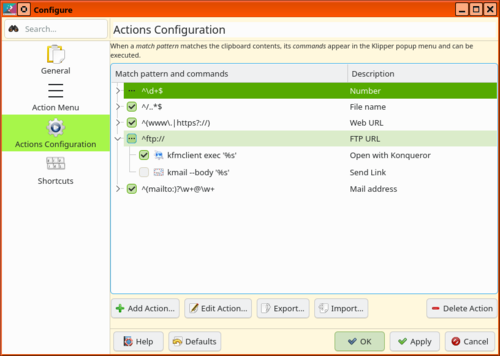
- It is now possible to temporarily disable templates and commands in the Klipper clipboard manager without removing them from the list.

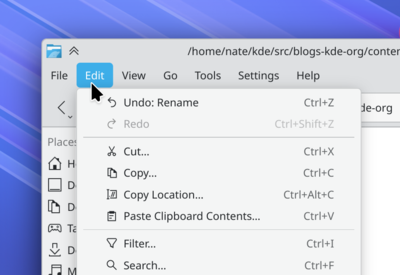
- The corners of the marker highlighting the active item in the top menu of applications have been rounded.

- Correct aspect ratio display for image thumbnails is ensured when using the 'Bing Picture of the Day' desktop wallpaper service—adaptive selection of landscape or portrait view is made instead of using only portrait format for images.
- In the extension settings for integration with the web browser, a dark background is now used if the dark theme mode is enabled in the browser.
- Alphabetical sorting has been implemented in the 'kcmshell6 —list' command.
- Dynamic prioritization of search results in KRunner based on their frequency of use has been disabled, allowing for more predictable sorting.
- Applications can now pass the 'position' property when initiating screen sharing to improve performance in multi-monitor configurations.
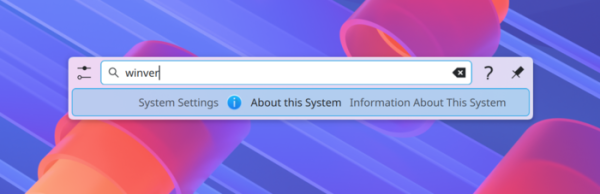
- In the search interface, when entering the query 'winver', familiar to Windows users, a page with system information is displayed.

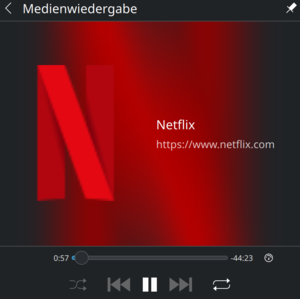
- The site icon is displayed when controlling multimedia playback in the browser via the Media Player widget when the album cover picture could not be retrieved.

- The animation for switching sections in windows has been changed.
- Limit on the maximum number virtual desktops increased from 20 to 25 (allows displaying virtual desktops in a 5×5 grid).
- Added support for the xdg portal to access USB devices from sandboxed applications.
- On systems with Linux kernel 7.0, which is only in development, the ability to adjust the clarity of all screen content has been implemented with appropriate hardware support.
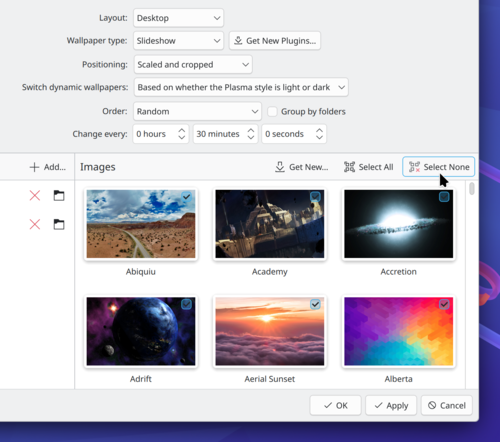
- Buttons to select and deselect all thumbnails have been added to the desktop wallpaper selection interface for slideshow mode.

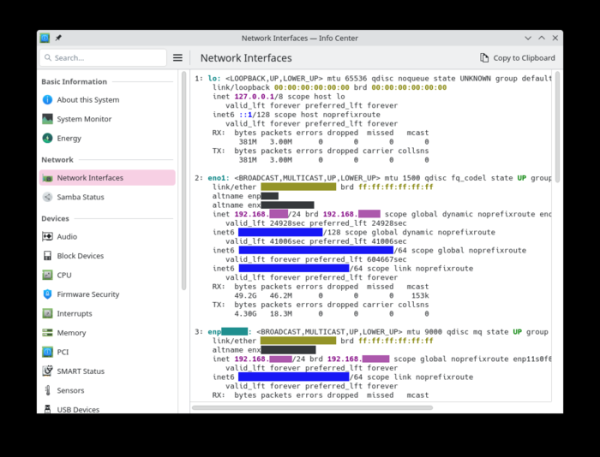
- Improved the display of content on system information pages.

- The ability to use the 'dxdiag' keyword, familiar to Windows users, has been implemented to output information about the graphics subsystem during searches.
- Standard button style for built-in actions has been applied in text fields.
- In the Breeze GTK theme, following the Qt Breeze theme, the use of gradients on buttons has been discontinued.
- Optimizations have been made that reduced RAM usage in KDE Plasma by over 100 MB by unloading unused images created for desktop wallpaper display. The price of this optimization is the inability to use the tiled wallpaper display mode, which was used to recreate a retro-style KDE 1 layout. The functionality for working with such wallpapers has been moved from the main image processing code into a separate 'Tiled' plugin.
- A 'KWin Scripts -> Enable Virtual Desktops Only on Primary' setting has been implemented, allowing window attachment to virtual desktops only on the primary screen — on secondary displays, windows always remain visible regardless of the active virtual desktop.
- In DrKonqi, the crash reporting utility, support for accounting unexpected application exits not related to KDE has been implemented, as well as the ability to send crash reports from such programs to developers or maintainers in the distribution.
- When using the color picker to determine the color of a pixel on the screen, the original RGB color value is now passed, rather than the value after being processed by filters (for example, a night mode filter) or using an ICC profile.
- When displaying GTK applications using the Breeze theme, additional padding for toolbars has been implemented (the outer elements of the panels touch the edges of the window) and the appearance of unsightly black separator lines has been eliminated.
- Handling of active corners (Hot-corner) for invoking actions on all screens in multi-monitor configurations is now provided, not just on the primary screen. This new behavior can be disabled in the settings if desired.
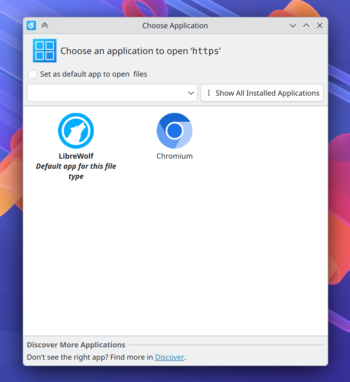
- The design of confirmation dialogs for permissions and choosing applications to handle specific content has been revamped.

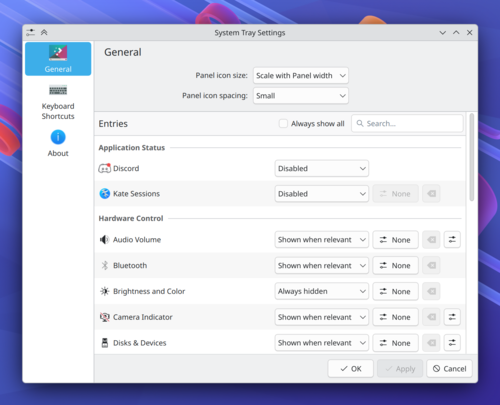
- Disparate system tray settings have been consolidated onto a single page.

- The refusal to register the key sequence requested at application startup is now remembered (subsequent launches will no longer prompt again).
- The position of icons on the desktop is preserved after renaming a file or directory.
- The quality and clarity of displayed information have been enhanced when using fractional scaling in conjunction with software rendering.
- Cyclic crashes of the process no longer lead to memory exhaustion and system hangs.
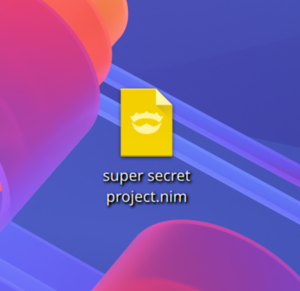
- An icon for files containing code in the Nim language has been added to the Breeze icon set.
 In KDE Plasma and KWin, the smoothness of animations has been significantly improved when using displays with a refresh rate greater than 60Hz.
 - KWin has been optimized, reducing unnecessary actions during compositing.
- The ability to configure the background saturation for the content blur effect has been provided. In the dark color scheme, the default blur is darker, and the saturation has been increased by 150%.

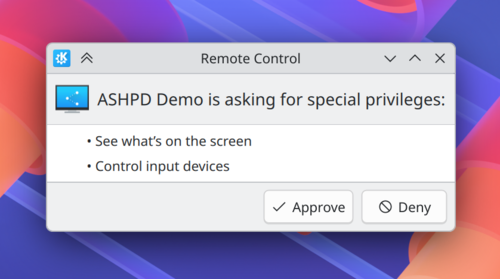
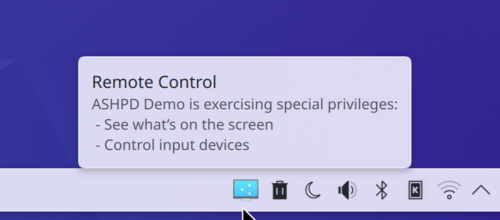
- The interface of the remote access management dialog has been modernized (1, 2, 3, 4).


- When scrolling grouped icons in the task manager, windows are now displayed in the order of last interaction, without prioritizing fullscreen tasks.
- In the menu editor (KMenuEdit), support for selecting multiple items simultaneously has been implemented to accelerate bulk deletion.
- The modernization of dialog windows for isolating applications to access external resources (XDG portal) has continued. The interface for selecting windows and screens has been simplified.

- In applications based on the Kirigami framework and QtWidgets, the height of headers and spacing between items in lists have been unified.

- Added the ability to assign globally effective keyboard shortcuts for fast-forwarding or rewinding played content by 5 and 30 seconds. Shortcuts are user-assigned and supported in multimedia players implementing the MPRIS remote control protocol.
- Removed the error notification output when canceling the insertion of files onto the desktop from the clipboard.
- Improved the performance of selecting desktop items using the mouse with an extendable rectangular frame.
- When disabling animations in system settings, the 'reduced-motion' option is automatically set, informing applications to minimize animation usage.
- Added the capability for automatic screen brightness adjustment on devices with a light sensor.
- An alternative solution has been implemented for the issue of incorrect color display when running HDR-supported Windows games in Wine or Proton.
- The action Meta+Shift+O has been added to the handler for minimizing all windows, except the current one.
- Enabled the ability to move windows with a stylus on a graphic tablet (stylus shift while holding the Meta key).
- Reduced instances of frame drops on monitors with very high refresh rates.
- In applications using xdg-desktop-portal-kde, the capability to prevent session termination has been added, for example, due to unsaved documents.
 In KDE Plasma and KWin, the smoothness of animations has been significantly improved when using displays with a refresh rate greater than 60Hz.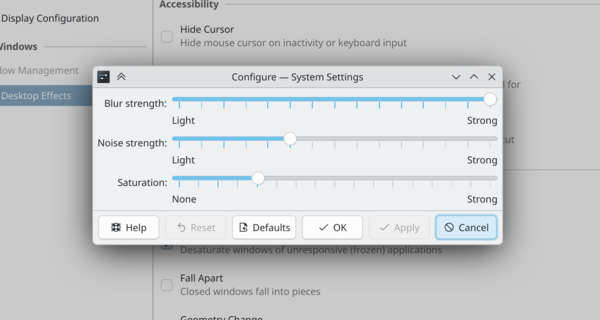
Source: opennet.ru
