

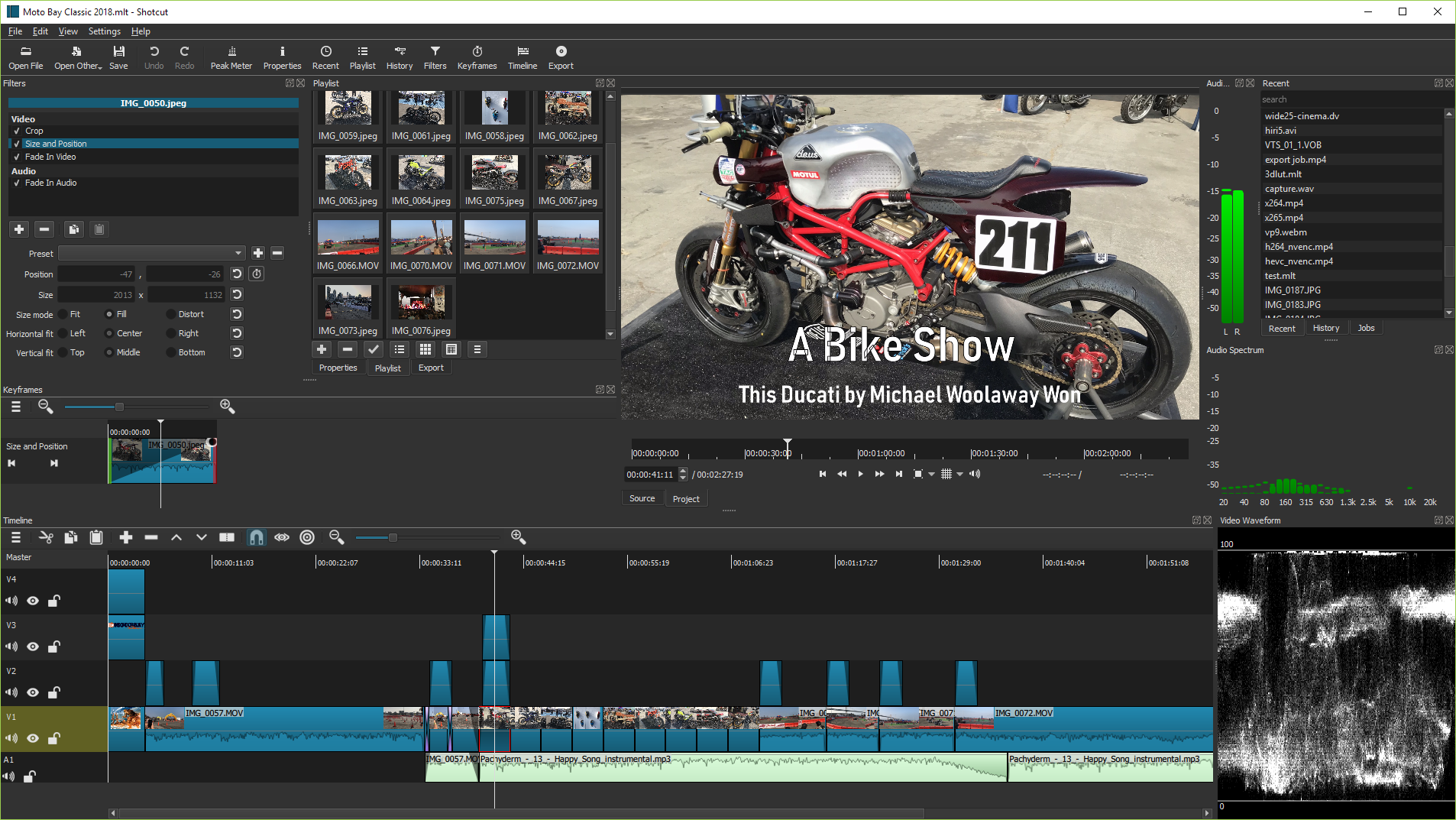
On January 30, version 26.1 of the cross-platform video editor was released. Shotcut with support for a wide range of audio and video formats thanks to FFmpeg libraries.
The project is written in C++ using the MLT and Qt frameworks, and is distributed under the GPL 3.0 license.
Key changes in version 26.1
- Improved hardware video decoding (with many limitations)
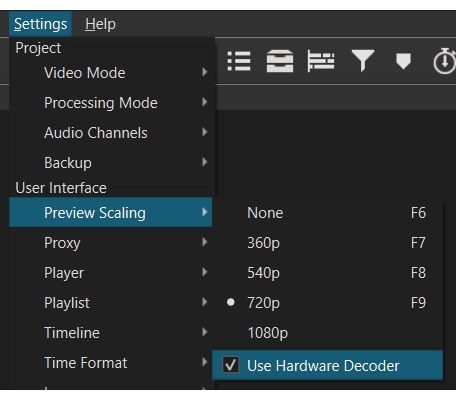
- In the menu Settings > Preview Scaling an option has been added Use Hardware Decoder.
- This option is enabled by default, except for NVIDIA on Linux.
- VA-API is used on Linux, Media Foundation on Windows, and Video Toolbox on macOS.
- Only codecs supported by your hardware are used with automatic fallback to software decoding when necessary.
- It does not provide a significant speed increase unless the linear 10-bit CPU processing mode is used or the CPU is in low power mode.
- Decoding is not integrated with GPU processing mode via zero-copy.
- Transferring uncompressed video between RAM and GPU memory can be a bottleneck, so this feature is limited to preview scaling or sources with 1080p-60fps resolution (or lower).
- Advanced users can disable the 1080p60 limit by setting the environment variable MLT_AVFORMAT_HWACCEL_PPS=0.
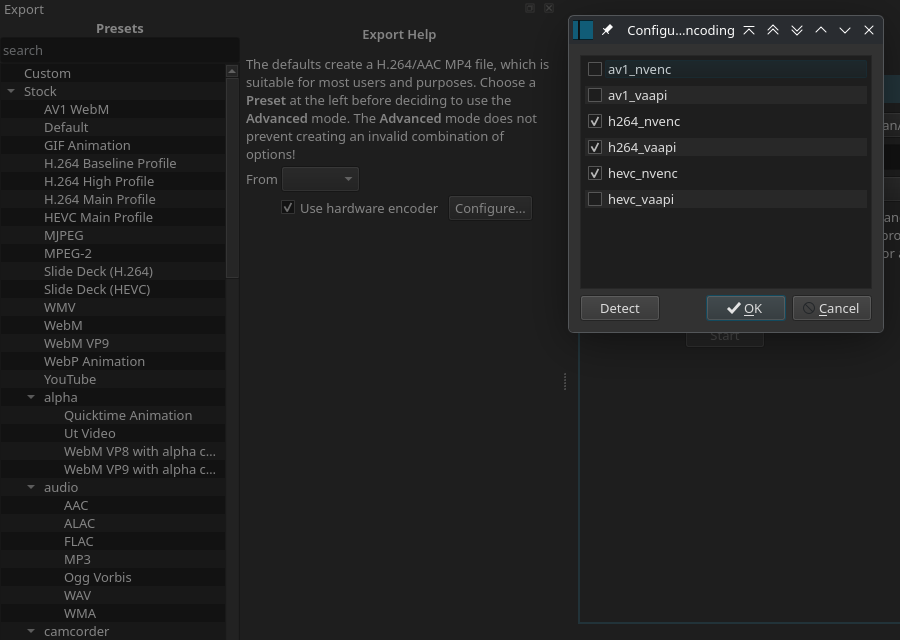
- In Export > Codec the option to Use hardware decoder.
- is also added. This option is disabled by default, as it may sometimes increase export time.
- No resolution and frame rate limits.
- It can reduce CPU load during export, which may be beneficial in some cases. Tip: avoid long video exports on a laptop!
- The state of the option is remembered between sessions and projects.
- In the menu Settings > Preview Scaling an option has been added Use Hardware Decoder.
- Contextual help added
- It allows you to get help on a specific UI element — just click the 'What is this?' icon and then click on the UI element you want to know about. Usually, a web browser will open with the corresponding documentation, but for some elements, like toolbar buttons, a tooltip may be displayed if more detailed documentation is not available.
- Other changes and new features
- The ability to convert projects between GPU and CPU processing modes has been added.
- The "Overlay Mode" filter and tracking option for linear 10-bit GPU/CPU processing mode have been added.
- The maximum resolution in video and export mode has been increased to 8640 for 8K VR180 video.
- Simplified Chinese has been added to the interface language settings.
- The appearance of outlines in text filters: "Simple Text", "Typewriter", "GPS Text", "Subtitle Insertion", and "Timer" has been improved.
- Mass proxy creation has been changed (when the option "Settings" > "Proxy" > "Use Proxy" is enabled) for updating clips.
- And many others.
- A large number of bugs have also been fixed.
On February 16, version 26.2 BETA was released with the following changes:
- Support for underline and strikethrough options in the font dialog of text filters has been added.
- A search field has been added in subtitles.
- The ability to switch all other tracks on the timeline to mute and hide by holding the Alt key has been added.
- The ability to zoom in and out in the player by holding the Shift key and scrolling the mouse wheel has been added.
- The rendering performance of timeline waveforms and keyframes has been improved.
- The option has been removed Settings > Player > Deinterlacer > Linear Blending (deprecated feature removed in FFmpeg).
- Other changes and bug fixes.
Source: linux.org.ru
