

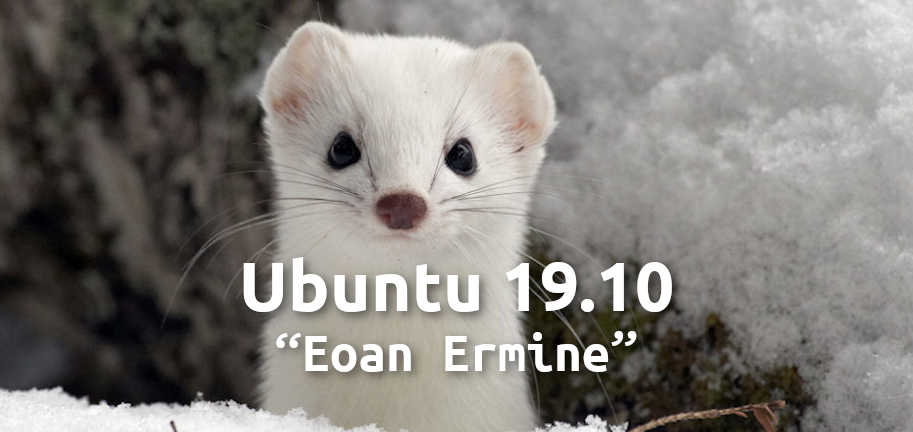
On October 18, 2019, the next iteration of the popular GNU/Linux distribution was released – Ubuntu 19.10, codenamed Eoan Ermine.
Key innovations:
- ISO images include proprietary NVIDIA drivers: in addition to the open-source drivers, proprietary options are now also available.
- Faster system boot due to a new compression algorithm.
Changes in support for 32-bit (x86_32) packages: it was initially planned to completely abandon them. However, this proposal sparked outrage among users and a statement from Valve to cease support for Ubuntu (in that case). Ultimately, the decision was softened to just a reduction in support for 32-bit packages. Ubuntu developers promised that they would continue supporting the 32-bit user space for legacy applications as well as for Steam and WINE. In response, Valve was announced continued support for Ubuntu.
Kubernetes improvements: strict confinement for MicroK8s provides excellent isolation and enhanced security with very little additional overhead. Raspberry Pi 4 Model B is now officially supported by Ubuntu.
Gnome 3.34
The ability to create application groups (folders) simply by dragging one icon over another in the application menu. Groups can also be given names. If multiple applications in a group fall under the same category (e.g., 'Multimedia'), GNOME will suggest a default name for that group.
Updates in settings menu:
- an updated page for selecting the desktop wallpaper
- a dedicated Night Light (blue light reduction) settings page
- a more informative Wi-Fi connection status
- the ability to rearrange the order of search sources (Settings > Search)
Performance improvements:
- Increased frame refresh rate
- Reduced latency, increased throughput in Xorg graphic drivers and input drivers
- Reduced CPU consumption
Corresponding icons appear in the dock for connected external devices: phone, external storage, etc.
New desktop images
Linux Kernel 5.3.0
- Initial support for AMDGPU Navi (including Radeon RX 5700)
- 16 million new IPv4 addresses
- Support for Intel HDR display for Icelake, Geminilake
- Shader computation in Broadcom V3D driver
- Improvements in support NVIDIA Jetson Nano
- Support for Macbook and Macbook Pro keyboards
- Support for Zhaoxin processors (x86)
- Native swap for F2FS
- Acceleration of case-insensitive searches in EXT4
Developer tools:
- glibc 2.30
- OpenJDK 11
- GCC 9.2
- Python 3.7.5 (+ Python 3.8.0 interpreter)
- Ruby 2.5.5
- PHP 7.3.8
- Perl 5.28.1
- golang 1.12.10
Application updates:
- LibreOffice 6.3
- Firefox 69
- Thunderbird 68
- GNOME Terminal 3.34
- Transmission 2.9.4
- GNOME Calendar 3.34
- Remmina 1.3.4
- Gedit 3.34
Ubuntu Mate
- MATE Desktop 1.22.2
- Thunderbird email client replaced with Evolution
- VLC media player replaced with GNOME MPV
- Updates in Brisk menu
A "Notification Center" applet has also been added with a "Do Not Disturb" mode.
Xubuntu
- Xfce 4.14
- Improvements in Xfcewm, including Vsync and HiDPI support
- Light Locker replaced with Xfce Screensaver
- New global keyboard shortcuts:
- ctrl + d – show/hide desktop
- ctrl + l – lock desktop
- New desktop wallpaper
Ubuntu Budgie
- Budgie Desktop 10.5
- Nemo file manager v4
- New settings in Budgie Desktop Settings
- New options for people with visual impairments (accessibility)
- Improvements in window switching menu (alt+tab)
- New wallpapers
Kubuntu
Plasma desktop 5.17 was not included in the original OS image, as it was released after the final freeze. However, it is already available in Kubuntu Backports PPA
- KDE Applications 19.04.3
- Qt 5.12.4
- Latte dock available in ISO image
- Support for KDE4 removed
Ubuntu Studio
- Xfce desktop environment 4.14
- OBS Studio installed by default
- Ubuntu Studio Controls 1.11.3
- Updates to applications like Kdenlive, Audacity, etc.
Source: linux.org.ru
