

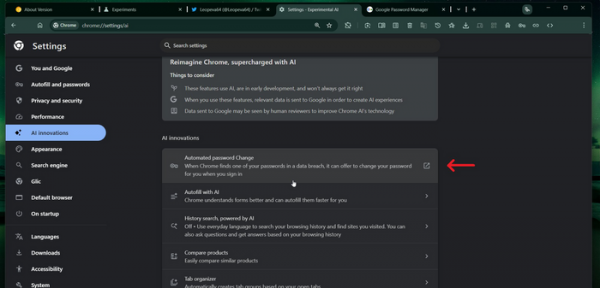
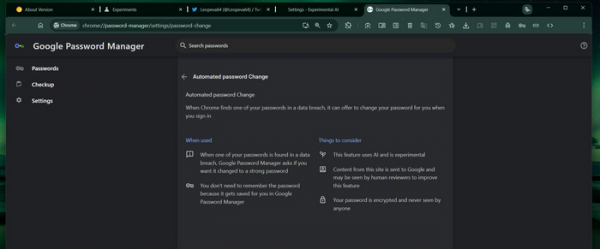
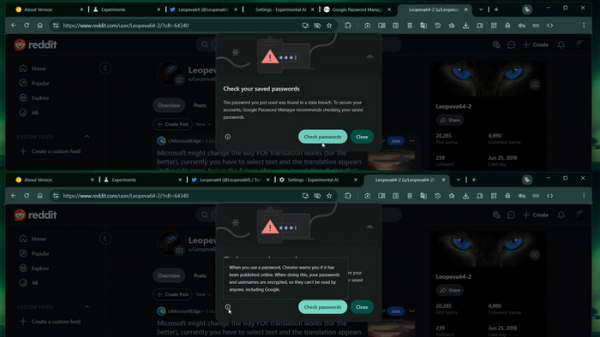
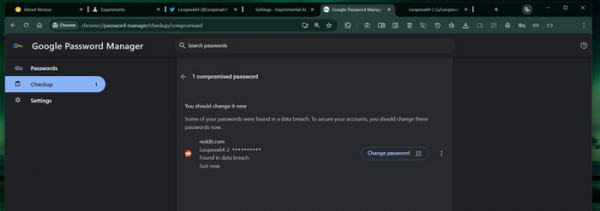
The test builds of Chrome Canary have added an automatic password change feature based on AI usage. This option can be enabled in the 'Experimental AI Features' section (chrome://settings/ai). If a password is deemed compromised, Chrome will display a warning when attempting to log in with that password, suggesting a password change. Upon agreement, the browser will generate a strong password, change it on the website, and save the new password in the password manager.
The check for user passwords saved in the password manager for compromise has been available in Chrome for about 5 years. It relies on validating logins and passwords against a database of compromised accounts. The size of Google's database is not disclosed, but a similar one from the project haveibeenpwned.com covers around 15 billion accounts that have appeared in data leaks. To maintain privacy, a hash prefix verification is performed on the user side, and the actual passwords and their complete hashes are not transmitted externally. The application of AI in the new testing implementation aims at automating password changes on websites—AI will fill out and submit the required web forms on the necessary site and update the saved password.
Source: opennet.ru
