

The Chromium codebase has been updated to include the ability to block the built-in browser interface for viewing the source code of the current page. This blocking is implemented at the level of local policies set by the administrator, by adding the mask "view-source:*" to the list of prohibited URLs, which can be configured using the URLBlocklist parameter. This change complements the previously existing option DeveloperToolsDisabled, which allows access to web developer tools to be restricted.
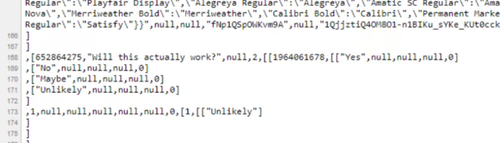
The need to disable the code viewing interface is due to the fact that resourceful students and schoolchildren take advantage of access to the source texts to find correct answers while taking tests on educational web platforms that perform answer validation on the user's browser side. Consequently, students can bypass tests on the Google Forms platform in this manner. It is noteworthy that blocking "view-source:*" does not fully resolve the issue, as students still have the option to save the page using the 'Save as...' menu to search for answers in another program later.
Source: opennet.ru
