

In Google Chrome, Microsoft Edge, and other Chromium-based browsers, to copy a password, you need to click on the eye icon and then view or copy the characters. While this is a fairly obvious solution, it has its drawbacks. In particular, someone could simply glance at the password, rendering it meaningless.
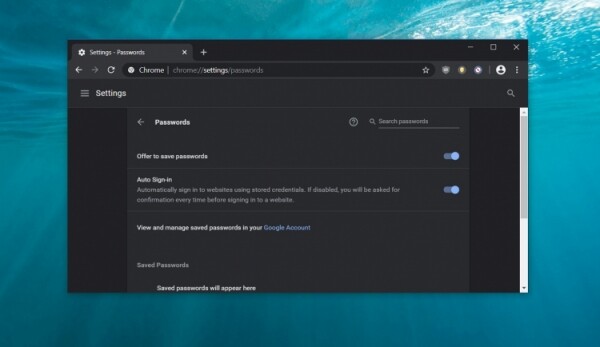
And now in Google on adding the ability to copy a password without revealing it. Currently, this is focused on Windows 10, and Google does not plan to include this feature for macOS at this time. There is also no information regarding Linux.
The idea is to add an option in the Password Settings to copy characters to the clipboard. This functionality will appear later, as it is currently just a commit. After copying the password, it will be possible to paste it where needed, similar to how it is implemented in Android. In the future, this is expected to appear in other Chromium-based browsers as well.
It should be noted that this is not the only innovation concerning data protection in the proprietary browser. Initially, Google offered the Password Checkup feature as a browser extension, but the company is now integrating it directly into Chrome. The password checking feature is available in Chrome Canary builds 82, and it can already be enabled.
Let’s remember that previously in Microsoft Edge based on Chromium, the option to open websites in compatibility mode with the outdated Edge was introduced. Additionally, they can be opened in compatibility mode with IE11, which may be relevant for government agencies and banks.
Source: 3dnews.ru
