

Since the advent of USB drives, users have been warned to "safely eject" them using the proper disconnection method in Windows, rather than just unplugging them — but this is now changing. In Windows 10 version 1809, Microsoft has changed the default setting for USB drives and other removable storage devices. Now they can simply be pulled out of the port without prior disconnection.
The "Quick Removal" mode is enabled by default. There is also another option — the "Better Performance" mode, which can be turned on or off for each device individually. As the name implies, it allows for faster operation of the flash drive or storage device, but it does mean that quick disconnection is not possible. Additionally, it is activated forcibly.
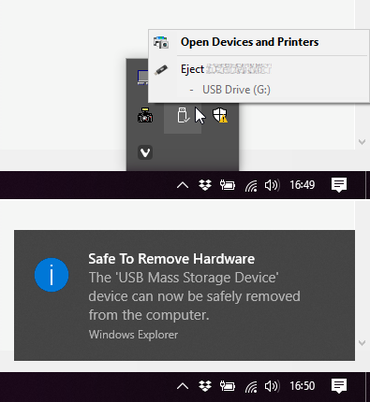
Here's how to do this:
- Connect the device to the computer.
- Right-click on the "Start" button and select "File Explorer."
- In File Explorer, identify the drive letter or label associated with the device (for instance, the USB drive).
- Right-click on the "Start" button and select "Disk Management."
- At the bottom of the "Disk Management" window, right-click on the device shortcut and select "Properties."
- Select "Policies," and then choose the policy you wish to use.
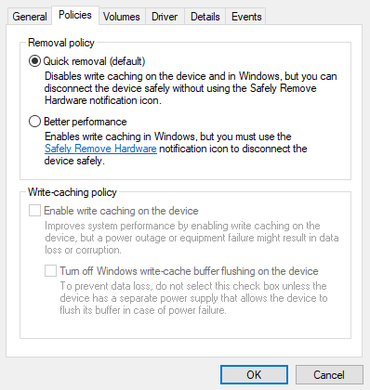
Microsoft recommends that when selecting the "Better Performance" option, you also enable the "Enable write caching on the device" option. The company also notes that to disconnect such a device again, you will need to use the "Safely Remove Hardware" function. If you try to disconnect the drive without following the safe removal instructions, there is a risk of data loss.
Source: 3dnews.ru
