

The release of Endless OS 6.0 has been announced, aimed at creating an easy-to-use system where applications can be quickly found to suit individual tastes. Applications are distributed as self-contained packages in Flatpak format. The size of the available boot images ranges from 1.2 to 23 GB.
The distribution does not use traditional package managers; instead, it offers a minimal, atomically updatable base system that operates in read-only mode and is created using the OSTree toolkit (the system image is atomically updated from a Git-like repository). Developers of Fedora attempt to replicate the same ideas as Endless OS through the Silverblue project, aimed at creating an atomically updatable variant of Fedora Workstation, as well as the creators of Vanilla OS, CarbonOS, tau-OS, and Pop!_OS. The installer and update system of Endless OS are used in the GNOME OS project.
Endless OS is among the distributions promoting innovation within user-oriented Linux systems. The working environment in Endless OS is based on a significantly redesigned fork of GNOME. Meanwhile, the developers of Endless actively participate in upstream projects and contribute their findings. For example, in the release of GTK+ 3.22, about 9.8% of all changes were prepared by Endless developers, and the overseeing company Endless Mobile is part of the advisory board of the GNOME Foundation, alongside FSF, Debian, Google, Linux Foundation, Red Hat, and SUSE.
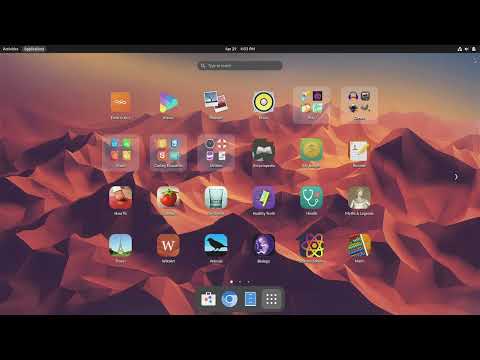
Key changes in Endless OS 6.0:
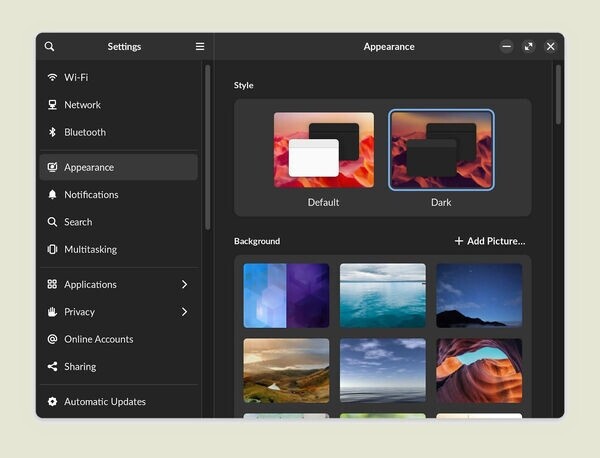
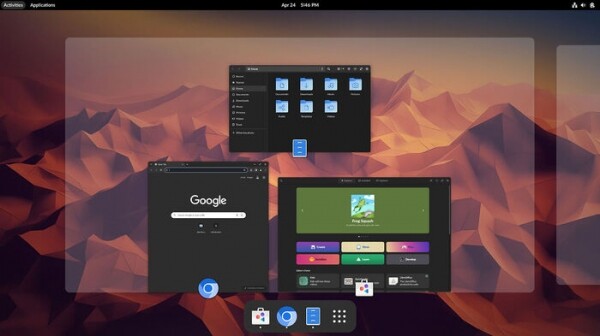
- The appearance settings have been updated to include an option for a dark theme, which is more comfortable for the eyes when working at night.

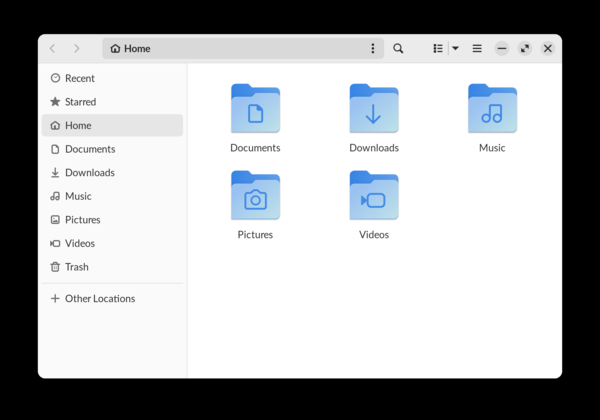
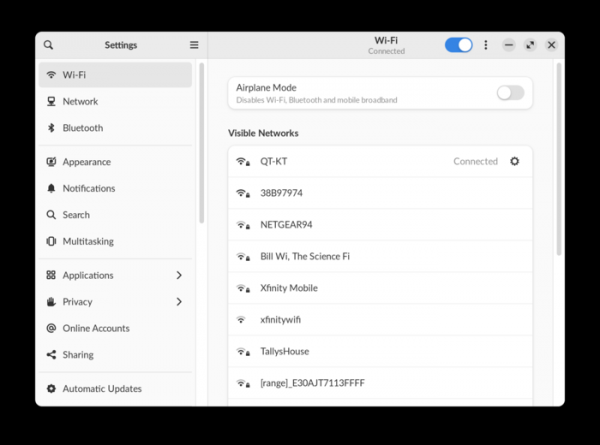
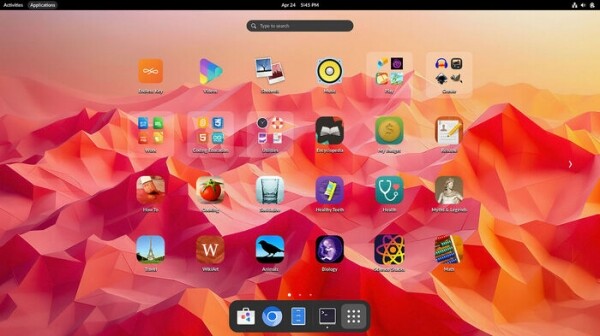
- The appearance of all base applications, including the file manager, configurator, and application installation system, has been updated and adapted for the dark theme. The new interface is notable for its use of flat design and more contrasting element highlighting.


Changes in the styling are based on standard technologies and also apply in browsers (Chrome, Firefox, GNOME Web, Chromium) and most other applications downloaded through the App Center.

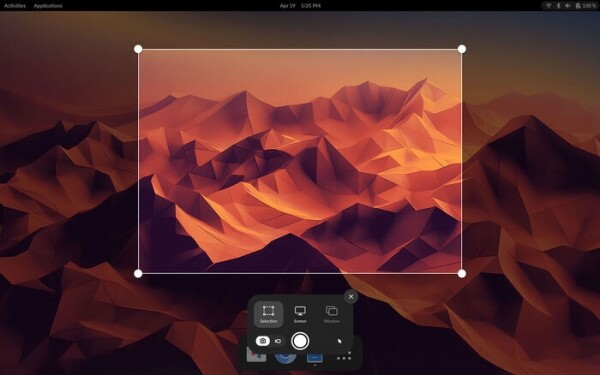
- The screenshot and screencast application has been redesigned. The process of selecting a screen area, application window, or the entire screen has been simplified. Selected areas are remembered, eliminating the need for repeated selection when taking subsequent screenshots. The PrintScr button or a separate icon in the menu can be used to create a screenshot.

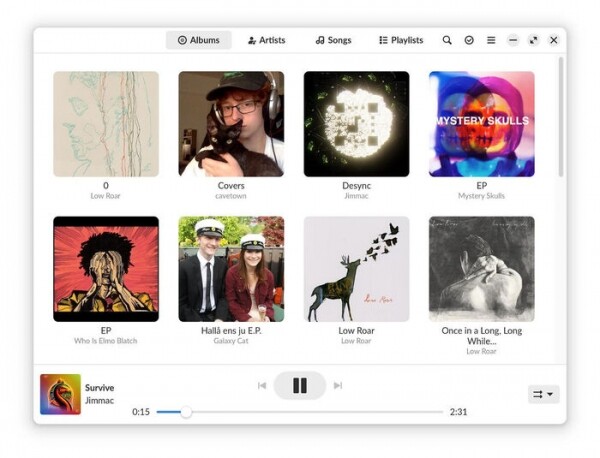
- A new Music app for managing music collections and listening to music has been added to the basic package, replacing Rhythmbox with GNOME Music.
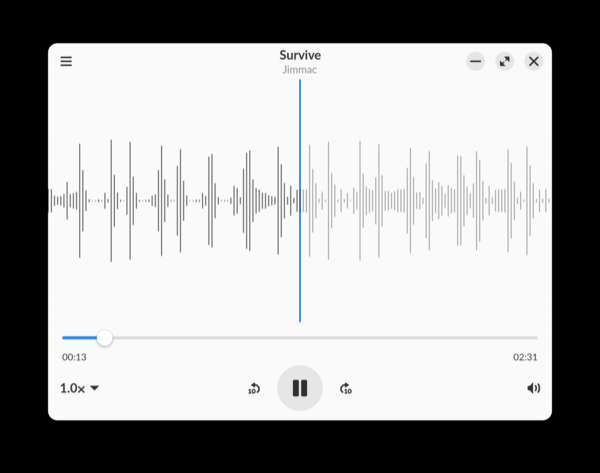
- The package includes the Decibels application for playing individual audio files, which can be used, for example, to quickly assess voicemail messages received by email.

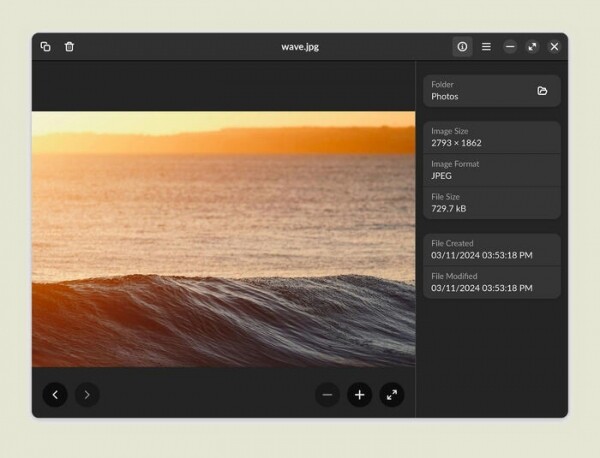
- The image viewer has been updated (Eye of GNOME has been replaced with GNOME Image Viewer), featuring a redesigned interface, improved performance optimization, and added support for new formats such as HEIC/HEIF and WebP. Multi-touch gesture controls have been expanded, allowing for pinch-to-zoom on touchpads or touchscreens.
- A collection of applications beneficial for game developers has been added, including the Godot game engine toolkit, Audacity sound editor, Blender 3D modeling system and its manuals, GIMP graphic editor, Inkscape vector graphics editor, and Pixelorama sprite and animation editor.
- Educational applications and learning games have been added: Aqueducts, Dragon’s Apprentice, Fablemaker, Frog Squash, The Passage, Tank Warriors.
- The behavior when running out of memory in the system has been modified. Settings have been changed for more aggressive application closing during early low memory scenarios to prevent system hangs.
- Transition to multimedia usage has been implemented server Pipewire 1.0.
- The system environment has been updated to Debian 12.5 (the Endless OS 5 branch used Debian 11). The Linux kernel has been updated to version 6.5. GNOME components have been synchronized with version 43.9.
Source: opennet.ru
