

The release of Chrome OS 92, based on the Linux kernel, Upstart system manager, ebuild/portage build tools, open components, and Chrome 92 web browser, has been published. The user environment of Chrome OS is limited to a web browser, with web applications used instead of standard programs; however, Chrome OS includes a full multi-window interface, desktop, and taskbar. The Chrome OS 92 build is available for most current Chromebook models. Unofficial builds have been created by enthusiasts for regular computers with x86, x86_64, and ARM processors. The source code is distributed under the Apache 2.0 open license.
Key changes in Chrome OS 92:
- Functionality has been expanded. virtual desktops. The ability to pin Linux and Android applications to specific virtual desktops has been introduced. When multiple virtual desktops are available, a 'Move window to desk' option has appeared in the context menu for Linux and Android applications.
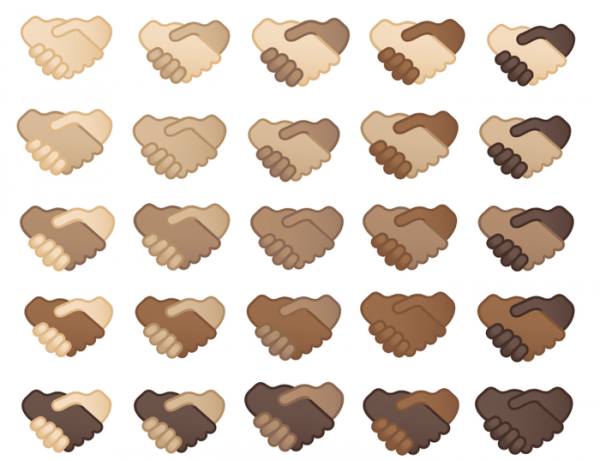
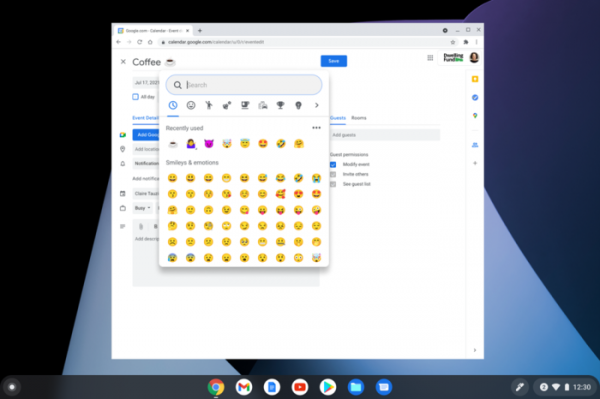
- A new interface for selecting Emoji has been proposed, incorporating search functions, quick access to recently chosen symbols, and the ability to select character skin tone in images.

In laptop mode, the Emoji input interface can be invoked using the Search+Shift+Space combination or the context menu. A text search is available for finding specific emojis; for example, typing 'coffee' will yield a list of emojis related to coffee.

- The camera application has been enhanced to control zoom and panning (vertical tilt and horizontal pan) of the lens. This capability is currently available only for external PTZ cameras.
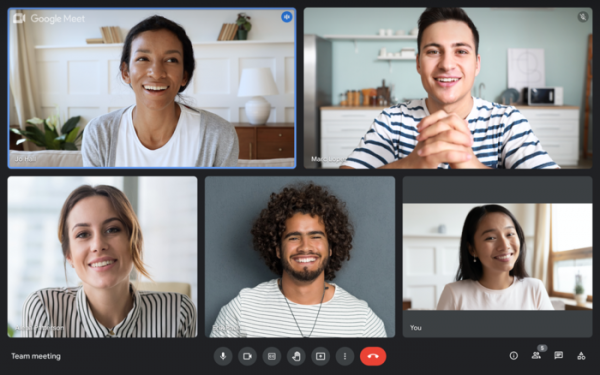
- Google Meet and Google Chat applications have been included in the main firmware for Chromebooks.

- In collaboration with Zoom, an improved version of the namesake video conferencing application has been introduced, featuring greater performance, lower memory consumption, and support for new features found in the mobile app, such as breakout rooms, live transcription generation, and background replacement.
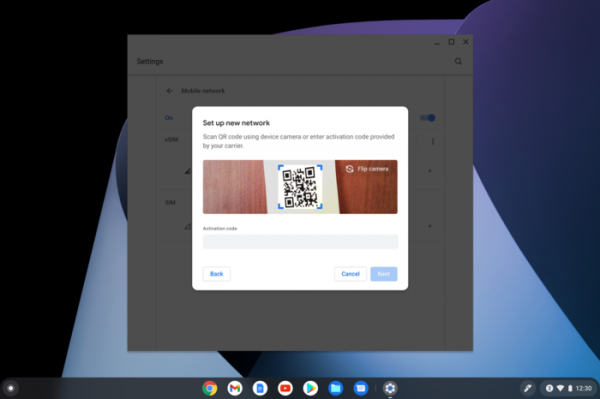
- Support for eSIM has been added for connecting to cellular operators via QR code activation, eliminating the need for a traditional removable SIM card. This feature is available only on devices equipped with a built-in programmable SIM card (eSIM), such as the Acer Chromebook Spin 513 and Acer Chromebook 511.
- Voice input mode now includes support for continuous text recording, which automatically stops after a period of inactivity following dictation. This feature can be activated through the option 'Settings > Scroll down to Advanced > Scroll down to Accessibility > Manage accessibility features > Keyboard and text input > Enable dictation'.
- The 'Tote' indicator, which provides one-click access to recently saved screenshots, pinned files, or downloads from the panel, now supports access to downloads made from Android platform applications and to documents saved in PDF format ('Save as pdf' in the print output form).
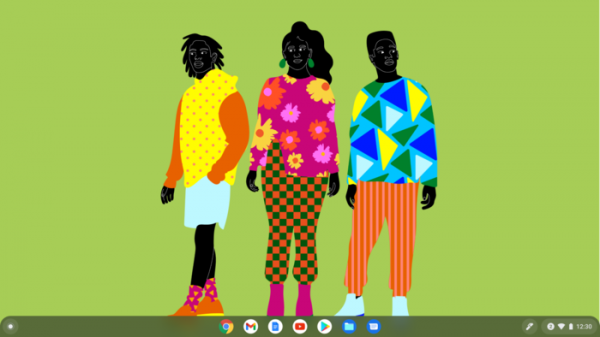
- A new collection of desktop wallpapers has been proposed, prepared by Black artists (this fact is highlighted in Google's announcement).

- For users with motor impairments that make it difficult to work with traditional keyboards and mice, support has been added for a new navigation mode using specialized Switch devices. This new mode allows users to select a point on the screen and perform actions by moving the pointer horizontally and vertically in a sequence.
- The virtual keyboard now includes support for the MultiPaste feature, which allows tracking the history of items placed in the clipboard.
- New keyboard shortcuts have been added that can be learned in the Shortcuts application.
Source: opennet.ru
