

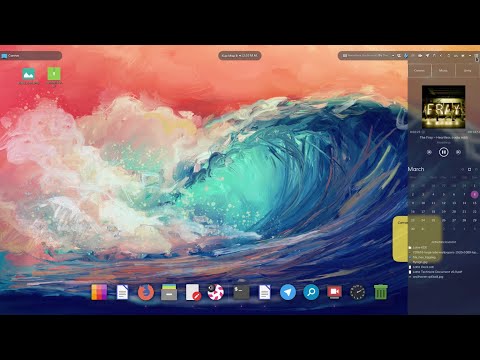
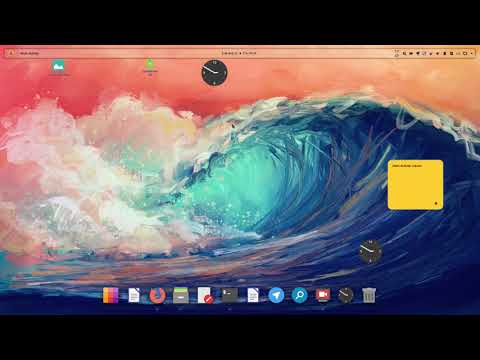
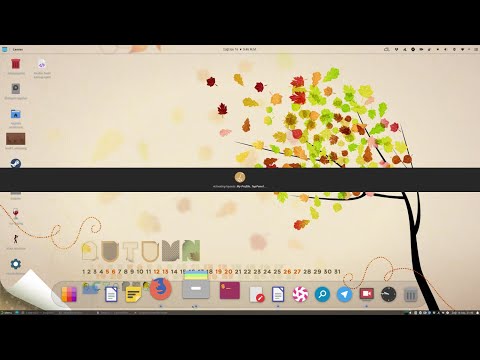
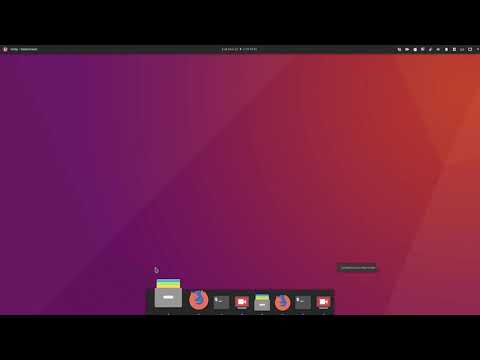
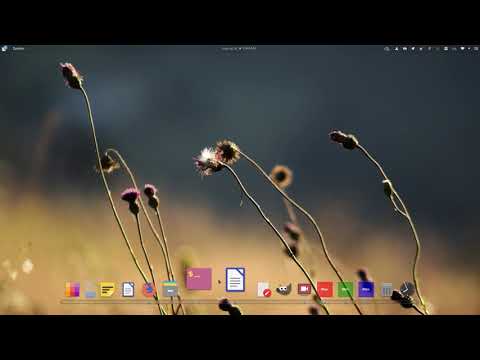
After two years of development, the release of the Latte Dock panel 0.10 has been presented, offering an elegant and simple solution for managing tasks and plasmoids. This includes support for a parabolic zoom effect for icons in the style of macOS or the Plank panel. The Latte panel is built on the KDE Frameworks and Qt library. It is integrated with the KDE Plasma desktop. The project's code is distributed under the GPLv2 license.
The project is based on the merger of similar panels — Now Dock and Candil Dock. After the merger, the developers attempted to combine the isolated panel principle from Candil, which operates separately from Plasma Shell, with the quality interface design characteristic of Now Dock, using only KDE and Plasma libraries without any third-party dependencies.
Key innovations:
- The possibility of placing multiple panels from one edge of the screen has been provided.

- Support for pop-up panels has been added.
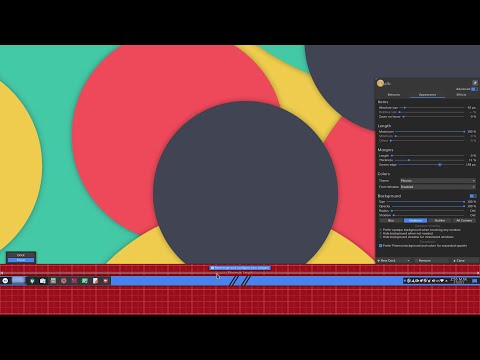
- The ability to adjust the corner rounding radius of the panels and specify the shadow size from the panel has been introduced.
- Ten visibility modes for the panel have been offered.
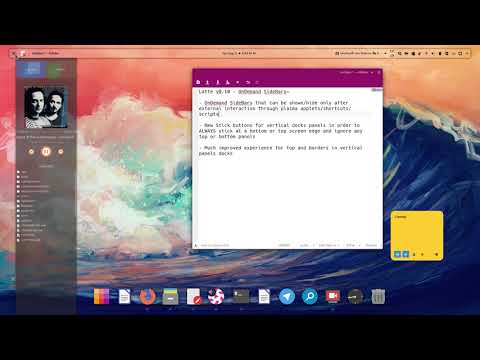
- A mode for the appearance of side panels when needed has been added, where the panel appears and hides only after user actions with external applets, scripts, or shortcuts.
- Geometric information about the Latte Dock panels has been provided to the Plasma desktop, as well as data about the visible area for proper window positioning to window managers that support GTK_FRAME_EXTENTS.
- An integrated dialog for downloading and adding widgets (Widgets Explorer) has been added, which can be used in environments other than KDE, including GNOME, Cinnamon, and Xfce.
- Support for placing multiple Latte Tasks applets on a single panel has been added.
- A new applet alignment mode in the panel has been introduced.
- A parabolic effect for cycling through applets in the panel has been implemented.
- Support for boundary area separators from KDE Plasma (MarginsAreaSeparators) has been added, allowing the placement of smaller widgets.
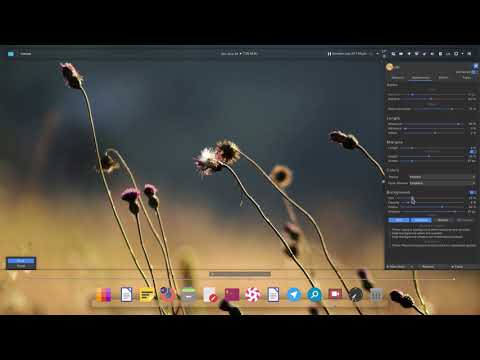
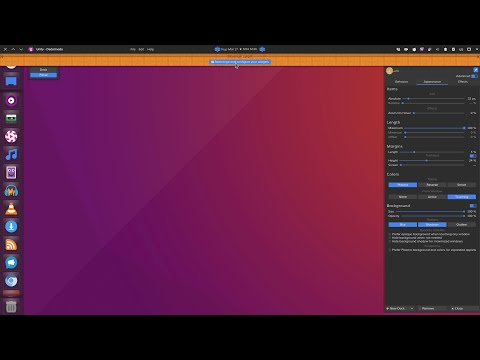
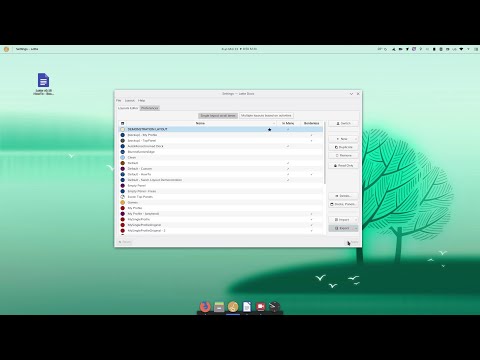
- The design of all dialogs for managing the arrangement of elements on the panel has been changed. Users are provided with the ability to define their own color scheme for each panel layout.
- The panels now support moving, inserting, and copying elements through the clipboard.
- An export feature for the layout of elements in the panels has been added, allowing panels to be used as templates for recreating the same layout by other users.
Source: opennet.ru
