

The release of the Nextcloud Hub 26 Winter platform has been announced, providing a self-sufficient solution for organizing teamwork among employees and teams developing various projects. Concurrently, the underlying cloud platform Nextcloud 33 has been released, allowing cloud storage deployment with support for synchronization and data exchange, enabling data viewing and editing from any device anywhere on the network (downloads of participant lists in CSV format, creation, import, and export of surveys via the web interface or WebDAV). The Nextcloud server can be deployed on any hosting that supports PHP script execution and provides access to SQLite, MariaDB/MySQL, or PostgreSQL. The source code of Nextcloud is distributed under the AGPL license.
In terms of tasks solved, Nextcloud Hub resembles Google Docs and Microsoft 365, but allows for the deployment of a fully controlled collaboration infrastructure that operates on its own servers and is not tied to external cloud services. Nextcloud Hub integrates multiple open applications as add-ons on the Nextcloud cloud platform, enabling collaborative work with office documents, files, and information for task and event planning. The platform also includes add-ons for accessing email, messaging, organizing video conferences, and chats.
User authentication can be carried out both via a local database and through integration with LDAP/Active Directory, Kerberos, IMAP, and Shibboleth/SAML 2.0, including the use of two-factor authentication, SSO (Single Sign-On), and linking new systems to the account via QR code. Version control allows tracking changes in files, comments, sharing rules, and tags.
The main components of the Nextcloud Hub platform:
- Files — a system for storing, syncing, sharing, and exchanging files. Access can be achieved via both the web and client software for desktop and mobile systems. Advanced features include full-text search, file attachment when sending comments, selective access control, creation of password-protected links for downloads, and integration with external storage (FTP, CIFS/SMB, SharePoint, NFS, Amazon S3, Google Drive, Dropbox, etc.).
- WorkFlow — optimizes business processes through automating routine tasks such as converting documents to PDF, sending messages to chats when new files are uploaded to specific directories, and automatically assigning tags. Custom handlers can be created to perform actions tied to specific events.
- Nextcloud Office — integrated tools for collaborative editing of documents, spreadsheets, and presentations, developed in partnership with Collabora. Supports integration with OnlyOffice, Collabora Online, MS Office Online Server, and Hancom Office packages.
- Nextcloud Collectives — provides an interface for managing, organizing collaboration, and interaction among participants in teams, groups, and communities.
- Nextcloud Teams — tools for coordinating team work and organizing access to resources, files, and applications used within the group.
- Photos — an image gallery that simplifies searching, sharing, and navigating through a collaborative collection of photos and images. Supports ranking photos by time, location, tags, and view frequency.
- Calendar — a scheduling calendar that allows coordinating meetings and planning chats and video conferences. Offers integration with group collaboration tools across iOS, Android, macOS, Windows, Linux, Outlook, and Thunderbird. Supports event uploads from external resources using the WebCal protocol.
- Mail — a shared address book and web interface for handling emails. Multiple accounts can be linked to a single inbox. Supports email encryption and attachment of digital signatures based on OpenPGP. Address book synchronization is possible via CalDAV.
- Talk — a messaging system and web conferencing platform (chat, audio, and video). Supports groups, screen sharing, and integration with traditional telephony through SIP gateways.
- Nextcloud Backup — a solution for decentralized backup storage.
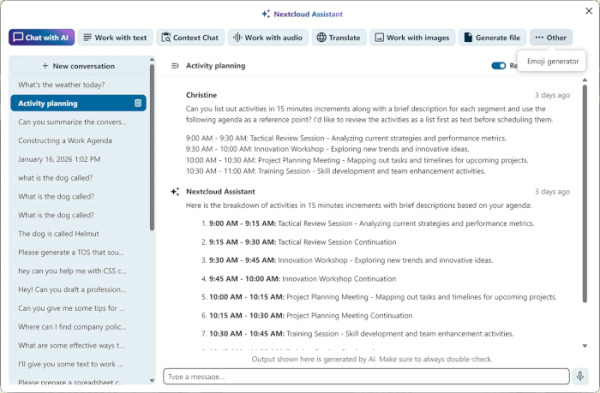
- Nextcloud AI Assistant — an intelligent assistant in the style of ChatGPT, installed on your own server server and does not require access to external services. The AI Assistant can be used to generate text on demand in natural language, extract key ideas from lengthy descriptions, create headlines, rewrite text in other words, or translate into another language.
Key innovations of Nextcloud Hub 26 Winter (releases are now numbered as "year time_of_year"):
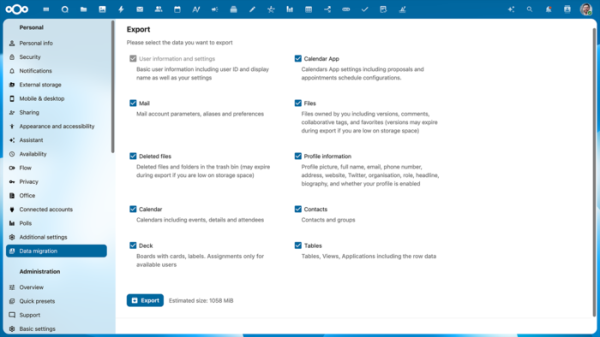
- Simplified migration of user data between servers. An application for importing and exporting email correspondence, address books, calendar planners, sheets, and Deck projects has been added.

- Enhanced capabilities for building a federated network, encompassing users from other servers Nextcloud. In addition to file sharing, chats, and video calls with users on other servers, support for a federated network has been added to the Nextcloud Deck project management system, the calendar planner, and the Nextcloud Teams collaboration tool. For example, chats now allow for the creation of groups that include users from other servers, as well as granting external users access to tasks in projects and events in the calendar planner. File locking has been added to enable collaborative work on files across multiple servers.
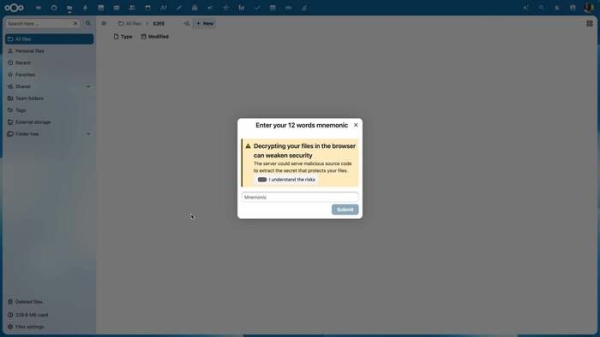
- When using the web interface, support for end-to-end encryption of data on the client-side has been added, allowing management of encrypted files in the browser, setting specific access rights to encrypted files, and providing other users with links for downloading them.
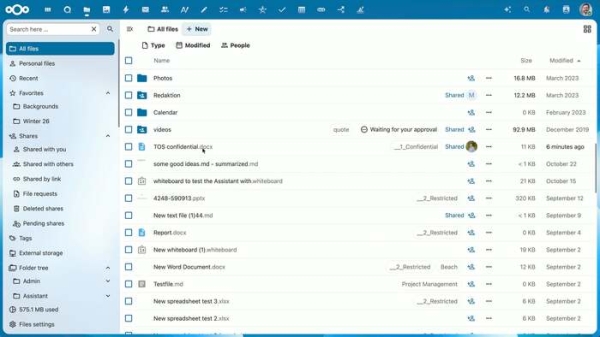
- Support for automatic labeling for classifying confidential files based on their properties and metadata has been added. Labels are automatically adjusted when the document's properties change.
- An option has been added in the settings to prohibit external invites in the calendar planner (when activated, invites can only be received from other users of the same server). server).
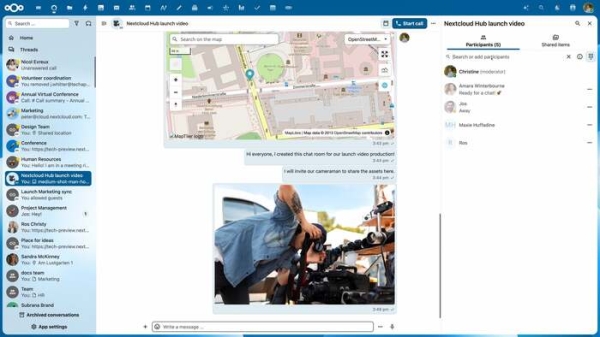
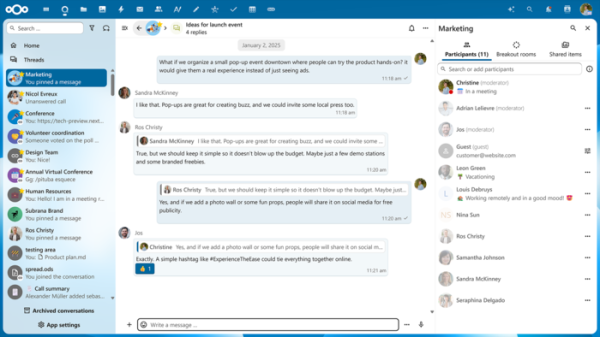
- In Nextcloud Talk, the ability to pin messages in chats has been added to keep group announcements, links, and reminders in view (it is possible to set the duration for which the message will be pinned). Support for delayed message sending according to a schedule has been implemented. Chat now features modes for a clearer separation of messages and for right-aligning one's own messages.
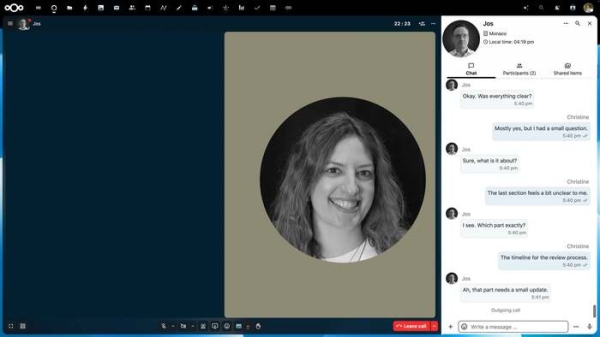
- In the video conferencing system, AI support has been implemented for displaying text transcriptions of speeches and translating them in real-time into other languages. Additional settings have been provided for automatic volume leveling, noise suppression, and echo cancellation during simultaneous conversation among multiple participants. The effectiveness of background blurring in videos has been enhanced.
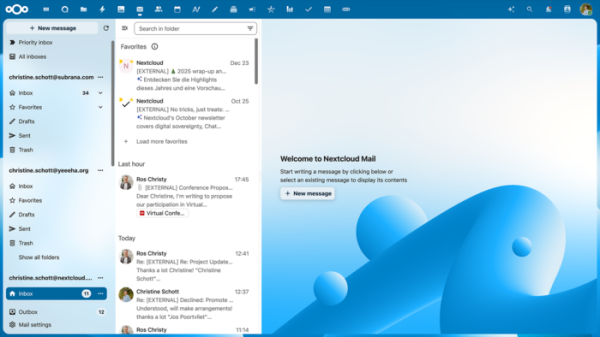
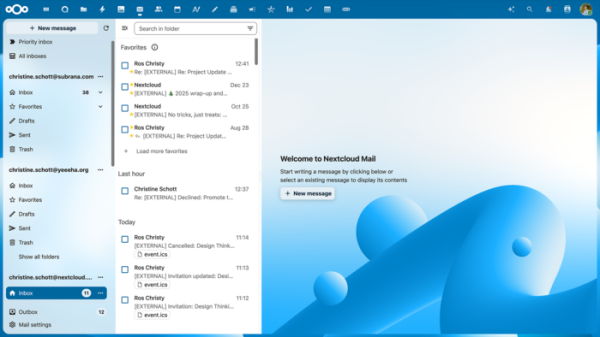
- The email client now displays information about email attachments next to the subject line in the list of incoming correspondence. The quick filtering interface for emails has been expanded, allowing users to highlight unread emails, emails with attachments, and emails from specified email addresses.
- An option has been added for automatically transferring meeting invites received via email to the calendar planner. Support for pinning emails from specifically marked important discussions at the top of the inbox list has been provided. A compact view mode has been added, where the email body preview is turned off, showing only subjects.
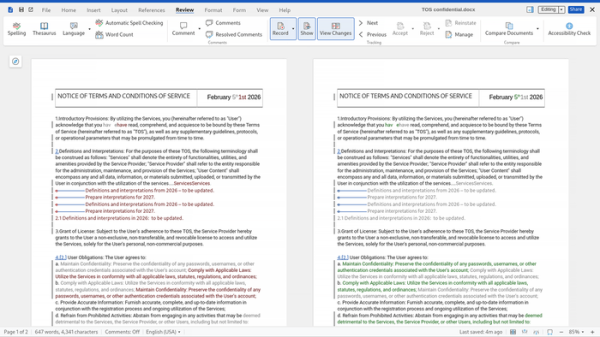
- Nextcloud Office has introduced a feature for visually comparing different documents side by side. A mode for navigating changes within a single document useful for reviewing modifications has also been added. The interface for reading and annotating comments has been improved. Quick access to settings through the Options menu in the Files tab has been provided.
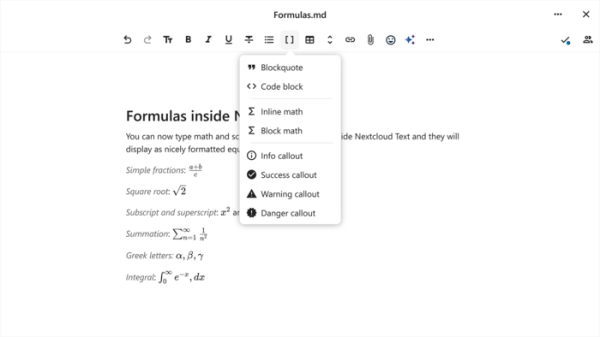
- Nextcloud Text now supports documents with LaTeX markup.
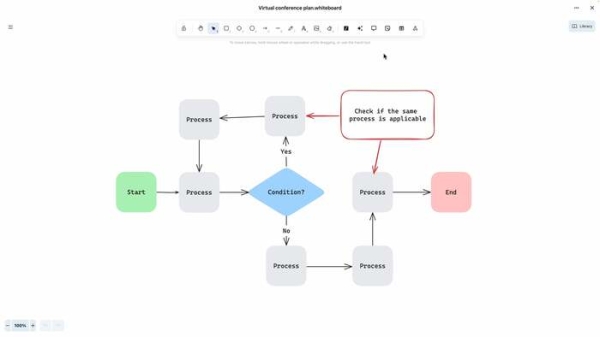
- The Nextcloud Whiteboard application, which allows collaborative creation of drawings, sketches, notes, plans, and drafts, has added support for reactions, comments, tables, polls, and timers (for limiting collaborative work time). An interface for navigating through versions of the created content has been introduced.
- AI tools have been enhanced to include labels about AI usage when generating images, documents, and audio recordings. History in AI chats is now retained. Significant performance improvements for locally executed models for text and image generation, speech synthesis and recognition, and translation have been made. Support for Olmo 3 and IBM watsonx toolkits has been added, with integration provided for Recognize and OpenAI services.

- A new engine, ADA (Accelerated Direct Access), has been implemented to manage permissions and access rights when collaborating on data. The engine includes components in PHP, Go, and Rust, utilizes Snowflake ID identifiers, and supports direct file and thumbnail uploads from S3 storage.
- A new backend, HPB (High Performance Backend), for Nextcloud Files has been implemented, written in Rust, allowing for an 80% reduction in traffic between proxy server and the client. The backend HPB for Nextcloud Talk, rewritten in Go, has also been updated, allowing a 40% reduction in server load and a 20% increase in the retrieval speed of shared data. Resource consumption during thumbnail generation in Nextcloud Photos has been reduced by 40-90%.
- The interface has been improved, and performance optimization has been conducted for mobile applications on iOS and Android. Nextcloud Assistant chat has been added. A quick connection to the account via a QR code generated in Nextcloud Talk or Nextcloud Files has been introduced.
Source: opennet.ru
