

The release of the OnlyOffice Desktop 6.4 suite, designed for working with text documents, spreadsheets, and presentations, is now available. The editors are implemented as desktop applications, written in JavaScript using web technologies, but combine client and server components in a single package designed for self-sufficient use on the user's local system, without accessing external services. The project code is distributed under the free AGPLv3 license.
OnlyOffice claims full compatibility with MS Office and OpenDocument formats. Supported formats include: DOC, DOCX, ODT, RTF, TXT, PDF, HTML, EPUB, XPS, DjVu, XLS, XLSX, ODS, CSV, PPT, PPTX, ODP. Editors' functionality can be extended through plugins; for example, plugins for creating templates and adding videos from YouTube are available. Ready-made builds are created for Windows, macOS, and Linux (deb and rpm packages), with Snap, Flatpak, and AppImage formats to be provided soon.
OnlyOffice Desktop includes the recently released online editors ONLYOFFICE Docs 6.4 and offers the following additional innovations:
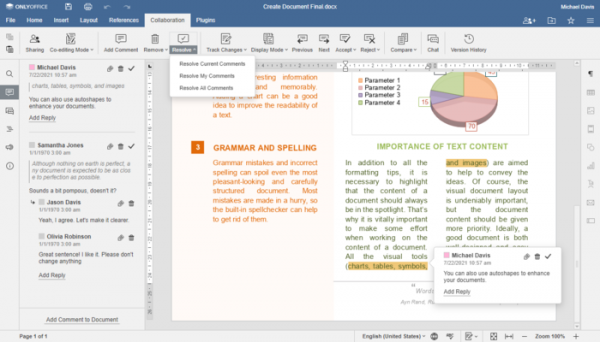
- Support for batch operations with comments has been added. For example, it is now possible to delete or mark all viewed comments as resolved at once. In comment mode, tools have been implemented to customize user access rights.

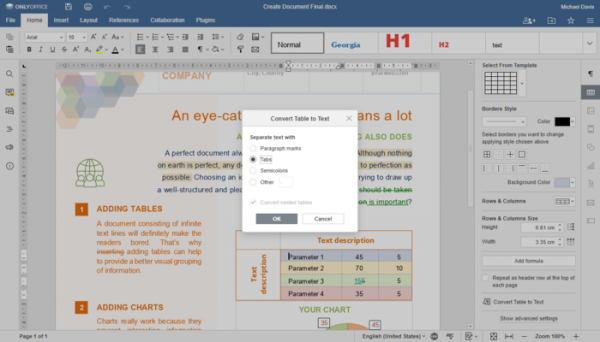
- The document editor has added an option for automatic capitalization of the first letter in a sentence. A new review mode called Simple markup has been introduced. Support for quick conversion from text to table and from table to text has been provided.
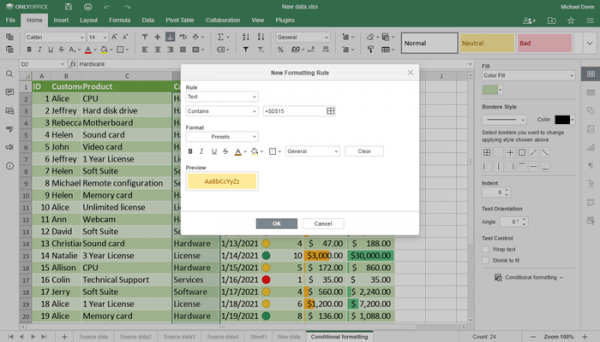
- The spreadsheet application has implemented the ability to add, remove, and edit conditional formatting rules (rules that bind cell style to content).
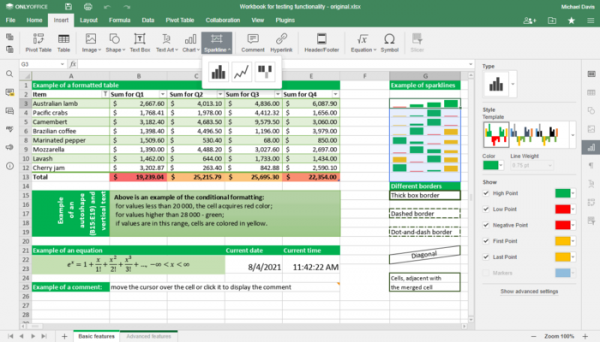
Support for sparklines—mini-charts that display the dynamics of a series of values—has been added for insertion into a cell.
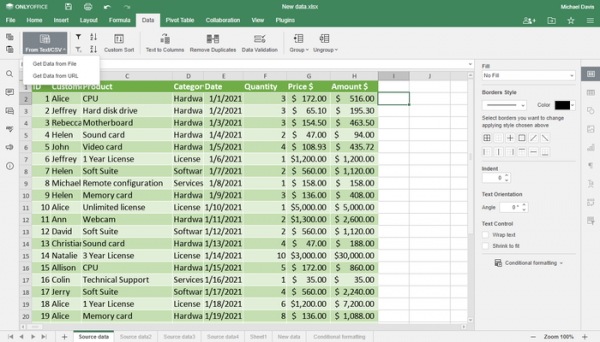
Support for importing from files in txt and csv formats has been added.
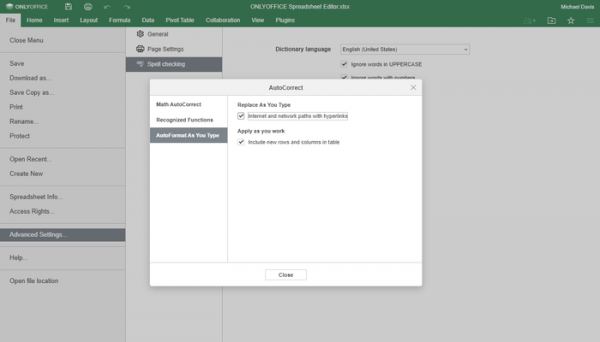
An auto-correction function for links has been added, automatically replacing text links and local paths with hyperlinks.
The spreadsheet application also provides the ability to run a macro by clicking on a graphic object, added support for locking parameters of the panel, an option for displaying zeros in cells, and support for comment threads.
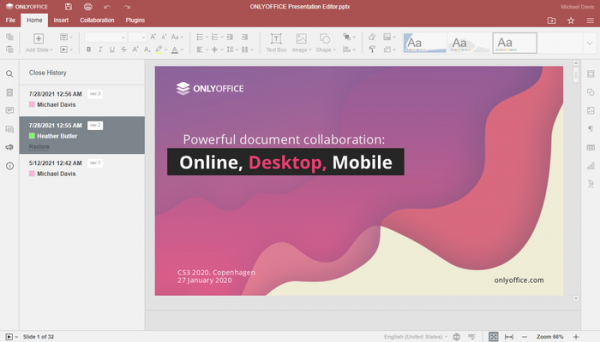
- The presentation editor now features a visual history of changes in the presentation and adds support for hiding the notes panel.
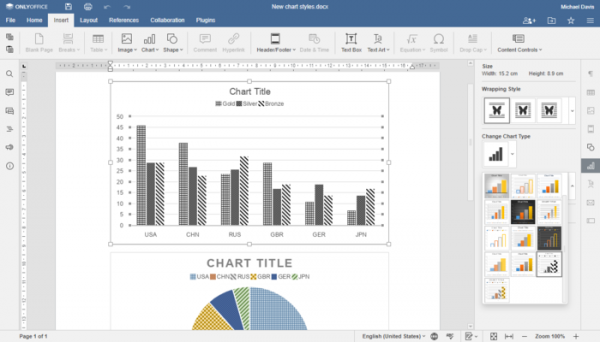
- Support for chart styles has been significantly improved. Chart styles for individuals with visual impairments have been added (for example, a special style for colorblind users is now available).
- Support for the WOPI (Web Application Open Platform Interface) protocol has been added, which is used to access files on servers Microsoft, Google, and Nextcloud.
- The ability to change the rendering of list item characters has been provided.
- The control elements now support switching between items using the Tab key and Shift+Tab combination.
- For high pixel density screens, the interface scaling capability has been implemented to levels of 125% and 175% (in addition to the previously available 100%, 150%, and 200%).
- The configuration file now allows setting the theme and enabling the collaborative editing mode.
- Editors for mobile devices have been completely rewritten using the React framework.
- The native version of OnlyOffice Desktop for Apple devices with M1 ARM chips has started shipping, which does not use the Rosetta 2 emulator.
Source: opennet.ru
