

A year after the release of the last significant version, the Thunderbird 102 email client, developed by the community and based on Mozilla technologies, has been released. This new version is classified as a long-term support release, with updates being provided for a year. Thunderbird 102 is built on the ESR codebase of Firefox 102. The release is available only for direct download; automatic updates from previous versions to 102.0 will not be provided and will only be formed in version 102.2.
Key Changes:
- A client for the decentralized communication system Matrix has been integrated. The implementation supports advanced features such as end-to-end encryption, sending invitations, delayed loading of participants, and editing sent messages.
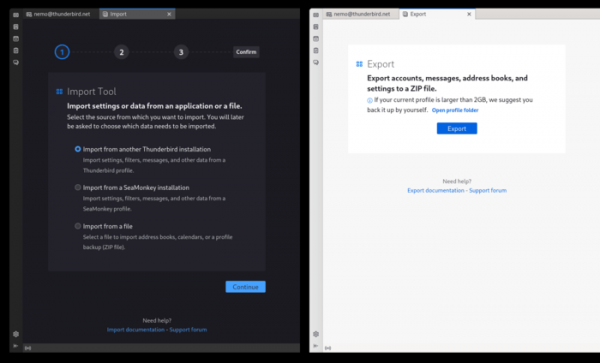
- A new import and export wizard for user profiles has been added, supporting the transfer of messages, settings, filters, address books, and accounts from various configurations, including migration from Outlook and SeaMonkey. The new wizard is implemented as a separate tab. The data import tab now includes the ability to export the current profile.

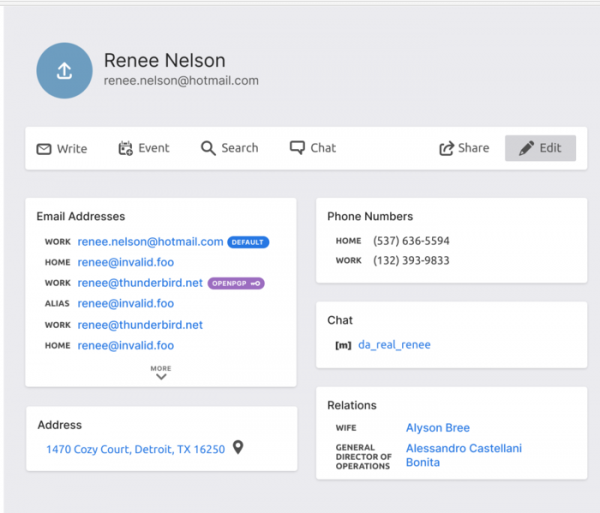
- A new implementation of the address book with vCard support has been introduced. It now allows importing an address book in SQLite format, as well as importing in CSV format with a semicolon as a separator.

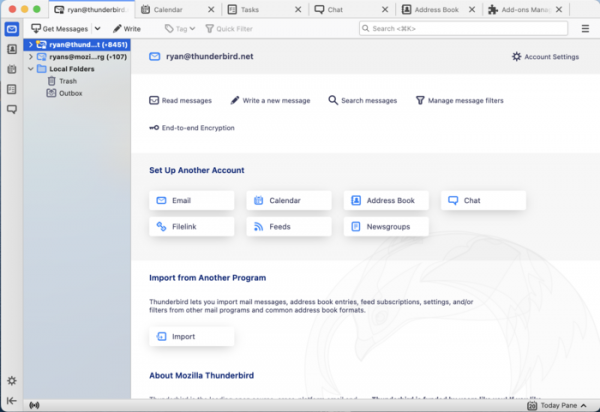
- A Spaces sidebar with buttons for quick switching between the program's modes (email, address book, calendar, chat, add-ons) has been added.

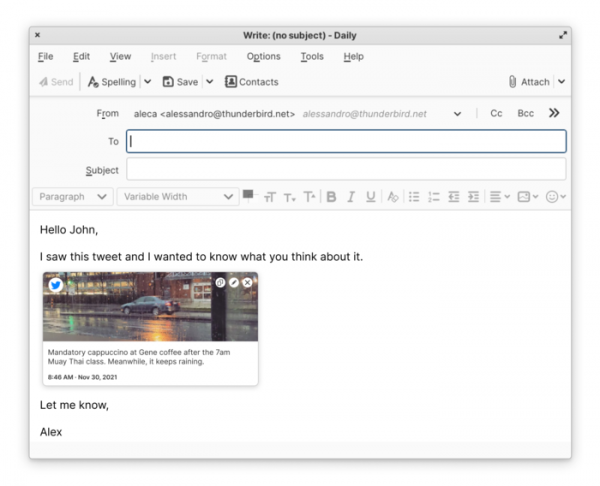
- The ability to insert thumbnails for previewing the content of links in emails has been provided. When adding a link while composing an email, a suggestion will now appear to include a thumbnail of the related content that the recipient will see.

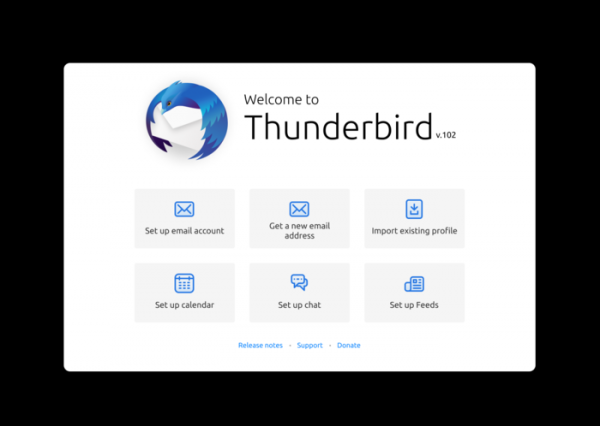
- Instead of a new account setup wizard at first launch, a summary screen is displayed with a list of possible initial actions, such as configuring an existing account, importing a profile, creating a new email, and setting up the calendar, chat, and news feed.

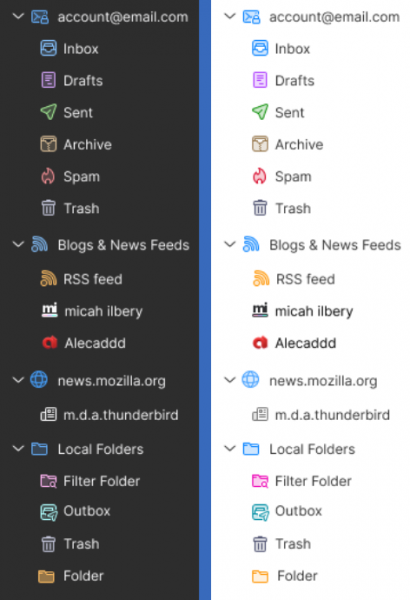
- Icons have been updated and colorful mail folders have been introduced. A complete interface modernization has been conducted.

- The design of email headers has been changed. The content displayed in the header can be customized by the user, such as adding or hiding the display of avatars and full email addresses, increasing the size of the subject field, and adding text labels next to buttons. There is also the option to star important messages directly from the message header area.

- A new option has been added to the context menu for email editing that allows selecting all messages at once.
- In new profiles, the threaded message view mode is enabled by default.
- Support has been provided for connecting to Google Talk chat accounts using the OAuth2 protocol.
- A new setting, print.prefer_system_dialog, has been added to allow the use of the default system print dialog without a preview.
- A new setting, mail.compose.warn_public_recipients.aggressive, has been introduced for more aggressive notifications about specifying a large number of recipients in an email.
- Support for selecting multiple languages for spell checking simultaneously has been added.
- OpenPGP support has been expanded. A status indicator for the expiration of receiver's OpenPGP keys has been implemented in the message composition window. Auto-saving and caching of OpenPGP keys from attachments and headers have been ensured. The key management interface has been redesigned and enabled by default. Command-line utilities for debugging OpenPGP functionality have been included. An option for decrypting OpenPGP messages in a separate folder has been added to the menu.

Source: opennet.ru
