

The release of the graphic editor for children's creativity — Tux Paint 0.9.29 has been published. This program is designed to teach drawing to children aged 3 to 12 years. Binary builds are available for Linux (rpm, Flatpak), Haiku, Android, macOS, and Windows.
In the new release:
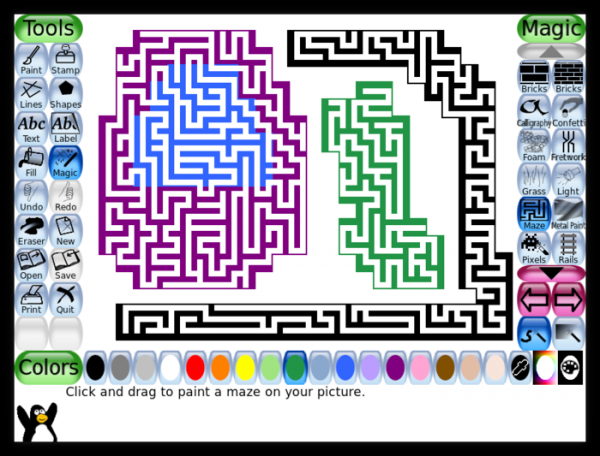
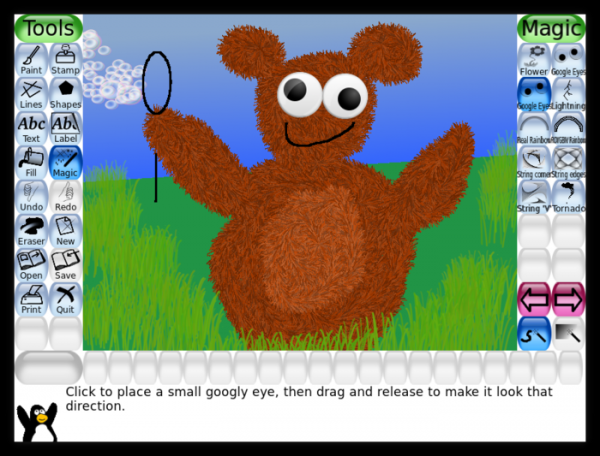
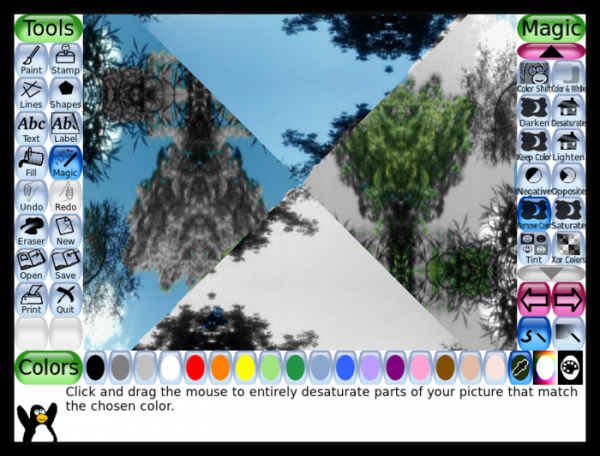
- Fifteen new ‘magical’ tools, effects, and filters have been added. For example, the Fur tool for creating fur, Double Vision for simulating double vision (diplopia), Remove Color and Keep Color for desaturating parts of the image, and Maze for generating random mazes.

Googly Eyes for attaching eyes to drawn characters.
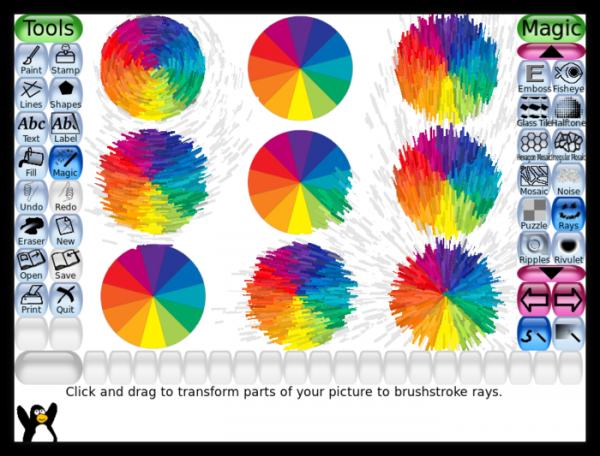
Circles and Rays for creating circular and ray strokes.
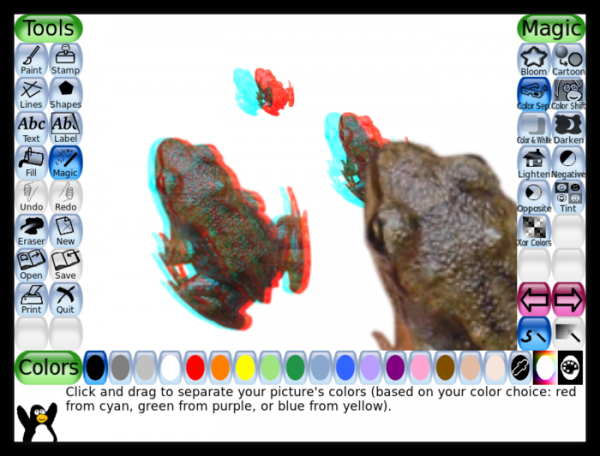
3D Glasses for transforming to a three-dimensional image that can be viewed with anaglyph glasses.
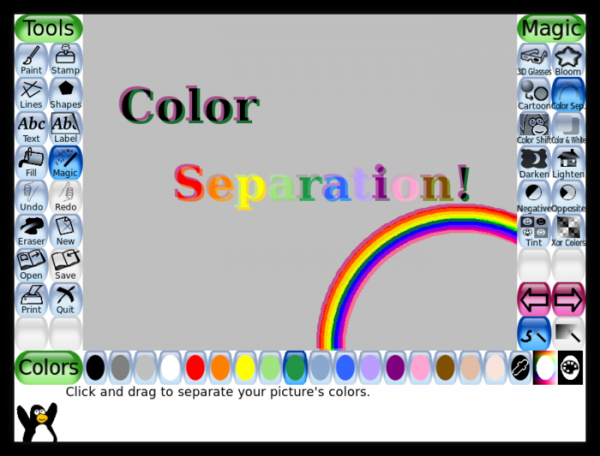
Color Sep for separating selected colors.
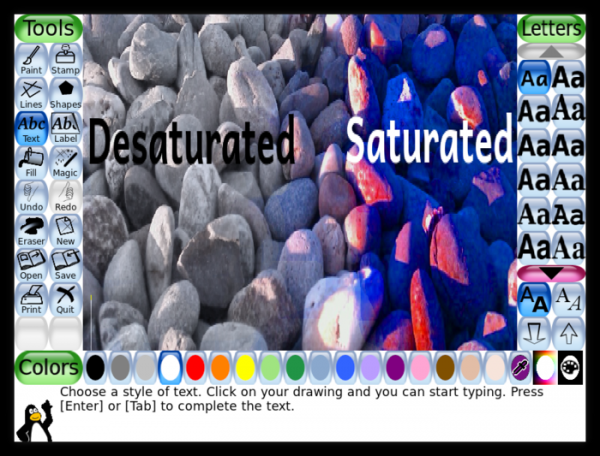
Saturate and Desaturate for increasing and decreasing color saturation.
Kaleido-4, Kaleido-6, and Kaleido-8 for transforming images into a kaleidoscope with fragment rotation of 90°, 60°, or 45°.
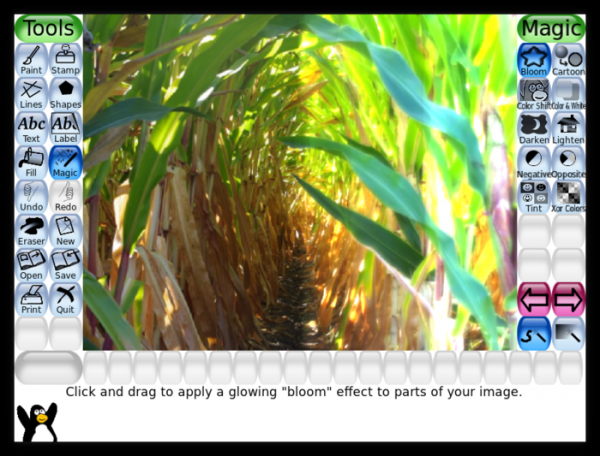
Bloom with the implementation of a diffraction glow effect.
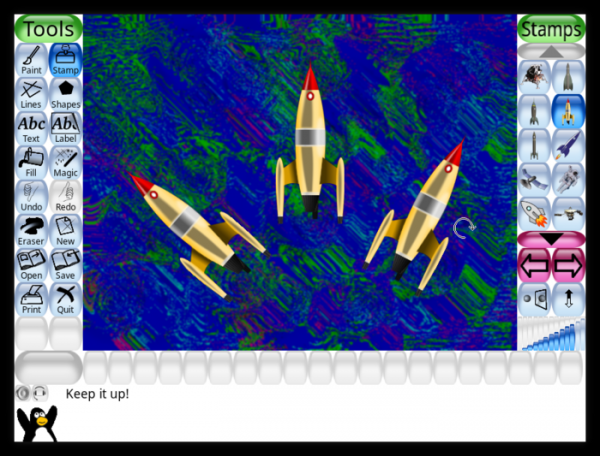
- The Stamp tool, used for adding pre-made image templates to the drawing, now supports object rotation before placement.
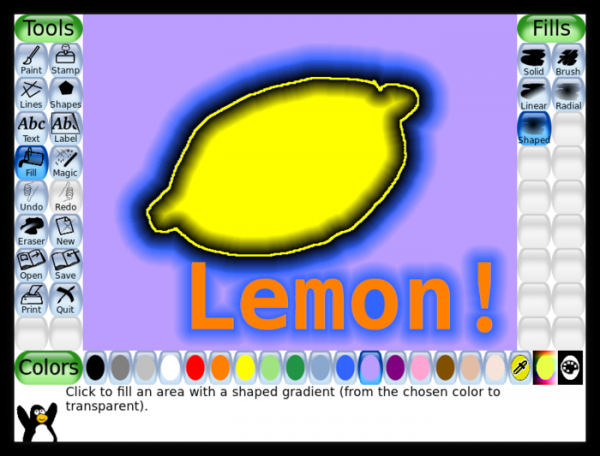
- The Fill tool features a shaped gradient fill that follows the contour of the area.
- A setting has been added to automatically select button sizes in panels optimal for the current screen resolution.

- A setting for choosing the scaling method and positioning of image examples that do not match the size of the Tux Paint canvas has been added.
Source: opennet.ru
