

The release of the Regolith 1.6 desktop is available, developed by the creators of the eponymous Linux distribution. Regolith is based on GNOME session management technologies and the i3 window manager. Project developments are distributed under the GPLv3 license. PPA repositories for Ubuntu 18.04, 20.04, and 21.04 have been prepared for download.
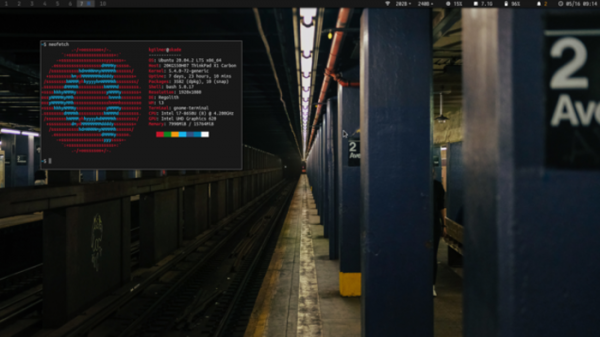
The project is positioned as a modern desktop environment designed for faster execution of standard tasks through optimization of workflows and elimination of unnecessary clutter. The goal is to provide a functional, yet minimalist interface that can be customized and expanded based on user preferences. Regolith may be of interest to newcomers accustomed to traditional window systems, but wishing to try tiled (mosaic) window arrangement methods.
In the new release:
- The creation of ready-to-use bootable ISO images with new versions of Regolith has resumed.

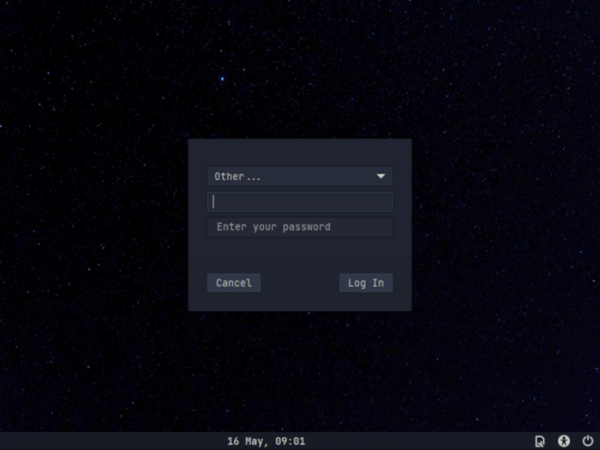
- A new theme called 'Midnight' has been added, featuring distinct fonts, icons, and a GTK theme.

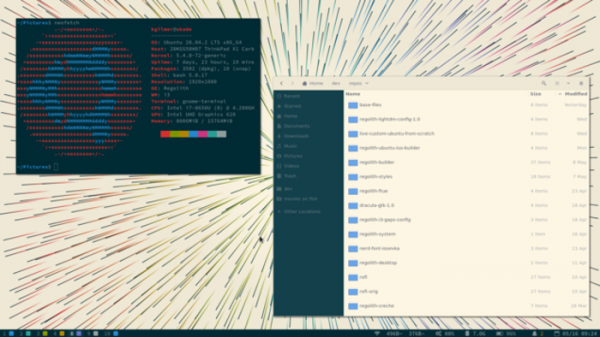
- A new light theme, Solarized Light, has been introduced.
- A new i3xrocks-app-launcher indicator has been proposed for launching the application interface and switching between Rofi windows from the panel. This indicator is aimed at users who prefer to use a mouse for launching applications.
- i3-gaps has been updated to version 4.18.2, and Rofi to version 1.6.1.
Key features of Regolith:
- Support for hotkeys as in the i3wm window manager for managing the tiling arrangement of windows.
- Uses i3-gaps, an extended fork of i3wm, for window management.
- The panel is built using i3bar, and i3xrocks based on i3blocks is used for running automation scripts.
- Session management is based on the session manager from gnome-flashback and gdm3.
- Components for system management, interface settings, automatic mounting of drives, and managing wireless network connections have been migrated from GNOME Flashback.
- Alongside tiled layouts, traditional window management methods are also allowed.
- The application launcher menu and interface for switching between windows are based on Rofi Launcher. The list of applications can be viewed at any time using the keyboard combination super+space.
- Rofication is used for displaying notifications.
- The regolith-look utility is used for managing themes and installing individual resources related to appearance.
Source: opennet.ru
