

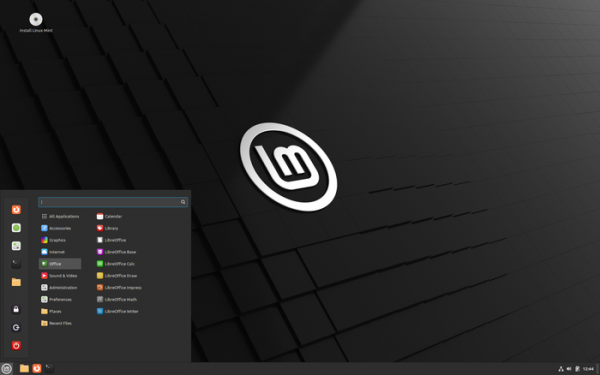
After 6 months of development, the release of Cinnamon Desktop Environment 6.2 has been formed, within which the community of the Linux Mint distribution develops a fork of the GNOME Shell, Nautilus file manager, and Mutter window manager, aimed at providing a classic GNOME 2 style environment with support for successful interaction elements from GNOME Shell. Cinnamon is based on GNOME components, but these components are provided as a periodically synchronized fork, with no external dependencies on GNOME. The new release of Cinnamon will be offered in the Linux Mint 22 distribution, scheduled to be released in July or August.
Key innovations:
- Continued implementation of experimental support for operation in an environment based on the Wayland protocol.
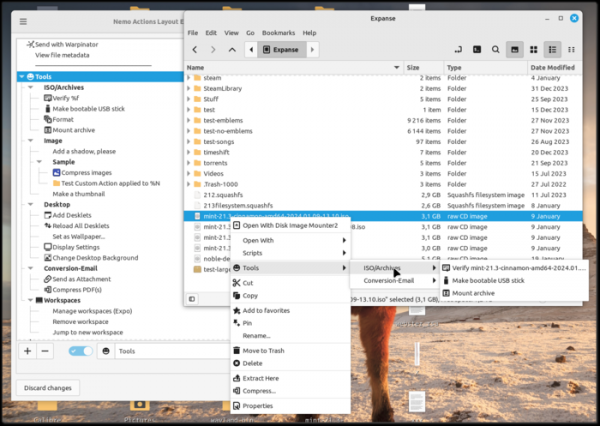
- An 'Actions Organizer' tool has been introduced for the Nemo file manager (built into the configurator), allowing users to customize the placement of actions in the menu to their liking. Support for creating nested submenus, binding or overriding icons, using separators, renaming items, and layout in drag & drop mode is available. 'Actions' are extensions to the Nemo file manager that allow for adding handlers invoked through the context menu and loaded similarly to applets and themes.

- A new thumbnail generator handler for GIMP image editor file formats has been added.
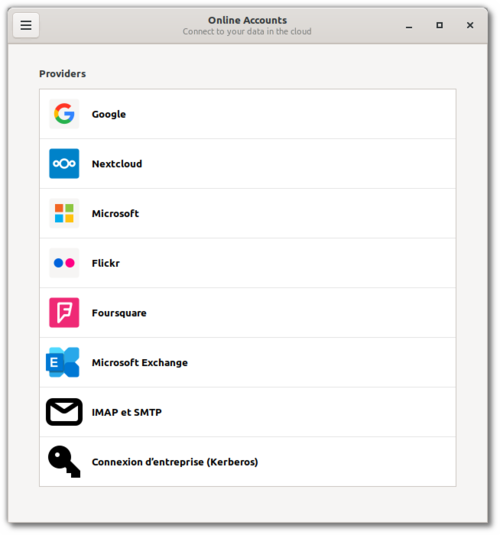
- The XApp application 'GNOME Online Account GTK' has been introduced, providing an interface for managing connections to cloud services such as Google Drive and accessing saved data. Unlike the standard GNOME Online Account, the new application is available in both GTK4 and GTK3 versions (using different versions of the libgoa library) and is adapted for operation in various distributions and user environments, such as being functional not only in GNOME but also in Cinnamon, Budgie, Unity, MATE, and Xfce.

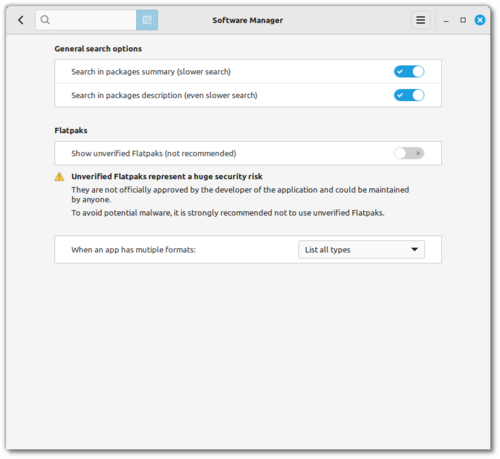
- In the Software Manager installation interface, Flatpak packages that are not verified in the FlatHub catalog, i.e., those created by third-party enthusiasts (for example, the Chrome package in FlatHub is created by an unknown user under the nickname refi64), are hidden by default. Currently, about 42% of packages in FlatHub are marked as verified.
published by major projects or individuals associated with them. The display of unverified packages can be reverted in the settings, but they will clearly be marked as untrustworthy and have a zero rating.
The changes in the Software Manager also note a significant reduction in launch time.
- The panel now includes the ability to show the user's profile image (avatar).
- The polkit agent has been restored and the style of the authorization request dialog has been modified.
- A search bar has been added to the program selection dialog (AppChooserDialog).
- The ability to configure keyboard shortcuts for external components (spice), such as actions, applets, desklets, and extensions has been provided.
- The applet for managing power consumption now shows the battery's charge and discharge status.
- In various dialogs, applets, and desklets, the implementation of animated effects has been transitioned to the use of the Clutter library.
- An interface for confirming requests via the xdg portal mechanism has been added, which is used to organize access to user environment resources from isolated applications (for example, used in flatpak).
- The themes adwaita, adwaita-dark, and highcontrast have been blacklisted, as choosing them may cause display issues with some new GNOME applications instead of the default Linux Mint themes.
- The keyboard settings interface now supports searching by keyboard shortcuts.
- In the Corner bar applet, located in the corner of the screen and allowing binding custom actions to different mouse button clicks, support for separate actions triggered by holding the Shift key has been added.
- Support for deletion has been added to Workspace Switcher. virtual desktops by clicking the middle mouse button.
- When using VPN the display of separate protection icons for wired and wireless networks has been ensured.
- A separate category for scientific applications has been added to the menu.
- In the applet showing the list of active windows, indicators for minimized and tiled windows have been removed.
Source: opennet.ru
