System76, a manufacturer of Linux computers and creator of the COSMIC desktop environment, has updated the COSMIC version to Alpha 4. The latest version includes more configuration pages, most features for COSMIC Files, and highly-requested window management functionalities. Significant work has been done to implement screen reader support, as well as to fix numerous bugs.
The new desktop environment from System76 emerged as a replacement for GNOME — the DE used in Pop!_OS 22.04 and earlier releases — rethinking the desktop environment and the value it can provide to users within the Linux ecosystem. Notable differences include a comprehensive theming system with shared themes, the ability to create vertical or horizontal workspaces, an integrated and easily accessible tiling system, and customizable panels (dock and top panel). New core applications include COSMIC Files, Settings, Terminal, Text Edit, Media Player, and App Store, which will replace Pop!_Shop.
The project's goal is to create the best, most consistent, and flexible interface for users.
Key changes
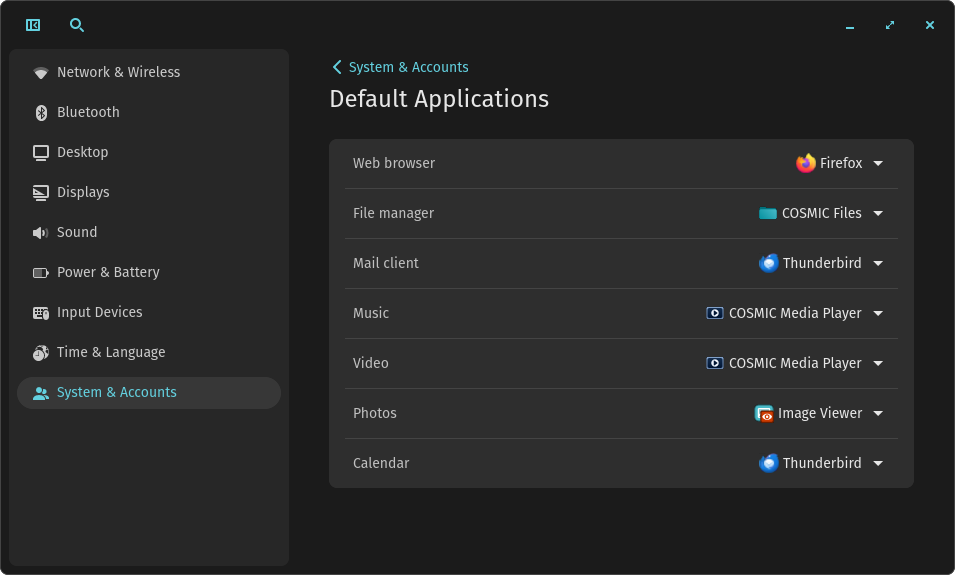
- Default Applications Configuration. A new subsection 'Default Applications' has been added in the 'System and Accounts' section of the COSMIC Settings app, where you can choose preferred applications for various tasks, such as web browser, file manager, email client, music and video player, image viewer, and calendar. Note: the following is set by default COSMIC Media Player for video and audio. This is a new media player written in Rust that is still under development.
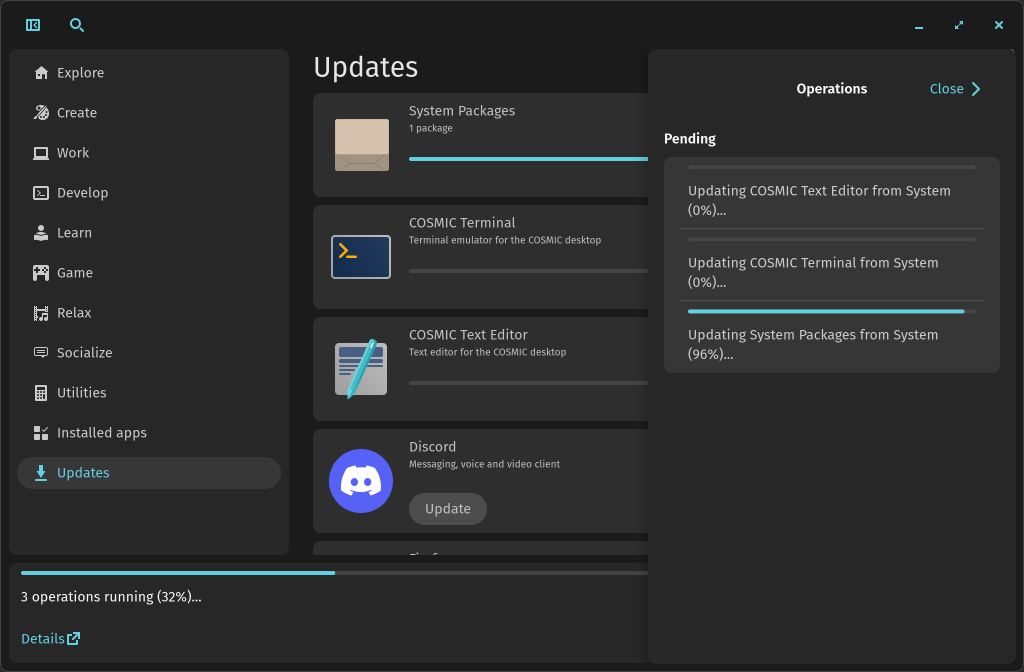
- COSMIC Store. During the installation of updates or applications, clicking 'More' in the lower left corner will open a context menu with a list of all current and completed tasks.
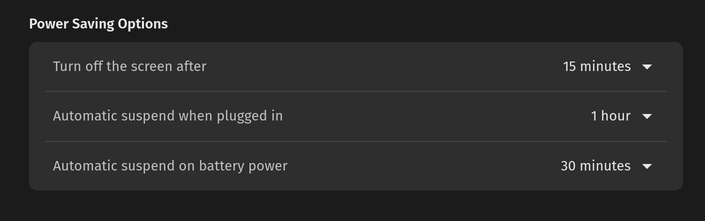
- Power Management Settings. Power management settings for the screen have been implemented. In the COSMIC Settings app, under the 'Power and Battery' section, you will find options that control the screen timeout after inactivity, as well as separate settings for sleep mode when plugged in and when running on battery.
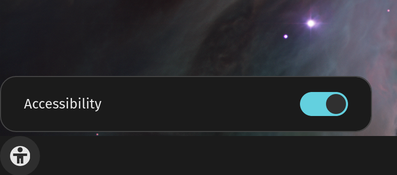
- Applet accessibility features and screen reader support (similar to Gnome extensions). Although it is still in the very early stages of development, the new accessibility applet allows you to toggle screen reader support on and off. Screen reading is now functional for COSMIC Settings, Firefox, and GNOME applications. Currently, screen reader testing is only conducted in COSMIC Settings for alpha testing, and will be expanded to all other COSMIC applications later.
- Variable Refresh Rate (VRR) allows your display to match the frame rate of the content, such as in games—preventing screen tearing. VRR support has been added to the cosmic-comp compositor and in the COSMIC Settings app under the 'Displays' section. You can configure VRR to always be on or set it to automatic mode, which will activate VRR only for fullscreen content.
- There are also various fixes and performance improvements.
Source: linux.org.ru