

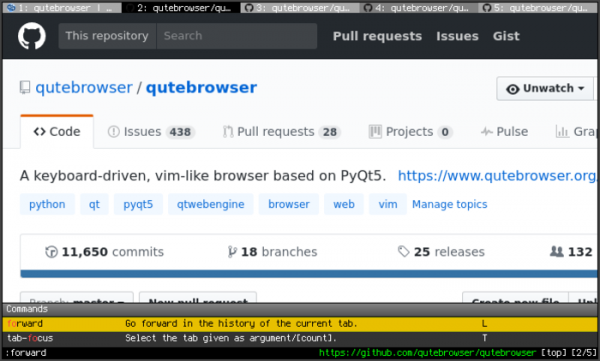
The release of the web browser qutebrowser 2.3 has been presented, offering a minimal graphical interface that does not distract from content viewing and a navigation system styled after the Vim text editor, built entirely on keyboard shortcuts. The code is written in Python using PyQt5 and QtWebEngine. The source code is distributed under the GPLv3 license. The use of Python does not impact performance, as rendering and content parsing are handled by the Blink engine and the Qt libraries.
The browser supports a tab system, a download manager, private browsing mode, a built-in PDF viewer (pdf.js), an ad-blocking system, and an interface for viewing browsing history. For viewing videos on YouTube, it is possible to configure an external video player. Navigation through pages is done using the 'hjkl' keys, 'o' to open a new page, and switching between tabs is performed using the 'J' and 'K' keys or 'Alt-tab number'. Pressing ':' brings up a command line prompt, allowing for page search and execution of common commands like in vim, such as ':q' to quit and ':w' to save the page. A 'hinting' system is provided for quick access to page elements, marking links and images.
In the new version:
- A setting 'content.prefers_reduced_motion' has been added to inform websites via the media query 'prefers-reduced-motion' to disable animated effects that may worsen the condition of users with migraines and epilepsy.
- A setting 'colors.prompts.selected.fg' has been added to override the text color of highlighted elements in file path input prompts.
- In the ad-blocker that uses redirection domains through /etc/hosts (content.blocking.hosts.lists), blocking of all subdomains of blocked hosts has been implemented.
- In the 'fonts.web.*' setting, the use of URL templates has been allowed.
- When executing the command ':greasemonkey-reload', all loaded scripts are shown (can be disabled by specifying the option '--quiet').
- The issue with signing into a Google account on the macOS platform has been resolved.
Source: opennet.ru
