

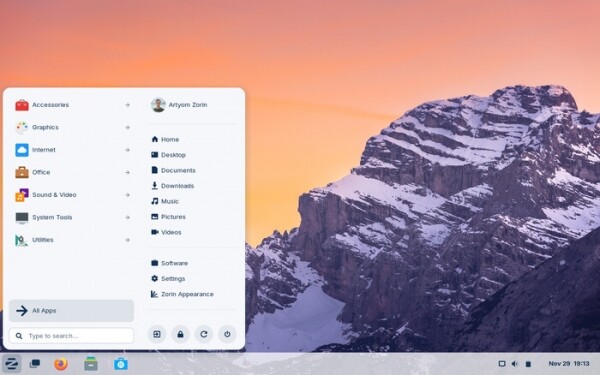
After 6 months of development, the release of Zorin OS 17.2, based on the Ubuntu 22.04 package base, has been announced. The target audience for this distribution is beginner users accustomed to working in Windows. To manage the appearance, the distribution offers a special configurator that allows the desktop to resemble different versions of Windows and macOS, along with a selection of programs familiar to Windows users. The size of the bootable iso image is 3.5 GB.
Zorin OS uses GNOME as the basis for its desktop, along with a set of custom extensions and a panel based on Dash to Panel and Dash to Dock. To integrate the desktop with smartphones, the Zorin Connect application (based on KDE Connect) is included. In addition to packages in deb format and Ubuntu repositories, support for Flatpak, AppImage, and Snap formats is included by default, allowing for the installation of programs from the Flathub and Snap Store directories.
In the new version:
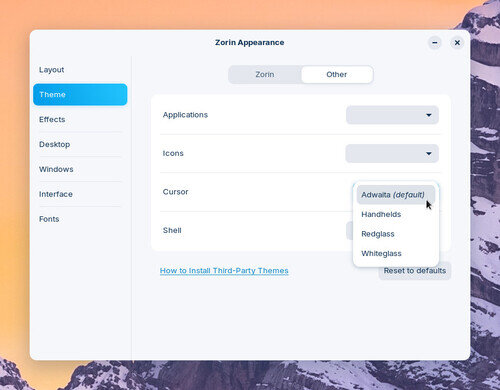
- The application for appearance settings (Zorin Appearance) has added the ability to change the cursor theme. Links to guides for installing additional themes and changing the style of applications based on the libadwaita library have been included.

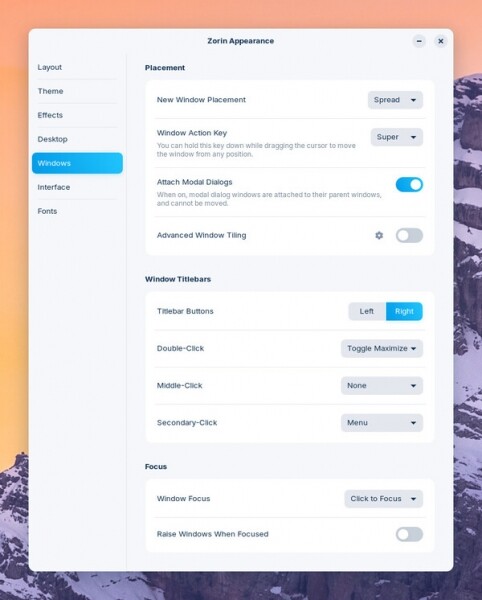
A new section has been added with settings for changing window placement behavior on the desktop, as well as parameters for aligning window titles, binding actions to title clicks, and switching focus.

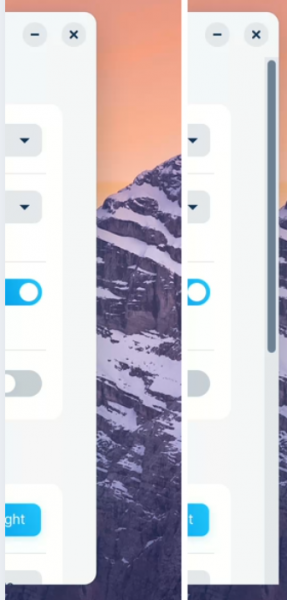
In the interface settings section, an option for controlling the auto-hide feature of scroll bars has been added.

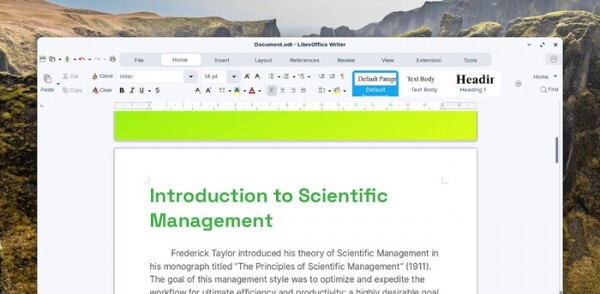
- The versions of pre-installed applications have been updated. The LibreOffice office suite has been upgraded to version 24.8.

- Hardware support has been expanded. The Linux kernel 6.8 package from the Ubuntu 24.04 release has been included. Support for Intel Core Ultra processors, AMD Zen 5, NVIDIA GeForce RTX 20, 30, and 40 GPUs, as well as Nintendo Switch Online, Google Stadia, and Lenovo Legion G gamepads has been added.
Source: opennet.ru
